
Elevator Manufacturer Ores
Minecraft Java mod. File opened and checked on 14 Oct 2026; downloads from the MC Java Mods app on Android.
⬇ Download on CurseForge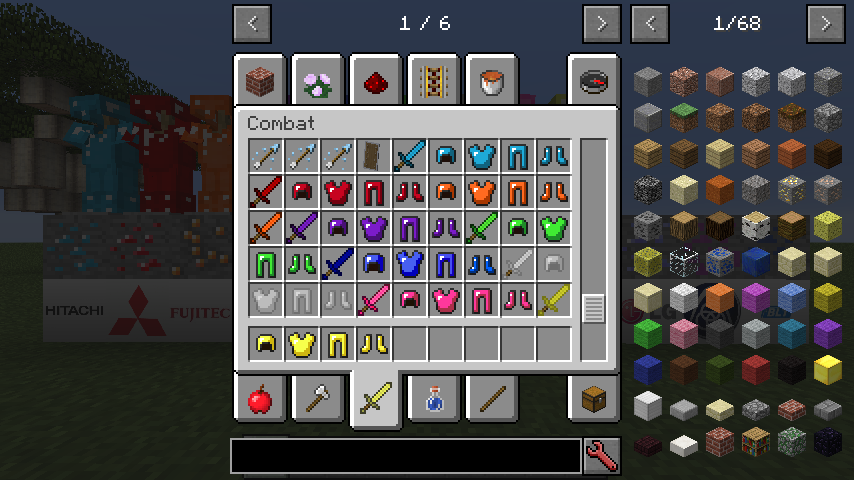
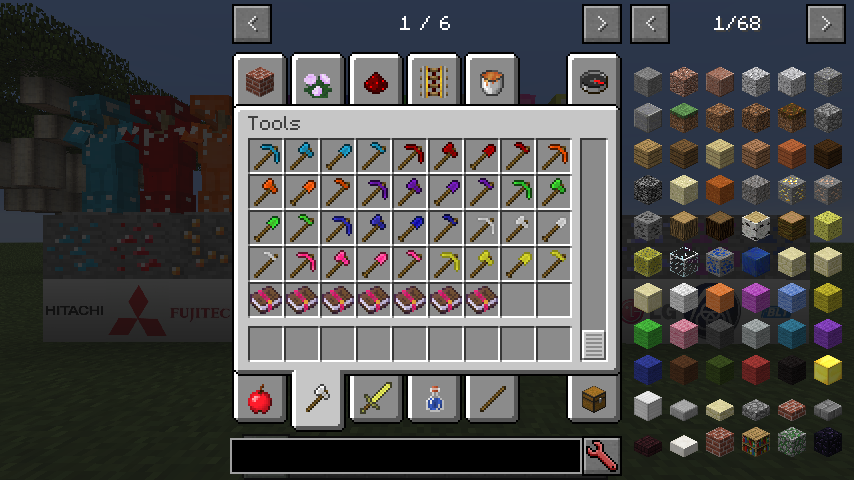
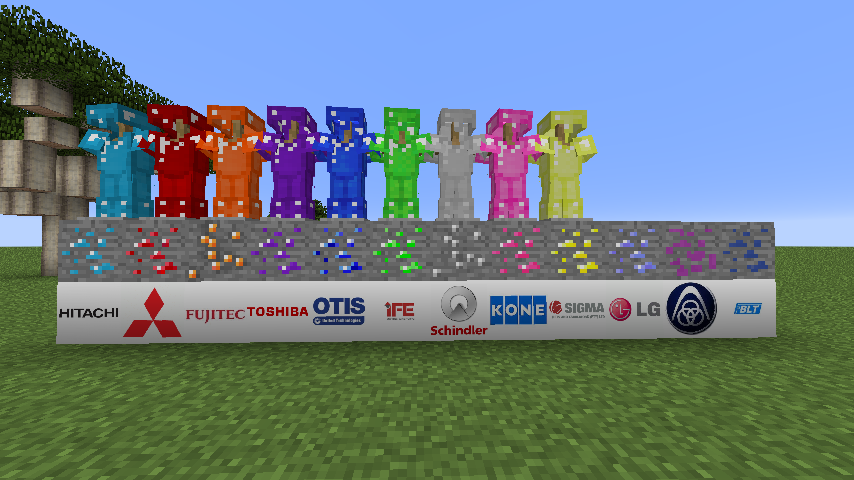
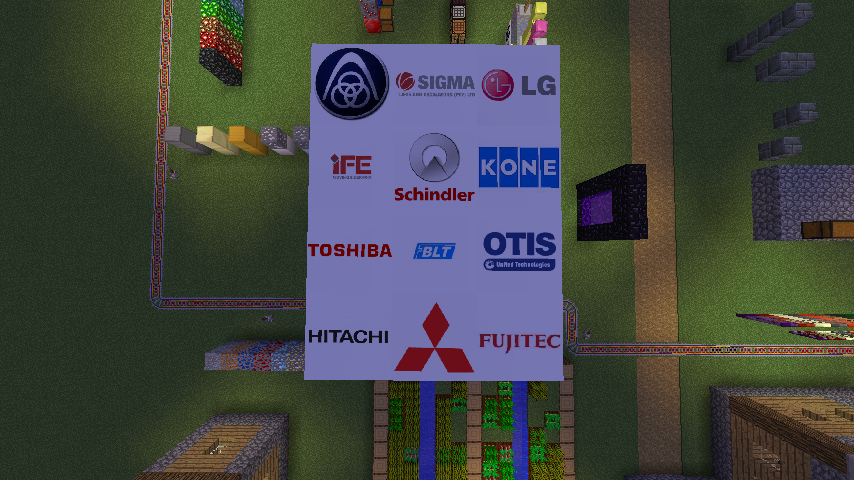
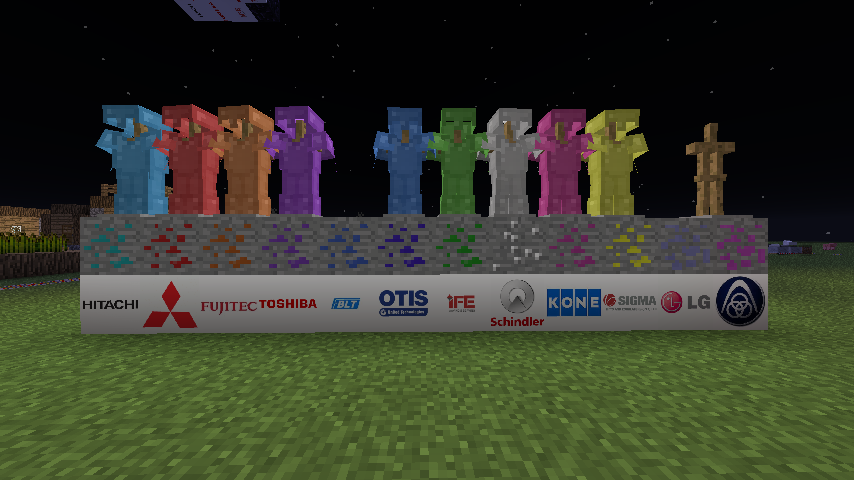
Elevator Manufacturers Ores is a mod which adds 12 new minerals and renamed as the manufacturer's corporate name instead of the mineral name itself. Currently, the ores are:
Chrysocolla-Hitachi (Gem) [Cyan]
Ruby-Mitsubishi (Gem) [Red]
Amber-Fujitec (Gem) [Orange]
Amethyst-Toshiba (Gem) [Purple]
Peridot-IFE (Gem) [Light Green] - Most Common Ore currently
A New Coal [Shenyang Brilliant]
Sapphire-Otis (Gem) [Blue] - Rarest Ore currently
Onyx-Schindler (Gem) [Black]
Morganite-KONE (Gem) [Pink]
Topaz-Sigma (Gem) [Yellow]
Turquoise-LG {Now Defunct}-Unable to create tools & armour. (Gem) [Light Blue]
Manganese-Thyssenkrupp (Metal) [Magenta] - Tools & Armour adding in the next update
This mod was previously known as Japanese Ores due to my previous intention of adding only Japanese elevator companies. These minerals can be used to create Tools and Armour including apples which will fill 4 hunger bars and add a potion effect. This mod should not conflict with other mod as it is created using MCreator with different mineral names instead of the mineral itself. Please report to me in case if there is any black & purple texture (missing texture).
Once you've found 9 of the respective minerals you can craft 3D manufacturer blocks as a supporter of the manufacturer respectively. The multi manufacturer artefact is crafted with all the 9 gems except LG which is now defunct as it has merged with Otis to create a new company know as Sigma. 4 artifacts, 4 blocks of diamond and 1 Glowstone Block can be used in crafting a Nether Star which provides you with an alternative rather than defeating the Wither Boss.
LG Gem can also be used to craft the enchantment table rather than diamond.
- Edition: Minecraft Java
- File type: .jar
- How to install: Install the matching mod loader (Forge, Fabric or NeoForge) for your Minecraft version. → Download the .jar. → Put it in the .minecraft/mods folder and launch that loader profile.
- Where to get it: Opens on CurseForge — not every file is mirrored on our own servers.
Install steps are the general flow for this file type — How to install Minecraft Java mods & modpacks walks through it step by step.
- Ships as Japanese Tech 1.10.2 1.2.1.jar — drop this file into the mods folder
- Download size: 1.1 MB
- Download link checked 13 Oct 2026 — working
These come from our own check of the pack file, not from the source page.