Obsidian Items by CoolioSauce
Minecraft Java mod. Downloads from the MC Java Mods app on Android.
⬇ Download on CurseForge
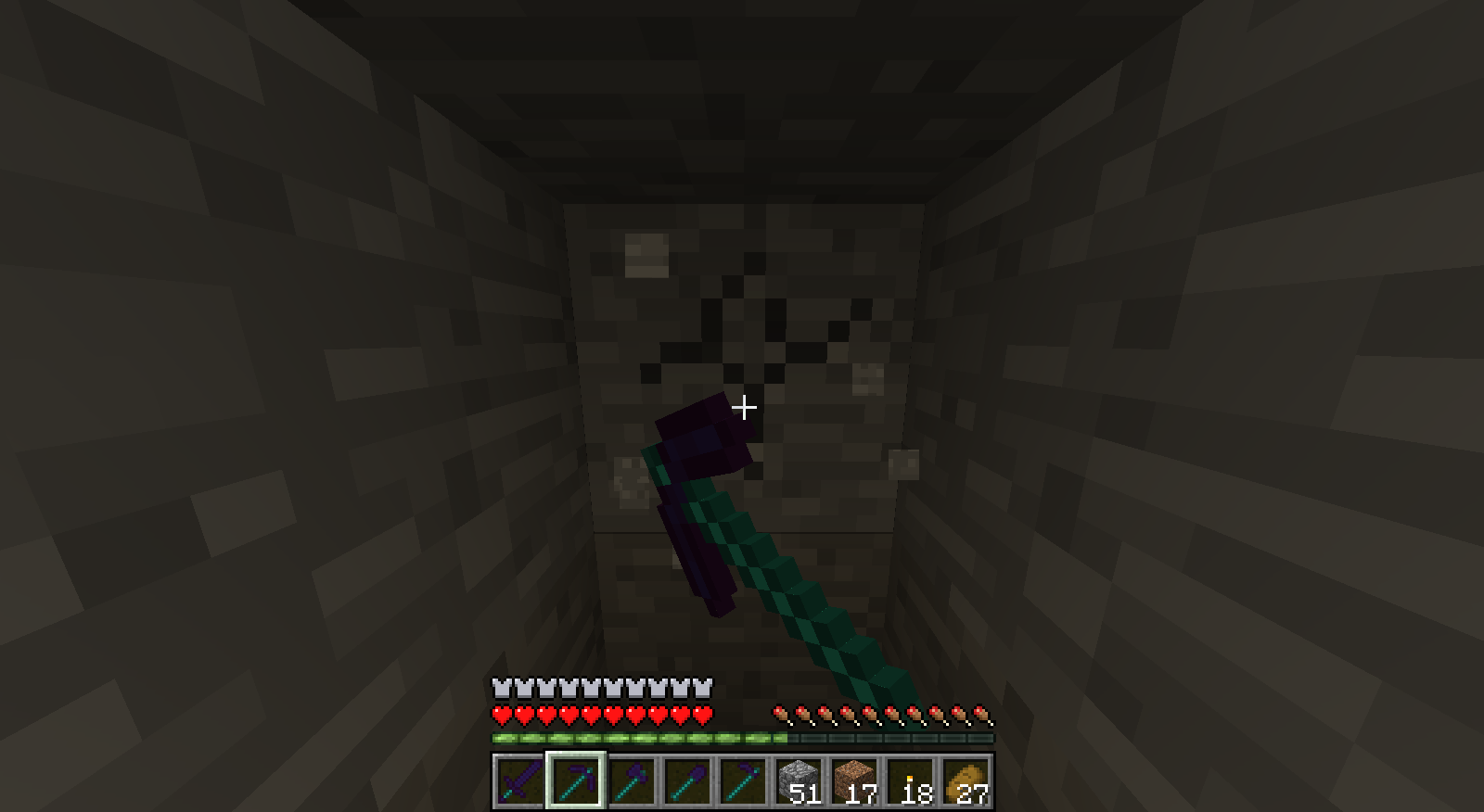
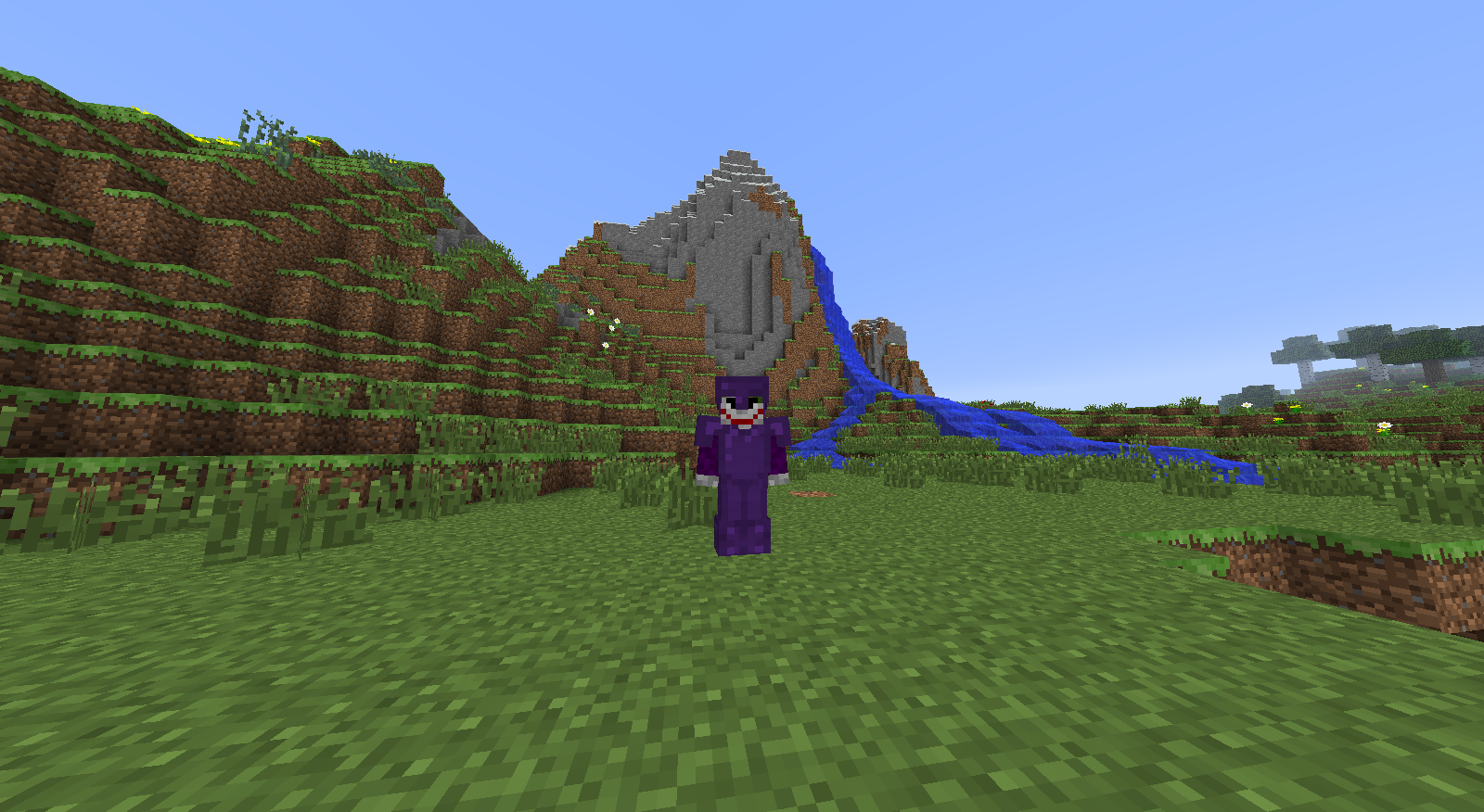
Most mods that include overpowered weapons or tools make Minecraft almost unplayable because people could simply craft the overpowered items and dominate the game. Obsidian Items by CoolioSauce aims to change that. I believe that people should be rewarded for hard work; those who can manage to scrap up the resource should be rewarded with a worthy tool.
To craft the items that are made available after installing Obsidian Items by CoolioSauce, you will need at least one diamond and one block of obsidian.
Obsidian blocks will yield nine obsidian shards when placed anywhere in a crafting grid.
In a similar manner, nine obsidian shards will yield one obsidian block.
(Future updates will add mechanics such as natural ways of obtaining obsidian shards).
Two diamonds placed atop of one another will yield four diamond sticks.
Be sure you are intending to keep these as sticks because you cannot turn them back into diamonds.
The recipes for the vanilla items (such as swords, pickaxes, armor) will remain the same as they are in vanilla (for now).
However the material the pick will be made of should be obsidian shards and the sticks should be replaced with diamond sticks.
Future updates will obviously add more items (eventually straying away from vanilla replicates) such as different weapon types (like war hammers, maces, and other weapon variations).
The current version is 1.0... the absolute first public version. If any bugs or annoyances are found, or maybe even suggestions to change mechanics for the better, please contact me and let me know. Thanks for choosing Obsidian Items by CoolioSauce!
Crafting Recipe Images found here (http://imgur.com/a/GdzSV)
Very Terrible Demo Video with Royalty Free Music Because I Forgot to Enable In Game Audio on OBS found here (https://www.youtube.com/watch?v=Qet20z-AigM)
- Edition: Minecraft Java
- File type: .jar
- How to install: Install the matching mod loader (Forge, Fabric or NeoForge) for your Minecraft version. → Download the .jar. → Put it in the .minecraft/mods folder and launch that loader profile.
- Where to get it: Opens on CurseForge — not every file is mirrored on our own servers.
Install steps are the general flow for this file type — How to install Minecraft Java mods & modpacks walks through it step by step.
- Ships as csObsidianItems-v1.0-1.7.10.jar — drop this file into the mods folder
- Download size: 471 KB
- Download link checked 13 Oct 2026 — working
These come from our own check of the pack file, not from the source page.