Pantography
Minecraft Java mod. Downloads from the MC Java Mods app on Android.
⬇ Download on CurseForge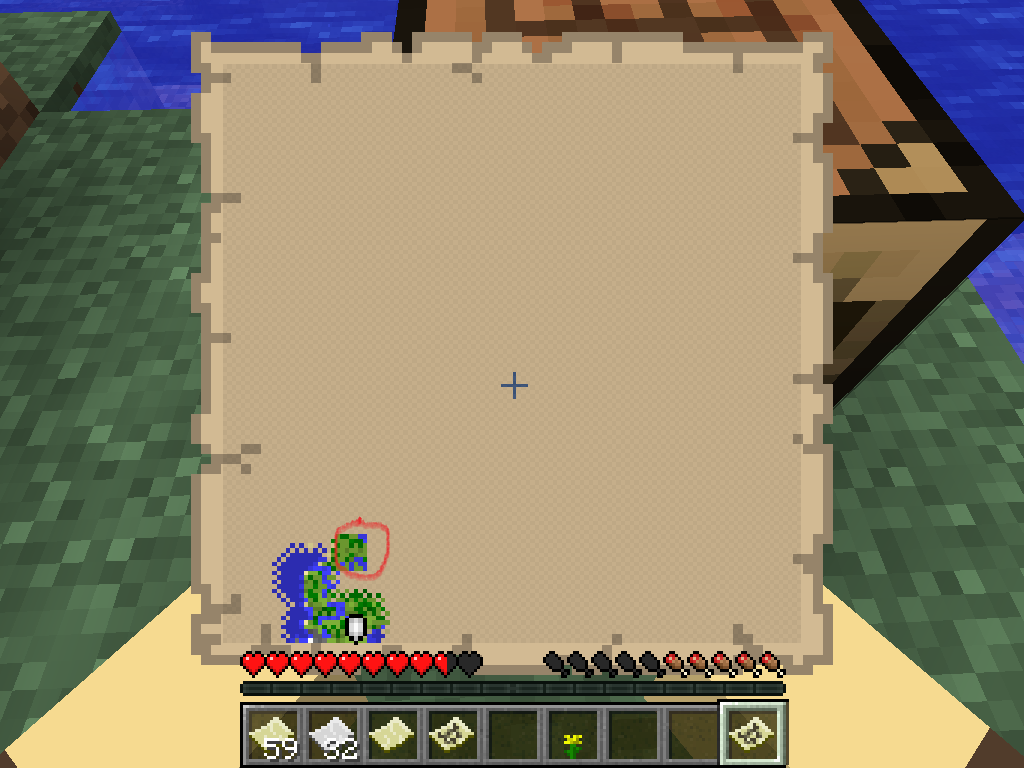
Copy map item data to other maps including different scale maps with a Pantograph, an advanced Cartography Table. Supports Mega Maps.
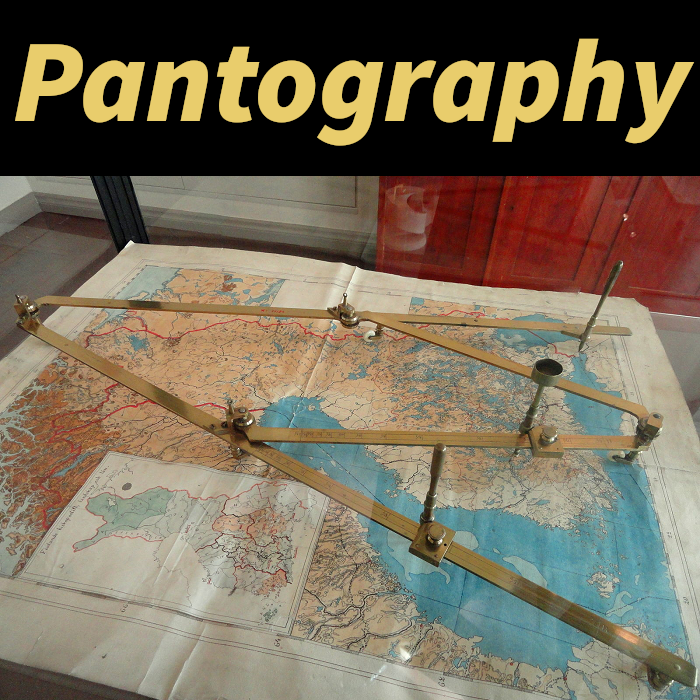
A pantograph is "is a mechanical linkage connected in a manner based on parallelograms so that the movement of one pen, in tracing an image, produces identical movements in a second pen. If a line drawing is traced by the first point, an identical, enlarged, or miniaturized copy will be drawn by a pen fixed to the other" [Wikipedia].
Two methods of use are available:
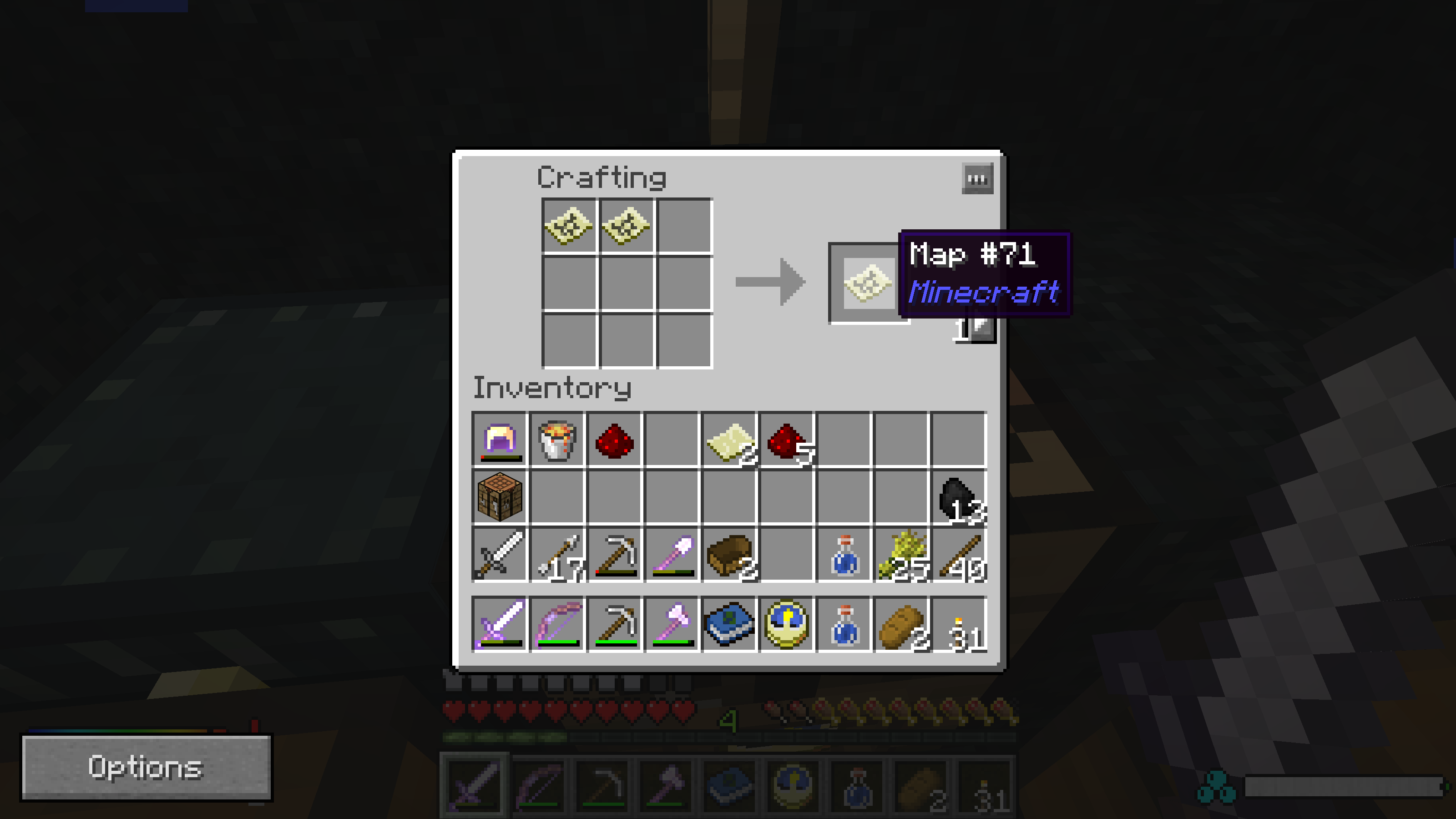
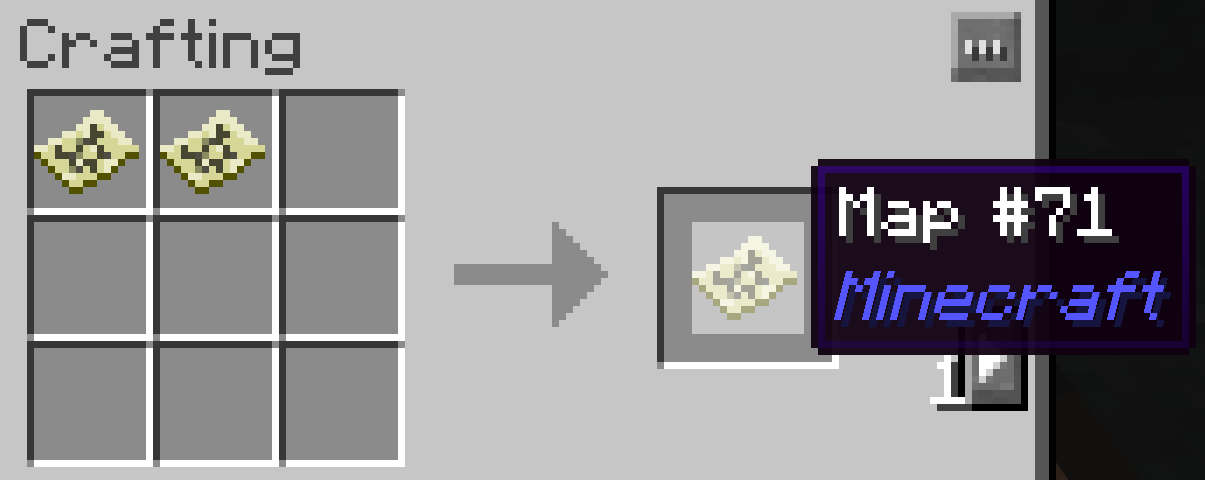
- Place two filled maps into a crafting grid
- The first filled map will be the target map, and the second filled map the source map. The maps can be different scales and different areas.
- The resulting filled map will be the target map with any data that fits into its area from the source map copied into any blank pixels of the target map - and the source map will be left in the crafting grid unchanged.
- Build and use a pantograph.
- 1.14:
- The pantograph has the abilities of the Cartography Table, plus the ability to transcribe maps. Place the target filled map in the top slot, and the source filled map in the bottom slot. A result map will appear in the crafting result slot on the right which is the target filled map with the data from the source filled map copied into it (even at different scales). The source filled map is not consumed.
- 1.12:
- Place source filled maps in the left crafting grid, and a target filled map in the target slot in middle. If the source maps all intersect the target map, a result map will appear in the crafting result slot on the right. Take the result map, and the target map will also clear.
- Place source filled maps in the left crafting grid, and a target empty map in the target slot in middle. In the crafting result slot on the right will appear a result filled map, which attempts to contain the data from all of the source filled maps (even scaling to higher scale levels if needed).
Integrates with Mega Map to allow copying multiple maps from a large area into a Mega Map (which can be scale 5 or greater, unlike vanilla maps).
Requires Wumple Util Library.
Example uses
- Make a bunch of detailed scale 0 maps, then copy all those maps into a scale 4 map to make a single overview map without duplicating exploration.
- Make and fill a scale 4 map, decide where to explore in detail, and copy the scale 4 Map data into a scale 1 map to start with a general picture of the area and explore to fill in detail.
- Using Bibliocraft's Atlas, create an atlas of scale 0 maps, then copy the map data to a set of scale 4 maps to make an overview atlas.
Screenshots
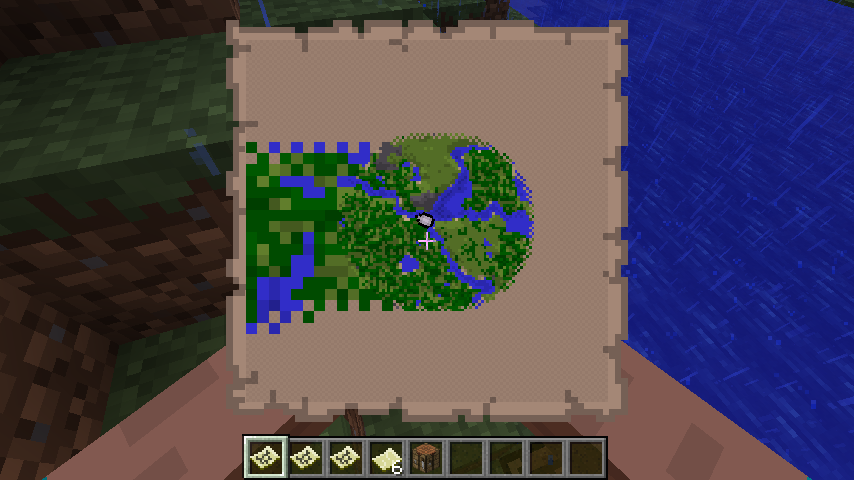
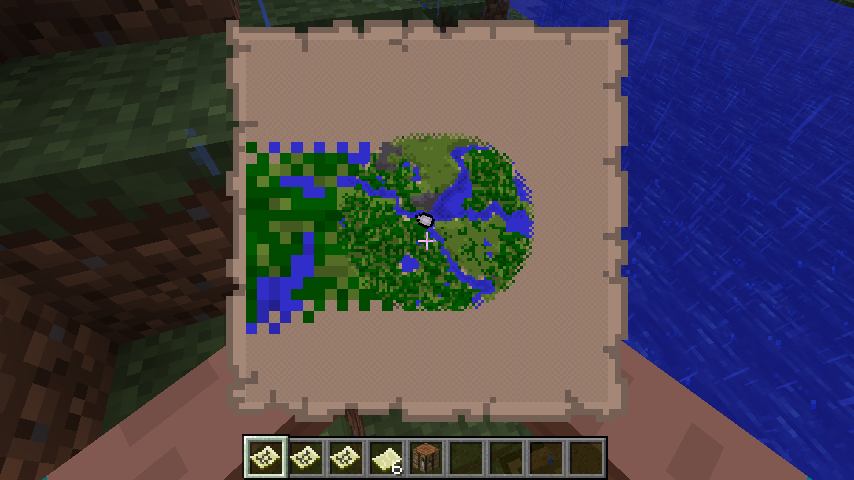
A higher scale source map has been copied into a lower scale destination map. Since the source map had less detail, the copied map pixels are large. The large map pixels will be replaced with normal map detail when the map is used in that area.
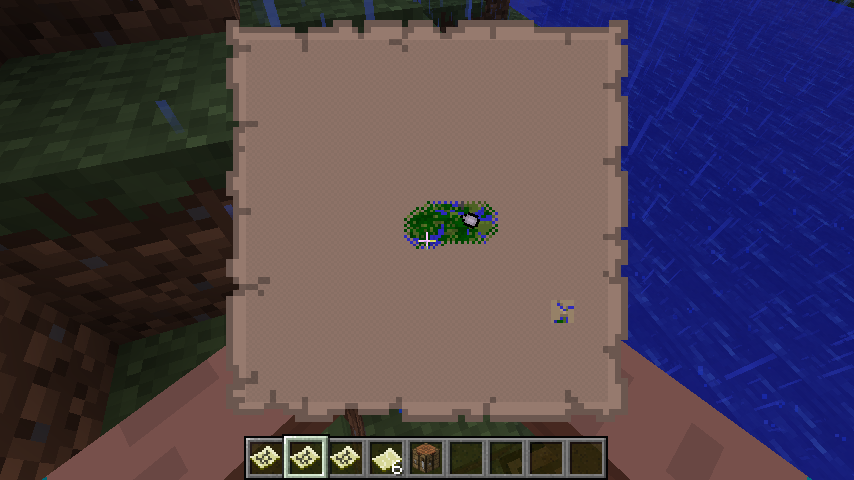
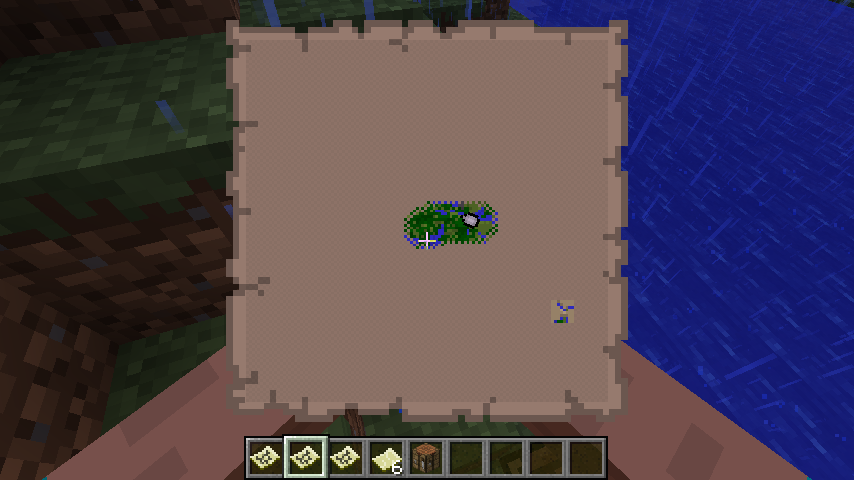
A lower scale source map has been copied into a higher scale destination map. The lower scale source map's data shows as an isolated rectangle in the destination map.
Example of copying filled Map data from one Map (on the right) to the other Map (on the left)
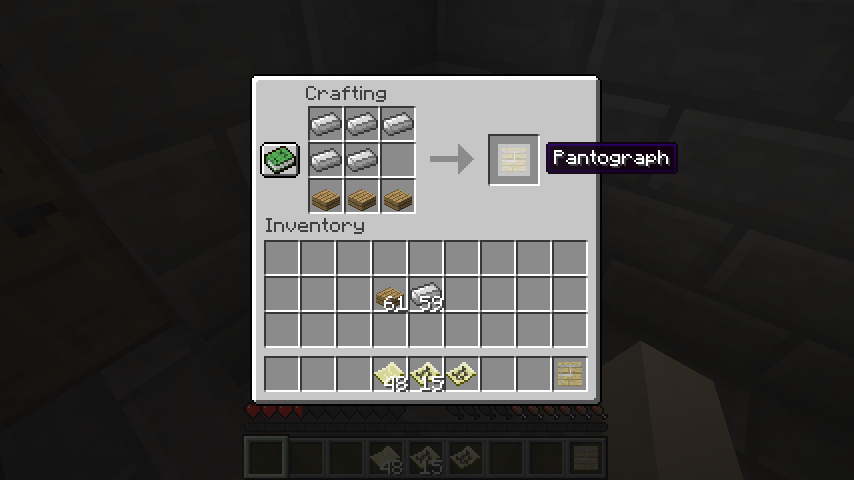
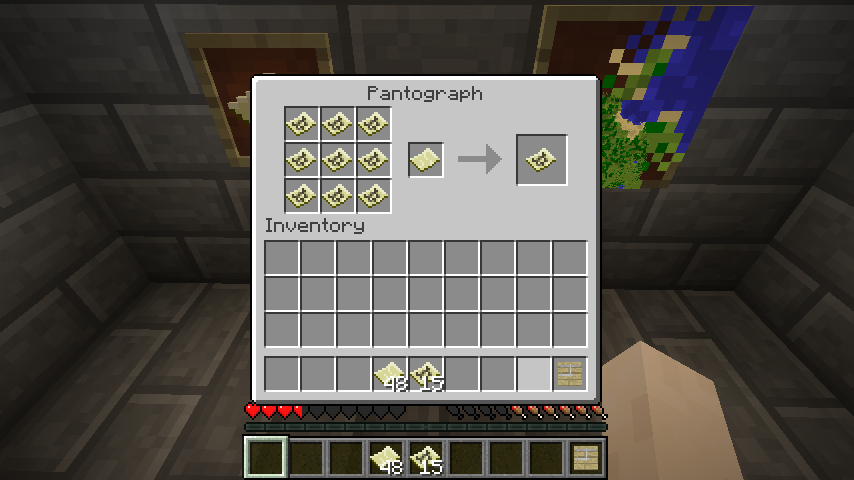
Pantograph recipe.
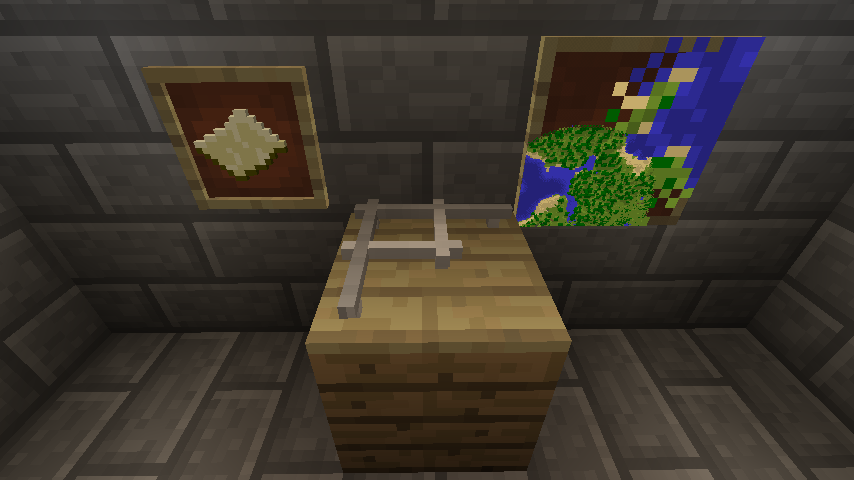
1.12: Pantograph block, with an example resulting filled map in a frame showing a scale 0 (lower left) and scale 4 (upper right) map transcribed together.
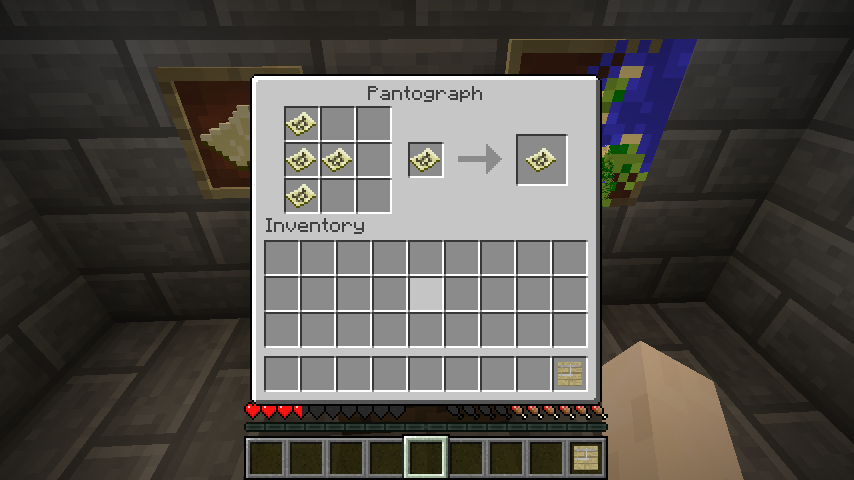
Example of a pantograph map transcription.
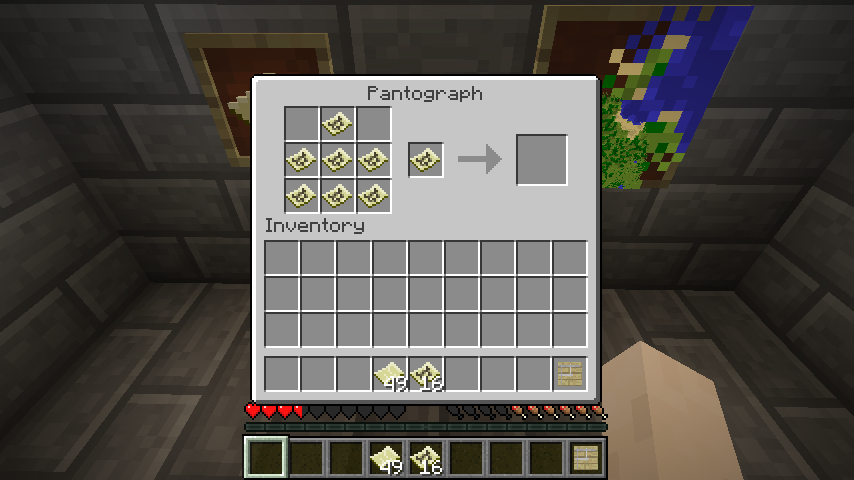
Example of an invalid attempt at a pantograph map transcription - one of the source filled maps is outside the area of the target map.
Example of a pantograph map copy.

The resulting filled map from the above pantograph map copy.
My mods
- Food Funk - What is that funky smell in my backpack? Food spoils over time unless preserved. Configure any item to rot, any container to preserve items.
- Canny Composter - Compost more stuff! Turn excess organic material and rotted food into nutrients for plants.
- Mega Map - Cartographers rejoice! Mega zoomed out maps - scales of 5 aka 1:32 and greater!
- Web Slinger - Spiders shoot webbing at you - slinging webs from a distance, or when they hit you in melee!
- Pantography - Copy Map item data to other Maps including different scale Maps.
- Palimpsest - Erase Maps and Books for reuse by rubbing with Redstone Dust.
- Flourishing Foliage - Can't keep a tree down! Tree leaves regrow outward after harvesting if enough tree trunk is left.
- Saplings to Sticks - Strip saplings to get sticks. That's it - nothing more.
- Daring Debug - Do you DARE to see extra debug information? Includes TileEntity and Tag information.
- Edition: Minecraft Java
- File type: .jar
- How to install: Install the matching mod loader (Forge, Fabric or NeoForge) for your Minecraft version. → Download the .jar. → Put it in the .minecraft/mods folder and launch that loader profile.
- Where to get it: Opens on CurseForge — not every file is mirrored on our own servers.
Install steps are the general flow for this file type — How to install Minecraft Java mods & modpacks walks through it step by step.
- Ships as pantography-1.12.2-2.0.2.jar — drop this file into the mods folder
- Download size: 1019 KB
- Download link checked 13 Oct 2026 — working
These come from our own check of the pack file, not from the source page.