WorldEditCUI Forge Edition 2
Minecraft Java mod. Downloads from the MC Java Mods app on Android.
⬇ Download on CurseForge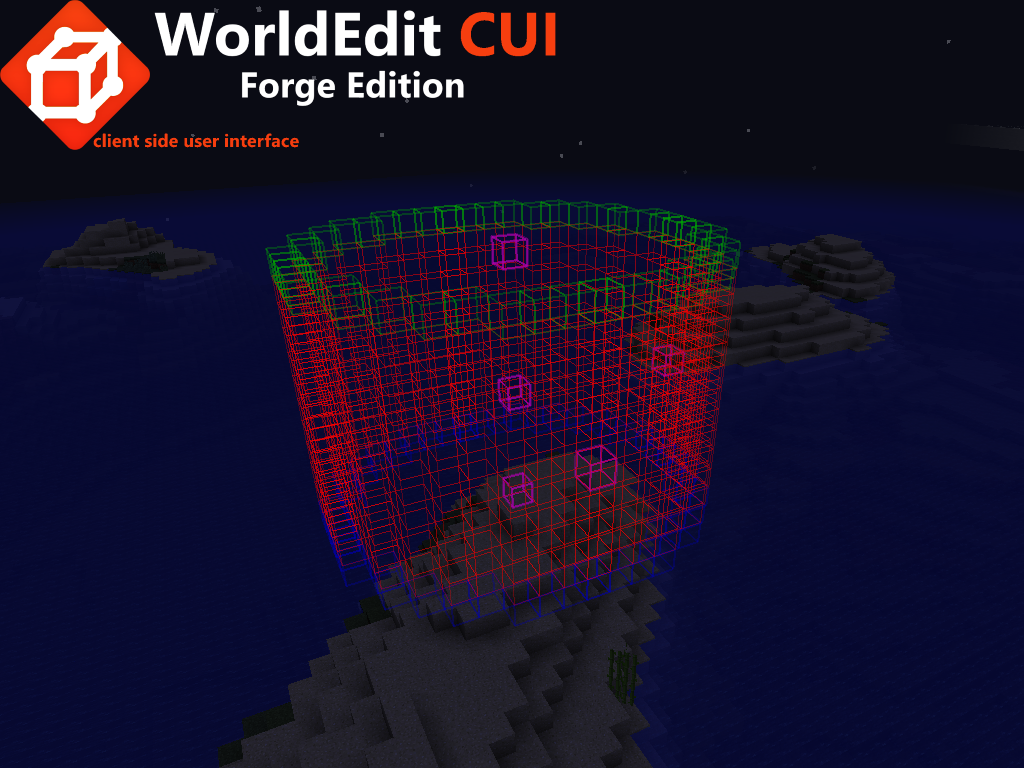


Check the new version: WorldEditCUI Forge Edition 3 for forge 1.9.4 to 1.16.5

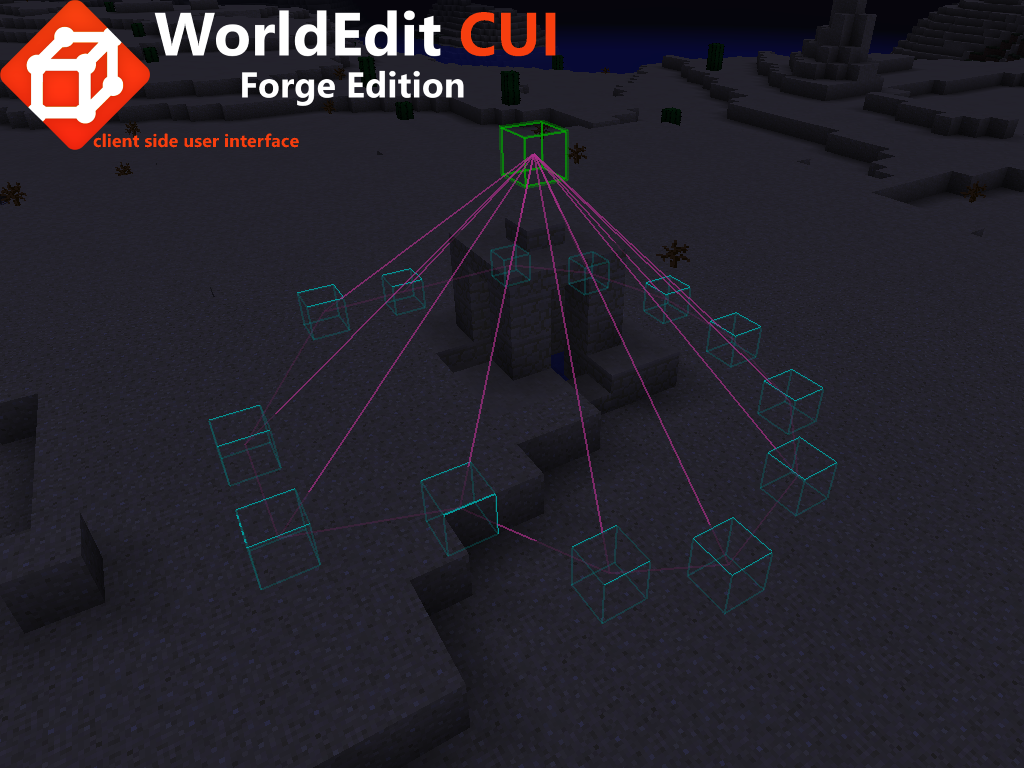
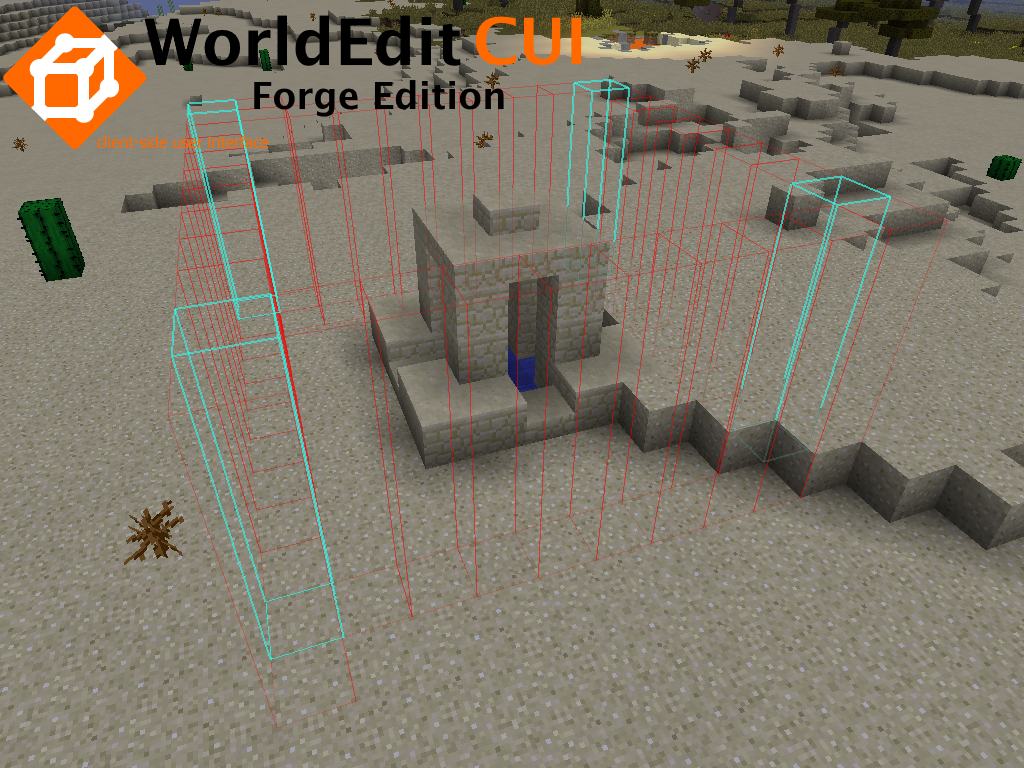
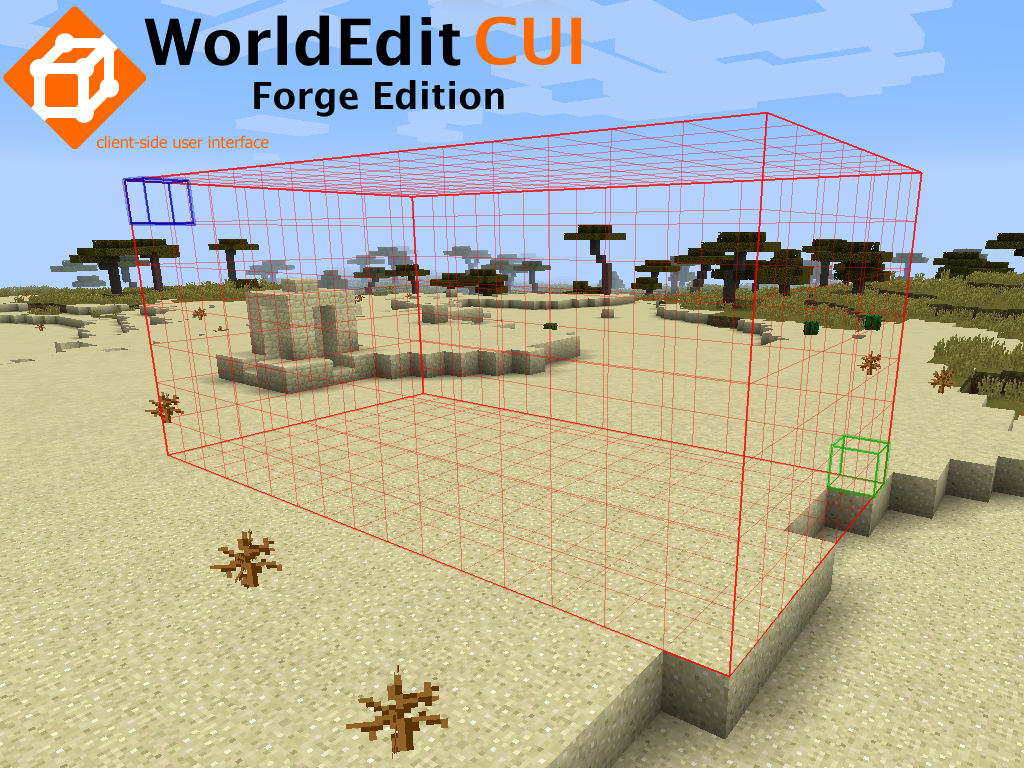
This mod provides a client-side user interface for the WorldEdit plugin allowing you to see your selected region in-game in real time. It allows you to work more quickly and accurately with your WorldEdit selection and is especially useful when working with Polygon, Convex Hull and Cylinder selections.
This is a complete rework and a fully recoded version of WorldEditCUI Forge Edition with great improvement. However, WorldEditCUI Forge Edition 2 is only compatible with Minecraft versions starting from 1.11.2. If you are using an older version, consider using WorldEditCUI Forge Edition (first forge edition).

Display your WorldEdit selection instantly in-game

This new version has been highly improved.
Every single color can now be changed using a new style of the options screen.
Choose the color that fit your feeling.
You are no longer limited to Minecraft colors.
See screenshots below.

To install the mod:
Download the latest version of the WorldEdit CUI Forge Edition 2 for you forge version and copy it to your mods folder.


To use WorldEditCUI Forge Edition 2, simply make a selection on a server using WorldEdit, your selection will be instantly displayed on the screen. To clear your current selection issue the command //sel

WorldEditCUI Forge Edition 2 include new features :
- Chunk renderer : like the forge chunk renderer but you can fully customize any colors
- Distance measurer : like ditance measurer in Zyin's HUD
Donate
If you feel the need to donate to this mod, then simply click the button below : 
Of course, you'll be added as a donator.
- Edition: Minecraft Java
- File type: .jar
- How to install: Install the matching mod loader (Forge, Fabric or NeoForge) for your Minecraft version. → Download the .jar. → Put it in the .minecraft/mods folder and launch that loader profile.
- Where to get it: Opens on CurseForge — not every file is mirrored on our own servers.
Install steps are the general flow for this file type — How to install Minecraft Java mods & modpacks walks through it step by step.
- Ships as WorldEdit CUI Forge Edition 2-2.2.0-mf-1.12.2-14.23.5.2768.jar — drop this file into the mods folder
- Download size: 449 KB
- Download link checked 13 Oct 2026 — working
These come from our own check of the pack file, not from the source page.