
Programming 8x9Craft
Minecraft Java mod. Downloads from the MC Java Mods app on Android.
⬇ Download on CurseForge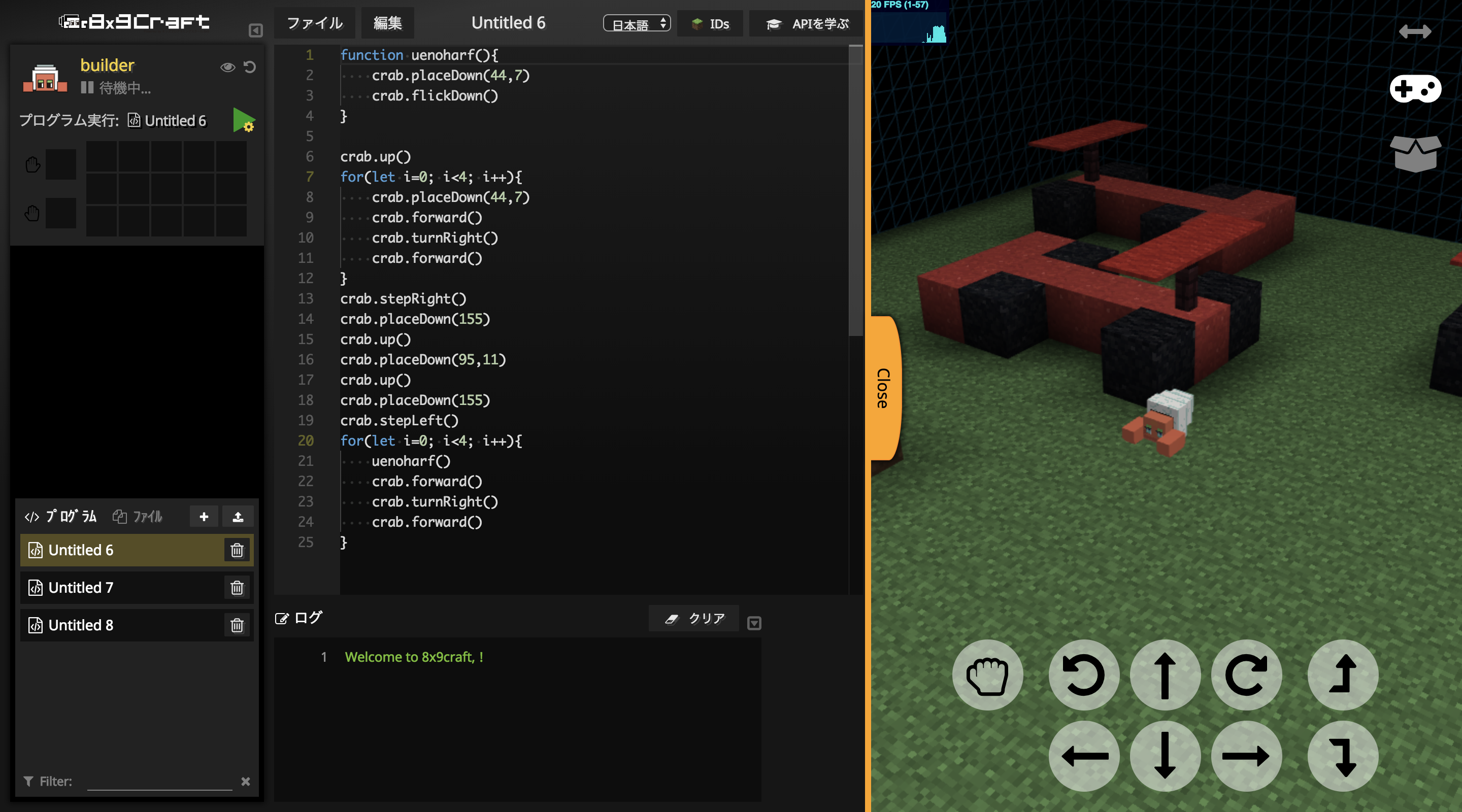

Getting Started
The 8×9Craft (Hack Craft) is an original mod which you can learn programming while enjoying at Minecraft. It is jointly developed by Kids Programming School 8×9 (Hack), Re.Kayo-System Co., Ltd, Beyond Co., Ltd.
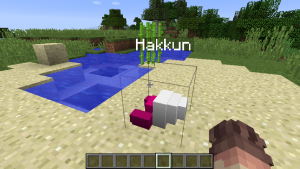
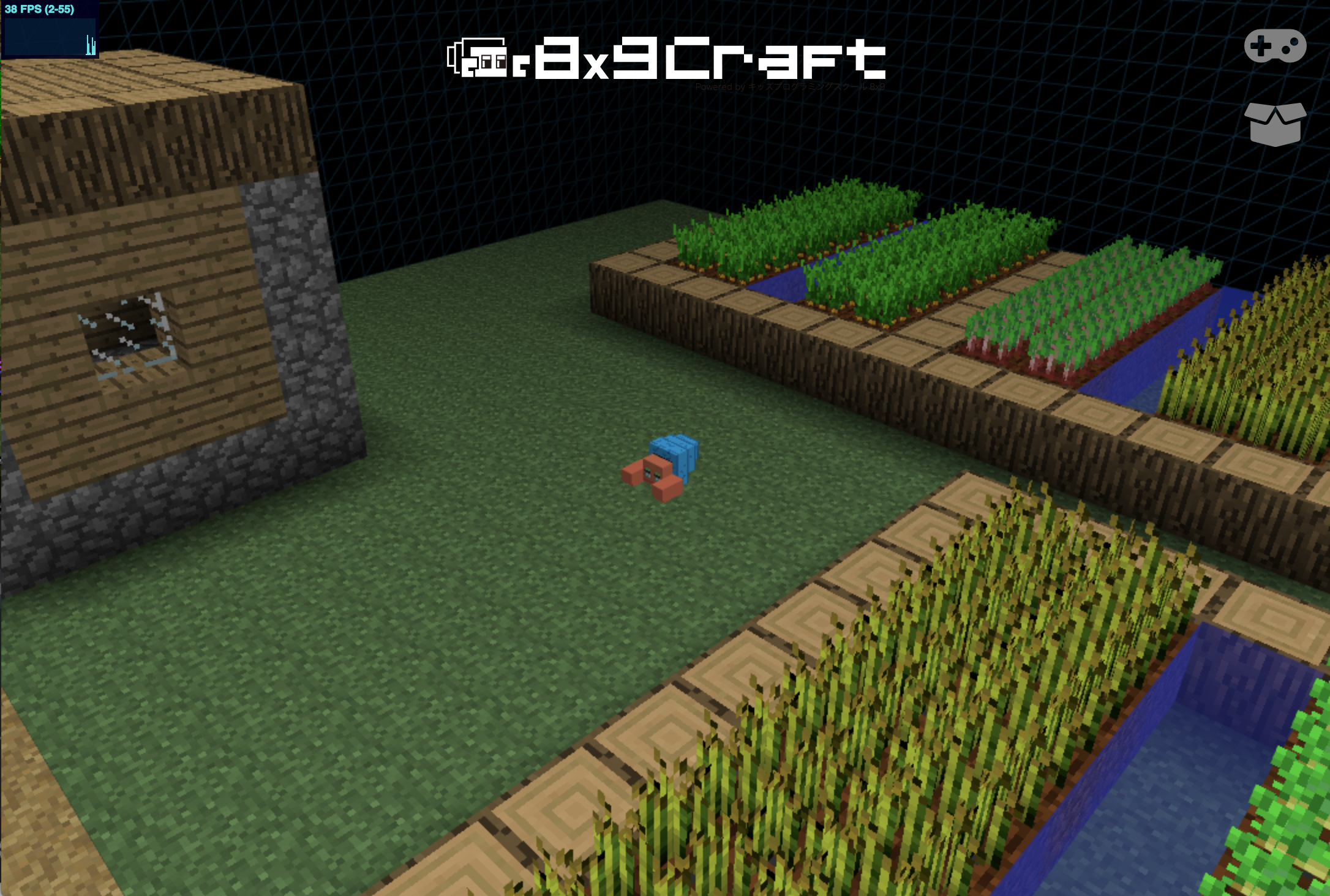
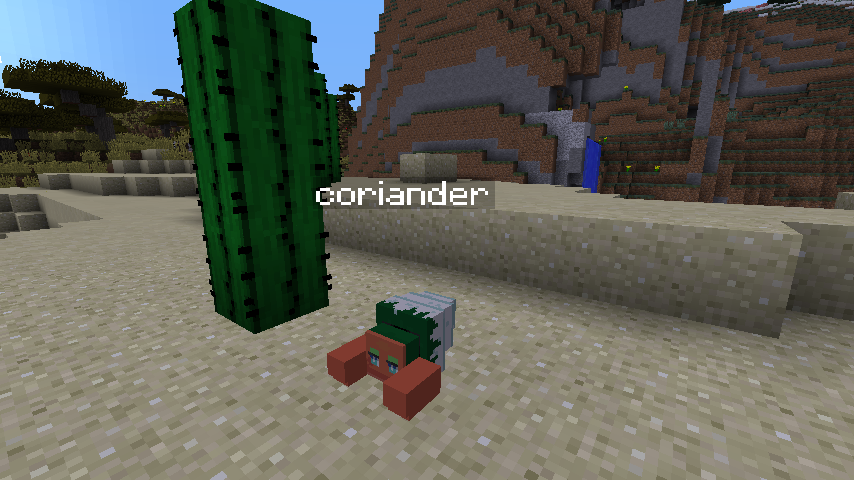
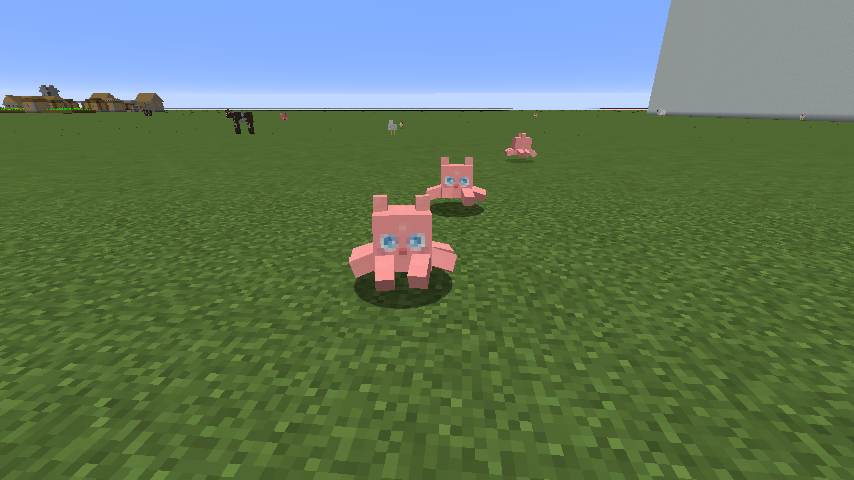
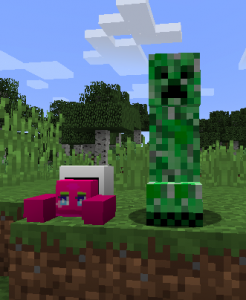
8x9Craft allow you to add a Block named “Hakkun” to the world of Minecraft and talk with him in JavaScript or block. The Hakkun is good at almost every things; can build buildings, make things and talk with players. You will get to know how to program while playing with it.
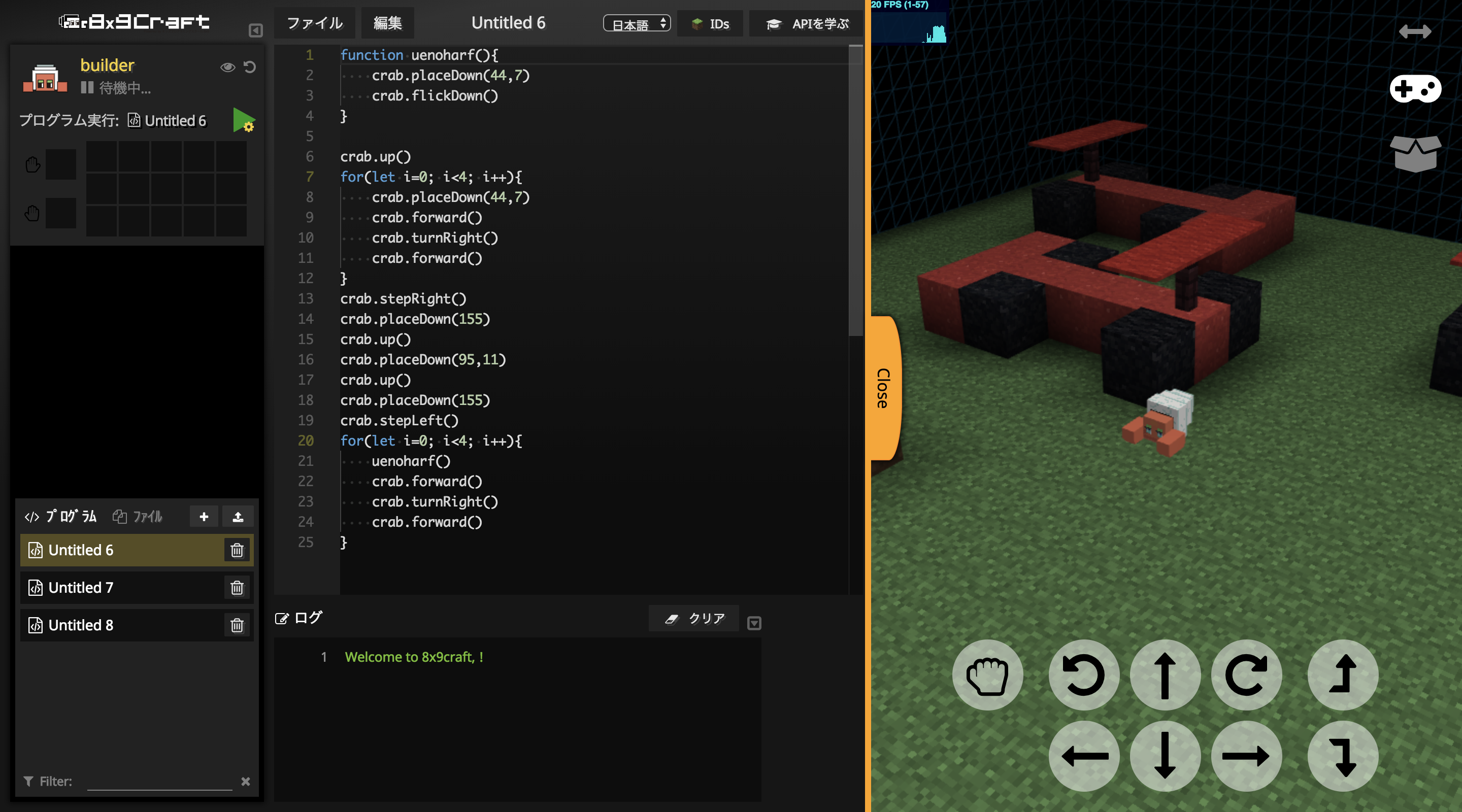
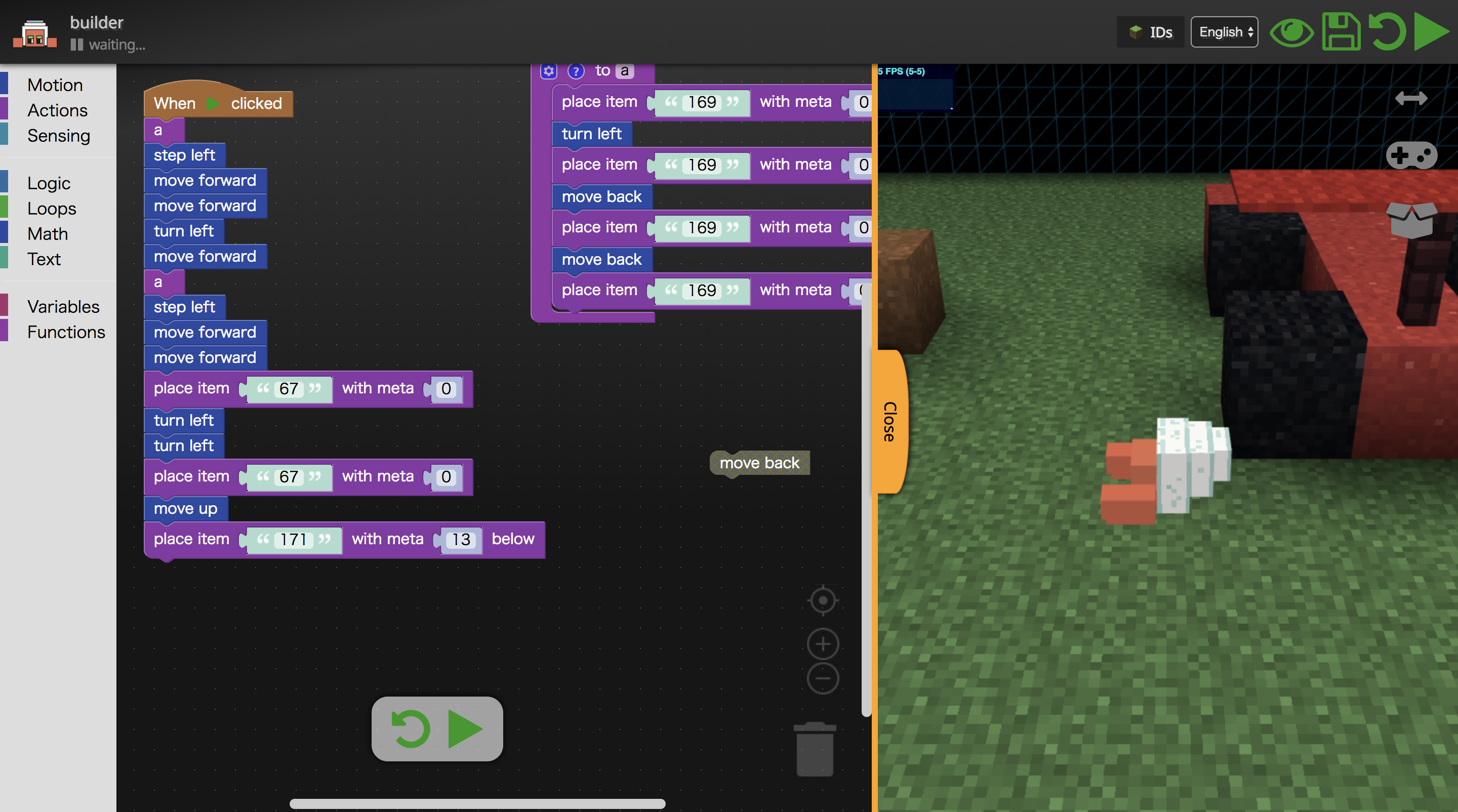

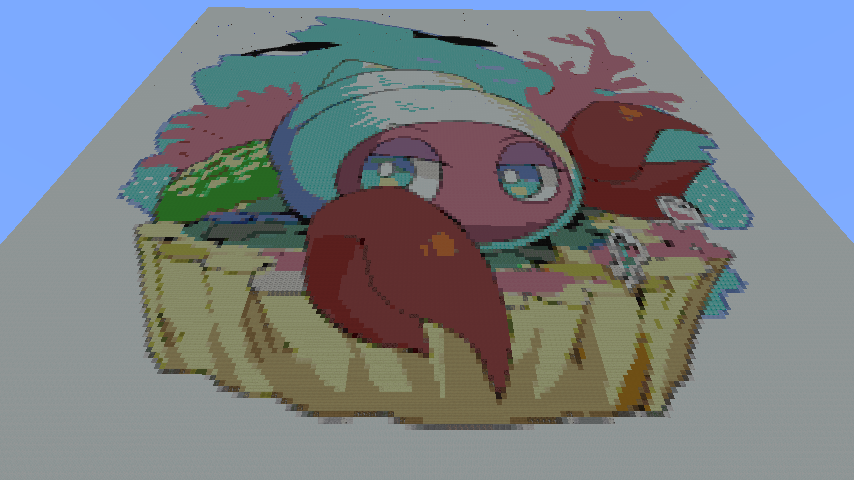
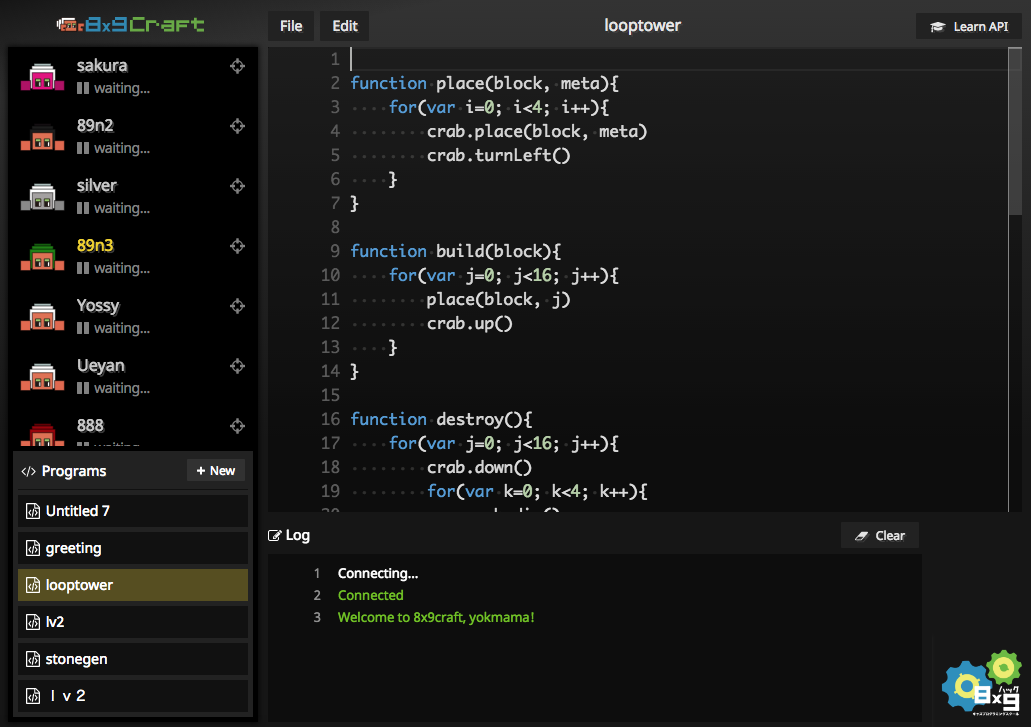
This program makes the block as above.
var dat = readFile("hakkun.png", false)
var img = new Image(dat)

var width = img.width
var height = img.height
console.log(width+","+height)

for(var h=0; h<height; h++){
    for(var w=0; w<width; w++){
        var pix = img.getRGB(w, h)
        var color = new Color(pix)
        var block = color.getSimilarBlock()
        world.setBlock(block, w, 1, -h)
    }
}
Tutorial movie
Install 8x9Craft
8x9Craft is provided as a mod. Before installing the mod you have to install Minecraft itself (not Windows10 Edition) and Minecraft Forge. Install them if you haven’t done already.
Demo Server
Address: 02mc.8x9.jp
ChangeLog
Bug fixes
- Fixed a bug that does not respond to lower case letters waiting for Redstone signal
- Fixed bug that Remote View was not updated when using AsyncFastWorldEdit on reset
Change
· In the case of single play, fixed so that login is possible even without ID
· Change the screen from login screen to editor screen to single web page
· Add Kana
· Multiple arguments in console.log are allowed
- Edition: Minecraft Java
- File type: .jar
- How to install: Install the matching mod loader (Forge, Fabric or NeoForge) for your Minecraft version. → Download the .jar. → Put it in the .minecraft/mods folder and launch that loader profile.
- Where to get it: Opens on CurseForge — not every file is mirrored on our own servers.
Install steps are the general flow for this file type — How to install Minecraft Java mods & modpacks walks through it step by step.
- Ships as mc8x9-1.0.1.jar — drop this file into the mods folder
- Download size: 9.1 MB
- Download link checked 13 Oct 2026 — working
These come from our own check of the pack file, not from the source page.