T-Square
Minecraft Java mod. Downloads from the MC Java Mods app on Android.
Precision creative building tools for Forge from a former dev of VoxelSniper. T-Square seeks to avoid all text commands for a fully mouse-driven…
⬇ Download on CurseForge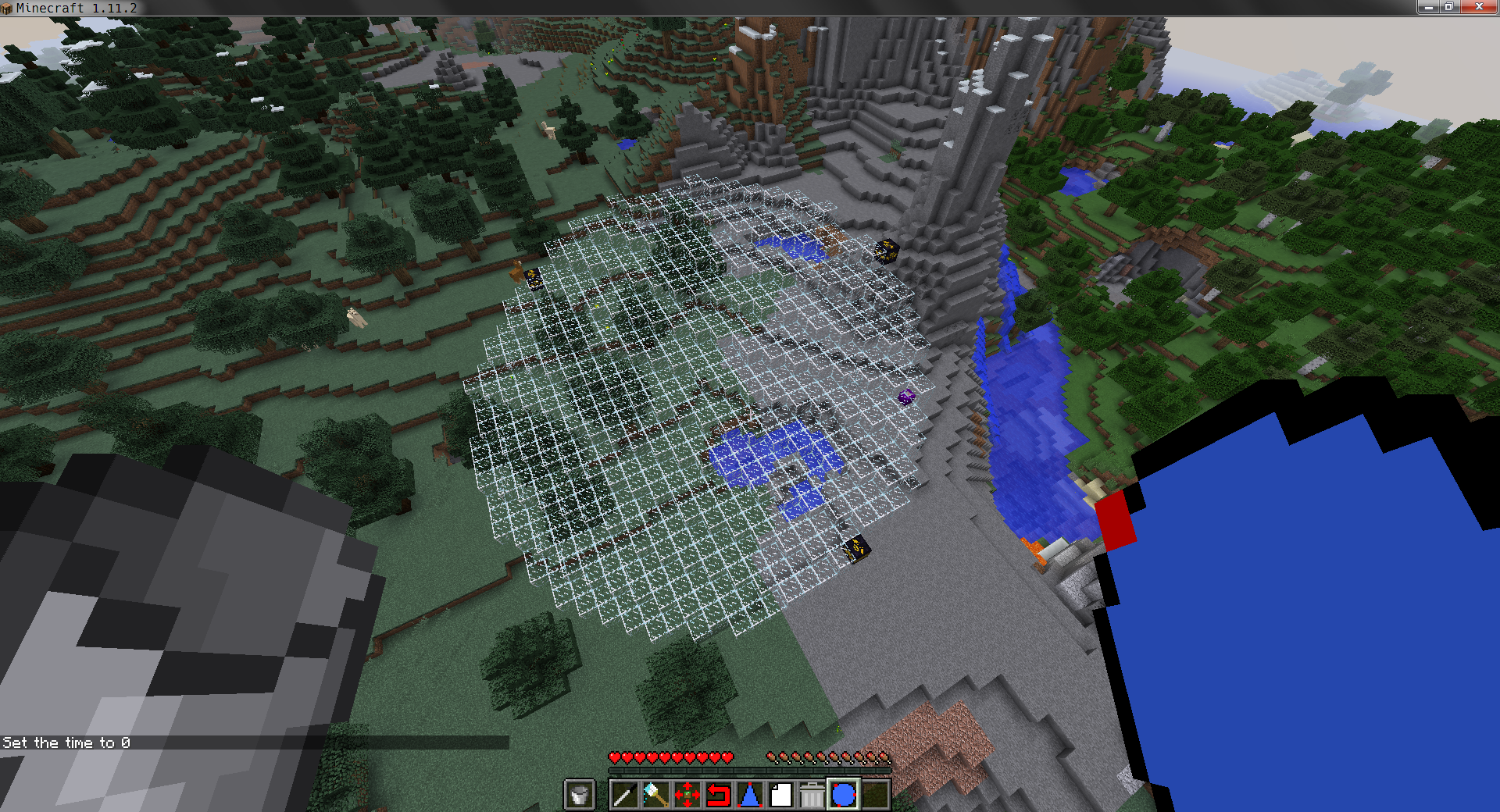

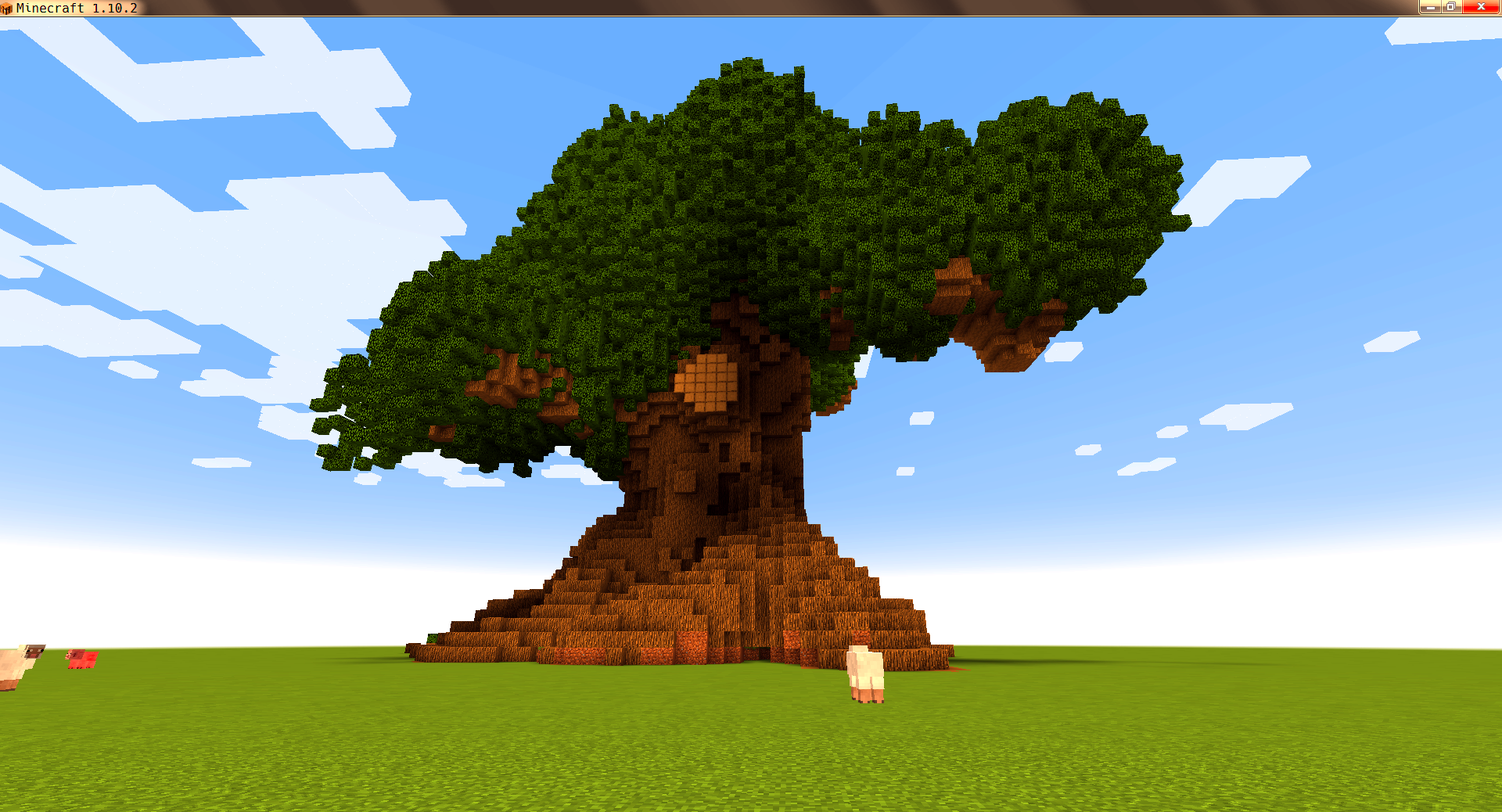
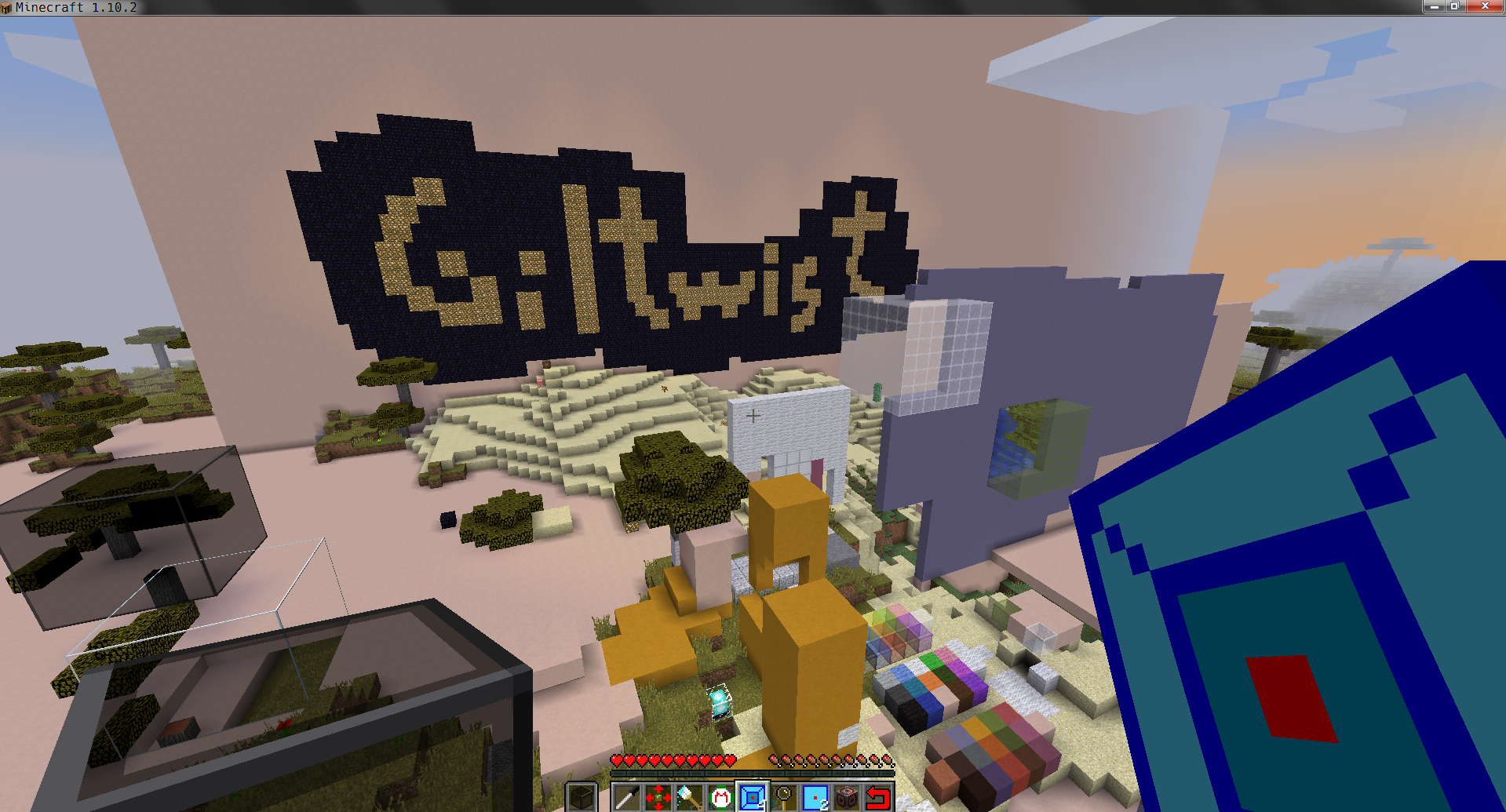
T-Square Mod provides a set of precision creative building tools for Forge from a former dev of VoxelSniper. T-Square seeks to avoid all text commands for a fully mouse-driven experience. My main goal is to make a version of VoxelSniper that can be used in Vivecraft, but you don't need Vivecraft to use T-Square. While T-Square will never be able to reproduce 100% of the VoxelSniper experience, because of the interface differences, my mod should be very familiar to anyone who used the original Bukkit plugin.
For those unfamiliar with VoxelSniper, here is a simple analogy: If Minecraft is paint, T-Square is photoshop. Rather than placing blocks one at a time, you can place hundreds or thousands of blocks using a wide variety of tools or "brushes." Cubes, sphere, lines, triangles, and more are possible with T-Square. Terraforming is a breeze with tools such as blob, blend, and smooth.
@Modpack Developers: You may include my mod in your non-commercial pack with attribution to the CurseForge page.
- Edition: Minecraft Java
- File type: .jar
- How to install: Install the matching mod loader (Forge, Fabric or NeoForge) for your Minecraft version. → Download the .jar. → Put it in the .minecraft/mods folder and launch that loader profile.
- Where to get it: Opens on CurseForge — not every file is mirrored on our own servers.
Install steps are the general flow for this file type — How to install Minecraft Java mods & modpacks walks through it step by step.
- Ships as tsquare_1.12.2-1.0.7.jar — drop this file into the mods folder
- Download size: 131 KB
- Download link checked 13 Oct 2026 — working
These come from our own check of the pack file, not from the source page.