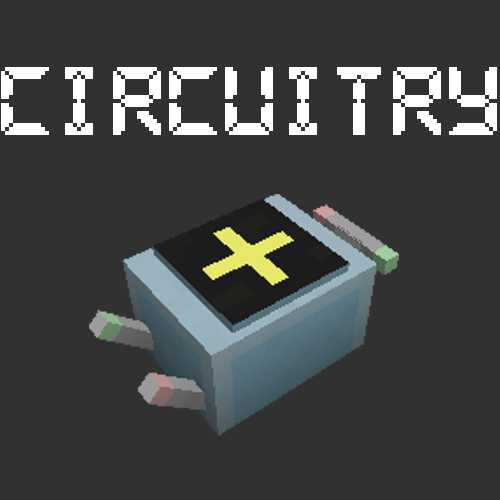
Circuitry
Minecraft Java mod. Downloads from the MC Java Mods app on Android.
⬇ Download on CurseForgeCircuitry is a mod based on factorio circuit networks. I don't have time to write a full description due to school, but I'll quickly list the controls:
Item: circuit debugger -> view value of network connected to wire pole (shift right click on air to toggle it between colors. you need to re-right click to view another color)
Item: wires -> shift-right click to connect/disconnect, right click on anything or shift-right click on air to unlink
Item: signal card -> virtual signals. select one and place in a signal slot
Item: condition configurator -> configure blocks that have only a condition. at the moment only the redstone output
Concept: signal slots -> click to cycle between special signals (everything/anything/each). shift-rightclick to set to null
Until such a time as I can get proper documentation up, please refer to the following sources and facts to learn about how circuit networks work in factorio and how they differ in circuitry. They should be easily transferrable to Circuitry, and if they aren't, I've made a mistake.
-- Factorio
- The Factorio wiki page for circuit networks is here.
- For a tutorial on the circuit network in Factorio read this and the last section of this.
-- Similarities
- The redstone output behaves like the smart inserter
- any IItemHandler inventory (most modded inventories) acts like the smart chest in the tutorial (or all chests from newer Factorio versions)
- The wire pole acts like the power pole.
-- Differences
- Item signals are selected by placing an item in the slot as opposed to selecting from a list
- Virtual signals are selected using a signal card, which is placed into the slot just like a normal item
- Special signals are selected by left clicking an empty signal slot
- Signal slots are cleared by shift-left clicking
Also nothing is localized but I don't have time to fix it for a little while. The API will be refactored once I have time, as it's quick and dirty for the competition.
Circuitry was built for Modoff april 2017.
- Edition: Minecraft Java
- File type: .jar
- How to install: Install the matching mod loader (Forge, Fabric or NeoForge) for your Minecraft version. → Download the .jar. → Put it in the .minecraft/mods folder and launch that loader profile.
- Where to get it: Opens on CurseForge — not every file is mirrored on our own servers.
Install steps are the general flow for this file type — How to install Minecraft Java mods & modpacks walks through it step by step.
- Ships as circuitry-1.0.jar — drop this file into the mods folder
- Download size: 442 KB
- Download link checked 13 Oct 2026 — working
These come from our own check of the pack file, not from the source page.