Ignite HUD
Java mod listed for Minecraft 1.21. Downloads from the MC Java Mods app on Android.
I don't know my version or loader
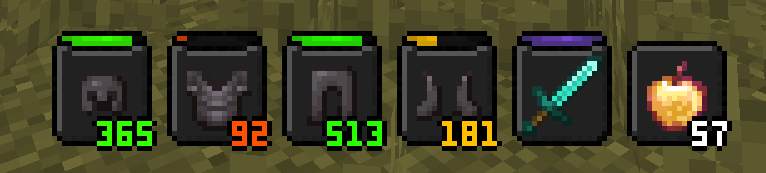
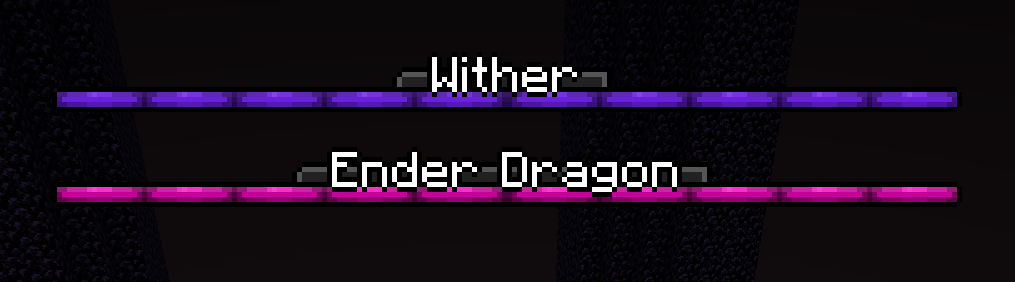
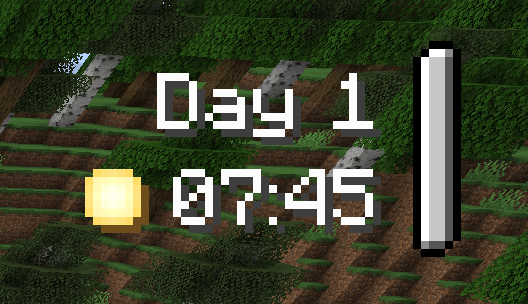
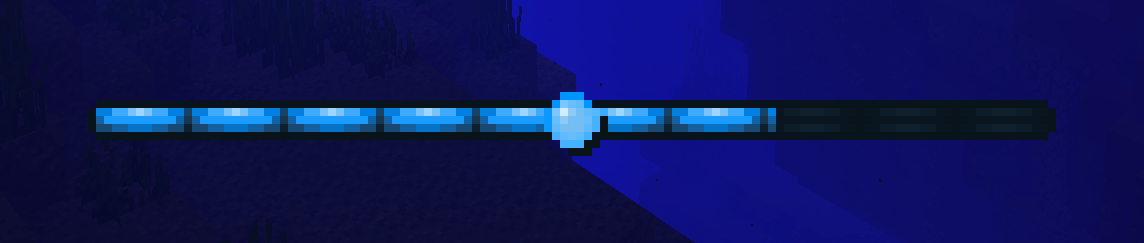

Oh, hello there! Welcome to the Ignite HUD's Curse Forge page!
If you don't know what Ignite HUD is, well, it is quite obvious... It's a RPG style HUD for Minecraft.
Embark on your new world with a very appealing (and soon highly customizable) HUD, with plenty of features and even more to come!
Features
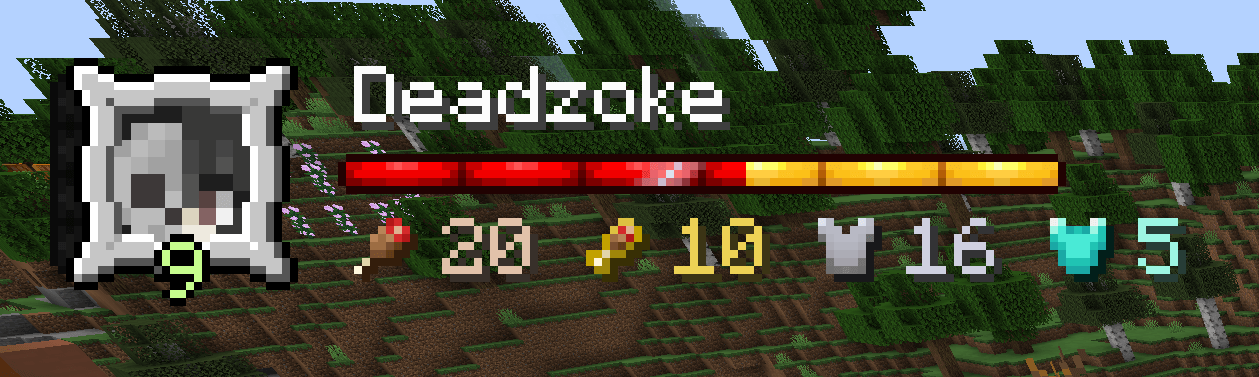
Player Widget so you know you?
- Player Skin
- Player Experience bar and level
- Player name
- Player health bar
- Player Food and Saturation
- Player Armor and Toughness
- Hardcode icon (when in hardcore mode)
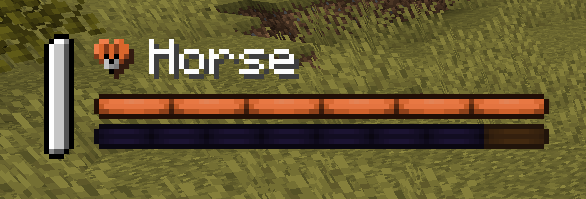
Mount Stats to take care of your pet:
- Mount name
- Mount health bar
- Mount jump bar (when mount can jump, like Horses)
Clock Widget for time management:
- Day
- Time
- Icon with either Sun or Moon (moon shows when player can sleep)
Boss Bar with name and colors
Player Breath Bar with a cute bubble
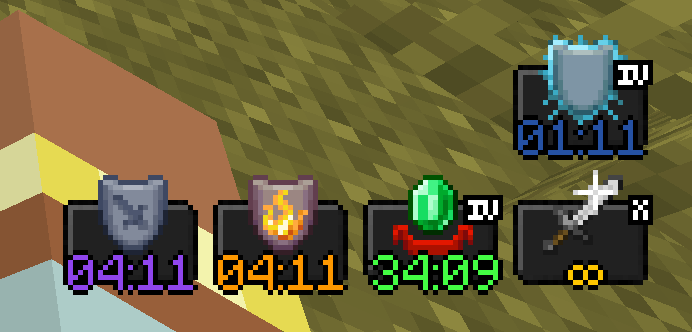
Potion Effects with effect duration, strength and even colour
Equipped Items so you know the health of your gear:
- Durability display (for items with durability, like swords)
- Amount size (for items that are stackable)
Usage
ATTENTION, this mod is client side only. Don't use it on a server!
Known Bugs
- Apple skin overlay is still shown, and on top the items overlay.
If you want to report a bug, use the issues tab please! I appreciate your help!
FAQs
1. Can I use this mod in my modpack?
Why shouldn't you? Of course you can! As long as you give me credits for my very hard work. *cof*cof*
2. Can you add support for *modname*?
Nothing better than to ask me. I will take any requests!
3. Why my suggestion for mod *modname* didn't get accepted?
Well, if it wasn't accepted it was probably because the mod is not within an RPG game standard or it was because the mod is very low in popularity.
4. I'm not sure if the mod *modname* can be selected. What do I do?
Well, if you are not sure, you can send it to me (comment of private message) and I will check it for you!
5. The mod *modname* isn't that popular, but I think it's a very good adition to the game!
All the mods that can make my HUD better, I will take it! :)
- Edition: Minecraft Java
- File type: .jar
- Minecraft versions listed: 1.21.1, 1.21.5, 1.21.4
- How to install: Install the matching mod loader (Forge, Fabric or NeoForge) for your Minecraft version. → Download the .jar. → Put it in the .minecraft/mods folder and launch that loader profile.
- Where to get it: Opens on CurseForge — not every file is mirrored on our own servers.
Install steps are the general flow for this file type — How to install Minecraft Java mods & modpacks walks through it step by step.
- Ships as IgniteHUD-b0.5.4.jar — drop this file into the mods folder
- Download size: 79 KB
- Download link checked 22 Sept 2026 — working
These come from our own check of the pack file, not from the source page.