RetroComputers
Minecraft Java mod. Downloads from the MC Java Mods app on Android.
⬇ Download on CurseForge
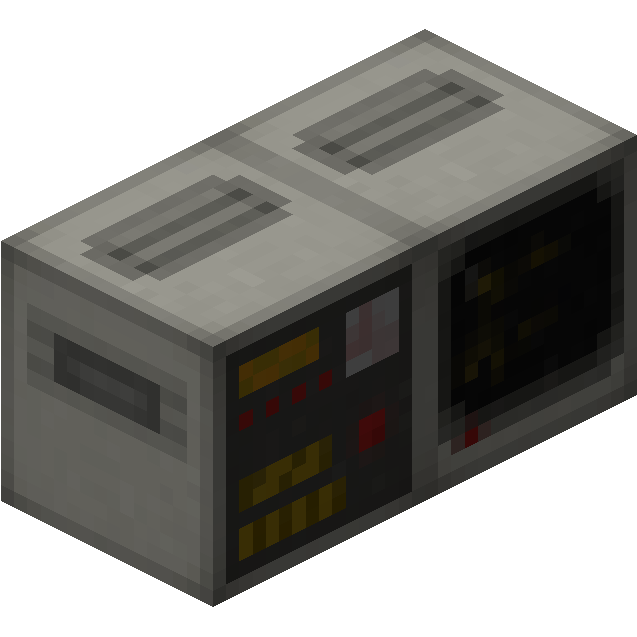
RetroComputers adds programmable computers that are very similar to RedPower 2's computers. The mod adds these blocks/items:
- Computer: The main block that controls all!
- Terminal: You do want to see what your computer is doing, right? (Also, it has a cool CRT effect I'm really proud of)
- Disk Drive: The way to load the operating system or additional programs.
- Backplane/Memory Expansion: When your computer runs out of its builtin 8KB of memory, you can add up to 56KB additional memory. Every Memory Expansion can hold an additional 8KB of memory.
- Analog Redstone Port: You can output redstone signals through this block. (duh)
-
Redstone Port: Allows you to output redstone signals to bundled cables.
- Wireless Transceiver: Allows you to send data wirelessly between computers.
- Retinal Scanner: Using technology from the Black Mesa Research Facility, you can scan players who use it and grant access to doors or whatever you want to do with it, really!
- Ribbon Cable: With this, you can connect peripherals together.
- Sortron: Connects to Teckle tubes, basically an advanced sorting machine.
- XC8010 CPU: The standard CPU implementation for this mod. Very similar to RP2's CPU, but not compatible with it (sorry no BASIC (yet))
- Floppy Disk: A writable disk. Can hold 256KB of data.
- FORTH Boot Disk: Standard operating system. See here if you need any tips on how to use the operating system.
- Programs disks: They spawn in dungeon chests and mineshafts and have utilities for either the Transceiver, Retinal Scanner, Sortron or a decompiler on them.
- Screwdriver: Allows you to change the default bus addresses for the peripherals. You only need this if you want to have two or more of the same peripheral in one network.
Coming soon:
- More documentation
Getting started:
- Craft a Computer, a CPU, a Disk Drive, any of the three FORTH boot disks and a Terminal.
- Place the Computer down and right-click the back of it with the CPU to insert it.
- Place the Disk Drive and Terminal next to it.
- Insert the boot disk into the Disk Drive.
- Right click to open up the Computer's GUI. Press the switch at the right to make it run.
- You should now be able to type in the Terminal. Have fun :)
This mod is still pretty new and therefore probably still contains bugs, so please report them here.
If you've made any cool stuff with the mod and want to post them in the mod's subreddit, go ahead! (Also if you have any questions, post there as the documentation is pretty much nonexistant. I look there way more often than here in the comments)
Requires Forgelin, QuackLib, MCMultiPart.
- Edition: Minecraft Java
- File type: .jar
- How to install: Install the matching mod loader (Forge, Fabric or NeoForge) for your Minecraft version. → Download the .jar. → Put it in the .minecraft/mods folder and launch that loader profile.
- Where to get it: Opens on CurseForge — not every file is mirrored on our own servers.
Install steps are the general flow for this file type — How to install Minecraft Java mods & modpacks walks through it step by step.
- Ships as RetroComputers-2.0.0.jar — drop this file into the mods folder
- Download size: 685 KB
- Download link checked 13 Oct 2026 — working
These come from our own check of the pack file, not from the source page.