Sift
Minecraft Java mod. Downloads from the MC Java Mods app on Android.
⬇ Download on CurseForge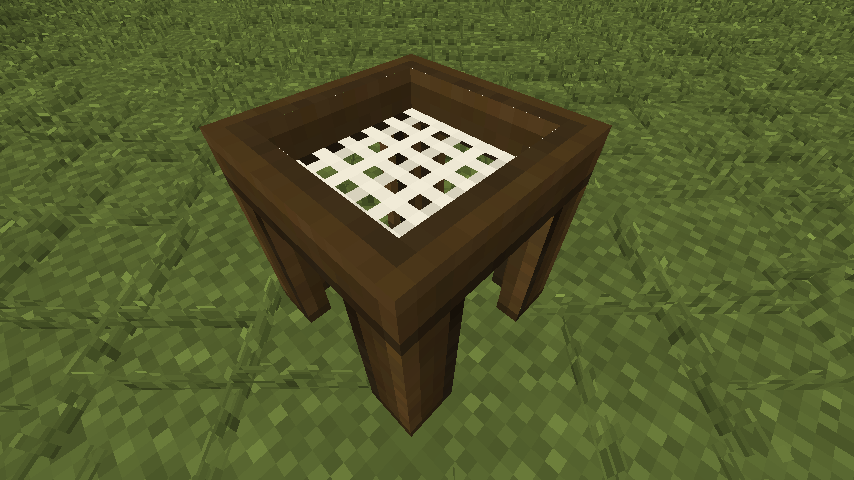
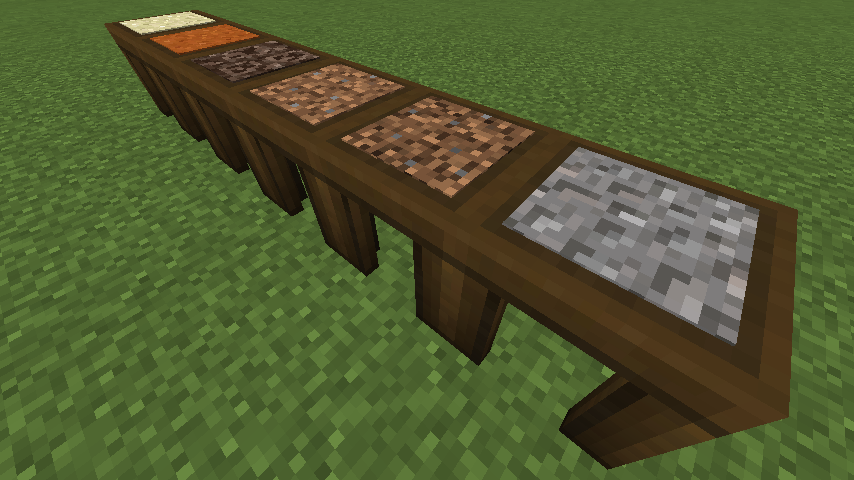
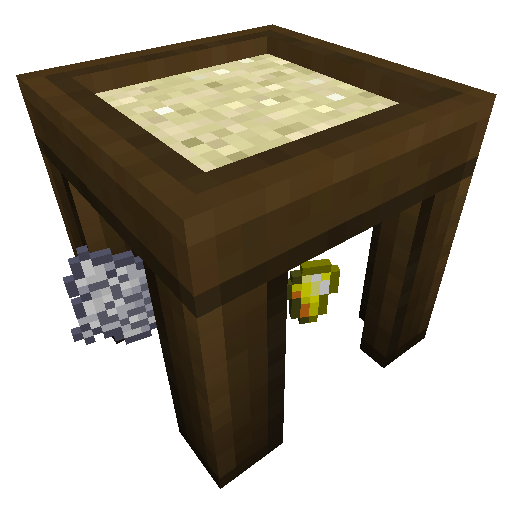
I really wanted Ex Nihilo for my 1.11.2 modpack because I like the Sieve. But I couldn't find any releases for 1.11.2 so I made this mod. I took it a step further and made the inputs and outputs configurable. It generates a config file with some defaults but they are examples and you'll want to change them. If you want a more realistic config use this one:
# Configuration file
general {
# These are the items/blocks that can be placed in the sift.
S:inputs <
minecraft:sand:0
minecraft:sand:1
minecraft:soul_sand:0
minecraft:dirt:0
minecraft:dirt:1
minecraft:gravel:0
>
}
outputs {
S:0 <
minecraft:gold_nugget:0
minecraft:clay_ball:0
minecraft:dye:15
minecraft:dye:7
>
S:1 <
minecraft:clay_ball:0
minecraft:iron_nugget:0
minecraft:gunpowder:0
minecraft:sand:0
>
S:2 <
minecraft:glowstone_dust:0
minecraft:blaze_powder:0
minecraft:nether_wart:0
minecraft:quartz:0
>
S:3 <
minecraft:stick:0
minecraft:string:0
minecraft:wheat_seeds:0
minecraft:beetroot_seeds:0
minecraft:clay_ball:0
minecraft:dye:8
>
S:4 <
minecraft:dirt:0
minecraft:stick:0
minecraft:string:0
minecraft:gunpowder:0
minecraft:coal:0
minecraft:flint:0
minecraft:iron_nugget:0
>
S:5 <
minecraft:flint:0
minecraft:iron_nugget:0
minecraft:gunpowder:0
minecraft:coal:0
minecraft:sand:0
>
}
Items are added like this: modid:itemname:damage
So a working example for red sand would be: minecraft:sand:1
The inputs list under "general" is a list of items/blocks that can be placed in the sieve.
The numbers in the outputs refer to the inputs. So 0 would be the outputs of the first item in the inputs list. And 1 would be the outputs of the second item.
If you forget to add an output for an item then the mod will automatically generate one. If you accidentally add too many they will be ignored.
An incorrect name will cause that item to be null (air).
Using the wrong syntax might crash the game.
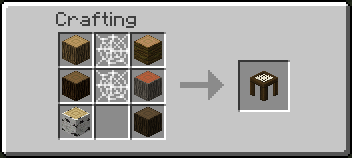
If you want to change the recipe you can currently do that with CraftTweaker or use the new 1.12 json recipes.
Also try Melt! A configurable Crucible.
Modpacks:
You are free to use this mod in any public or personal modpack.
Future plans:
Some way to fully automate the sifting process
Future ideas:
Sounds
Syntax checking
Changeable mesh/screen
JEI Support
Add option for multiple drops in the config
- Edition: Minecraft Java
- File type: .jar
- How to install: Install the matching mod loader (Forge, Fabric or NeoForge) for your Minecraft version. → Download the .jar. → Put it in the .minecraft/mods folder and launch that loader profile.
- Where to get it: Opens on CurseForge — not every file is mirrored on our own servers.
Install steps are the general flow for this file type — How to install Minecraft Java mods & modpacks walks through it step by step.
- Ships as zephsift-0.2.0.jar — drop this file into the mods folder
- Download size: 23 KB
- Download link checked 13 Oct 2026 — working
These come from our own check of the pack file, not from the source page.