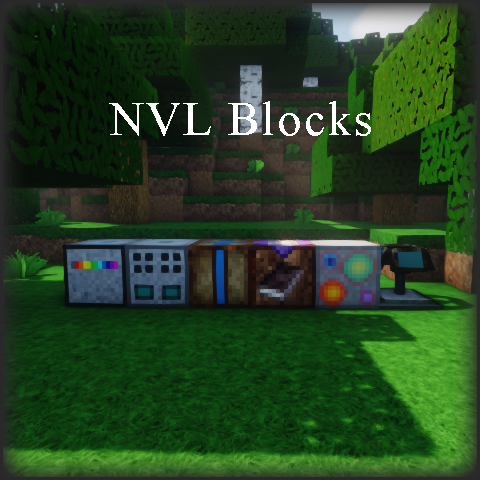
NVL's Blocks
Java mod listed for Minecraft 1.20–1.21. Downloads from the MC Java Mods app on Android.
I don't know my version or loader
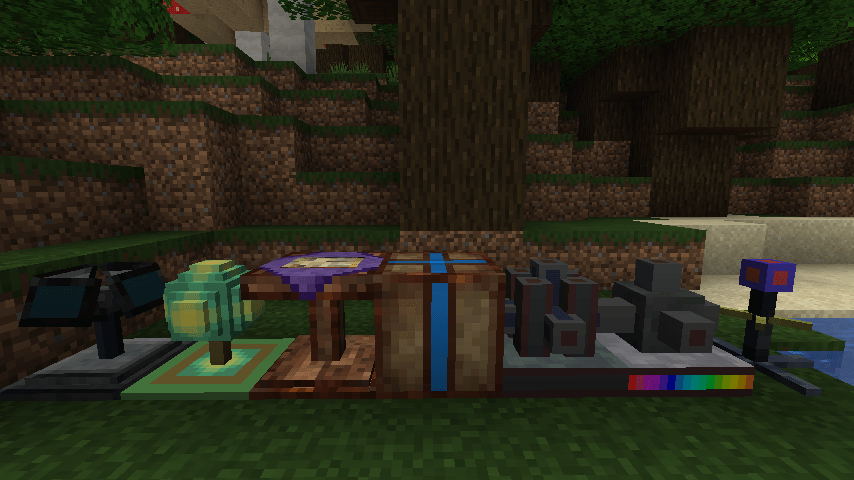
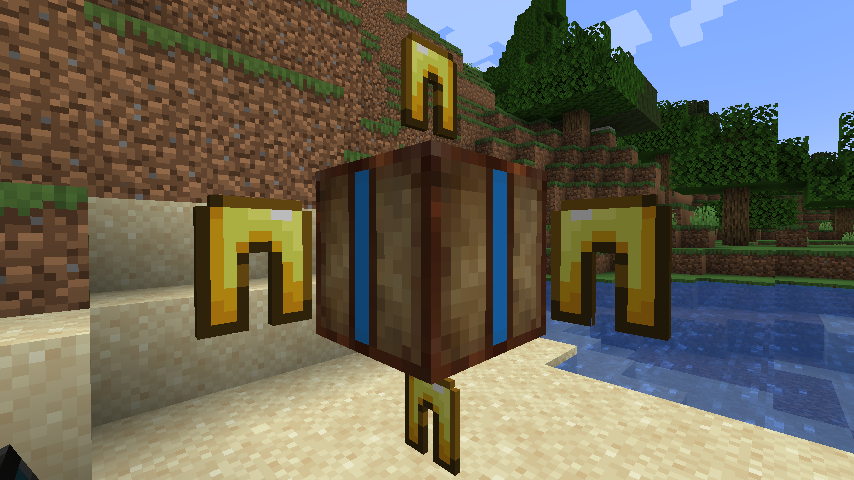
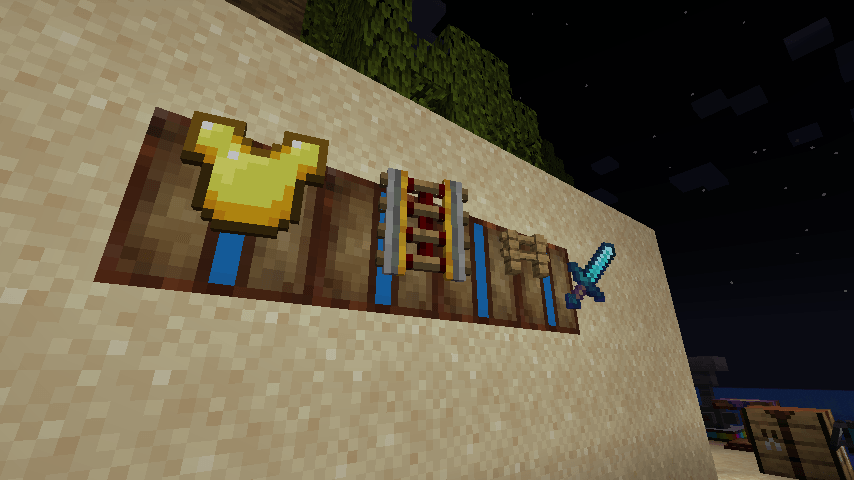
New rebuild for 1.20.1 and 1.21.1
- Universal MOD file: Supports Forge, NeoForge (1.21.1) and Fabric loaders!!!
- New block design. Brand new model and textures!
New Block and new Item in v21
Group Teleport Beacon
This beacon is a carriable block which gives your team teleport capabilities to each other. It can be very helpful when exploring and got separated from each other.
Preparation:
- place down a beacon
- Create a new group by adding a name on the GUI. It can be renamed later any number of times the bond will always stay.
- Each member of the group use a Group Teleport Handheld Device on the configured Beacon to bind it to the group.
- You can now break the beacon and take it with you. It stores no configuration the group exists in the bound devices.
Usage:
- Place down a Beacon
- Use an already bound Device on it to activate.
- Any group member using their Device in the world will be teleported near the Beacon.
- The teleport costs life points but not more than half of the total.
- Only the last activated Beacon will be active: it pulsates and emmit light when activated.
- The group cannot teleport members through dimensions.
Group Teleport Handheld Device
- Use this device on the Group Teleport Beacon to bind it to the group set on the Beacon.
- Once boud, you can use it to immediately teleport near the Beacon whenever it is located.
Older and well known blocks and items in version 21:
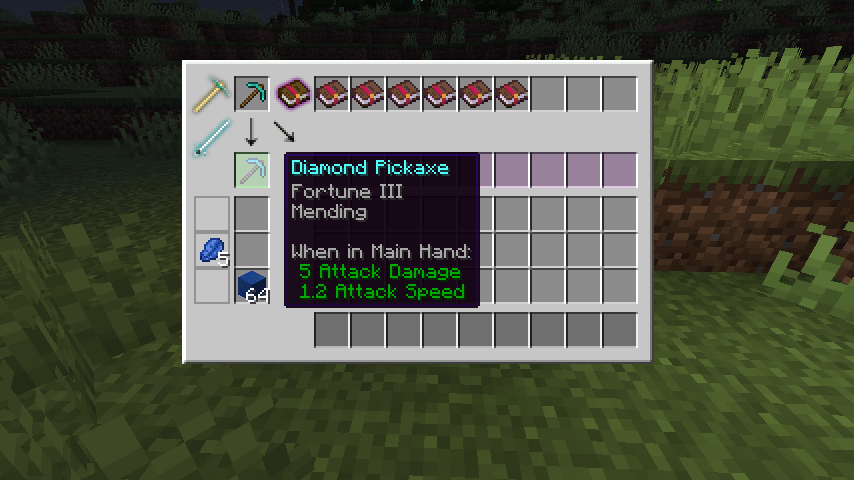
Enchantment Transfer Table:
This table can remove or add enchantments from/to enchantable items and Enchated Books. It is also able to merge Enchanted Books. The table operates with Lapis Lazuli and books. Now with simplified GUI.
Emergency Transporter:
This allows you to transport yourself back to your Emergency Teleport Point immediately.
- The cost of the transport will cost you almost all of your life points.
- To activate it, simply use it (previous versions were used swing - as attack)
- This new version has the deviced in all colors!
- It can also store coordinates for multiple dimansions!
Emergency Teleport Point Terminal:
You can set your emergency teleport point by activating the Transporter item on this block.
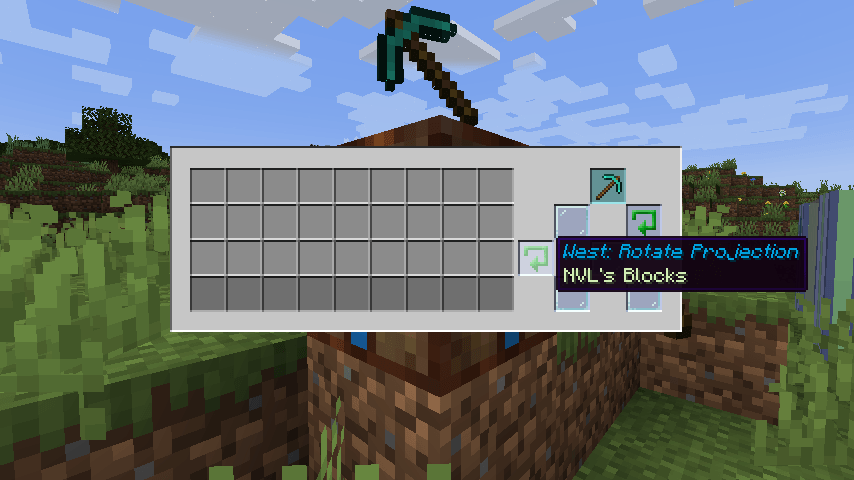
Holo Sign:
This block projects the image of the item placed in it. You can select the direction of the projection.
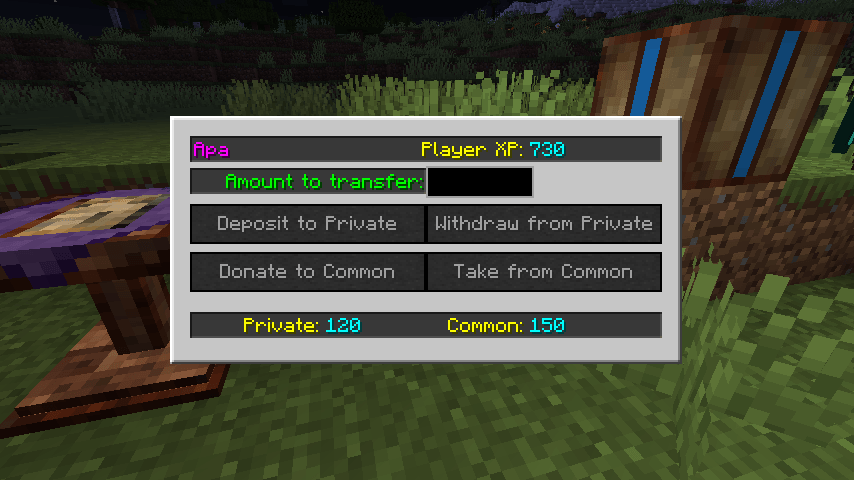
XP Vault:
- You can store your XP here safely while you go adventuring.
- You can also donate or take XP to the common account.
- The vault is now considers the real XP amount and cannot be used for cheating with cheap low levels.
- When broken the Vault drops the XP stored in individual tokens what can be used on a new Vault only.
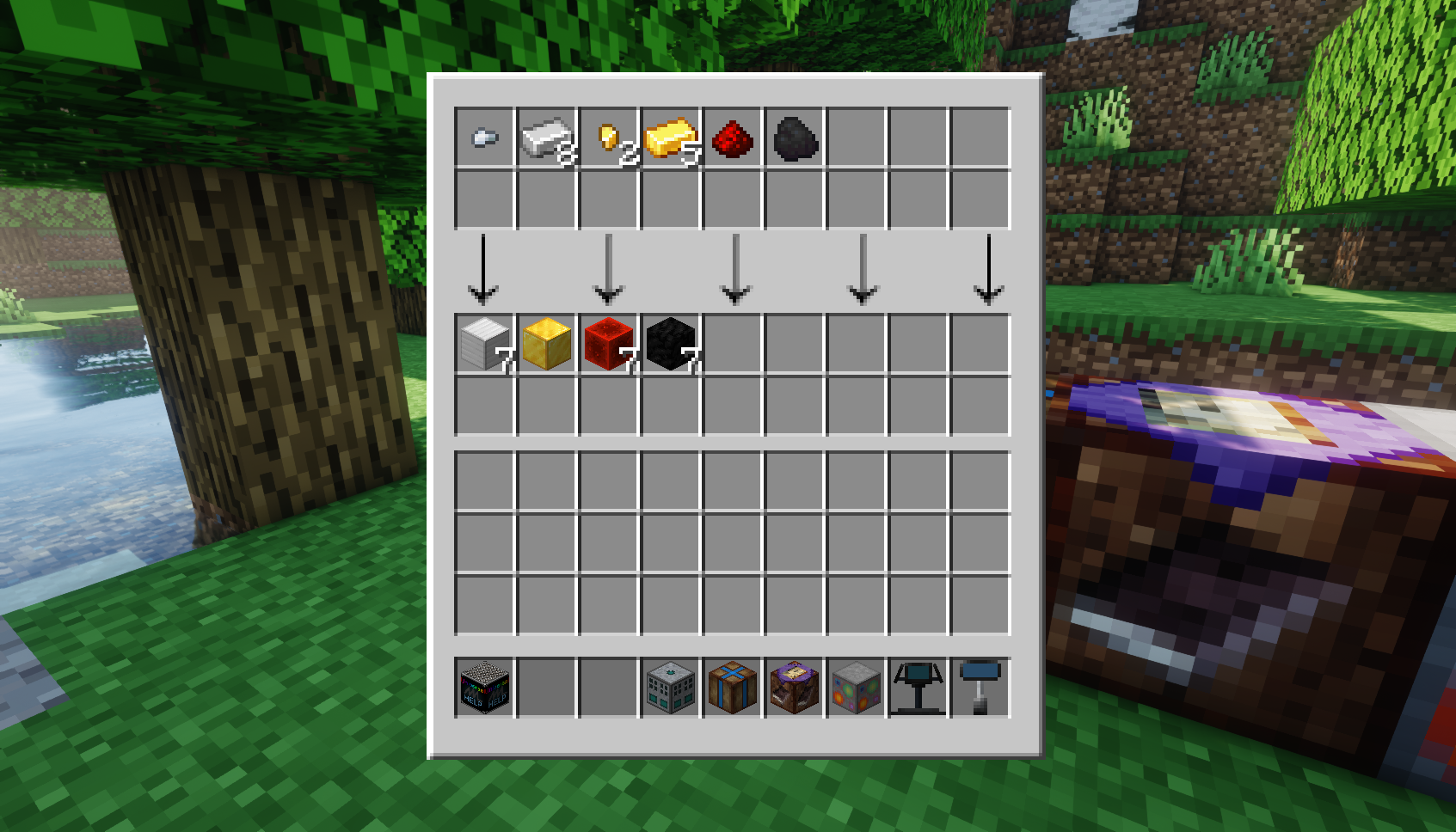
Automated Compacter
- This device compacts items if they are compactable. (Everything which has a 3x3 recipe with the same item source. Example: 9 iron ingot -> iron block).
- Can be automated by the vanilla hoppers or any other block using the vanilla item transport system.
- The machine will sipmply bypass the non-compactable items to the output.
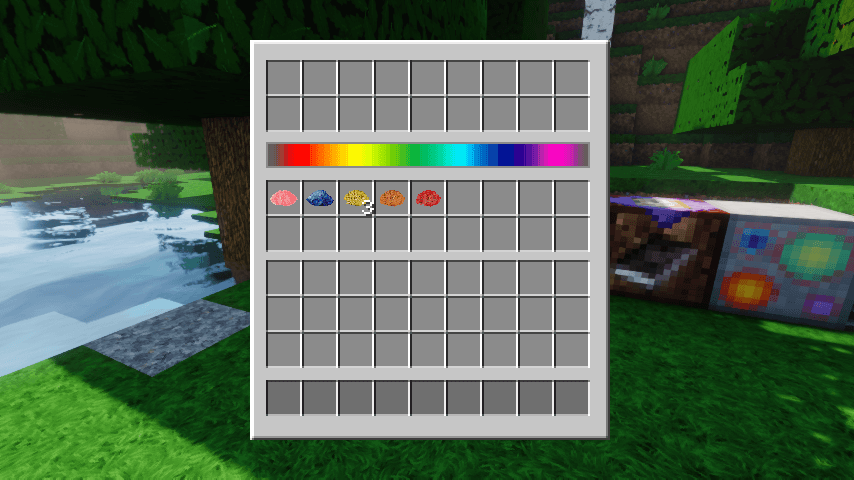
Dye Extractor
- The block extracts Dye from Dye source items. Example: From Bone Meal -> White Dye.
- You can use hoppers or any vanilla item transport compatible system for automation.
- The machine will sipmply bypass the non-dye-source items to the output.
NVL'S Universal Help Cube
This MOD is hosted here but it gives you the crafting recipes of all NVL blocks and items in any of my MODs.
You can see it in action in the screenshots.
Older versions:
his MOD was born when NVL Warpdrive Extensions were split up to allow MODPack creators to have more choices on block selections and keeping the pack balance.
Contains the following blocks and items:
Enchantment Transfer Table: This table can remove or add enchantments from/to enchantable items and Enchated Books. The table operates with Lapis Lazuli.
Block Compressor: This is the latest advancements of nano technology combined with compressors. It can comress any compressible items including ingots, planks, dirt, cobblestone, etc...
Decrafting Table: Did you have the feeling when you just used up all of your precious diamonds for a second pickaxe when you wanted a shovel instead, and there is no going back? Now, there is! This table can decraft anything (almost) including IC2 stuff too. (Or it just show you the crafting recipe ... )
Spawn Point Terminal: You can set your spawn point in the dimension you are as simply activating this block. When you die you will be spawned to that location.
Emergency Transporter: This allows you to transport yourself back to your spawnpoint immediately. The cost of the transport will be either: 1 emerald or 3 diamond or almost all of your lifepoints. Keep the emerald or diamonds in your inventory next to this item. To activate it, simply swing it to the air (or space :))
Holo Sign: This block projects the image of the item placed in it. You can select the direction of the projection too.
- Edition: Minecraft Java
- File type: .jar
- Minecraft versions listed: 1.20.1, 1.21.1, 1.21
- How to install: Install the matching mod loader (Forge, Fabric or NeoForge) for your Minecraft version. → Download the .jar. → Put it in the .minecraft/mods folder and launch that loader profile.
- Where to get it: Opens on CurseForge — not every file is mirrored on our own servers.
Install steps are the general flow for this file type — How to install Minecraft Java mods & modpacks walks through it step by step.
- Ships as nvlblocks-1.12.2.2768.4.jar — drop this file into the mods folder
- Download size: 551 KB
- Download link checked 13 Oct 2026 — working
These come from our own check of the pack file, not from the source page.