
Extreme Energy
Minecraft Java mod. Downloads from the MC Java Mods app on Android.
⬇ Download on CurseForge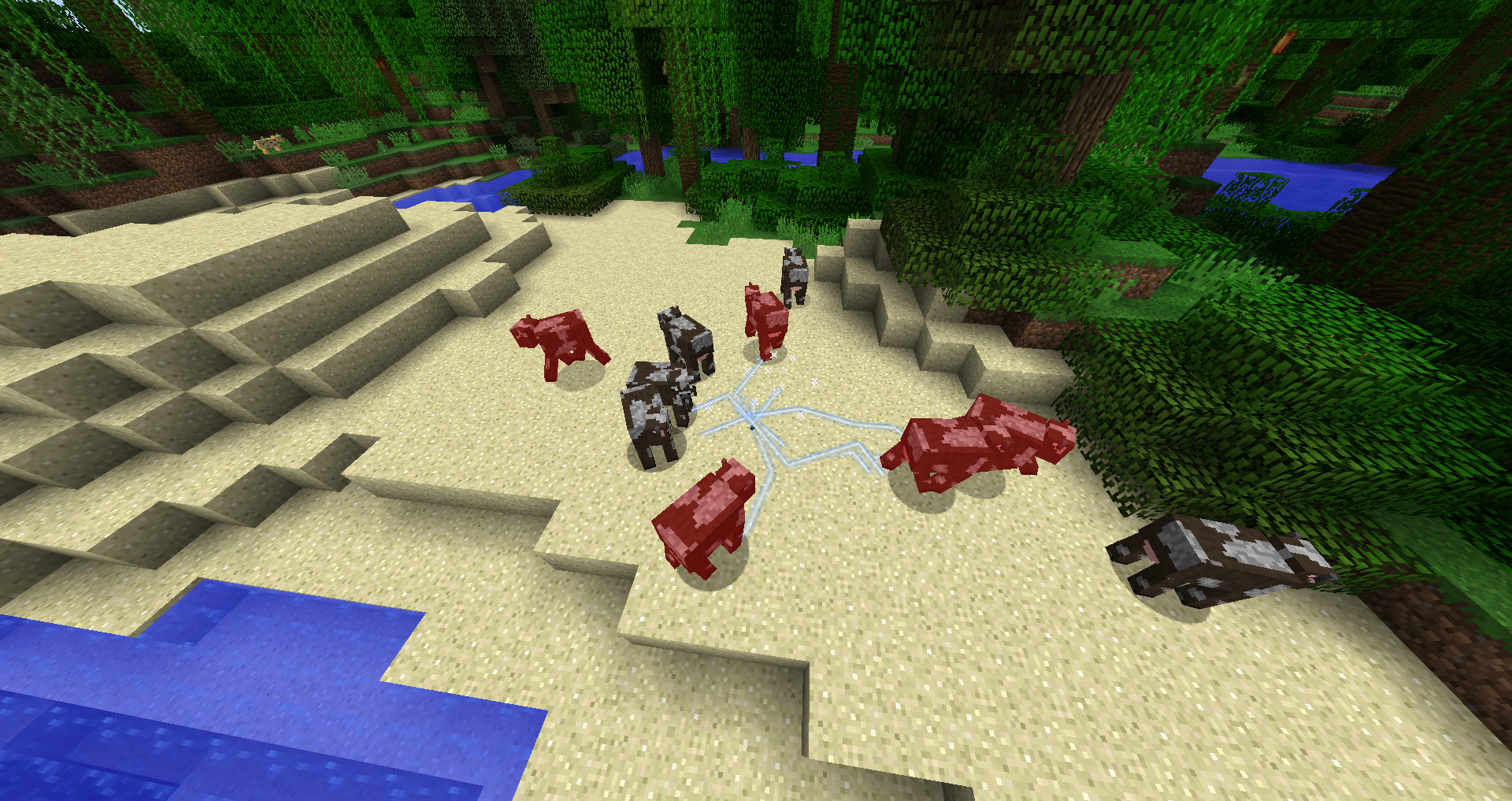
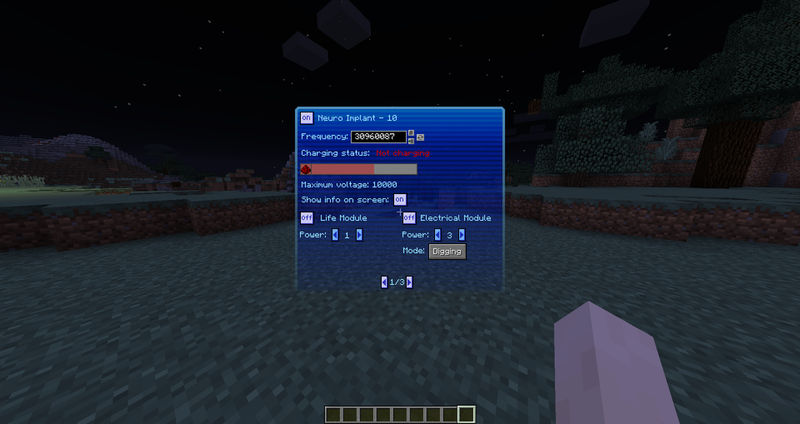
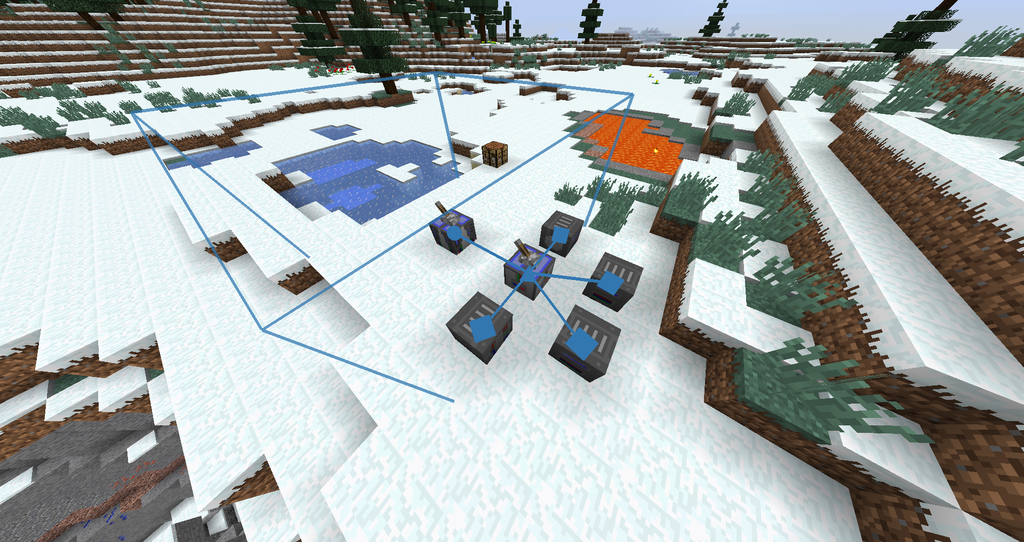
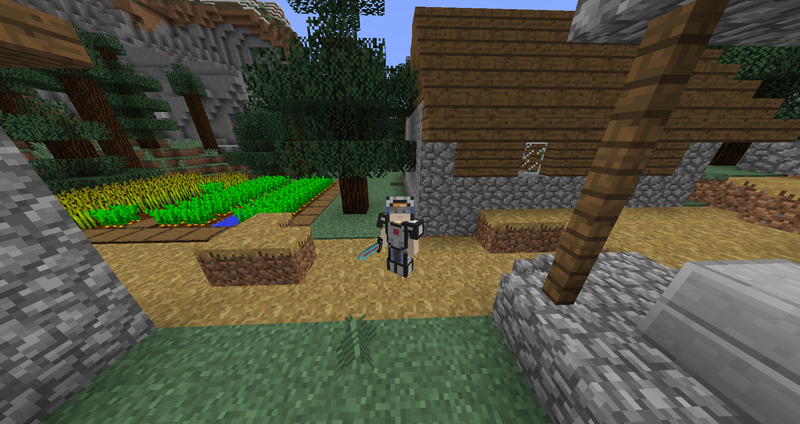
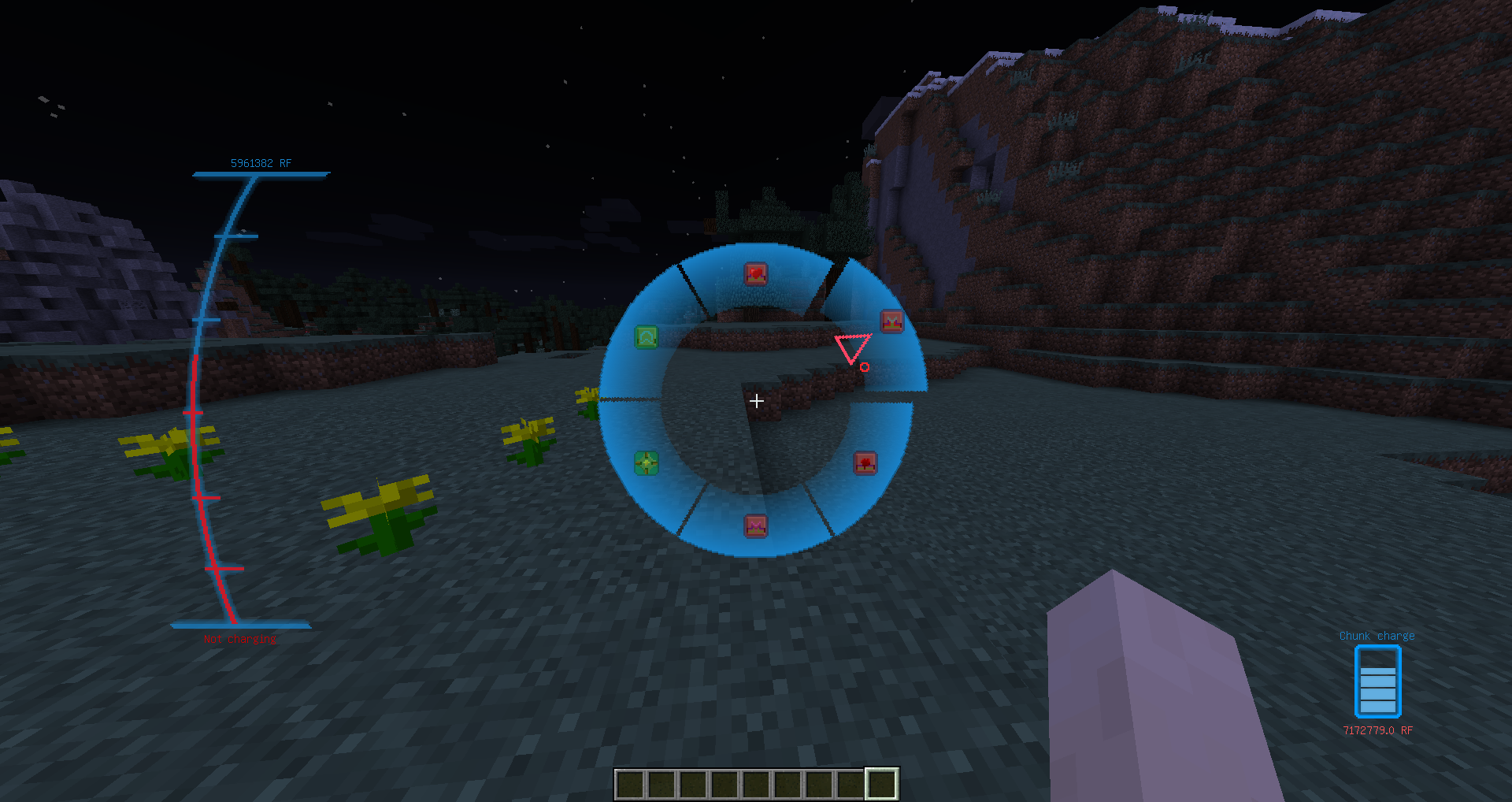
Extreme Energy literally charges your world with energy. You will see how this charge affects the world around. This is an industrial mod with a bias towards the future, where people will learn to convert energy into different kinds and manipulate it as they want.
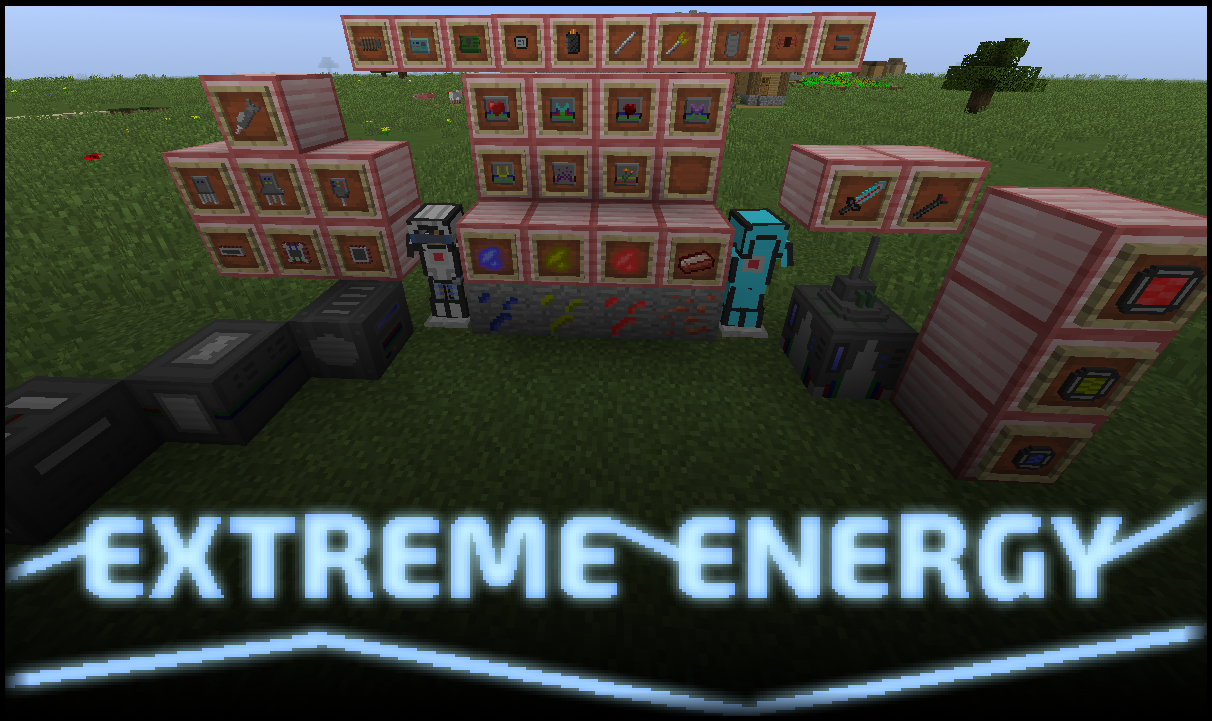
Features:
- RF to the chunks + special small events associated with the charge
- A lot of machines + simple generators. Machines differ from other mods in that their speed depends on the applied voltage (energy input). In theory, you can make them process content instantly
- Many not simple crafts
- A system of energy transfer through "fields". Consider a wireless power transmission system not only between blocks, but also between entities and items
- A new kind of resources: charged crystals, which contain a lot of RF. This will help players in the beginning
- Special multifunctional modules. Their function depends on where you put them. They can be put in armor, a sword, a special block or an implant. For example, if you put a teleport module in an implant, then you can teleport as enderman, if you put it in a special machine, it will work as a teleportation point between these blocks, if you put in armor, as a rescue mechanism that will teleport you to a safe place. when you have low health, if in the sword, you will teleport the mobs to dangerous places in the vicinity. And so with every other module.
- Implants for inserting special modules into the body and unique modules for these implants
- Customizable energy multitool, sword and armor. You can also put modules in them
- Extraction of energy from the chunks. The initial stages are very helpful. Then this energy can be renewed and extracted again.
Field:
Almost all machines operate from the voltage generated by the field. The field is the accumulation of electrons in the air. Each field has 3 indicators:
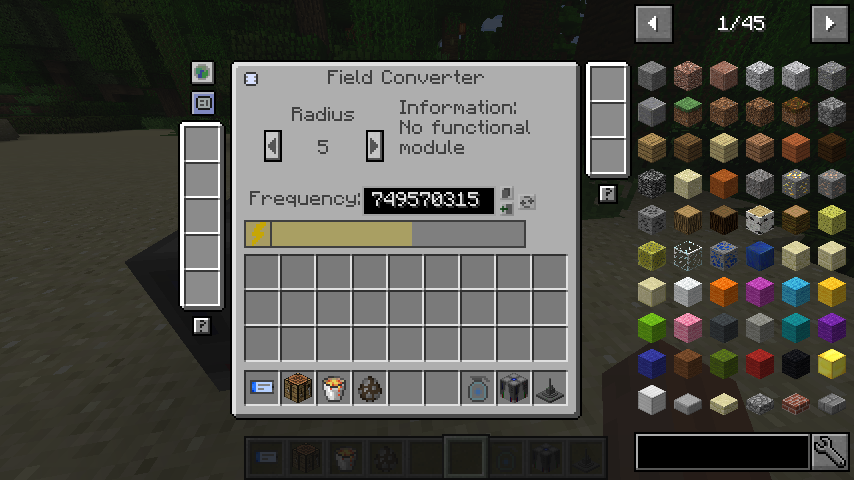
- Radius of action. From 1 to 100 (The field is a cube, so this is actually half of the edge, but for simplicity I called it a radius)
- The voltage characterizes the average electron density. The higher the voltage, the more RF needed to maintain the field
- The frequency is a number from 1 to 999,999.999. It looks like the frequency of the wave in the radio. That is, to accept a field of a certain frequency, you must set the receiver to this frequency
Places with a large electron density (high field voltage or a large charge of chunk) have a bad effect on living organisms. So the player will have to watch this
Resources:
Mod adds 5 different ores and a new material - heavy metal (analogue of steel). 3 types are energy crystals. The first kind of spawn almost everywhere, the second roughly as a redstone, and the third appears even rarer than diamonds. Different types convert energy into different types. Also when mining such crystals, they fall out charged, and if you take them without capacitors in the inverter, then through you will pass a current into the ground, causing you damage. Therefore, before the extraction of crystals, one must have incomplete capacitors in the inventory
2 other types of ores, this is uranium and copper. Well I think with them everything is clear. And heavy metal - just steel, which is obtained by melting the iron block
Machines:
Functional machines in mod work on voltage. Virtually all of them have common interface elements, namely: a field indicator that indicates whether the block is connected to the field, slots for modules, a panel for specifying the frequency (there are buttons to copy, paste and generate), and a progress bar that shows the voltage value , with respect to the maximum. Yes, machines have a voltage limit, which if overcome, there will be a boom. But this limit can be increased with the help of modules
Implants and equipment:
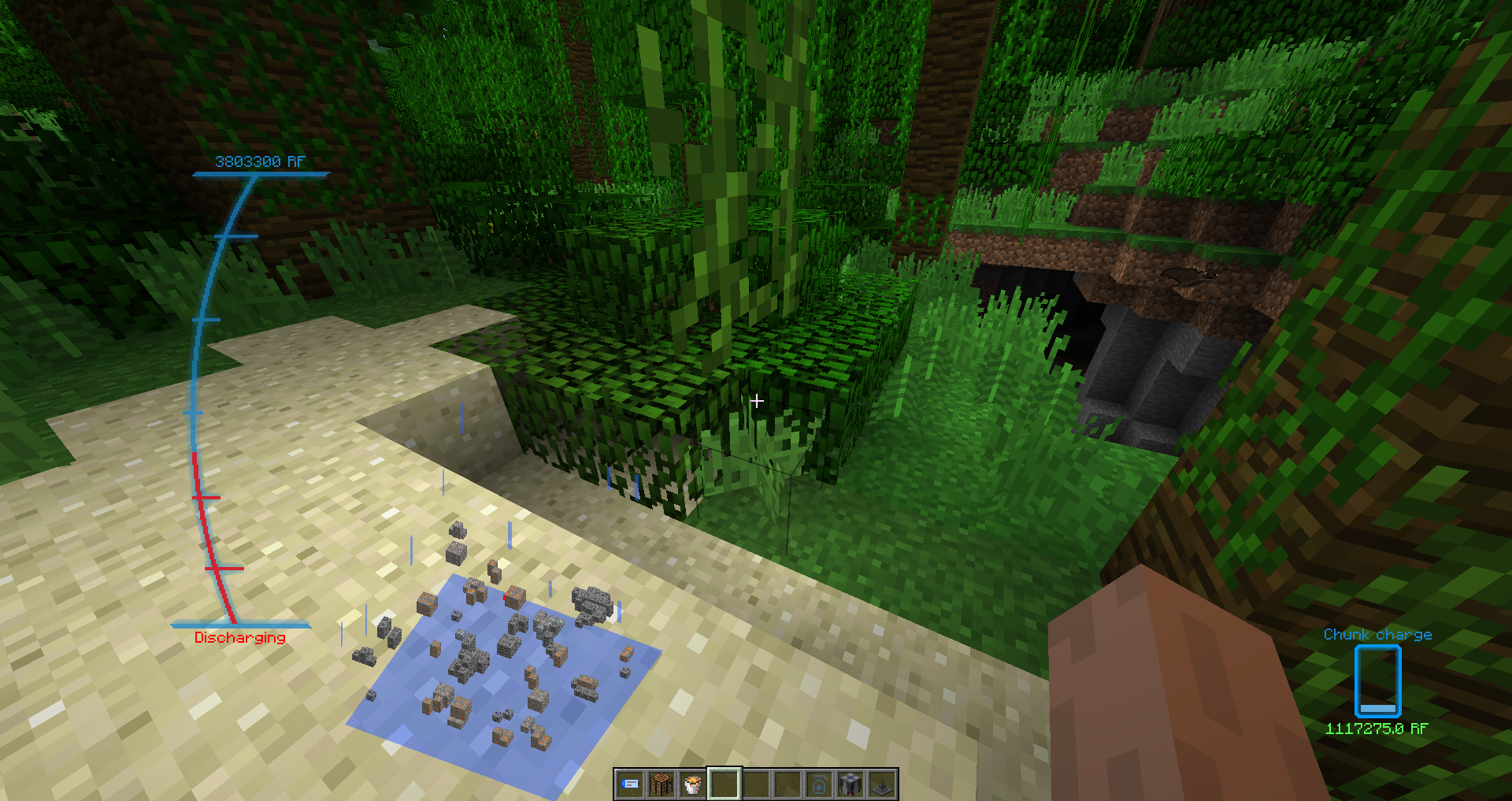
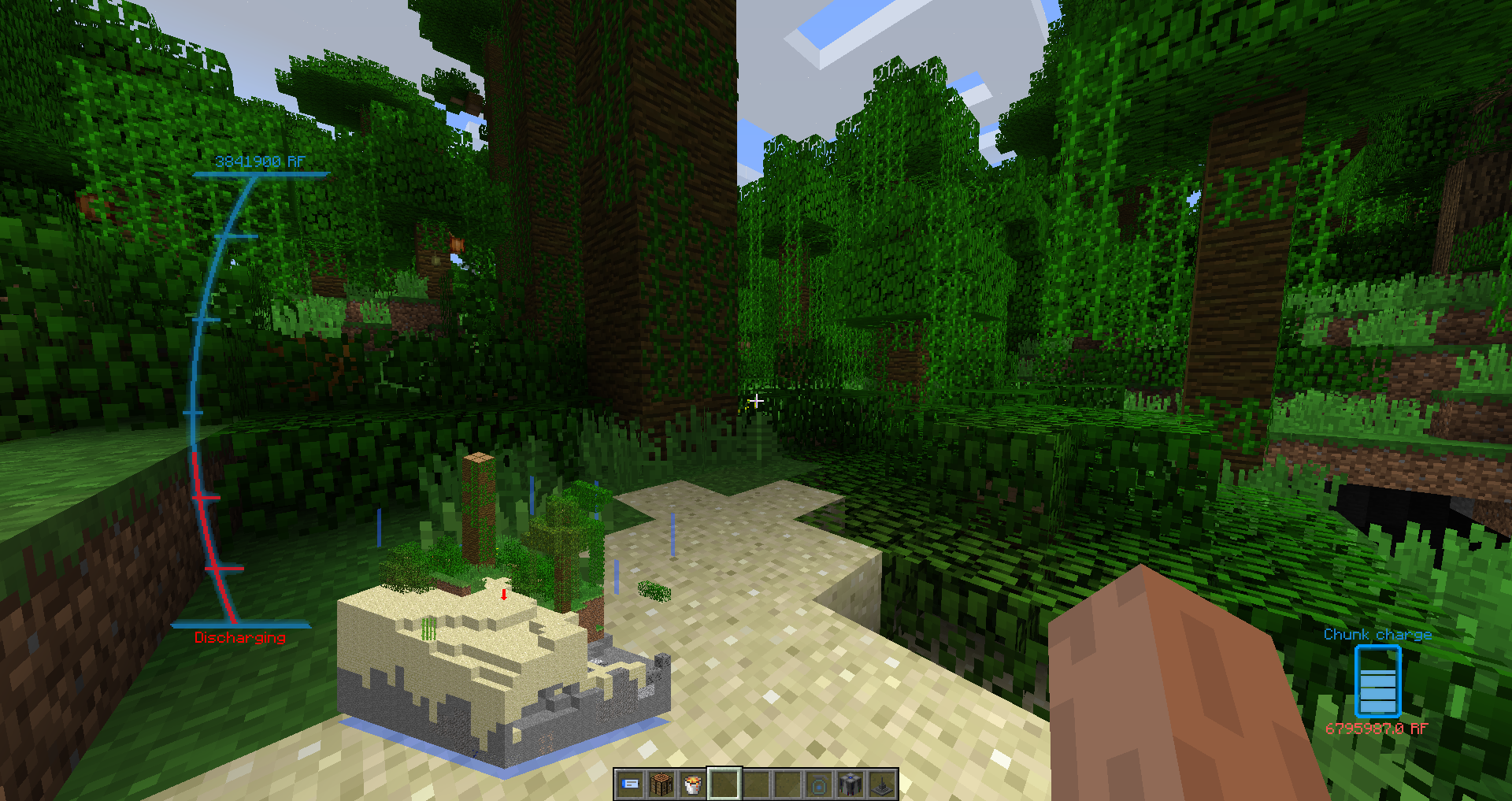
Implants have 3 levels. The first level has 2 slots for 1 tier modules, the second has 4 slots (2 for the first tier and 2 for the second one) and the third, respectively, 6 slots - 2 for the first, 2 for the second and 2 for the third level. Also, each implant has a slot for the armor processor. Charge the implant only from the field or from the internal generator. Each level has its own limitations on the voltage received. All modules can be turned on / off and set up. In the same way, the implant can display the chunk charge in real time. I still added switching modules with a convenient radial menu
So, now the exoskeleton. Their 2 types are heavy and energy. Their difference is only in the power of protection, crafting and in energy consumption. To cut an exoskeleton, it is necessary to have an implant with the armor processor installed. With the help of the processor they communicate and you can customize the armor. In the same processor, you can put modules that will work when you are beaten
The sword and multitool can not be connected to the implant. They can be powered from the condenser or the field directly. They can be configured by pressing shift + PKM in hand. But only in the sword can you put a module. The multitool has an auto mode, in which it acquires the form that you need now (it was typed on a stone - there will be a pickaxe, there will be a shovel on the ground, etc.)
Modules:
I will not describe each module, because there are 29 of them. And 10 of them you can immediately put and the converter of the field, and in the sword, and in the implant, and in the armor. Therefore, I will only say that there are 4 of them:
- Additional - each unit of the module adds any characteristics to the machines
- Functional - can be put in armor, implant, converter and sword. Specify the energy conversion algorithm
- Generators - generators in the form of modules for the implant, to produce energy directly in the implant
- Visualizations - scan everything around and project this information into your brain in a convenient way
Screenshots:
Tablet: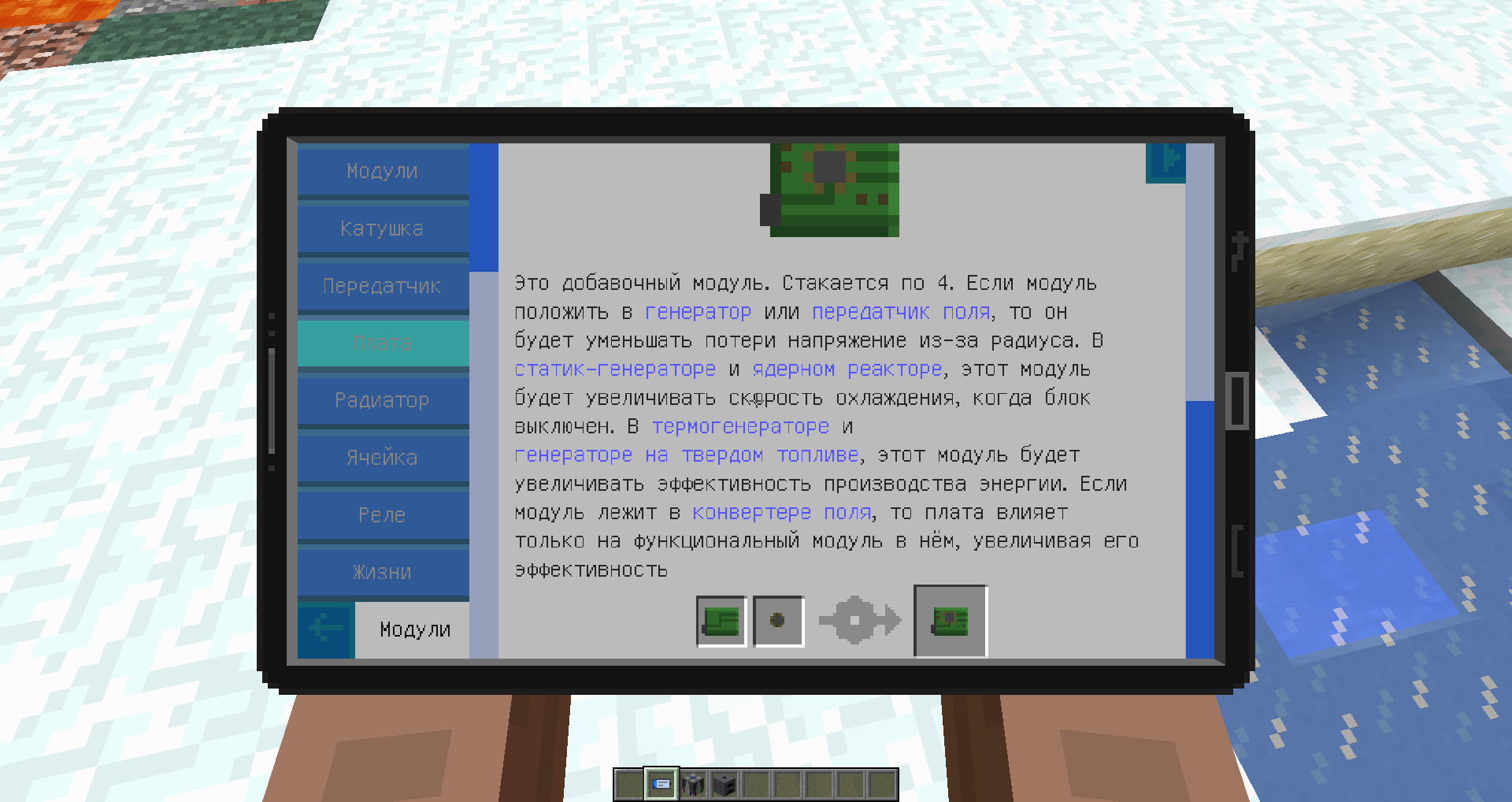
Map module:
Equipment: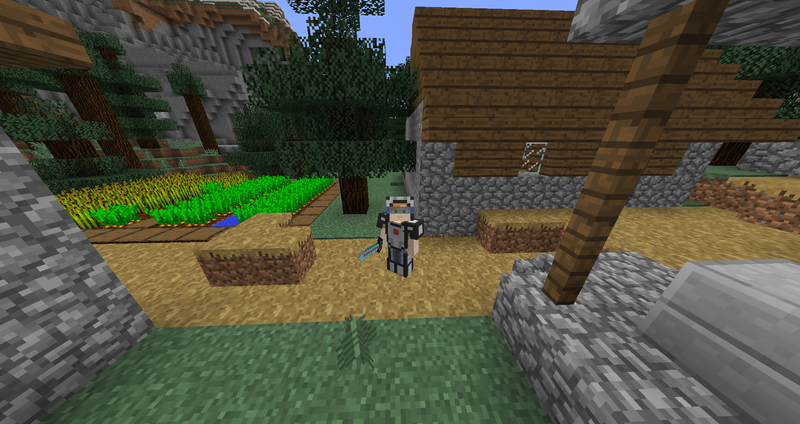
Implant HUD: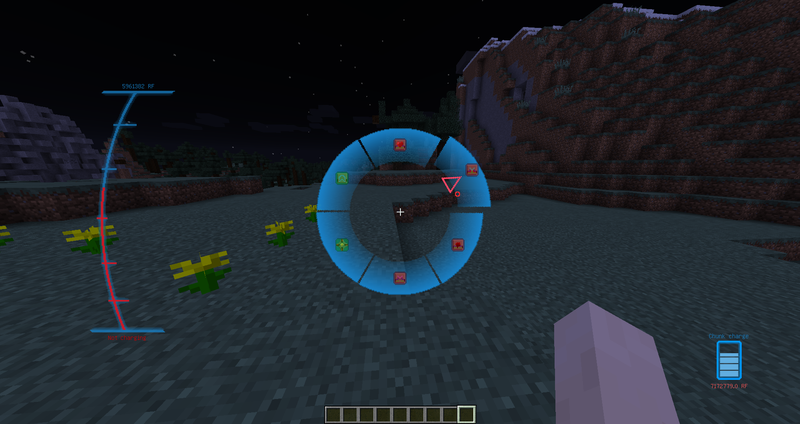
Machines: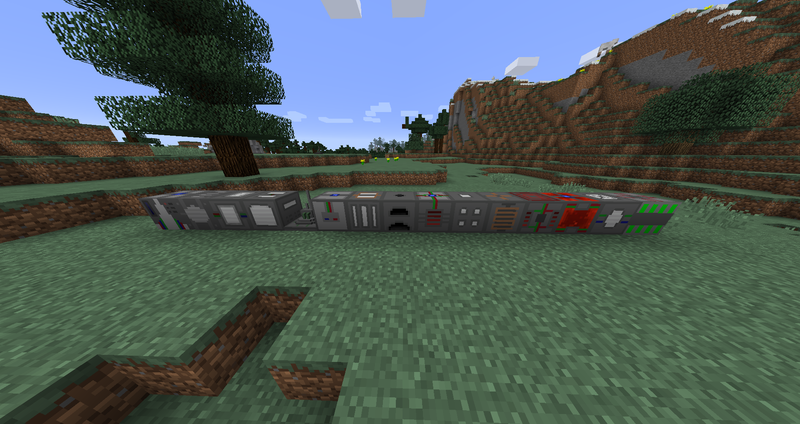
Lightning in chunk: Put your spoiler here.
CraftTweaker integration:
Assembler:

import mods.meem.Assembler;

//Assembler.addRecipe(IIngredient inputFirst, IIngredient inputSecond, IItemStack output, @Optional Integer energy);
//Assembler.removeRecipe(IIngredient inputFirst, IIngredient inputSecond);

//Example:
Assembler.addRecipe(<ore:ingotCopper>, <minecraft:dirt>, <minecraft:iron_ingot>, 2000);
Assembler.removeRecipe(<ore:ingotIron>, <meem:itemcopperwires>);


Crusher:

import mods.meem.Crusher;

//Crusher.addRecipe(IIngredient input, IItemStack output, @Optional Integer energy);
//Crusher.removeRecipe(IIngredient input);

//Example:
Crusher.addRecipe(<ore:ingotCopper>, <minecraft:dirt>, 5000);
Crusher.removeRecipe(<ore:ironDust>);


Sawmill:

import mods.meem.Sawmill;

//Sawmill.addRecipe(IIngredient input, IItemStack output, @Optional Integer energy);
//Sawmill.removeRecipe(IIngredient input);

//Example:
Sawmill.addRecipe(<minecraft:iron_block>, <minecraft:iron_ingot:9>, 10000);
Sawmill.removeRecipe(<minecraft:oak_planks>);
Full information on the use of this good is sealed in a special book-guide in the form of a tablet
Source code on github
- Edition: Minecraft Java
- File type: .jar
- How to install: Install the matching mod loader (Forge, Fabric or NeoForge) for your Minecraft version. → Download the .jar. → Put it in the .minecraft/mods folder and launch that loader profile.
- Where to get it: Opens on CurseForge — not every file is mirrored on our own servers.
Install steps are the general flow for this file type — How to install Minecraft Java mods & modpacks walks through it step by step.
- Ships as ExtremeEnergy-1.2.1.jar — drop this file into the mods folder
- Download size: 3.9 MB
- Download link checked 23 Sept 2026 — working
These come from our own check of the pack file, not from the source page.