
Nethertech Extension
Minecraft Java mod. Downloads from the MC Java Mods app on Android.
⬇ Download on CurseForge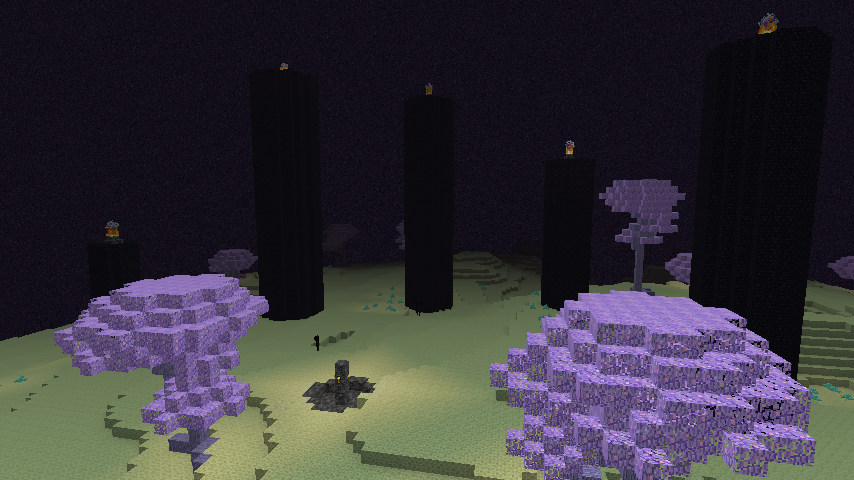
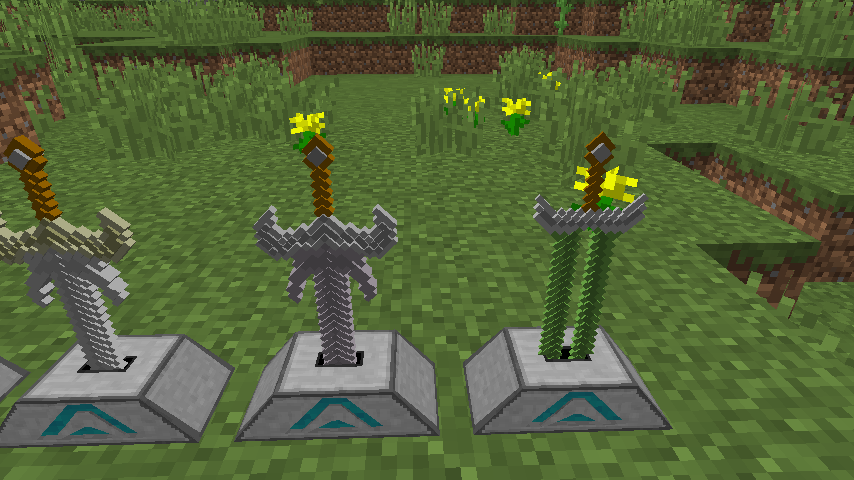
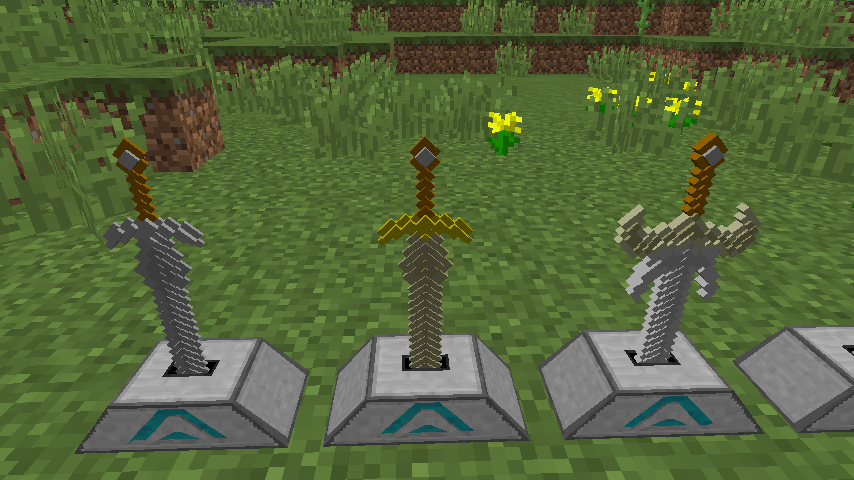
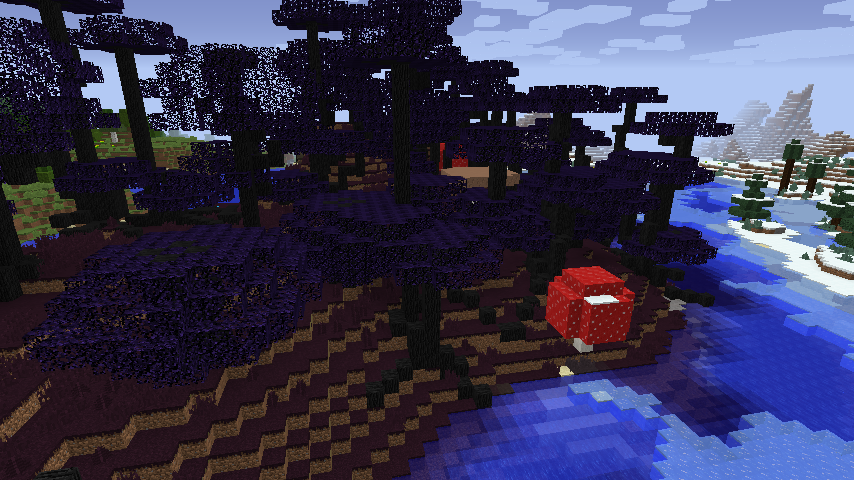
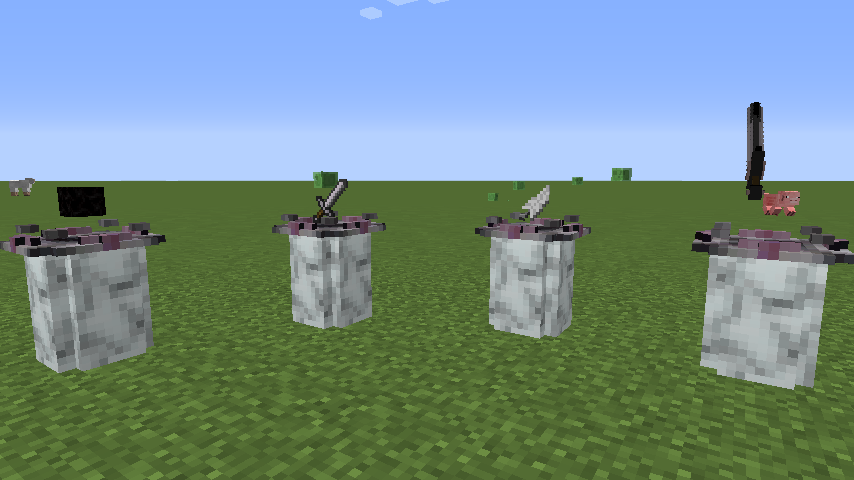
Notice: Due to the popularity of this mod I will work on a better version of it that won't be as restrictive or story based. It will include commands and other features that this mod is lacking in.

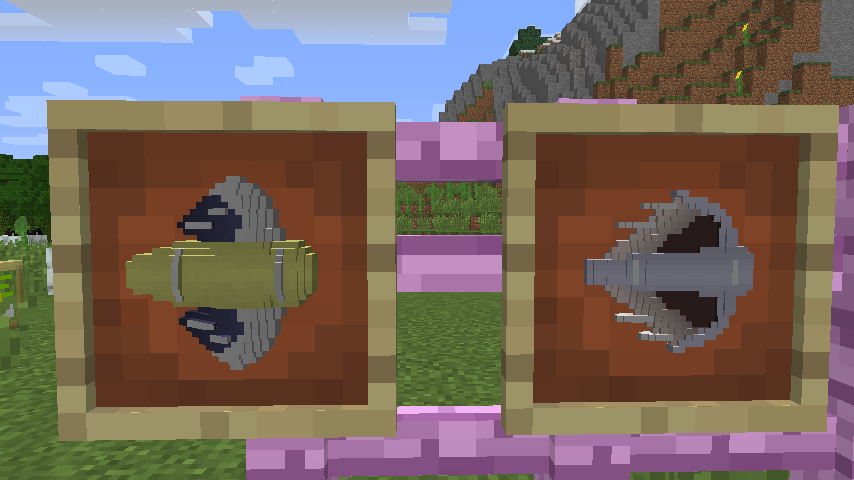
Magitech Extension adds technology to vanilla Minecraft without changing the balance. It also adds a new system for enchanting, a ritual based system that demands sacrifices be made. The new tools and weapons must be forged, then crafted, in a system inspired by Tinker's Construct, though the results are very different.

The new ores are balanced, found in all three dimensions, some are very difficult to acquire.

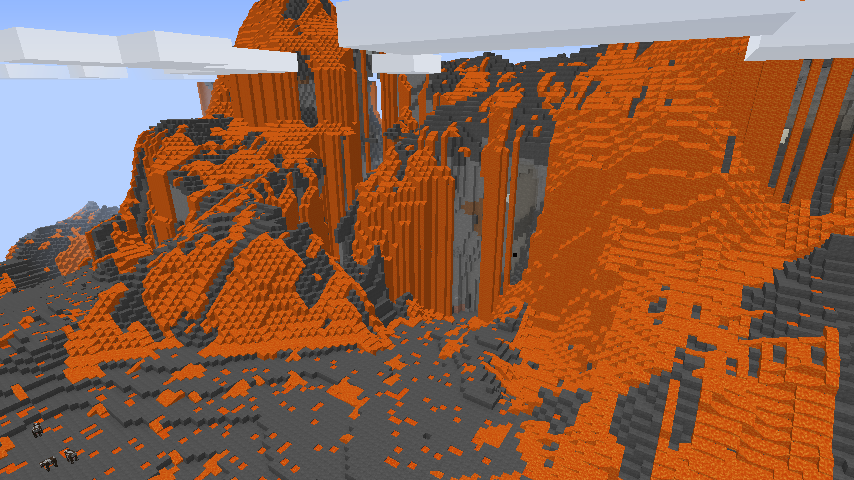
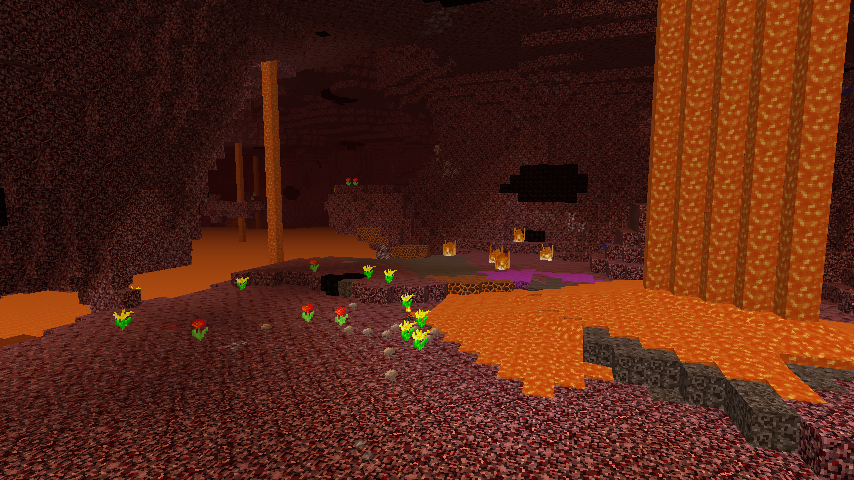
The mod comes with a story built in, about how the pigmen became zombies and why the nether exists. Discovery of the recipes and techniques will open up more of the story, culminating into a [WIP] massive war after the dragon is felled. Nothing will prepare you for the new biomes to explore, as the dangers in some of them will require you advance your gear and craft the ultimate armor and weapons.

Magitech Extension is carefully balanced with vanilla, and pairs well with only a few mods. This is by design, as it was actually developed for a streaming project of mine and only being released for others to enjoy should they find it interesting. For this reason it does not utilize the ore dictionary that many other mods rely on. The recipes are also obfuscated, though I will not prevent another developer from revealing those I would prefer everyone gets to experience the discovery aspect.
Mods Tested With:
- Xaeros_Minimap_1.14.2_Forge_1.12
- wolfarmor-1.12.2-2.1.0.24-RELEASE
- Wawla-1.12.2-2.5.246
- TreeCapitator-Mod-1.12
- OptiFine_1.12.2_HD_U_C7
- Morpheus-1.12-3.3.2
- JustAFewFish-1.7_for_1.12
- jei_1.12.2-4.8.5.136
- Hwyla-1.8.23-B38_1.12
- BiblioCraft[v2.4.3][MC1.12.0]
Just remember, have fun, play video games, and enjoy life.
- Edition: Minecraft Java
- File type: .jar
- How to install: Install the matching mod loader (Forge, Fabric or NeoForge) for your Minecraft version. → Download the .jar. → Put it in the .minecraft/mods folder and launch that loader profile.
- Where to get it: Opens on CurseForge — not every file is mirrored on our own servers.
Install steps are the general flow for this file type — How to install Minecraft Java mods & modpacks walks through it step by step.
- Ships as magitech-1.0.2a.jar — drop this file into the mods folder
- Download size: 3.0 MB
- Download link checked 3 Nov 2026 — working
These come from our own check of the pack file, not from the source page.