ModsJava
Better Muffling
Java mod listed for Minecraft 1.16–1.21. Downloads from the MC Java Mods app on Android.
I don't know my version or loader
Open the Minecraft launcher and look at the profile you play on — it names both, like fabric-loader-1.21.4. The version also shows in the bottom-right corner of the game's main menu.
No loader in the profile name? Then it's plain Minecraft, and these mods won't run — you need Fabric or NeoForge installed first.
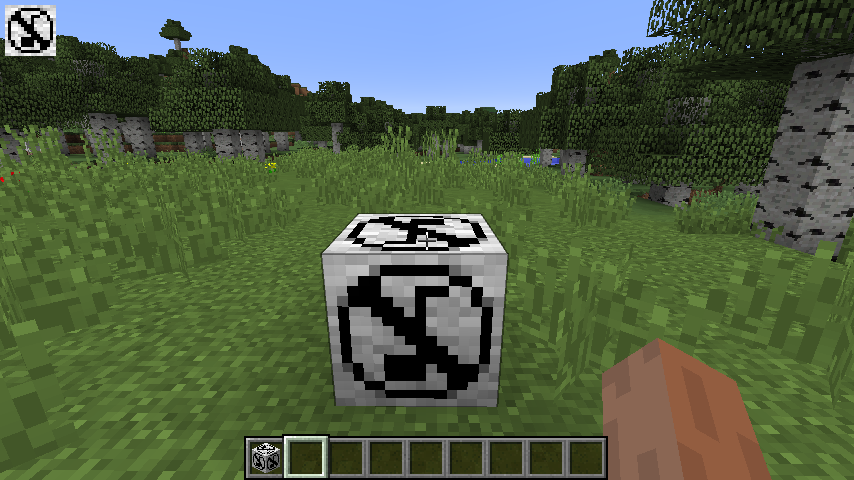
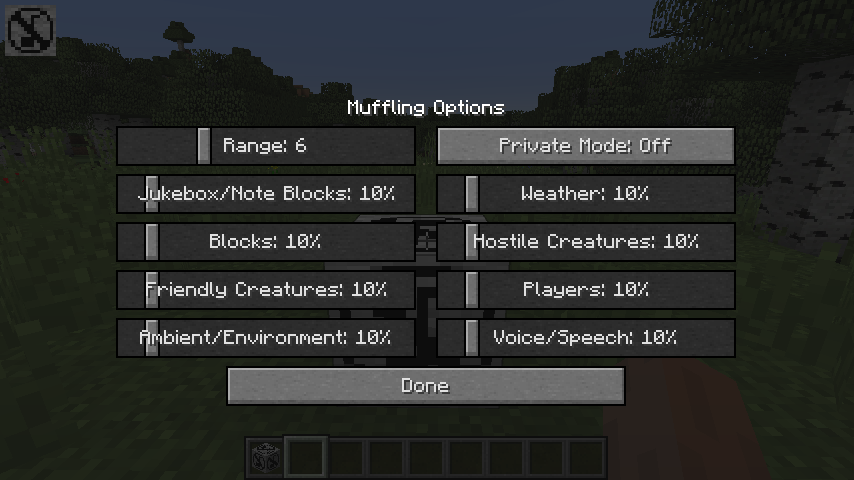
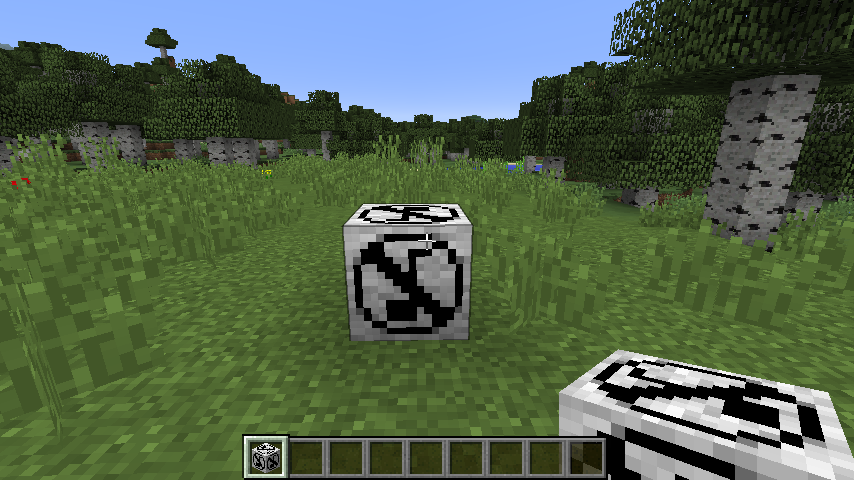
Better Muffling adds one block, the Muffling Block. This block muffles sounds nearby.
Features
- Set the sound levels based on the given Minecraft sound categories.
- Except for the Master and Music category
- Set the range to specify how big the sphere shaped area should be.
- Minimum: 2 Blocks, Maximum default: 16 Blocks
- The maximum block range can be specified in the config file (1.12: bettermuffling.cfg|1.14+: bettermuffling-common.toml)
- With the private mode, only the placer of the muffling block can adjust the values and break the block.
- Block breaking prevention only in 1.14+
- Indicator that shows if you are in a muffled area or not. (Removed in version 1.0.5)
- Can be disabled in the config file (1.12: bettermuffling.cfg|1.14+: bettermuffling-client.toml)
- All the sound levels as well as the range and the private mode setting will be saved on the block on breaking it.
- To remove the saved data on the block just put it in a crafting table.
- Advanced Muffle Block can mute or exclude specific sounds of a sound category.
- The listen button enables the listening for specific sounds to add these to the white or black list of the advanced muffle block.
- Shift + Right click with the Advance Upgrade Item on a Muffling Block to upgrade it to an Advanced Muffle Block.
Bugs/Issues/Feature Suggestion
Use the issues tab above or this link for bugs, issues or new feature suggestions.
Modpacks
Fell free to use this mod in your modpack. I would love to hear in which modpack you are gone use it, so just send me a short message :)
Quick facts
- Edition: Minecraft Java
- File type: .jar
- Minecraft versions listed: 1.21.1, 1.19, 1.19.2
- How to install: Install the matching mod loader (Forge, Fabric or NeoForge) for your Minecraft version. → Download the .jar. → Put it in the .minecraft/mods folder and launch that loader profile.
- Where to get it: Opens on CurseForge — not every file is mirrored on our own servers.
Install steps are the general flow for this file type — How to install Minecraft Java mods & modpacks walks through it step by step.
File checked by MCModsHub
- Ships as Better Muffling-1.18.1-1.0.5-Beta.jar — drop this file into the mods folder
- Download size: 255 KB
- Download link checked 13 Oct 2026 — working
These come from our own check of the pack file, not from the source page.