
Extra-Ons
Minecraft Java mod. Downloads from the MC Java Mods app on Android.
⬇ Download on CurseForge



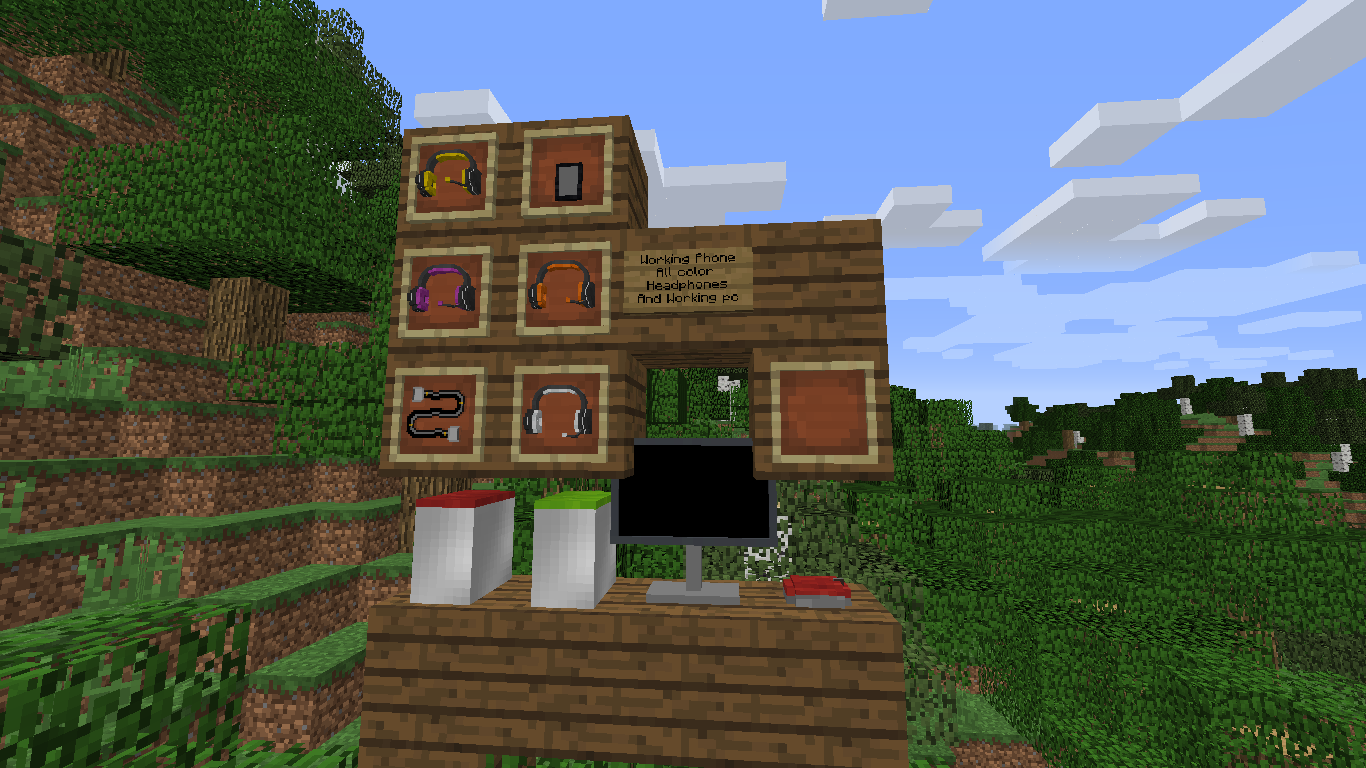
IMPORTANT!: For this mod to work you MUST to follow these steps listed down below.
1. Download MrCrayfish's device mod Here. (Extra-Ons 1.0 - 4.0 only work with Device Mod version 1.2.1. Extra-Ons version 5.0 works with 1.3.1. Extra-Ons 5.3 works with 0.4.0 - 0.4.1.)
2. go to http://www.javazoom.net/jlgui/api.html and download the 3.0 version (If you are using Extra-Ons version 5.1 or higher steps 2, 3, and 4 can be skipped)
3. open the .zip file and open the folder inside and then go to the lib folder
4. all the .jar files in there need to be placed in your mods folder
Discord: https://discord.gg/pcYE7Ej
F.A.Q:
Q: Please update the mod to Device mod version [SOME VERSION HERE].
A: Extra-Ons is currently (as of 2/10/22) updated to the latest version of the Device mod. As the device mod is now abandon, chances are low it will be updated again
Q: So wait. Is this mod abandon?
A: Not exactly. New features are not guaranteed to come but bug-fixes can be submitted in the discord (although, its not guaranteed they will be fixed right away if ever).
- Edition: Minecraft Java
- File type: .jar
- How to install: Install the matching mod loader (Forge, Fabric or NeoForge) for your Minecraft version. → Download the .jar. → Put it in the .minecraft/mods folder and launch that loader profile.
- Where to get it: Opens on CurseForge — not every file is mirrored on our own servers.
Install steps are the general flow for this file type — How to install Minecraft Java mods & modpacks walks through it step by step.
- Ships as extraons-beta-testing-4.0.jar — drop this file into the mods folder
- Download size: 5.6 MB
- Download link checked 13 Oct 2026 — working
These come from our own check of the pack file, not from the source page.