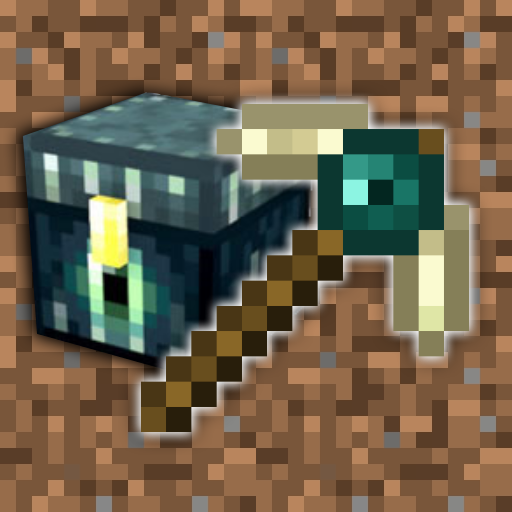
Tools Done Right
Minecraft Java mod. Downloads from the MC Java Mods app on Android.
Adds magical and balanced tools, including End tools which can transfer broken blocks to the player's ender chest
⬇ Download on CurseForge
Tools Done Right is a mod which adds new types of tools into the game, but not like a boring old tools mod like the thousands available everywhere. This mod aims to be much more professional in its manner. The mod adds a new toolset known as End Tools, which have some very special behaviour compared to normal tools.


Emerald, Ruby, Topaz and Sapphire
Each set has 200 uses, harvests at iron level and is almost as efficient as gold.
Emerald tools have Looting II or Fortune as soon as they are crafted.

Obsidian
4000 uses, but is very slow and hard to enchant.

End
1000 uses. End tools have magical properties, meaning they can do things normal tools can't:
- Sword: Can pick up any living entity (a sheep, a skeleton, a creeper etc.) and will place it back down when the sword is activated again. Doing so will use up the durability of the sword.
- Pickaxe, axe and shovel: Will automatically transfer items into the player's ender chest when dropped from a broken block. This means you no longer have to carry around heaps of cobblestone - just mine it with an ender pickaxe and it'll go straight into your ender chest, or mine the valuable stuff with it and have it safe from lava and pesky mobs.
- Hoe: Harvests fully-grown crops without having to replant them. Grow some crops, right click them with the ender hoe, and a seed will automatically be replanted in its place.

This mod adds in three new ores, which are used to craft ruby, topaz and sapphire tools:

Left to right: Ruby, topaz, sapphire. All spawn uncommonly underground, below level 32. They can also be converted into their respective blocks, shown above them.


Left to right: Ruby, topaz and sapphire.


Emerald, ruby, topaz and sapphire tools all have regular recipes, but end tools are crafted with one or more ender eyes.

- Edition: Minecraft Java
- File type: .jar
- How to install: Install the matching mod loader (Forge, Fabric or NeoForge) for your Minecraft version. → Download the .jar. → Put it in the .minecraft/mods folder and launch that loader profile.
- Where to get it: Opens on CurseForge — not every file is mirrored on our own servers.
Install steps are the general flow for this file type — How to install Minecraft Java mods & modpacks walks through it step by step.
- Ships as Tools Done Right by NukeDuck [1.7.10][1.1.3].jar — drop this file into the mods folder
- Download size: 45 KB
- Download link checked 13 Oct 2026 — working
These come from our own check of the pack file, not from the source page.