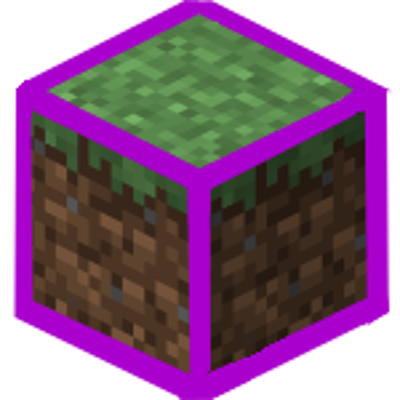
Block Highlighter
Minecraft Java mod. Downloads from the MC Java Mods app on Android.
⬇ Download on CurseForgeOriginally from CustomUI, but re-released with only the block highlighting feature and no dependency on GobbleCore. Lighter weight alternative with a more descriptive project title.
In game configuration allows for total customization. In game tool found via Mods Tab -> Block Highlighter -> Config
Allows for customization of both the bounding box and block faces.
Users can also customize settings like line thickness, light level responsiveness, and removing/ using the default bounding box.
Only required client side!




- Edition: Minecraft Java
- File type: .jar
- How to install: Install the matching mod loader (Forge, Fabric or NeoForge) for your Minecraft version. → Download the .jar. → Put it in the .minecraft/mods folder and launch that loader profile.
- Where to get it: Opens on CurseForge — not every file is mirrored on our own servers.
Install steps are the general flow for this file type — How to install Minecraft Java mods & modpacks walks through it step by step.
- Ships as blockhighlighter-1.14.4-1.2.0.jar — drop this file into the mods folder
- Download size: 20 KB
- Download link checked 13 Oct 2026 — working
These come from our own check of the pack file, not from the source page.