Charset Crafting
Minecraft Java mod. Downloads from the MC Java Mods app on Android.
⬇ Download on CurseForge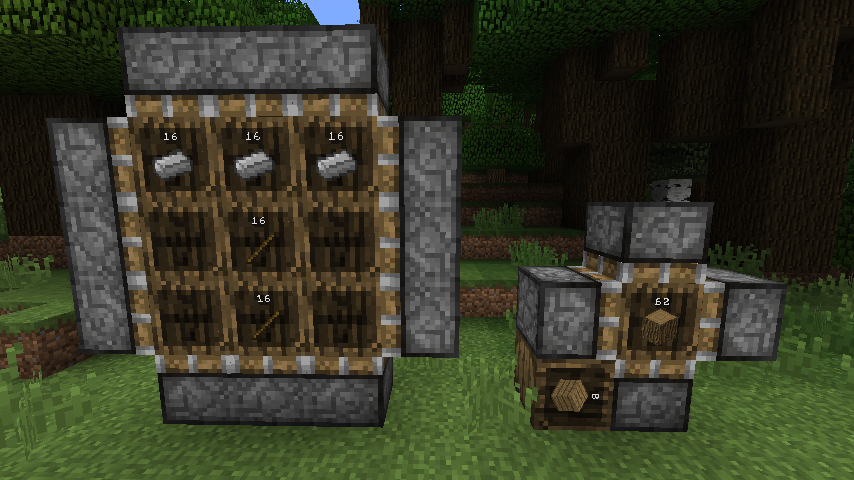
Charset Crafting is a set of Charset modules dedicated to the art of crafting. As this module is a work in progress, behaviour may still be tweaked slightly.
As always, each of the modules can be enabled or disabled manually in modules.cfg.
crafting.cauldron
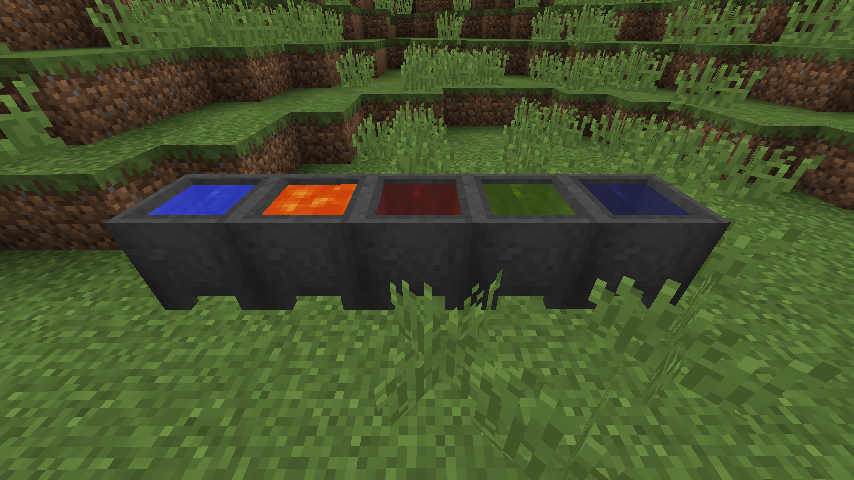
This submodule replaces the vanilla Cauldron with a more powerful one. While it retains all of the functionality of the vanilla Cauldron (including mod compatibility), it can also:
- act as a one-bucket tank and hold any fluid,
- dye items - including modded items and dropped item entities - by dyeing water,
- create tipped arrows from lingering potions,
- burn mobs which fall into it if lava is stored.
As such, it also includes new liquids - dyed water and liquid potions.
You can also use it to configure the amount of liquid stored in a water bottle - from 333 1/3 mB (vanilla default) to anything between 1 and 1000 mB! (Please note that, by default, it changes water bottle liquid size to exactly 250 mB. This can be disabled.)
More features coming soon! MineTweaker functionality is also provided for defining custom recipes, and is documented here.
If the Inspirations mod by KnightMiner is installed, this module will disable itself as to not conflict with its own cauldron reimplementation. (However, you can force-enable Charset's version of the Cauldron in modules.cfg)
crafting.compression (NOTE: depends on storage.barrels)
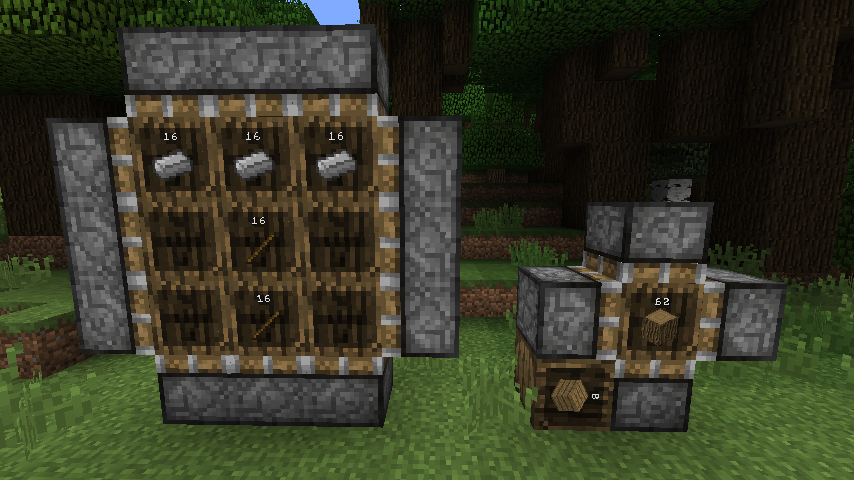
This submodule introduces the Compression Crafter - a multiblock structure which, combined with Charset's Barrels, lets you perform automatic crafting operations.
In general, you build your crafting grid out of Barrels - the top and facing of the barrel denote the top and front of the crafting grid respectively - and surround it with Compression Crafters facing the inside of the structure. Then, powering one of the sides with a redstone signal will begin the crafting operation. The crafting results will be output into any eligible inventory neighboring the side of the Crafter which was powered. Video example
crafting.pocket
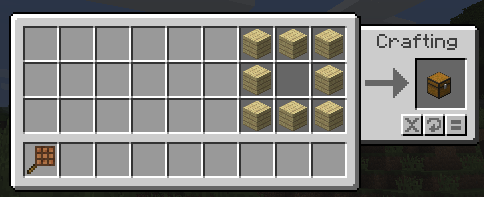
This submodule introduces the Pocket Crafting Table - a way to re-use some of your inventory's slots as a handheld 3x3 crafting grid, complete with a few utility buttons for common operations.
This version of the mod requires CharsetLib!
Project icon utilizes Unity textures by CyanideX.
- Edition: Minecraft Java
- File type: .jar
- How to install: Install the matching mod loader (Forge, Fabric or NeoForge) for your Minecraft version. → Download the .jar. → Put it in the .minecraft/mods folder and launch that loader profile.
- Where to get it: Opens on CurseForge — not every file is mirrored on our own servers.
Install steps are the general flow for this file type — How to install Minecraft Java mods & modpacks walks through it step by step.
- Ships as Charset-Crafting-0.5.6.0.jar — drop this file into the mods folder
- Download size: 111 KB
- Download link checked 13 Oct 2026 — working
These come from our own check of the pack file, not from the source page.