
PokeLucky
Java mod listed for Minecraft 1.16–1.21. Downloads from the MC Java Mods app on Android.
I don't know my version or loader
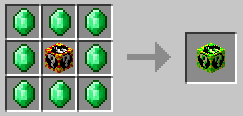
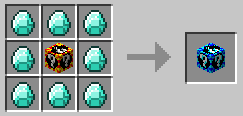
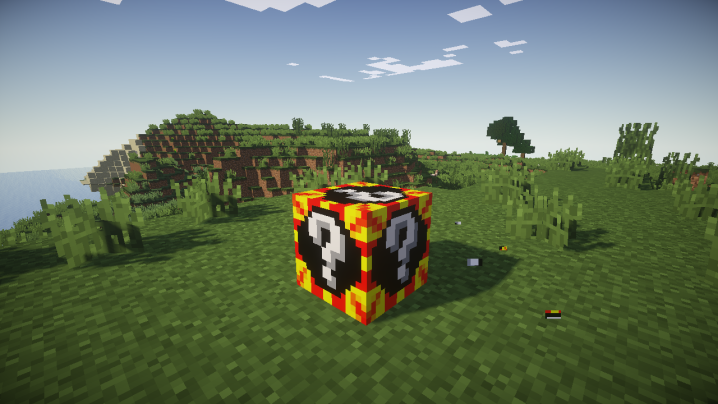
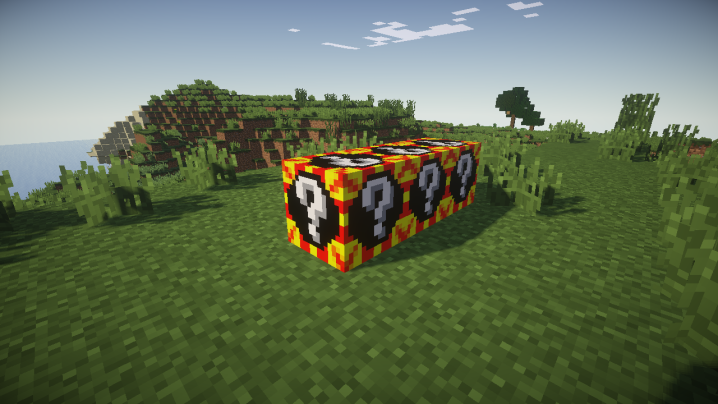
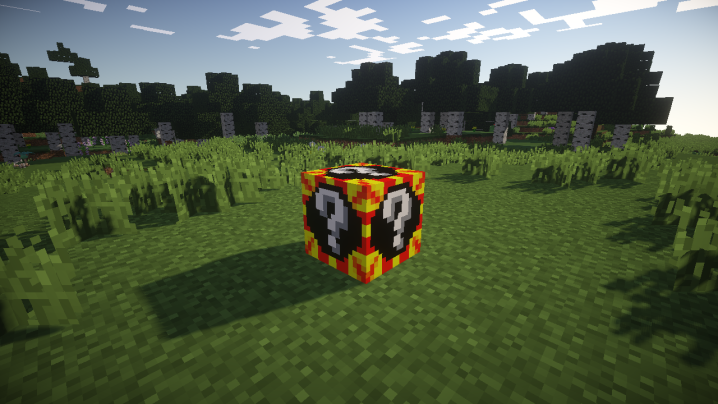
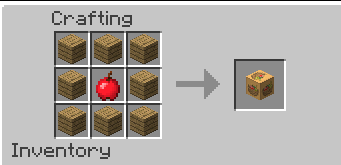
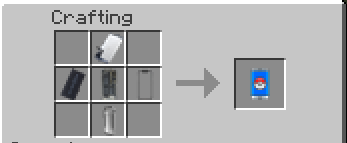
**Pokelucky Mod – Randomize! Hack! Chaos! Endless Fun!**
Get ready for a brand-new Pixelmon experience with **Pokelucky Mod**, adding excitement, challenges, and surprises to your world!
🔹 **Exciting Pokémon Randomization!**
Open a **Pokelucky Block** and receive a variety of Pokémon and rare items from special chests! But be careful—you might also encounter **Team Rocket** or terrifying monsters! 😈🔥
🎲 **Special Pokelucky Blocks!**
- **Legendaries Lucky Block** – Unlock only **Legendary Pokémon**! 🌟
- **Ultrabeasts Lucky Block** – A must-have for Ultra Beast fans seeking supernatural power! 🚀
📱 **PokePhone – The Ultimate Trainer's Smartphone!**
- **Store Pokémon anywhere** without needing a PC!
- **Instant access to Ender Chest**—no more running around!
- **Secure banking system** to safely store your money!
- **Beware, hackers!** Use the Hack App to attempt stealing money or items from other players! 💀 (But be warned—failure is likely, and your PokePhone may break!)
- **Remotely trade Pokémon** without using a trade machine!
- **Heal Pokémon anytime, anywhere!** No need to find a Healing Station!
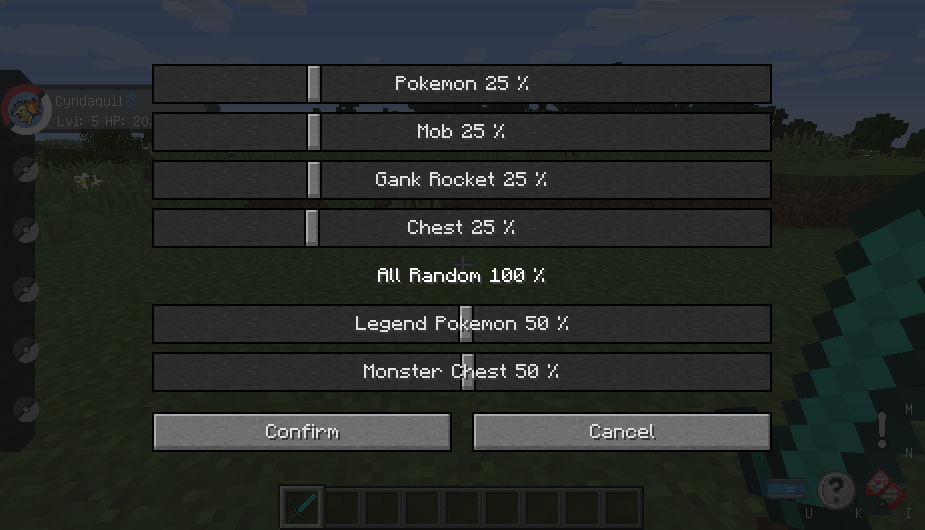
⚙ **Smart Config System!**
Customize your gameplay **directly within your world**—no messy config files needed!
🚨 **Team Rocket is Back!**
They mean business!
- **Musashi (Jessie)** – Sneaks into your inventory to steal your items! 🎭
- **Kojiro (James)** – Snatches your Pokémon when you least expect it! 🏴☠️
💥 **Are you ready?** Dive into the chaos, randomize Pokémon, and conquer challenges with Pokelucky Mod! 🎮✨
- Edition: Minecraft Java
- File type: .jar
- Minecraft versions listed: 1.21.1, 1.20.2, 1.16.5
- How to install: Install the matching mod loader (Forge, Fabric or NeoForge) for your Minecraft version. → Download the .jar. → Put it in the .minecraft/mods folder and launch that loader profile.
- Where to get it: Opens on CurseForge — not every file is mirrored on our own servers.
Install steps are the general flow for this file type — How to install Minecraft Java mods & modpacks walks through it step by step.
- Ships as pokelucky-generations-6.13.4(1.12.2).jar — drop this file into the mods folder
- Download size: 251 KB
- Download link checked 13 Oct 2026 — working
These come from our own check of the pack file, not from the source page.