ModsJava
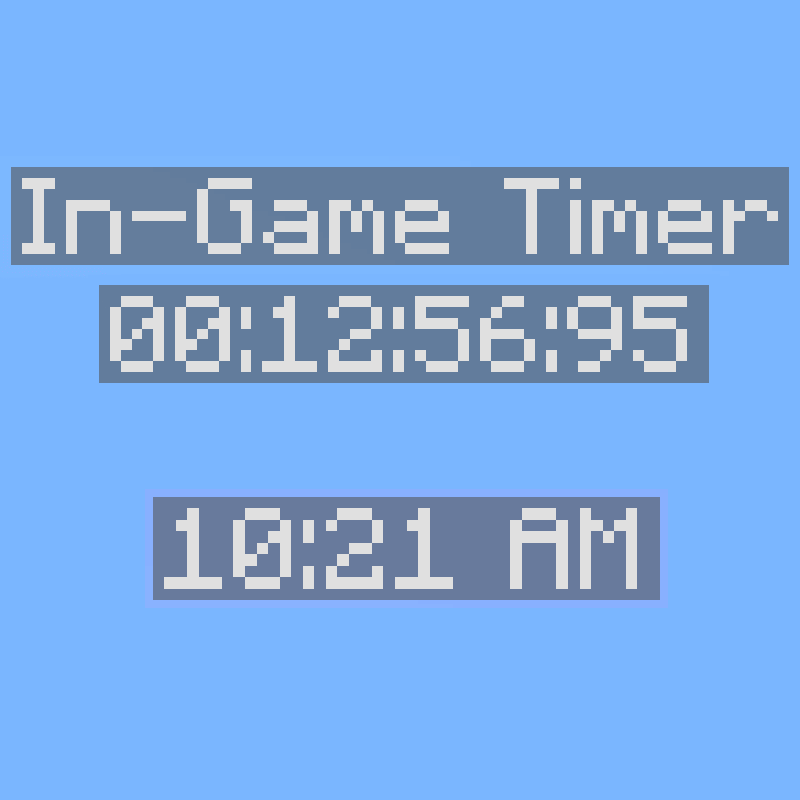
In-Game Time
Minecraft Java mod. Downloads from the MC Java Mods app on Android.
⬇ Download on CurseForge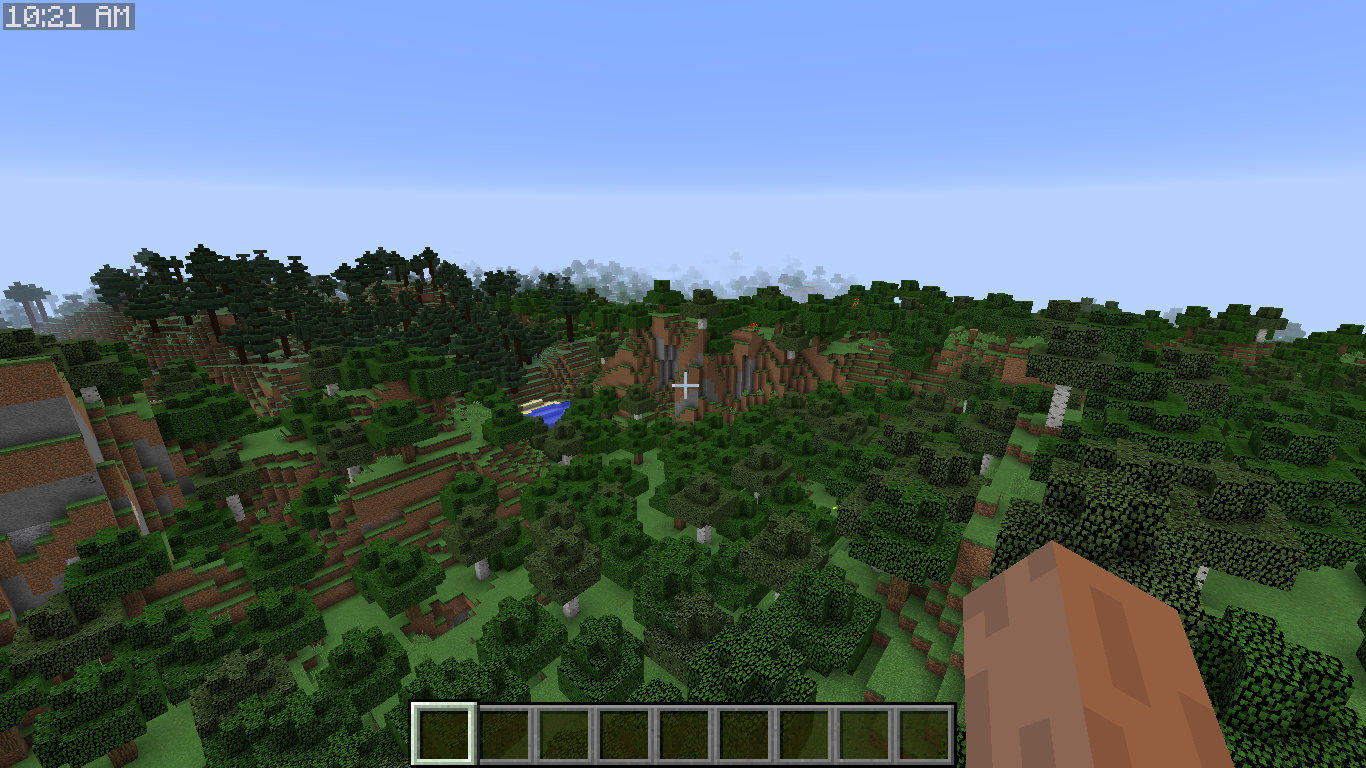
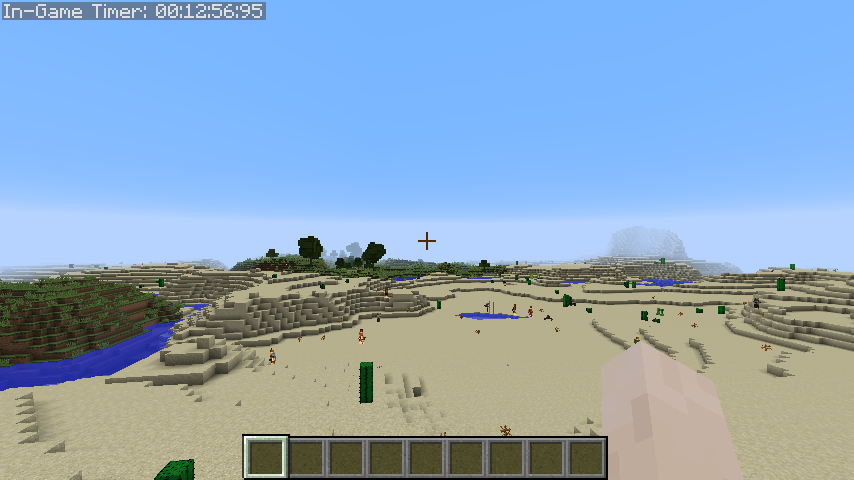
This is a pretty simple mod. It shows the In-Game Time on top left of the screen.

It can be configured to
- Show-hide the 'In-Game Time: ' string
- Set the Update rate of the timer (by default each tick)
- Press 'o' to stop the timer
Config File:
#Show/hide the 'In-Game Time: ' string
show_text = true
#Each how many ticks should the timer be updated? (20 ticks = 1 second)
update_rate = 1
Old 1.12 features and config
- Show-hide the timer
- Show-hide the tick count
- Don't start the timer at the world load, instead use a command '/igt start' to start it and begin able to stop it with '/igt stop'.
- Show the In-real-life time (with configurable format, hh:mm AM/PM by default)
Configuration File:
# Configuration file

config {

    general {
        # Show/Hide the 'In-Game Timer:' text
        B:"Show Text"=true

        # Makes ticks appear after the time, in parenthesis
        B:"Show Ticks"=false

        # Show/Hide HH:MM:SS:DD time
        B:"Show Time"=true

        # If enabled the timer will start when the command 'igt:start' is executed instead at the start of the world
        B:"Start Timer via Command"=true

        # Every how many ticks (1 second = 20 ticks) should the in-game-timer update?
        # Min: 1
        # Max: 20
        I:"Update rate"=1
    }

    "real time" {
        # How to display the irl time. Possible pattern letters can be found here: https://docs.oracle.com/javase/7/docs/api/java/text/SimpleDateFormat.html
        S:"Real Time Format"=hh:mm a

        # Makes the string on top left corner show real life time. If this is true, the in-game-timer will no longer be visible. In 'format' you can even add day, month and year.
        B:"Show Real Time"=false
    }

}
 |
Support me on Ko-Fi! |
Modpack Permssions:
Do whatever the hell you want for modpacks, public or private they are!
Quick facts
- Edition: Minecraft Java
- File type: .jar
- How to install: Install the matching mod loader (Forge, Fabric or NeoForge) for your Minecraft version. → Download the .jar. → Put it in the .minecraft/mods folder and launch that loader profile.
- Where to get it: Opens on CurseForge — not every file is mirrored on our own servers.
Install steps are the general flow for this file type — How to install Minecraft Java mods & modpacks walks through it step by step.
File checked by MCModsHub
- Ships as InGameTimer-1.3.1.jar — drop this file into the mods folder
- Download size: 22 KB
- Download link checked 13 Oct 2026 — working
These come from our own check of the pack file, not from the source page.