Admin Shop
Minecraft Java mod. Downloads from the MC Java Mods app on Android.
⬇ Download on CurseForge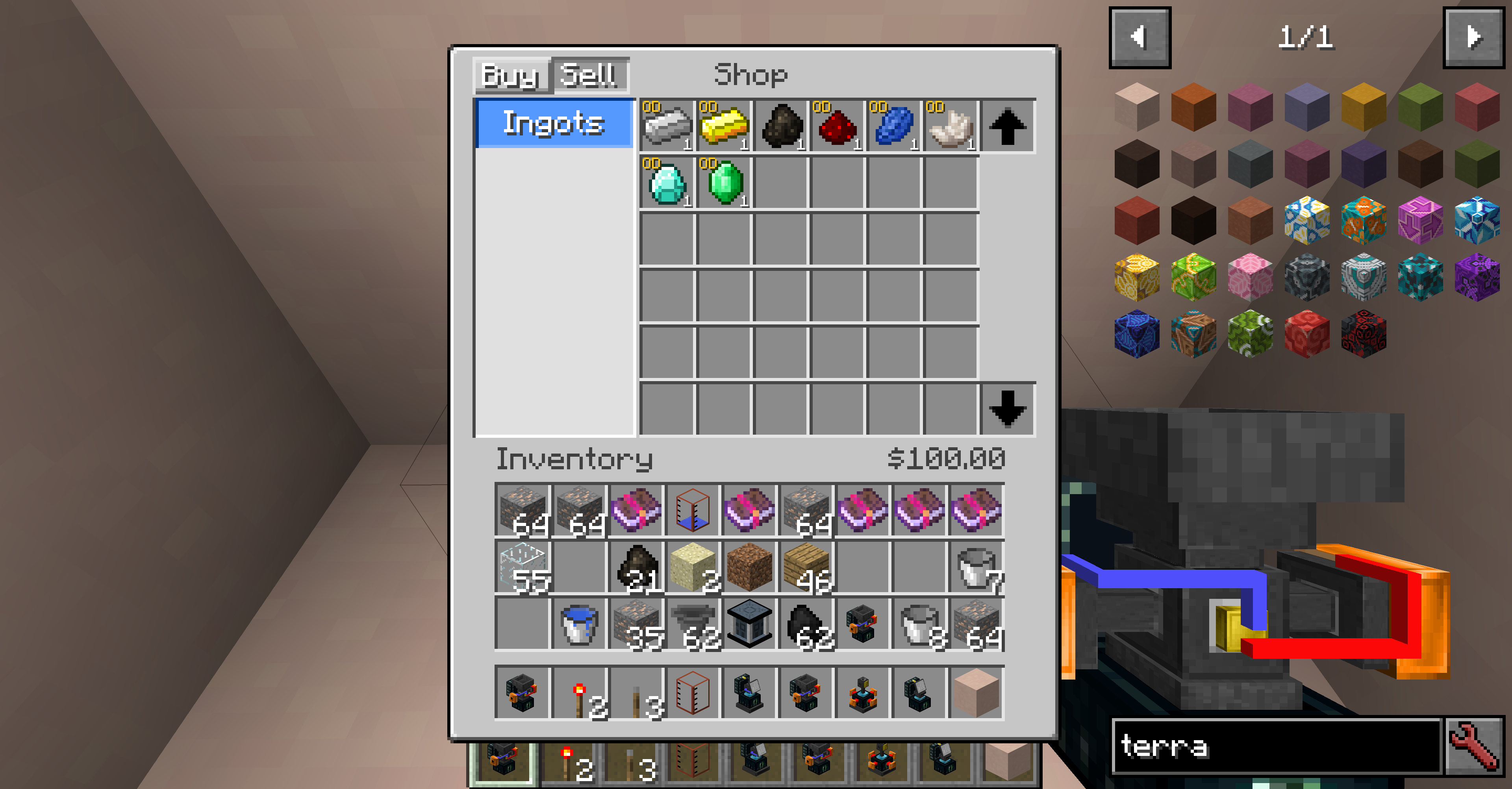

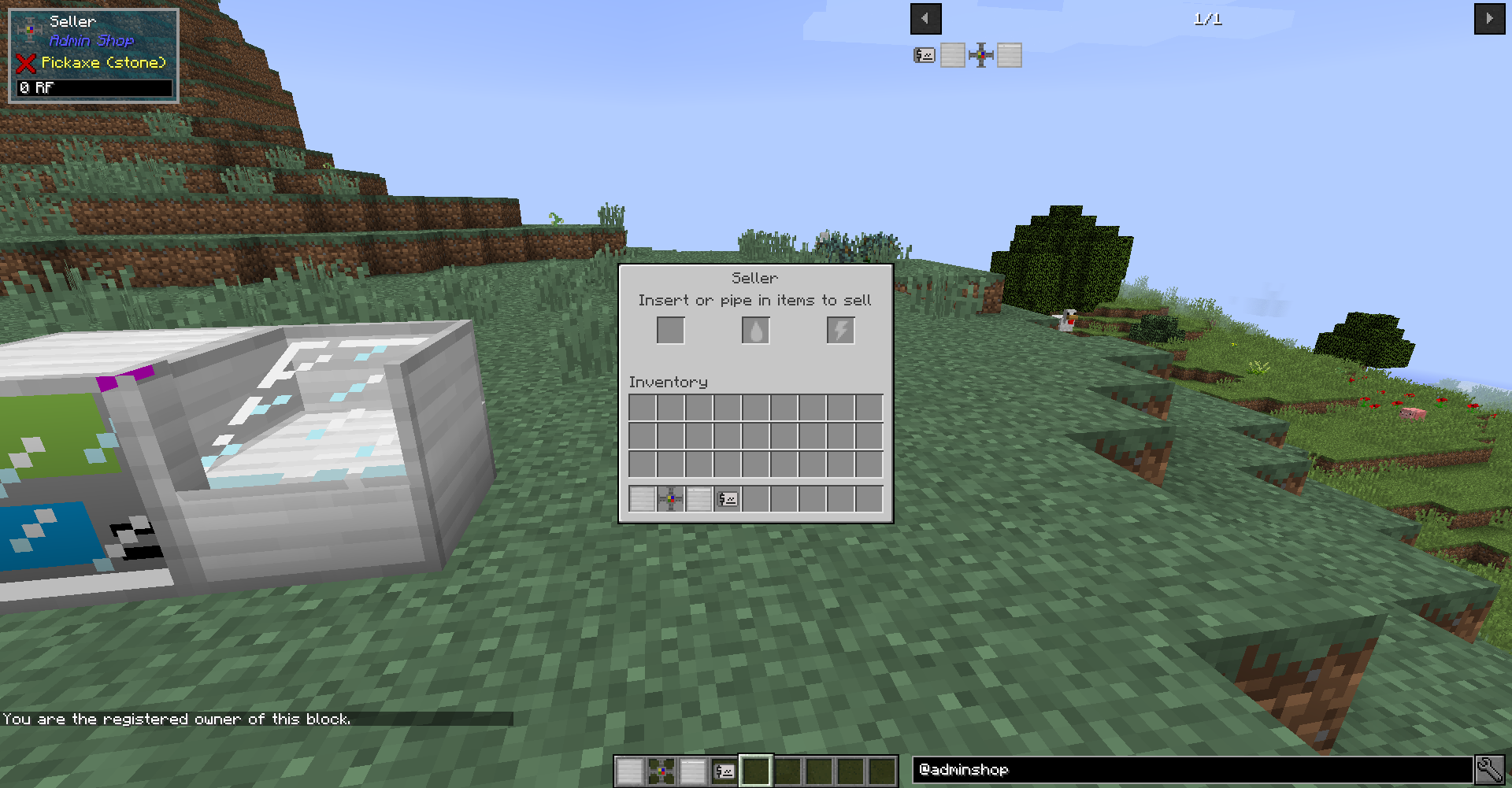
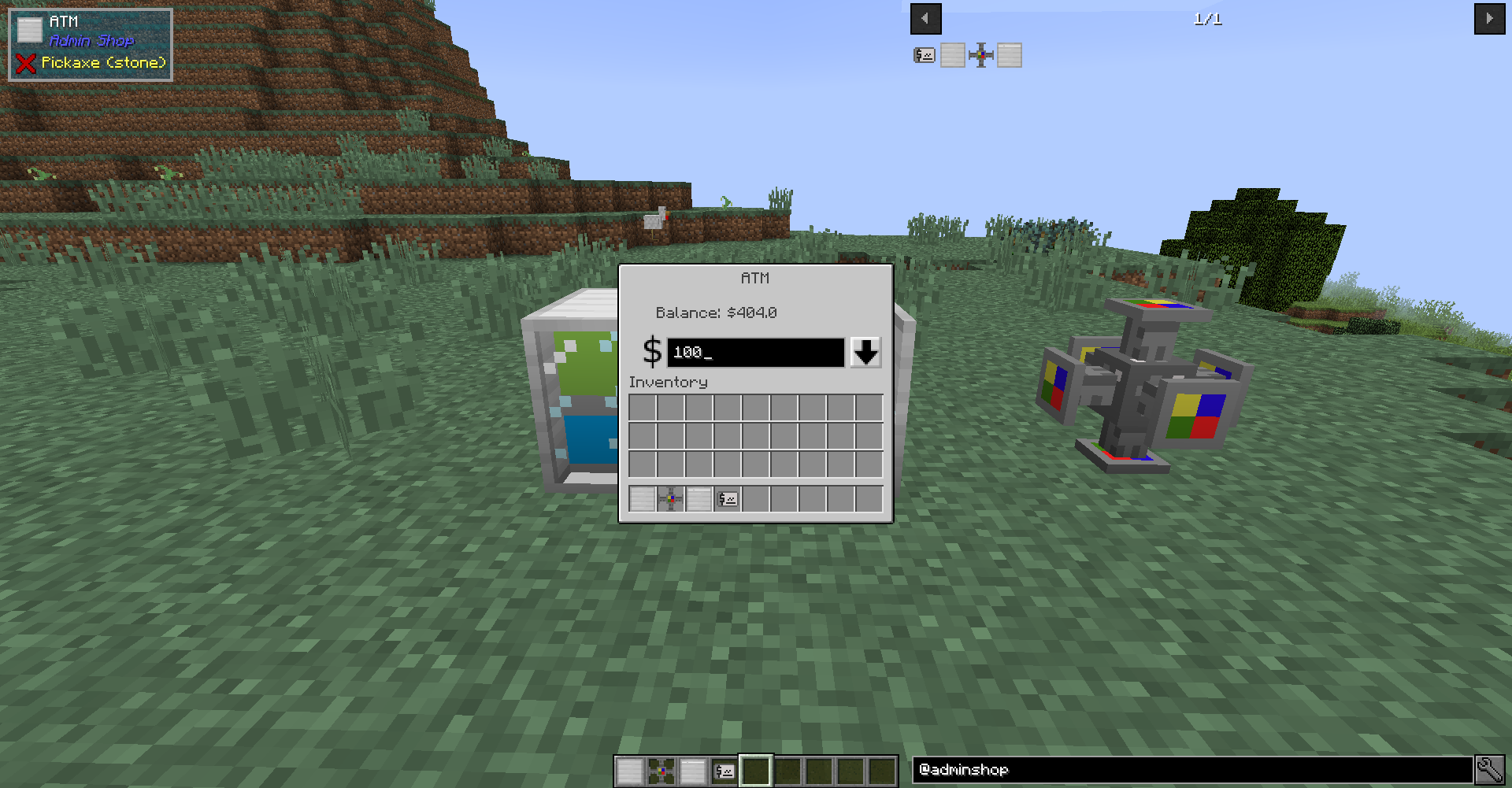
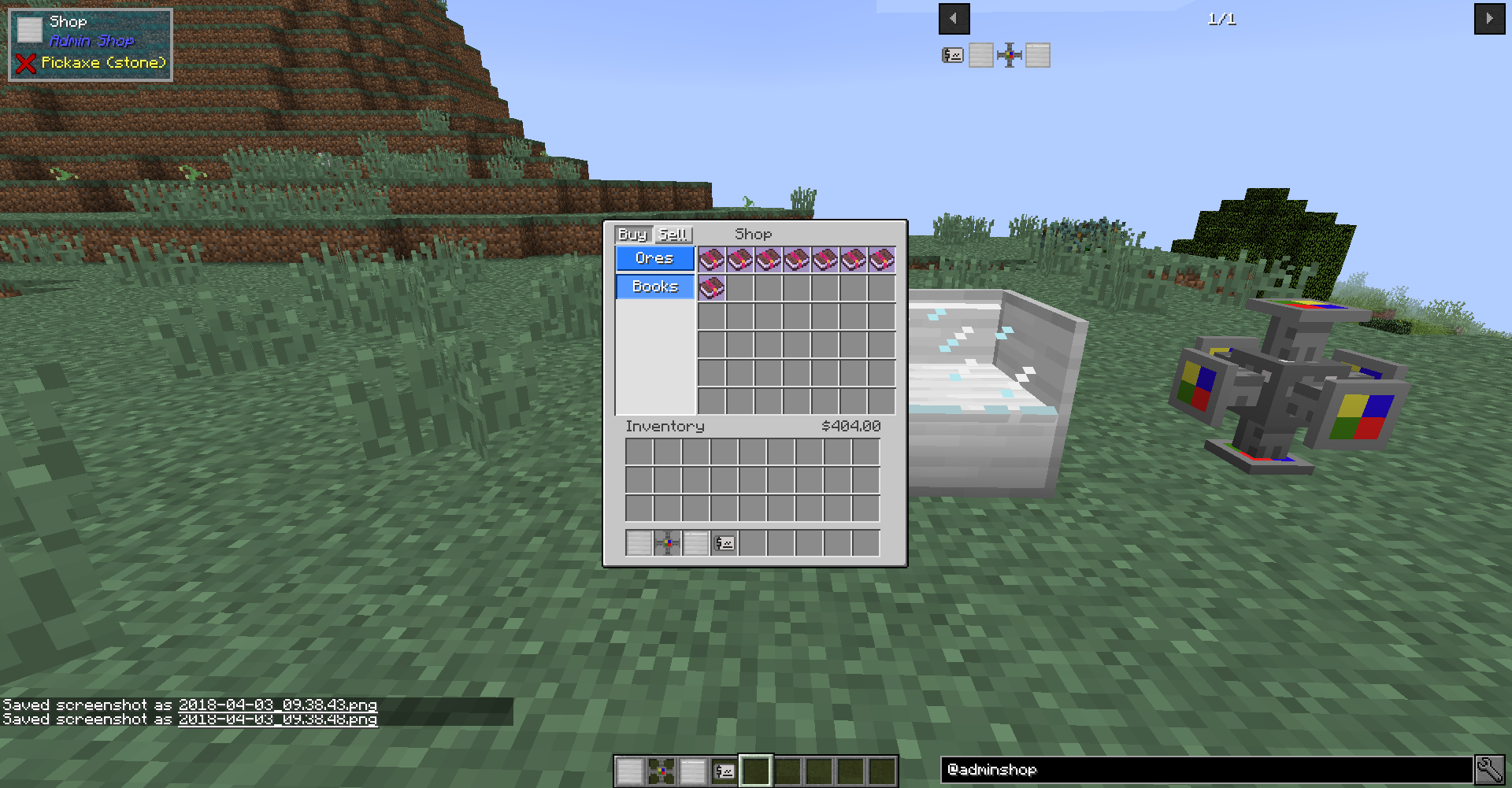
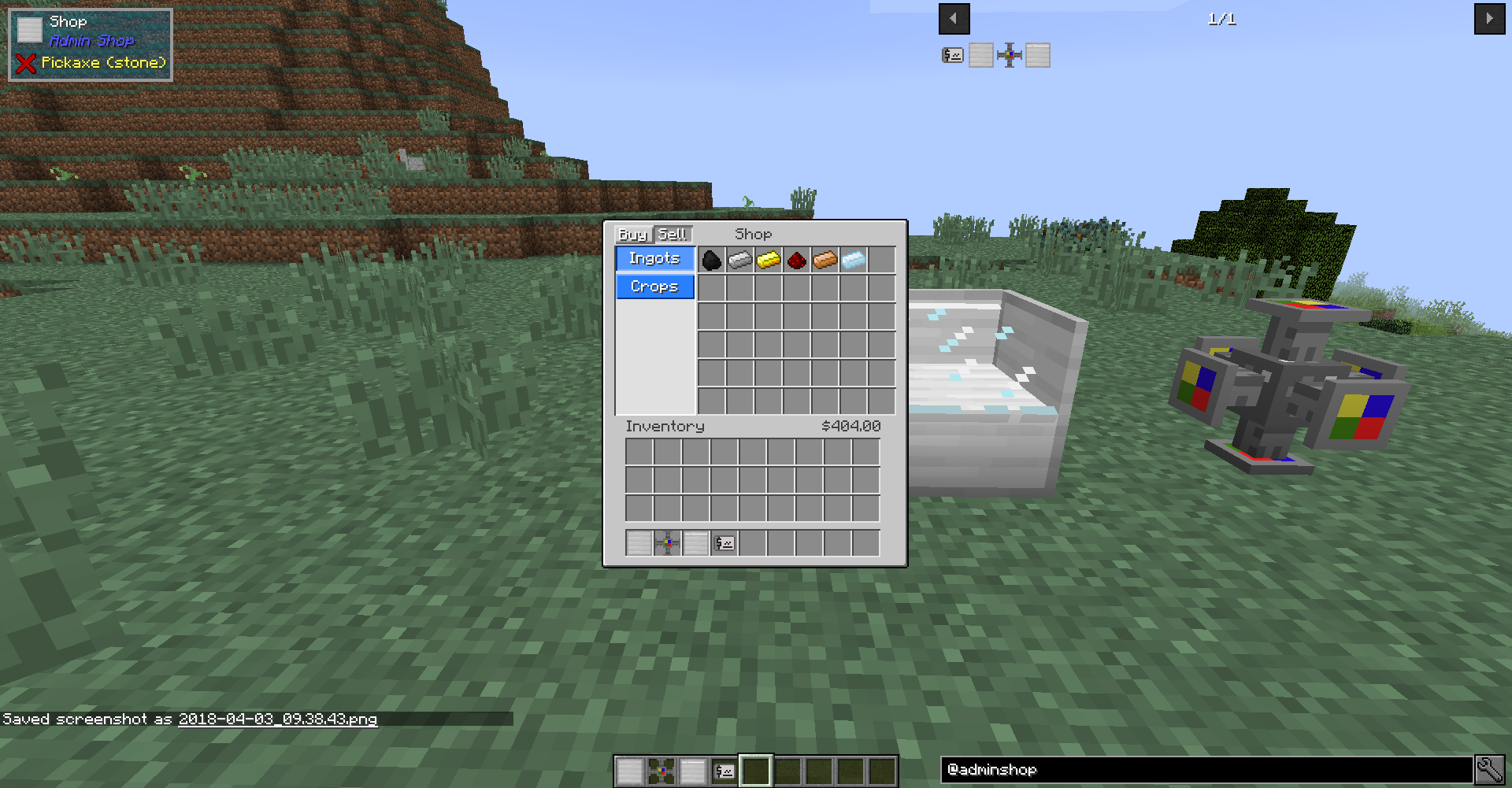
Admin Shop adds a configurable shop that players can use to buy and sell items, fluids, and power to and from the server.
The shop's contents can be edited though a csv file (Spreadsheet) in the config folder. The format for adding items and categories is displayed within the csv file itself. You can use the command "/adminshop reload" to reload the shop from the csv file in-game to see if your changes work, without restarting your game! The shop supports buying and selling items and fluids to and from the player. Forge energy is also supported, but only through the seller block, and the price of power is specified in a regular config file (feature can be disabled as well).
Blocks:
- Shop: Used to buy and sell items in a clear User Interface.
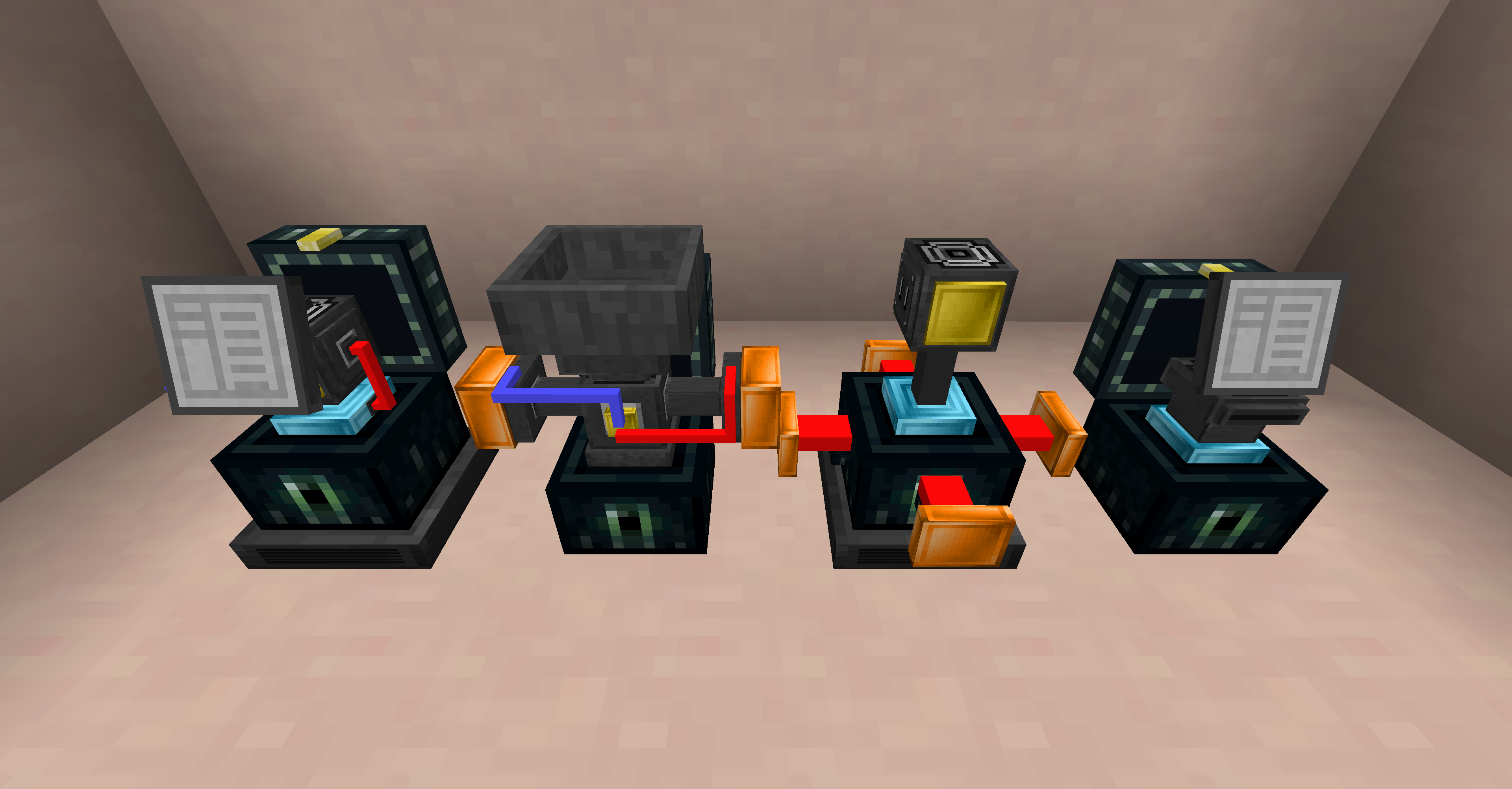
- ATM: Withdraw money from your account in the form of a check that can be given to other players. The player who right clicks the check will deposit the money into their account.
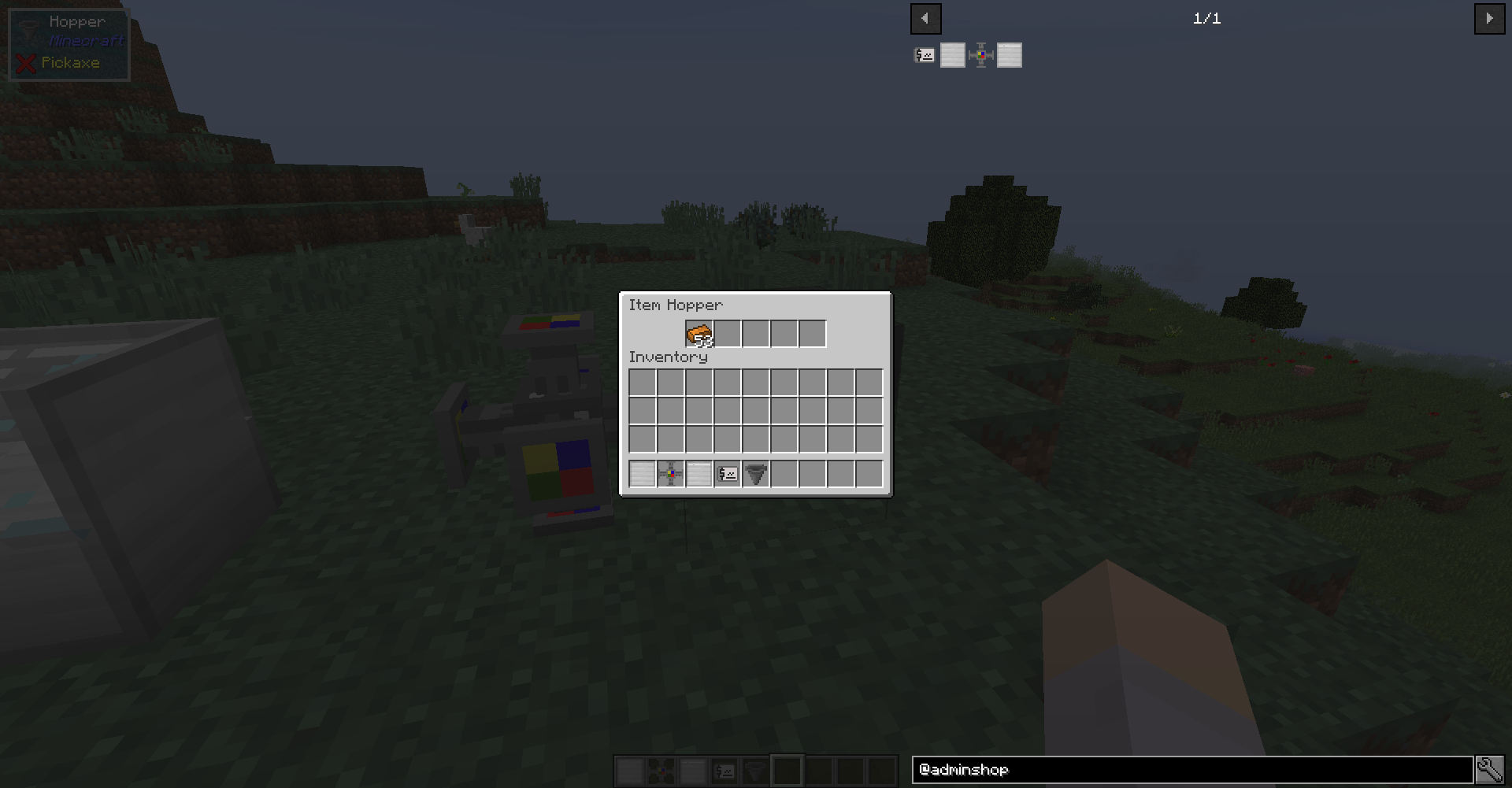
- Seller: Multi-purpose selling block. Manually insert or pipe in items, fluids, and forge energy to automatically sell for money.
- Buyer: Auto purchases items or fluids, and inserts them into the tank/inventory above. Can set rate of purchase and only active with a redstone signal.
Maximum of 6 categories for buying and selling each, with as many items per category as you want. Will create a category scrolling button in a future update.

If you want to use this in your mod pack, please go ahead! It would be nice if you were to let me know about its usage so I can check the pack out for myself, but it's not necessary.
- Edition: Minecraft Java
- File type: .jar
- How to install: Install the matching mod loader (Forge, Fabric or NeoForge) for your Minecraft version. → Download the .jar. → Put it in the .minecraft/mods folder and launch that loader profile.
- Where to get it: Opens on CurseForge — not every file is mirrored on our own servers.
Install steps are the general flow for this file type — How to install Minecraft Java mods & modpacks walks through it step by step.
- Ships as adminshop-1.4.jar — drop this file into the mods folder
- Download size: 453 KB
- Download link checked 13 Oct 2026 — working
These come from our own check of the pack file, not from the source page.