
Fog Tweaker
Java mod listed for Minecraft 1.18. Downloads from the MC Java Mods app on Android.
⬇ Download on CurseForgeThe author built this one for Minecraft 1.18.1 on Forge. On other versions it may install and then do nothing.

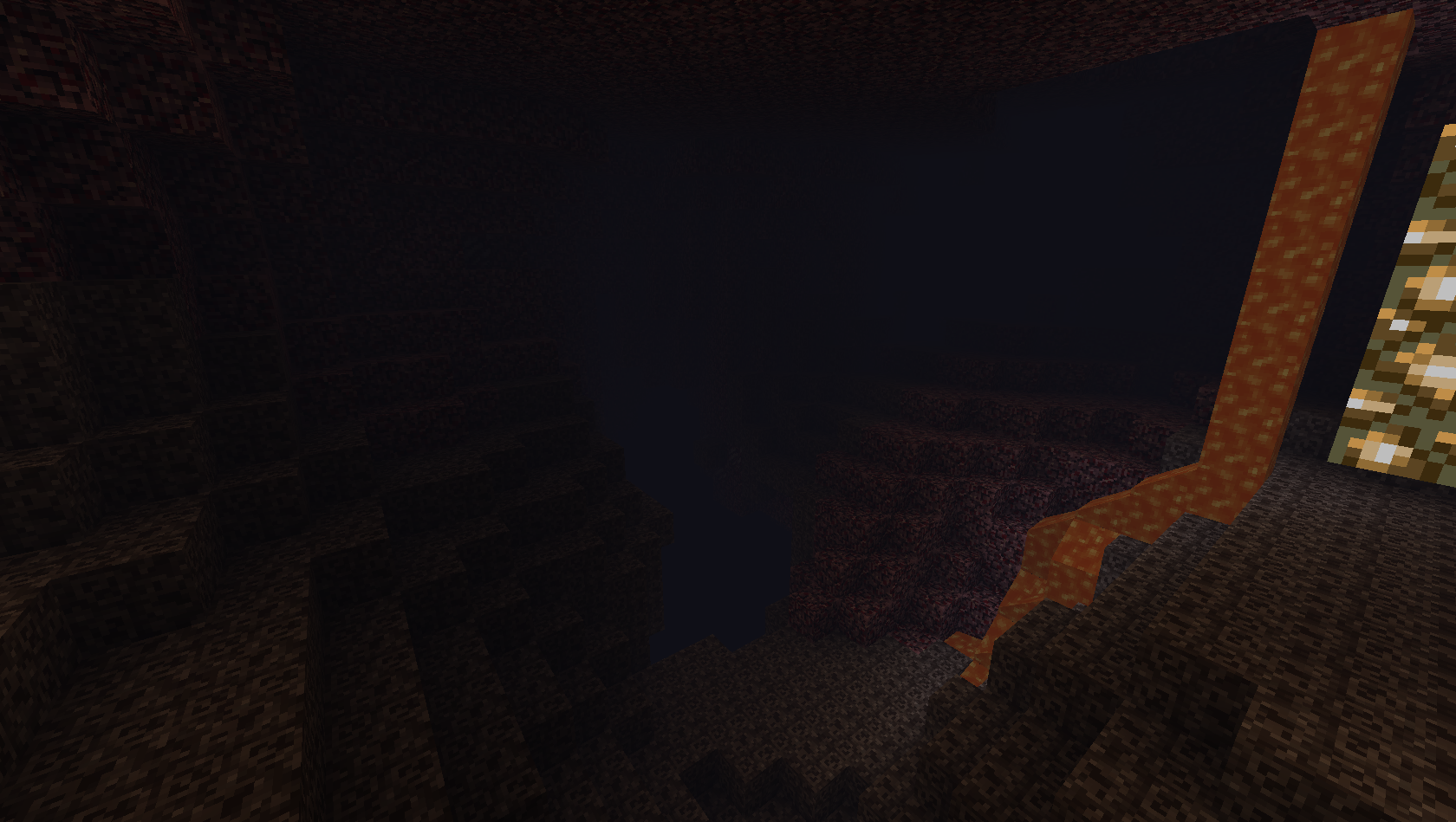
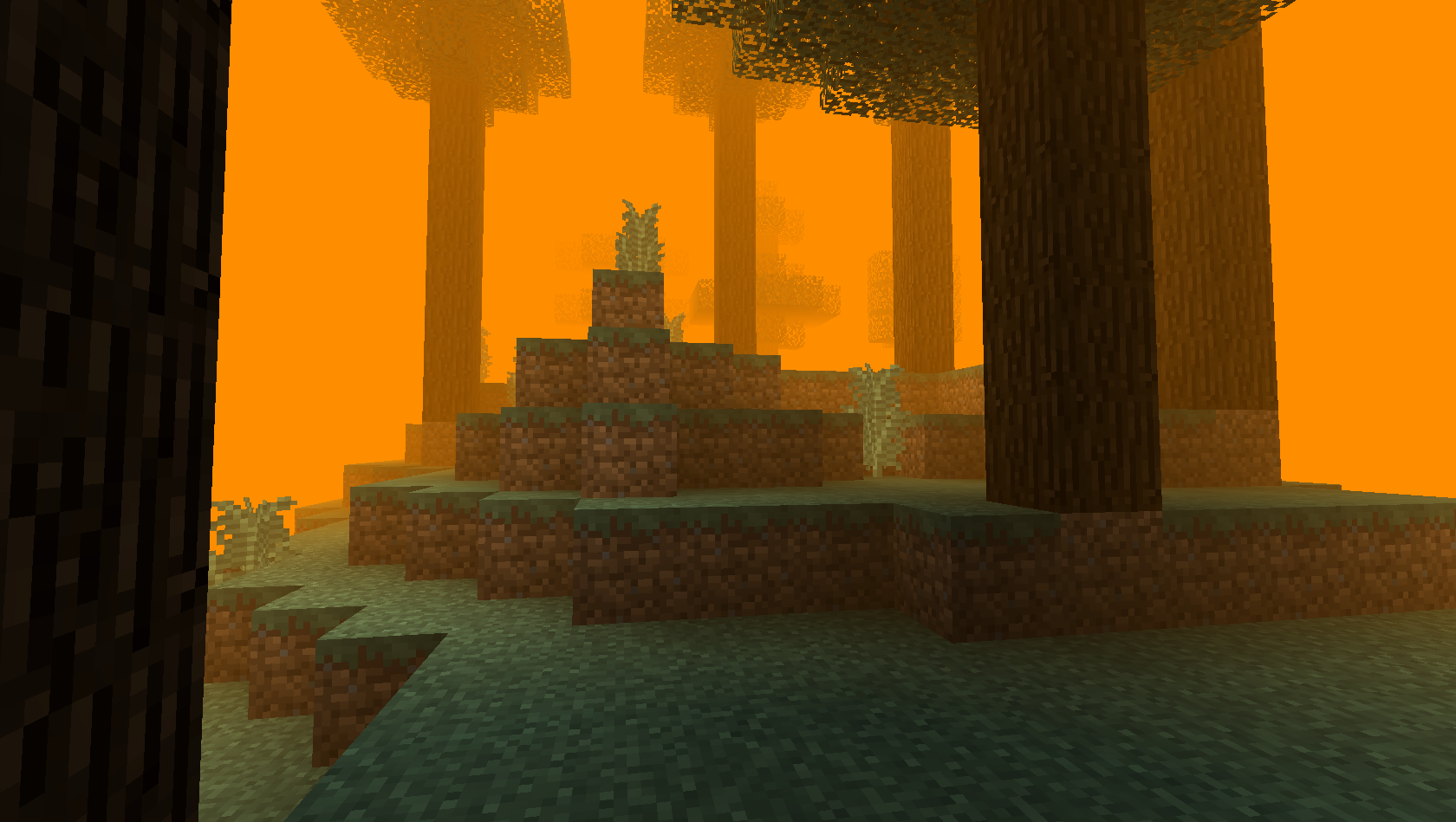
Fog Tweaker lets modpack creators and players add highly customizable fog to biomes in Minecraft.
About Fog Tweaker
This mod is intended for modpack creators or players who want to control Minecraft fog. Using the configuration options you can change the fog density (thickness) fog color and add particles around the player.
Fog Tweaker also has the option of making the fog poisonous on direct contact, this is disabled by default but can be enabled in the config along with a few options to control the delay before damaging the player and damage amount dealt to the player by the fog.
This mod is meant to be as configurable as possible if you have any suggestions for more configuration options, feel free to suggest them and I'll be sure to add them.
Fog Tweaker was called Fog World before, but changed name as Fog Tweaker was deemed to be a more appropriate name for the mod.
Confuring the fog
Fog Tweaker has a very configurable system of JSON files allowing you to modify fog settings per biome, for info on using the configs check the guide on the wiki here: https://github.com/Hennamann/Fog-Tweaker/wiki/Getting-Started-with-the-Config-System
Server or Client?
If you are only interested in the fog rendering (not poisonfog or other effects) the mod will run fine clientside without needing the mod on servers. But installing the mod on a server will work just fine.
Planned features
- Options to have different fog in daytime vs nighttime.
- In-game config for the JSON biome configs.
API/Mod integration
Other mods can integrate with Fog Tweaker using InterModComms, currently only biome overrides are possible but more might be added in the future. For more info check the wiki page here: https://github.com/Hennamann/Fog-Tweaker/wiki/Mod-Integration-for-Developers
License
This mod is licensed with the MIT license.
TLDR: Yes you can use the mod in a modpack.
- Edition: Minecraft Java
- File type: .jar
- Minecraft version listed: 1.18.1
- How to install: Install the matching mod loader (Forge, Fabric or NeoForge) for your Minecraft version. → Download the .jar. → Put it in the .minecraft/mods folder and launch that loader profile.
- Where to get it: Opens on CurseForge — not every file is mirrored on our own servers.
Install steps are the general flow for this file type — How to install Minecraft Java mods & modpacks walks through it step by step.
- Ships as FogWorld-1.12-1.1.0-b15-universal.jar — drop this file into the mods folder
- Download size: 60 KB
- Download link checked 13 Oct 2026 — working
These come from our own check of the pack file, not from the source page.