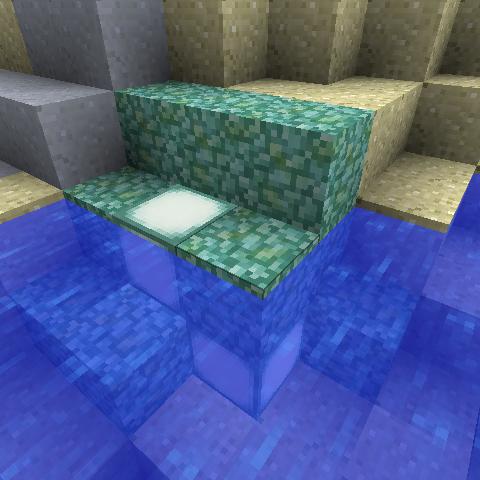
MoreThanEnough Stuff
Minecraft Java mod. Downloads from the MC Java Mods app on Android.
⬇ Download on CurseForge
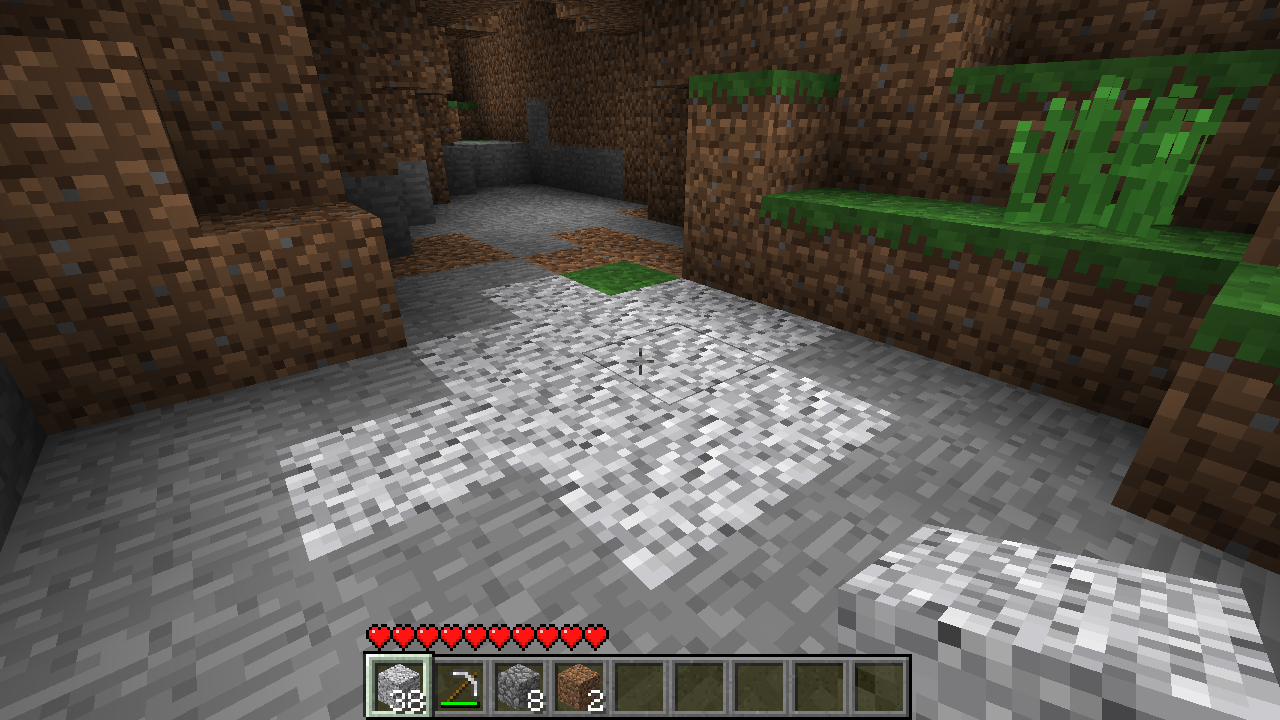
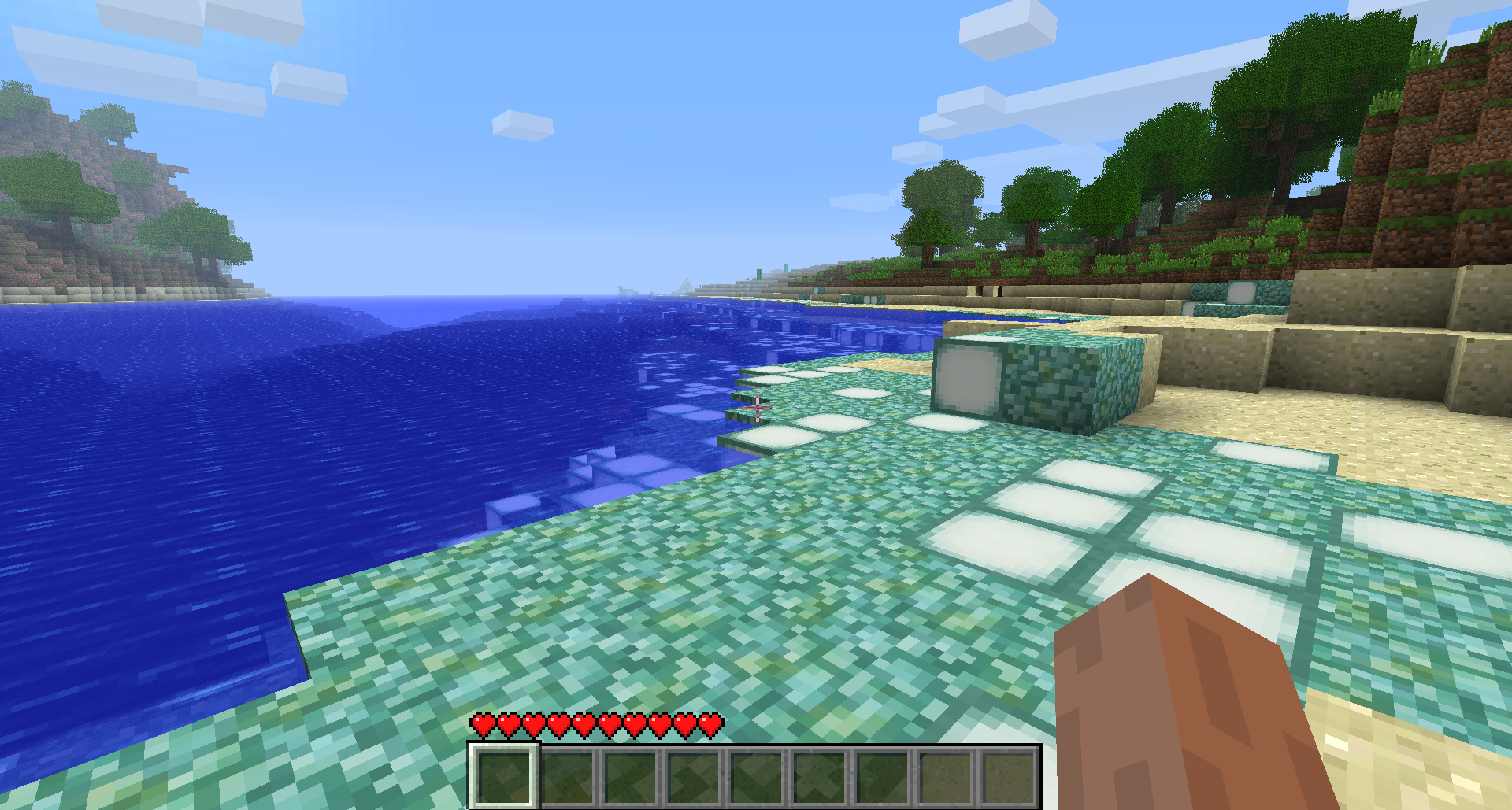

Hasn't anyone played Beta 1.7.3, but then thought "It would be nice if this block was in the game that wouldn't affect gameplay."? Well, now you can, since these blocks and items don't change gameplay, they just make it more feature rich and make Beta 1.7.3 feel more complete. You can view some screenshots below, aswell as crafting recipes. In future versions of the mod, I intend on adding some more original ideas that I've always wanted in Minecraft Beta 1.7.3.
READ ME!
The clientside mod requires Link Removed: http://www.mediafire.com/file/vb5bq3aoitdkgx8/ModLoader B1.7.3.zip and ModLoaderMp (non-server unofficial Beta 1.7.3 v2).
The serverside mod requires just ModLoaderMp (server unofficial Beta 1.7.3 v2).
Installation Instructions
Text instructions
Client
- Download MultiMC from here
- Download ModLoaderMp and Link Removed: http://www.mediafire.com/file/vb5bq3aoitdkgx8/ModLoader B1.7.3.zip
- Download this mod's Client mod from here
- Open MultiMC and create a new instance
- You can name it anything you like
- Tick "Betas" on the side of the version list
- Choose "b1.7.3 - old_beta" from the version list and then click OK
- Select your new instance and click "Edit Instance" in the sidebar on the right
- In the new window, click "Add to Minecraft.jar" from the sidebar on the right under Advanced
- Add ModLoaderB1.7.3.zip from where you downloaded it
- Repeat Step 9, but add MoreThanEnough Client x.x.x.jar
- Done! Simply click Launch or double click the instance in MultiMC.
Server
- Download the Minecraft Beta 1.7.3 vanilla server software. A legal download link is not available, so one will not be provided here
- Download the MoreThanEnough serverside mod from here
- Download ModLoaderMp Server for Beta 1.7.3 from here
- Open both the server software and the MoreThanEnough serverside mod with an archiving program like WinRAR
- Copy the contents from the MoreThanEnough serverside mod to the server software
- Done! Launch the server as usual and it's ready.
Video instructions
Note: This video is extremely outdated. ModLoaderMp is now required instead and the mod is obtained on this website instead of Dropbox.
- Edition: Minecraft Java
- File type: .jar
- How to install: Install the matching mod loader (Forge, Fabric or NeoForge) for your Minecraft version. → Download the .jar. → Put it in the .minecraft/mods folder and launch that loader profile.
- Where to get it: Opens on CurseForge — not every file is mirrored on our own servers.
Install steps are the general flow for this file type — How to install Minecraft Java mods & modpacks walks through it step by step.
- Ships as MoreThanEnough Client.jar — drop this file into the mods folder
- Download size: 40 KB
- Download link checked 13 Oct 2026 — working
These come from our own check of the pack file, not from the source page.