
Rabbit GUI
Minecraft Java mod. Downloads from the MC Java Mods app on Android.
⬇ Download on CurseForgeThis mod doesn't add any new GUIs or anything to the game but it makes building GUIs for mods much easier with a large set of tools and functionality not found in the vanilla classes.
Features include:
- Multiple Panels
- Grids
- Lists
- Draggable camera
- allows you to move player perspective while in GUIs
- Unicode and vanilla font support
- and more!
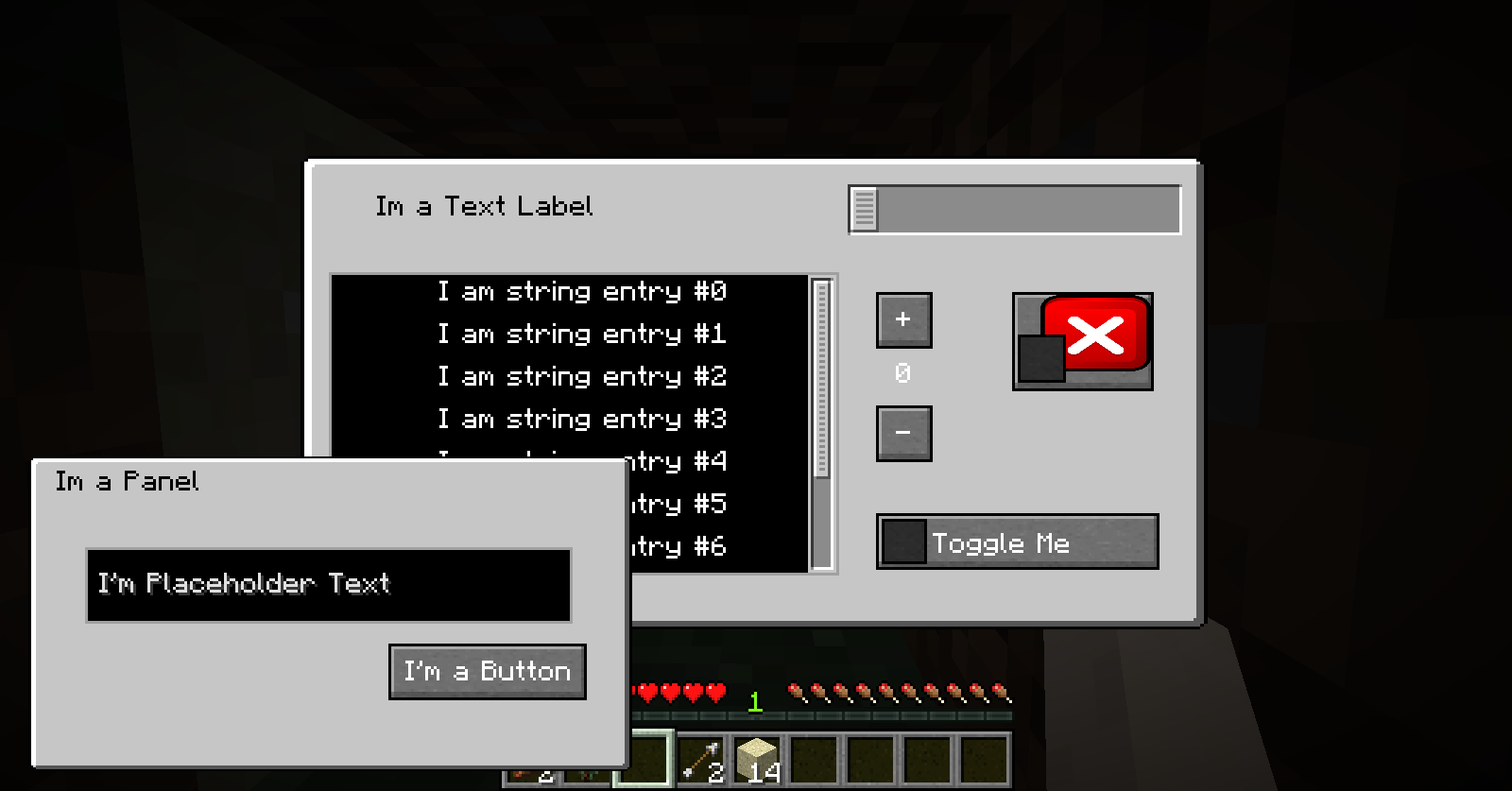
With Panels GUIs can have multiple layers that scale with window size
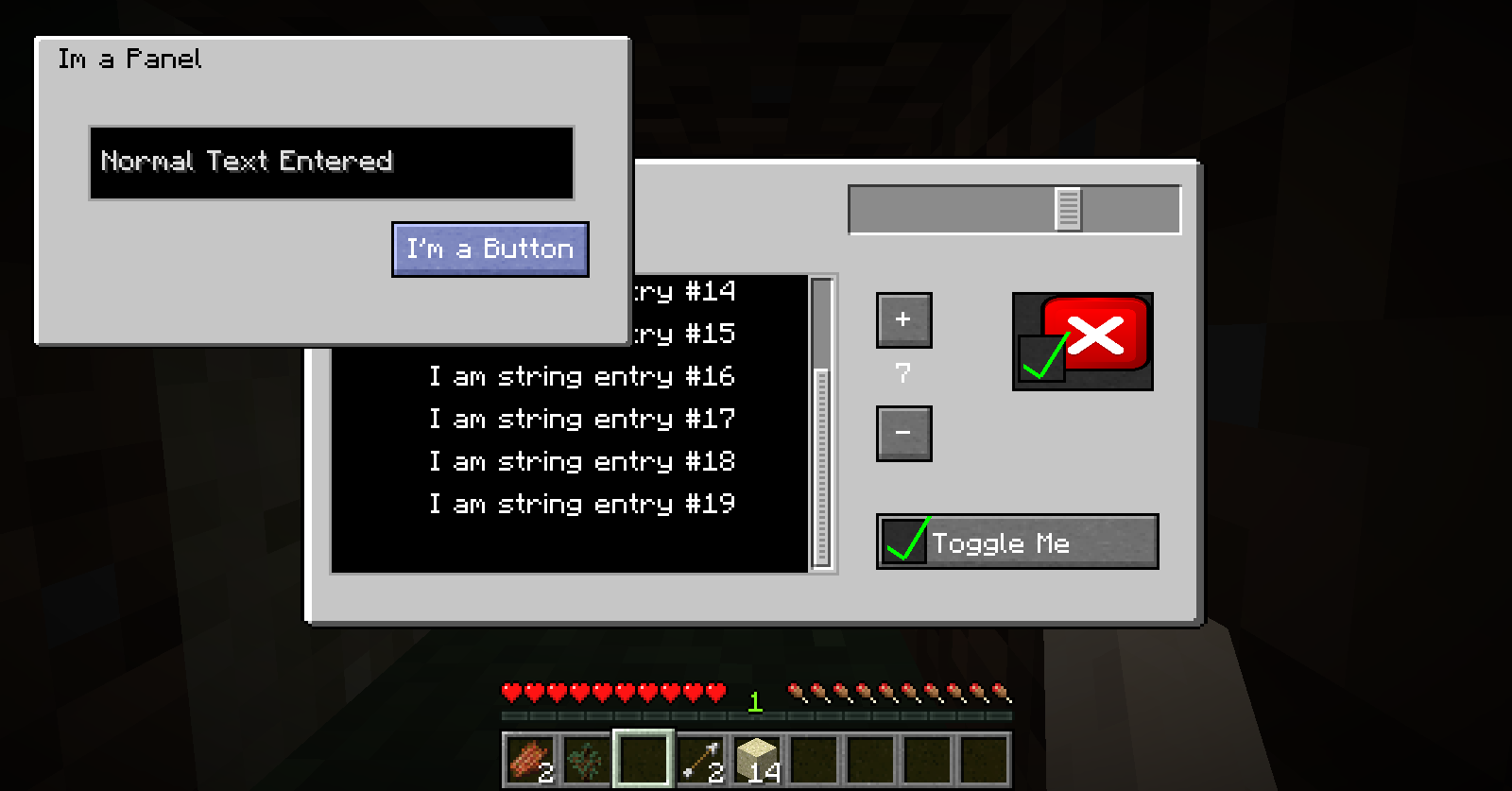
Panels are also draggable so you can utilize space and can be toggled visible. When they are not visible their components are not interactable so you don't have to worry about unexpected actions from invisible buttons.
The background gui is not a panel and is therefore always interactive so long as its components are not behind another object. That way if a panel is over a button if you click on the panel the background button will not fire accidentally.
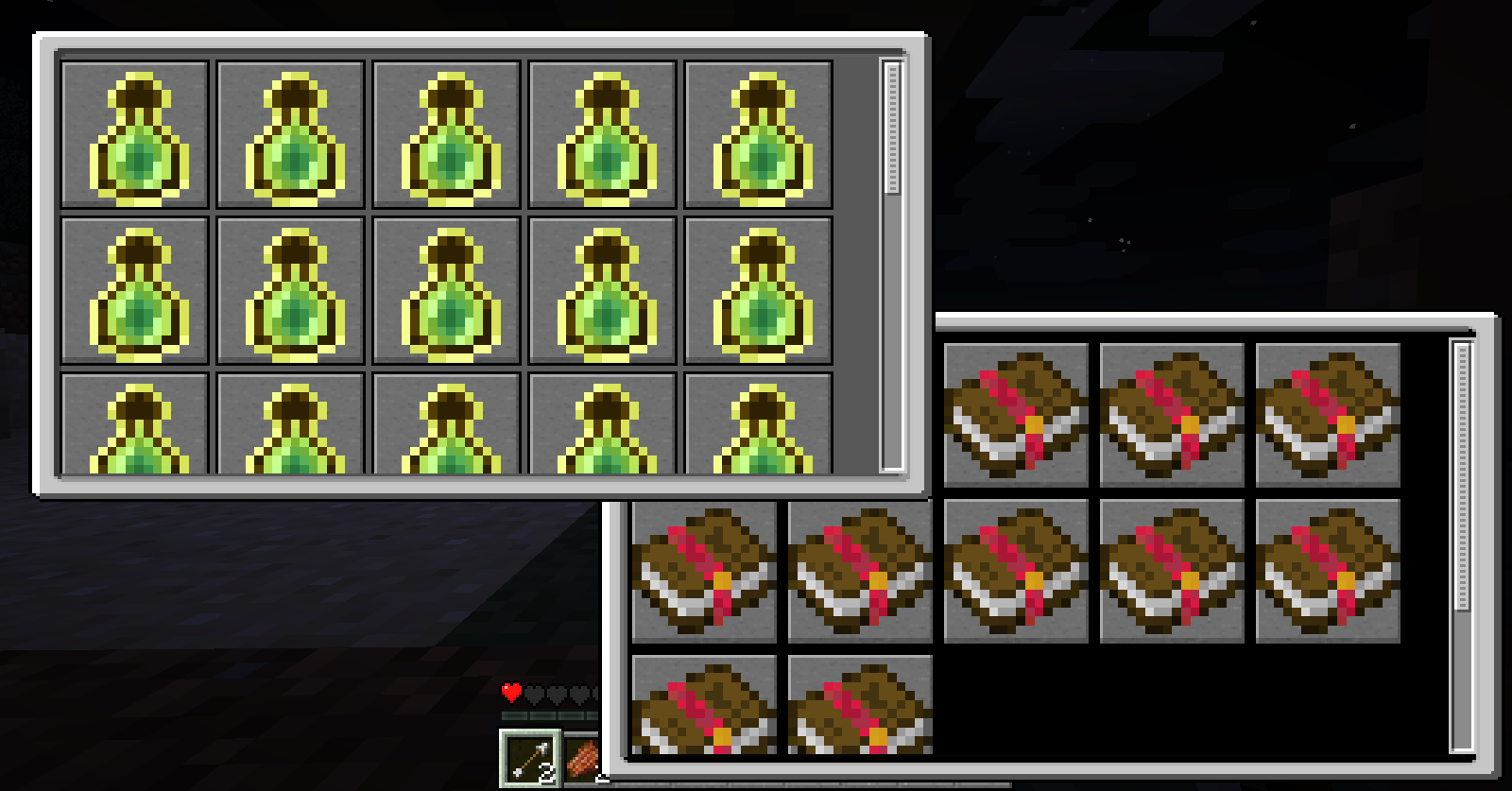
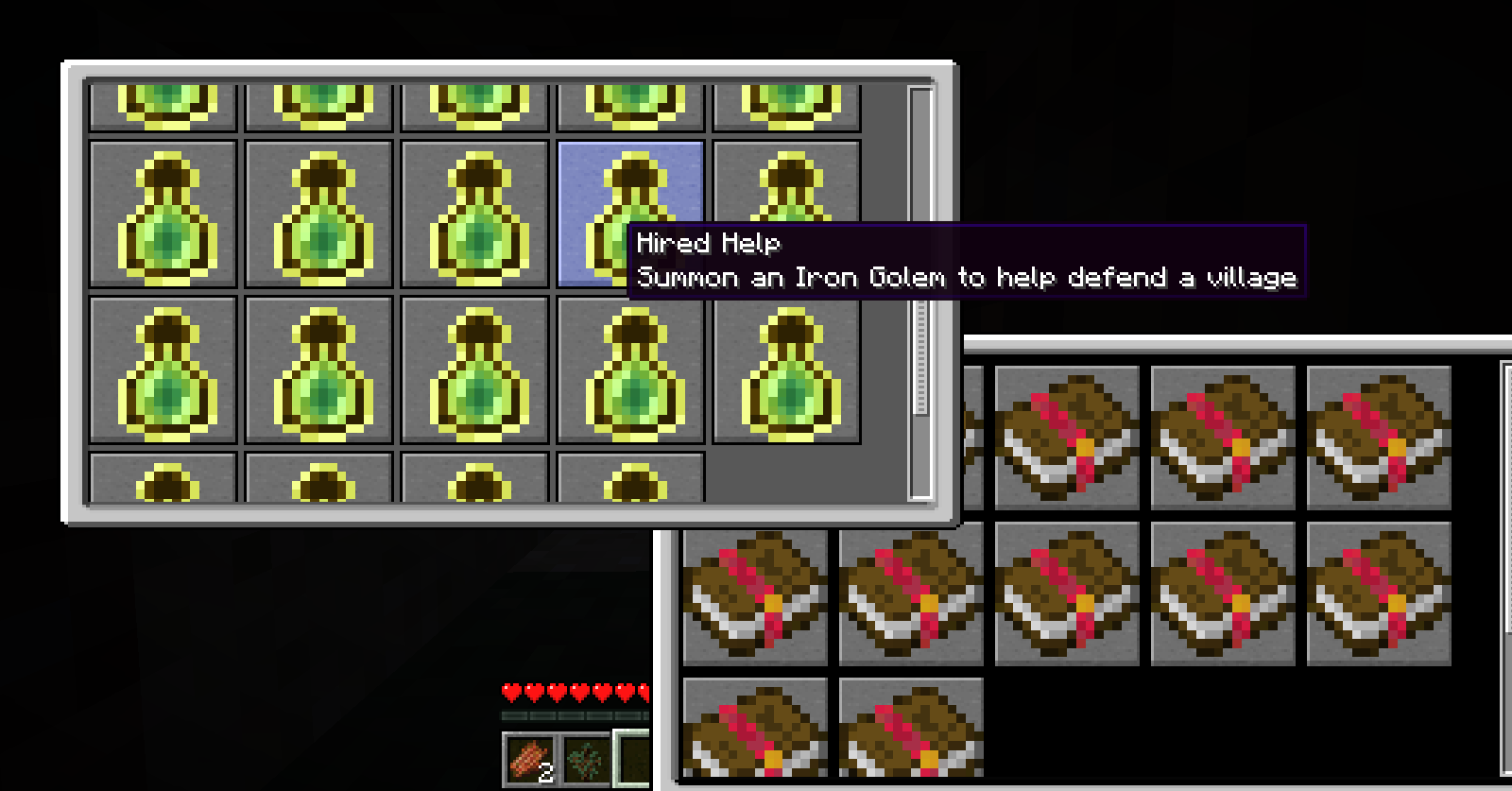
Grids are dynamic. You only need to tell it how big you want the panels and give it a list of elements and it will automatically lay them out to best utilize the size of the grid. Once a grid has surpassed the total size a scroll bar will allow you to scroll to other entries.
- Edition: Minecraft Java
- File type: .jar
- How to install: Install the matching mod loader (Forge, Fabric or NeoForge) for your Minecraft version. → Download the .jar. → Put it in the .minecraft/mods folder and launch that loader profile.
- Where to get it: Opens on CurseForge — not every file is mirrored on our own servers.
Install steps are the general flow for this file type — How to install Minecraft Java mods & modpacks walks through it step by step.
- Ships as rabbit-gui-1.12.2.2.jar — drop this file into the mods folder
- Download size: 313 KB
- Download link checked 13 Oct 2026 — working
These come from our own check of the pack file, not from the source page.