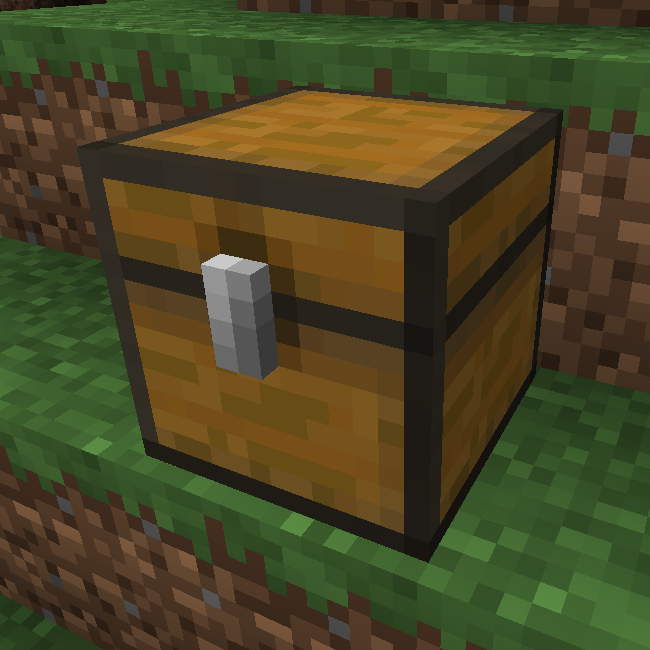
Chest Counter
Java mod listed for Minecraft 1.16. Downloads from the MC Java Mods app on Android.
I don't know my version or loader
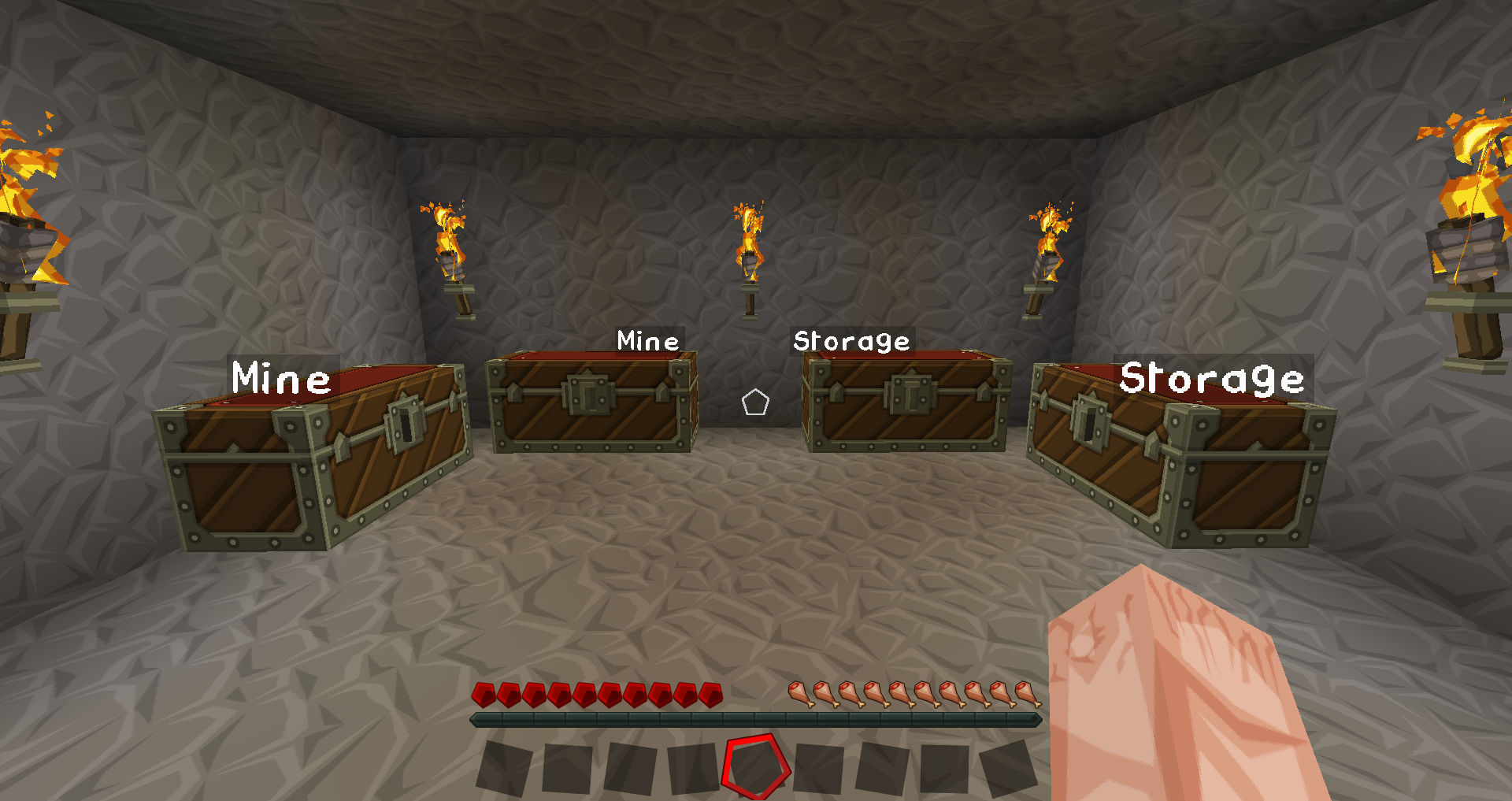
Chest Counter
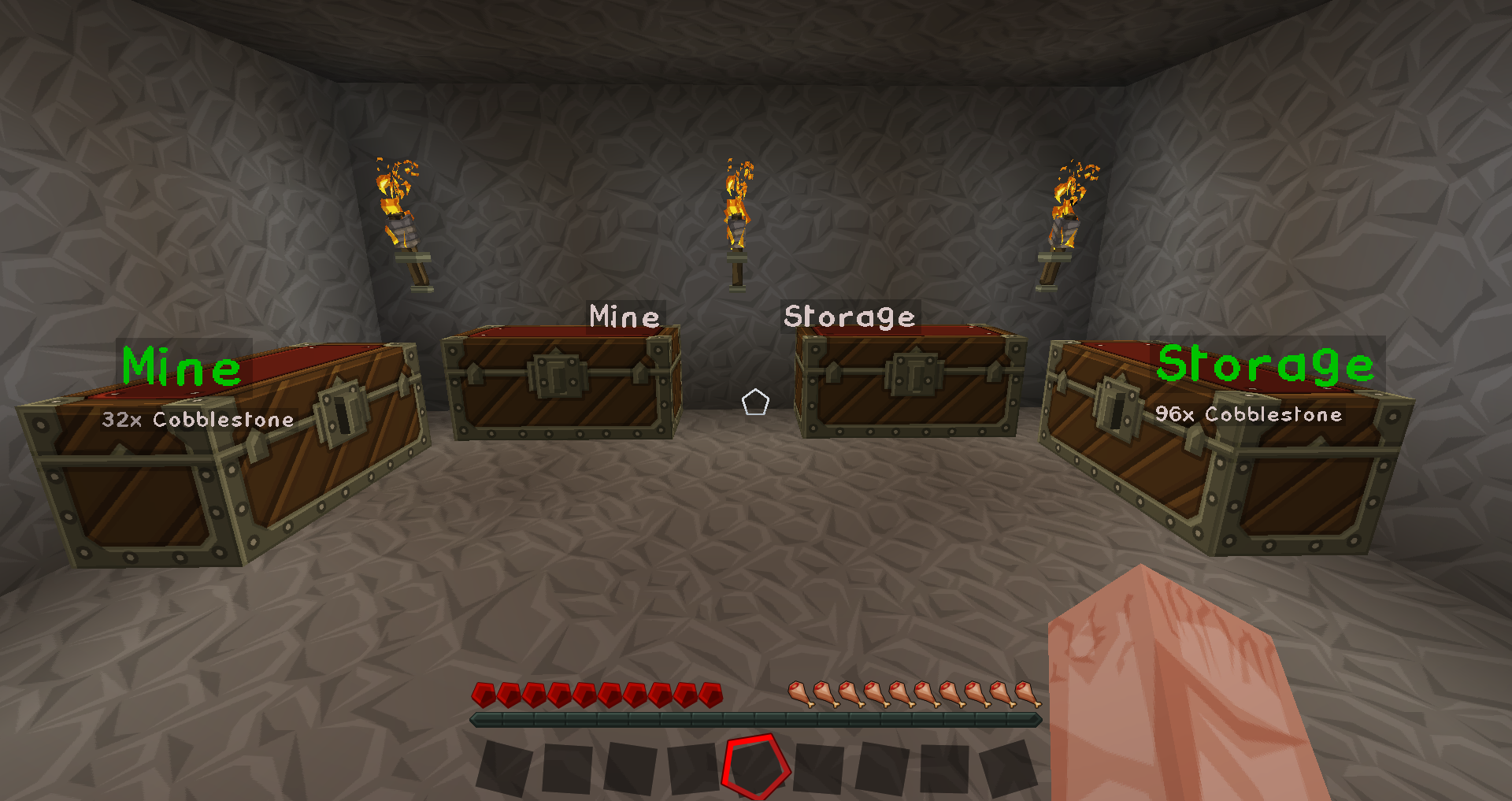
This mod will keep track of all the items in every chest that you have ever visited.
It enables you to find out how much of a particular item you have in your chests.
Installation
This mod requires the Forge Modloader to run.
Just drop the *.jar file into the 'mods' folder and start Forge as normal.
How to use
Just run around your existing world and open chests as you like.
The mod will remember each chest you opened and what was inside when you opened it.
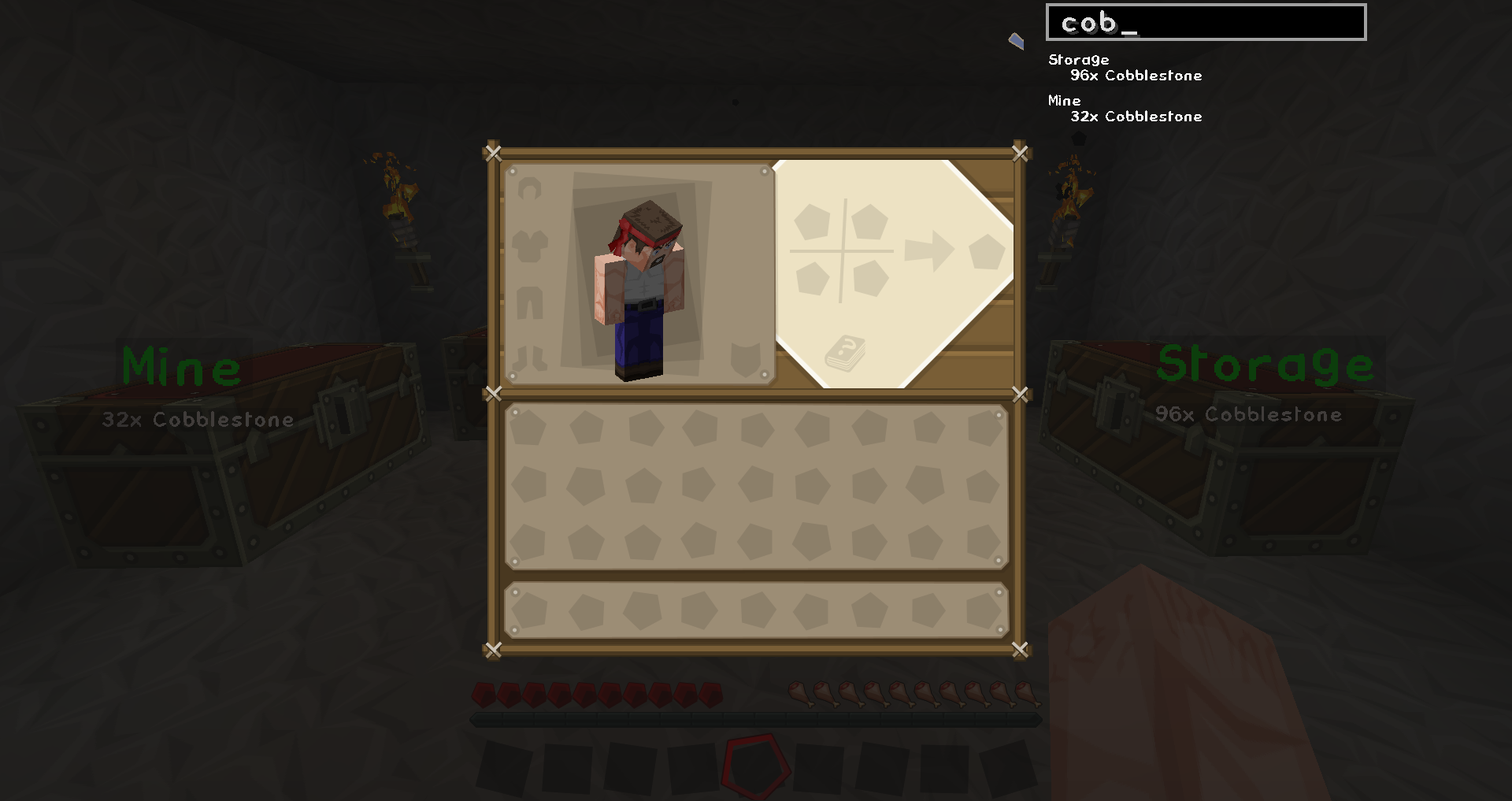
To find out where a certain item is, just open your inventory. You'll find a search bar at the top right of your screen.
When you type into that search bar, the search results will be visible right below the search field.
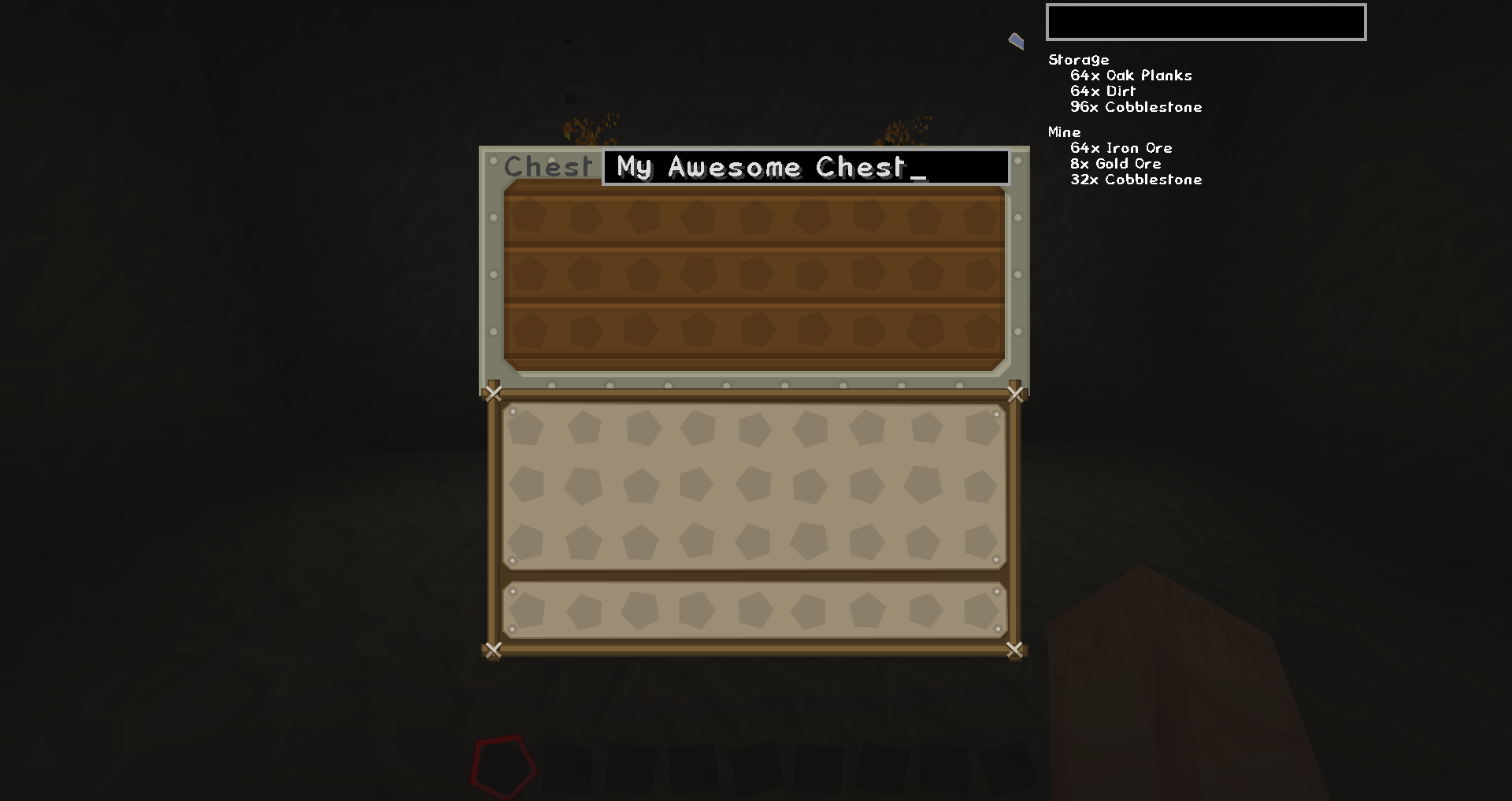
You can also give your chests labels. These labels are used to organize the search results when searching.
- Edition: Minecraft Java
- File type: .jar
- Minecraft versions listed: 1.16.3, 1.16.1
- How to install: Install the matching mod loader (Forge, Fabric or NeoForge) for your Minecraft version. → Download the .jar. → Put it in the .minecraft/mods folder and launch that loader profile.
- Where to get it: Opens on CurseForge — not every file is mirrored on our own servers.
Install steps are the general flow for this file type — How to install Minecraft Java mods & modpacks walks through it step by step.
- Ships as ChestCounter-1.0.17.jar — drop this file into the mods folder
- Download size: 35 KB
- Download link checked 13 Oct 2026 — working
These come from our own check of the pack file, not from the source page.