TipLine
Minecraft Java mod. Downloads from the MC Java Mods app on Android.
⬇ Download on CurseForge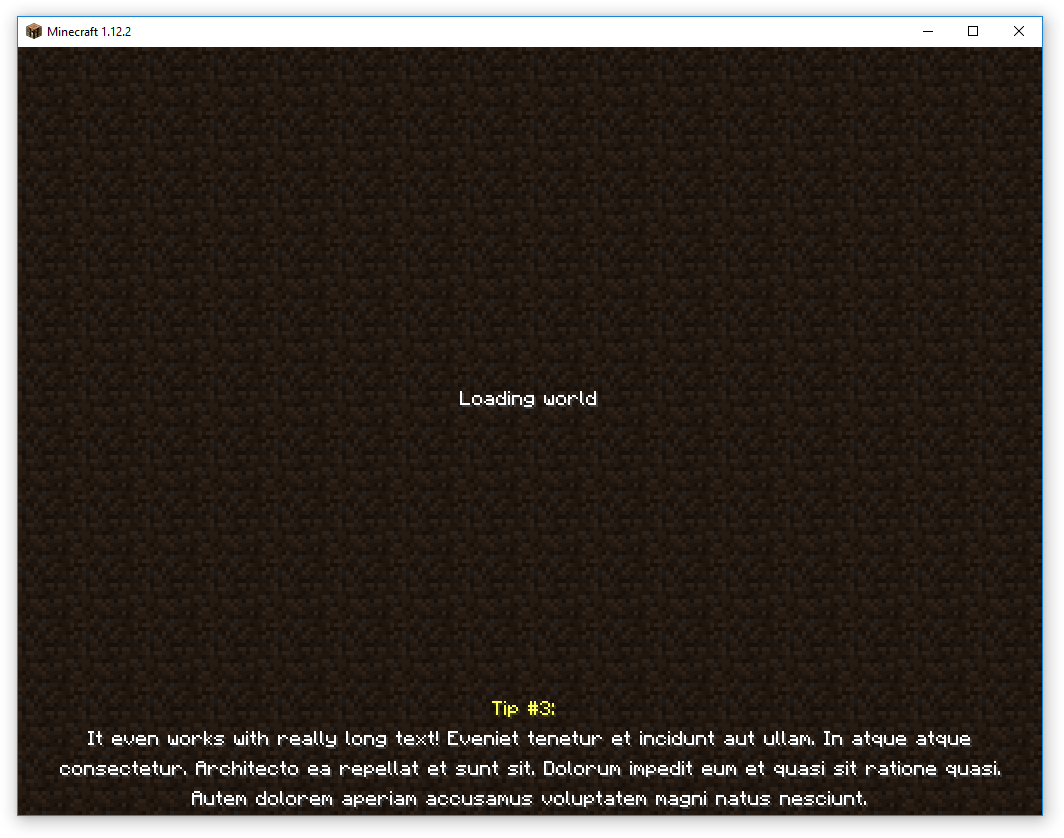
Description
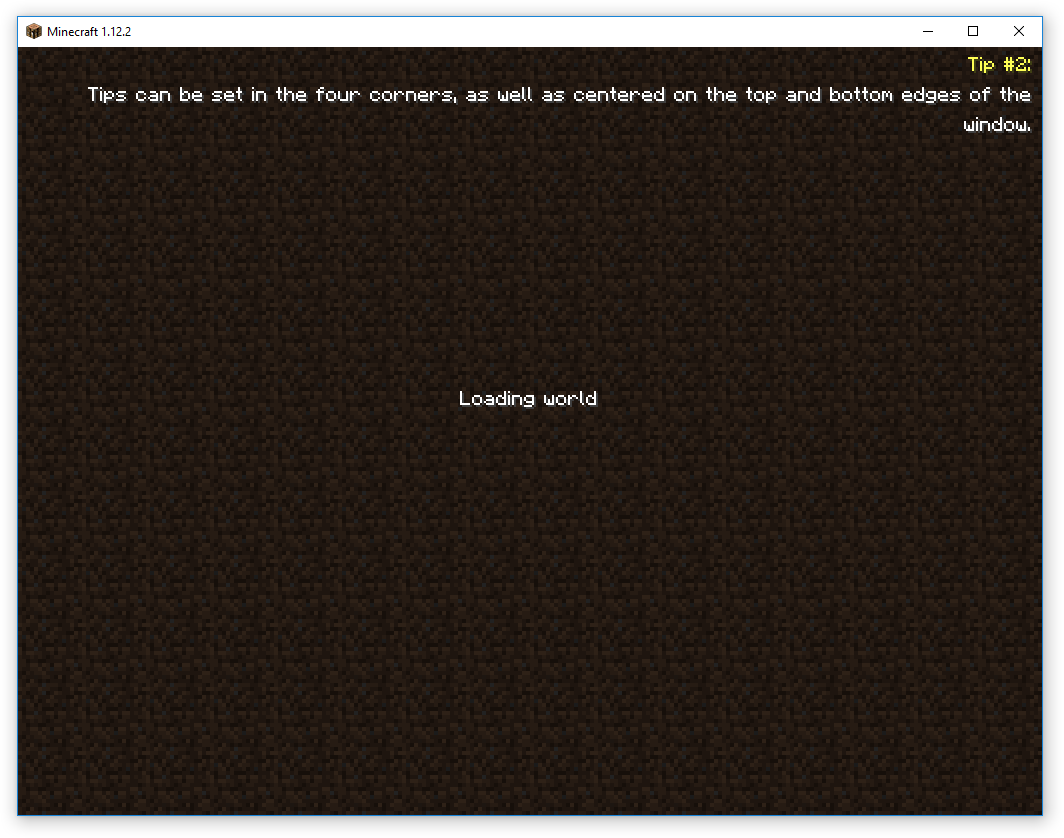
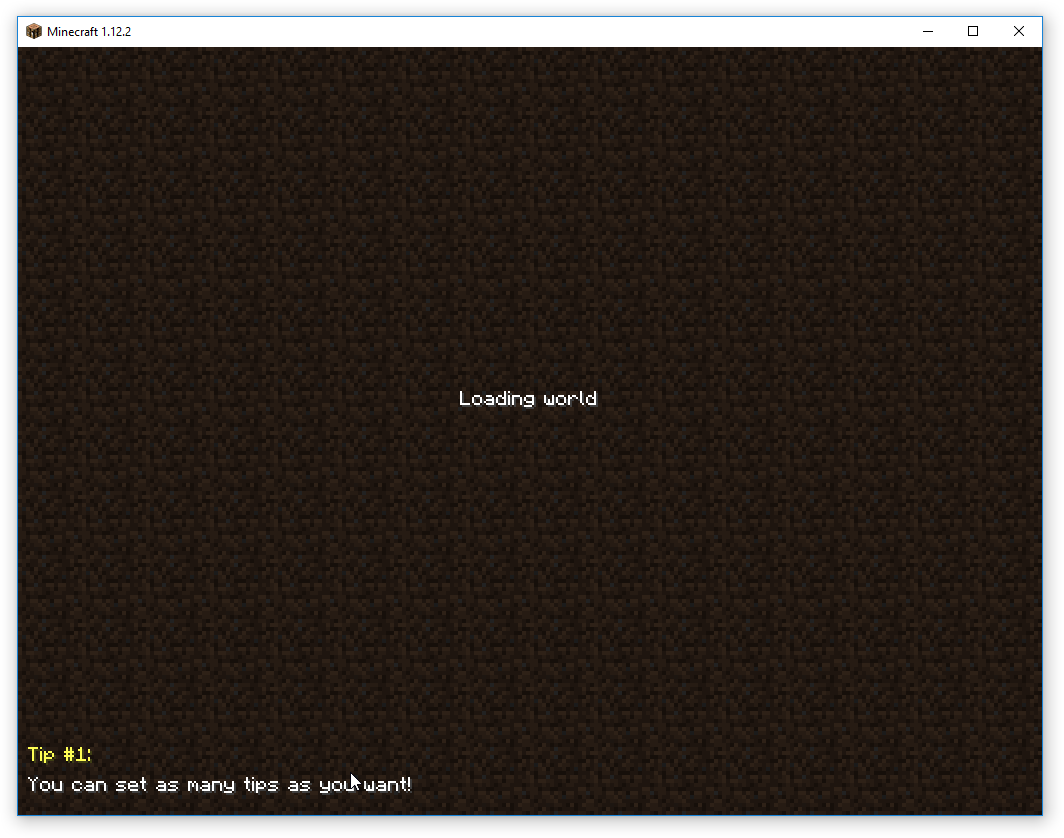
TipLine allows adding custom tips to the Minecraft loading screen. Inspired by the Fallout and Elder Scrolls series, and partially based on JustTheTips, TipLine was created because we needed a more flexible solution for a project we are working on.
Configuration
TipLine can be configured both through a config file, and through the Minecraft Mods page. Currently supported settings as follows:
- Color: Tip Titles: Set the color for tip titles.
- Color: Tips: Set the color for tips.
- Position: Set where the tips should be displayed.
- Display Tip Titles: Set whether or not to display the title line.
- Title Text: Set the tip title text. Use <number> for the tip number.
Additionally, the complete tip list can be edited through the Mods page. In version 1.0.3 and later, line breaks can be included by entering "%n".
Planned Features
- Timed tip rotation
Let us know what you want!
Feel free to use this in any modpack, we wrote it for one... you might as well get use from it too! :)
If you do use this in a modpack, let us know so we can check it out!
- Edition: Minecraft Java
- File type: .jar
- How to install: Install the matching mod loader (Forge, Fabric or NeoForge) for your Minecraft version. → Download the .jar. → Put it in the .minecraft/mods folder and launch that loader profile.
- Where to get it: Opens on CurseForge — not every file is mirrored on our own servers.
Install steps are the general flow for this file type — How to install Minecraft Java mods & modpacks walks through it step by step.
- Ships as tipline-1.12-1.0.2.jar — drop this file into the mods folder
- Download size: 21 KB
- Download link checked 23 Sept 2026 — working
These come from our own check of the pack file, not from the source page.