
Image Utils
Minecraft Java mod. Downloads from the MC Java Mods app on Android.
⬇ Download on CurseForge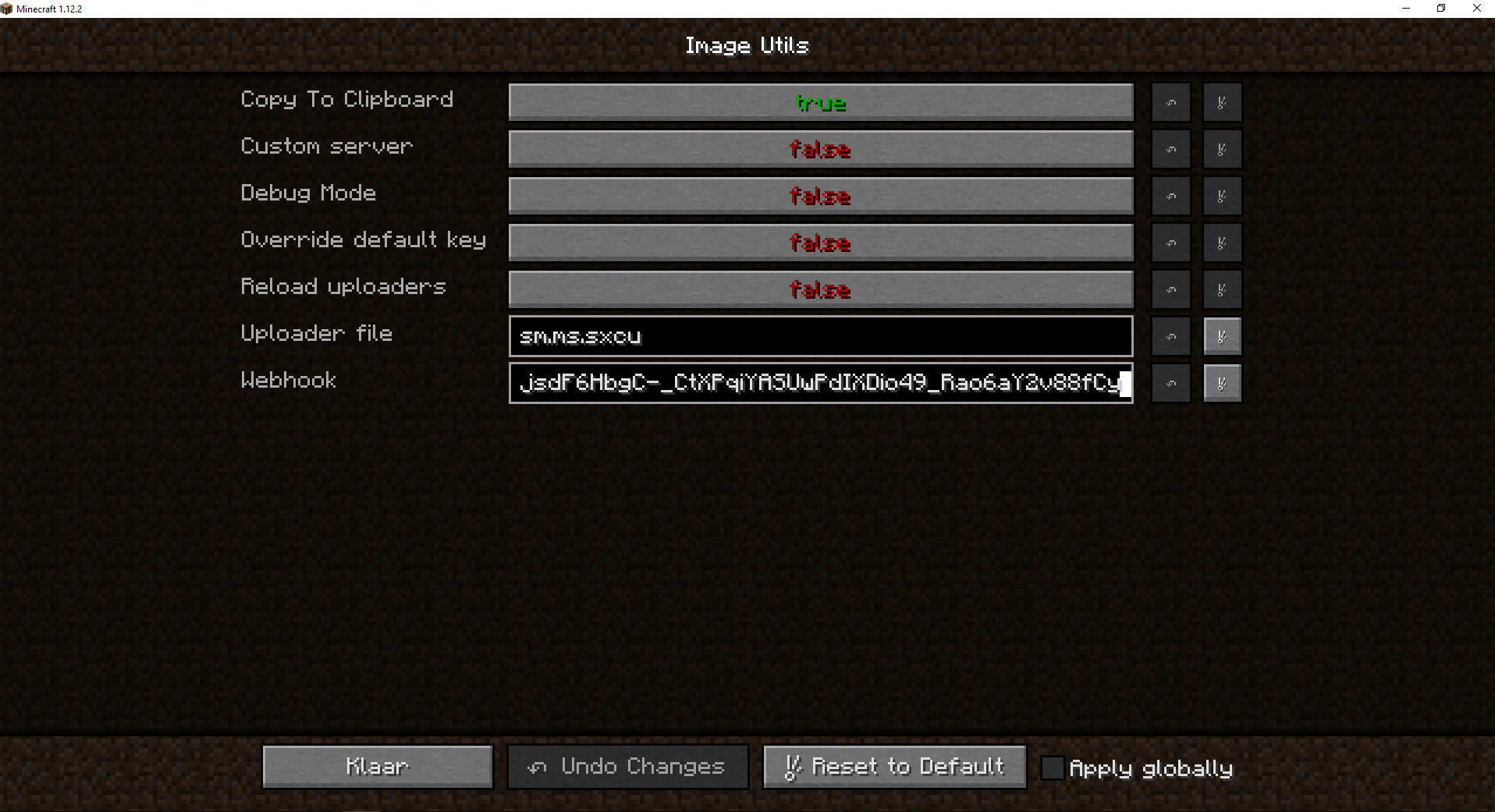
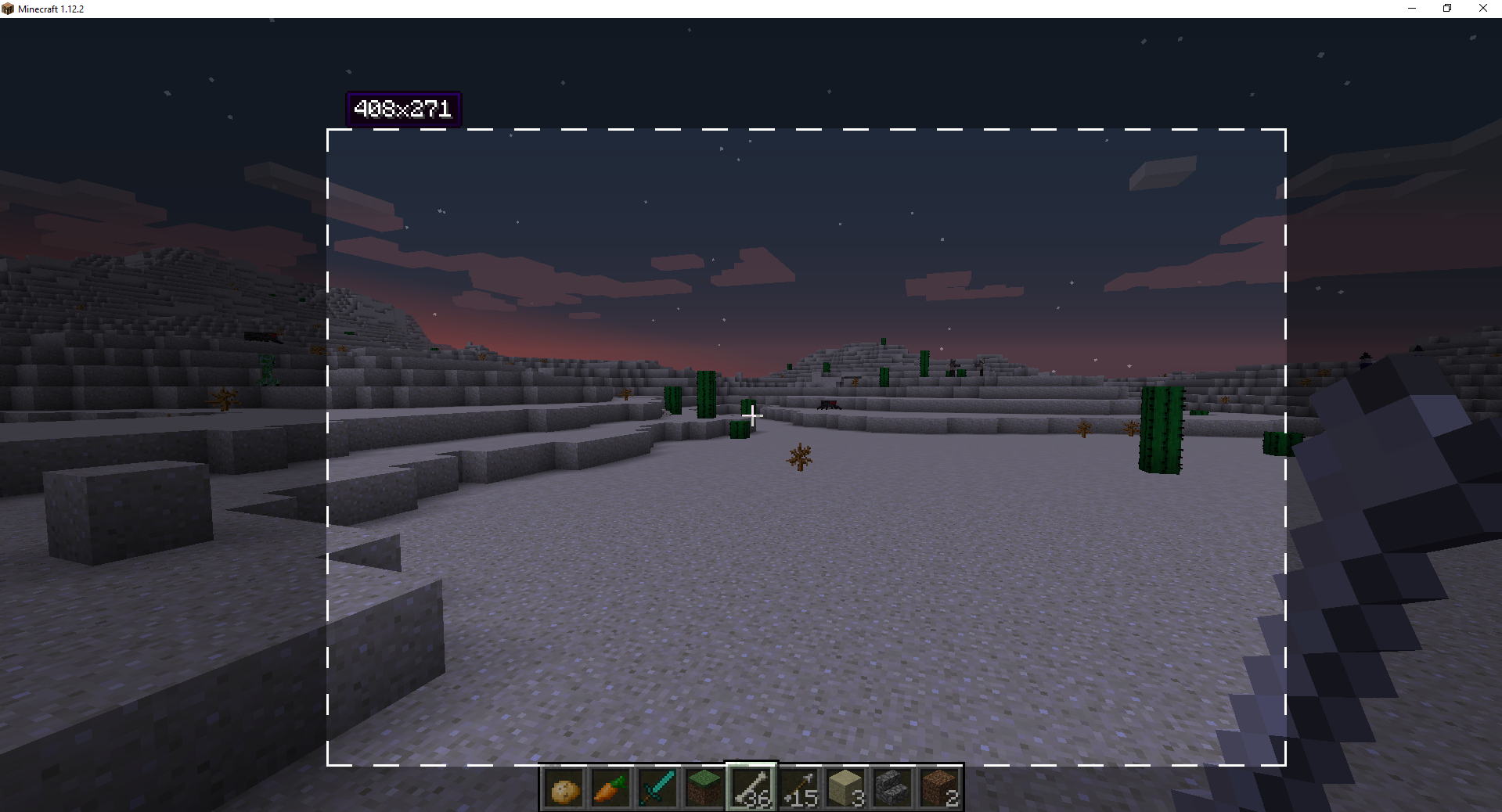

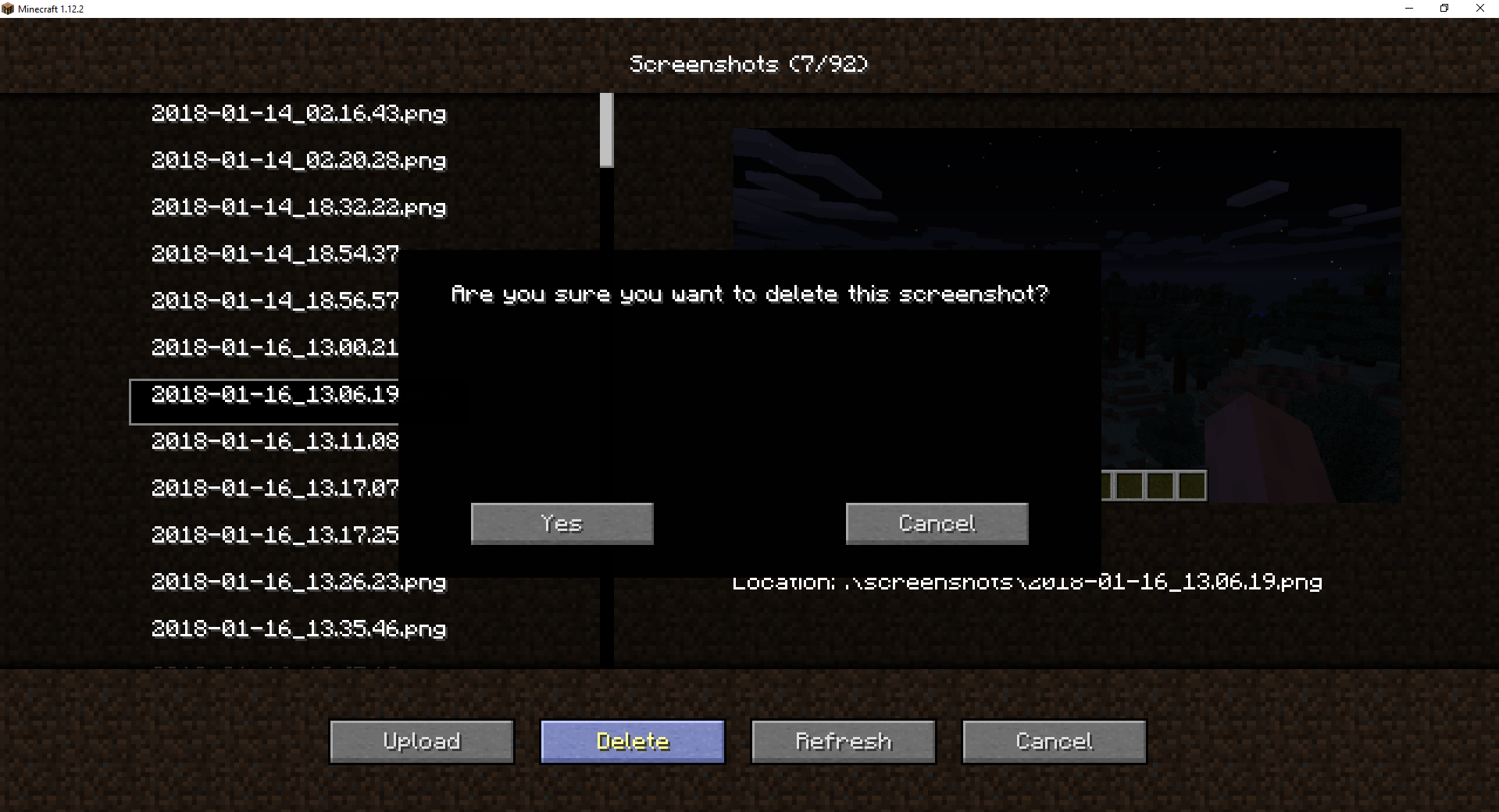
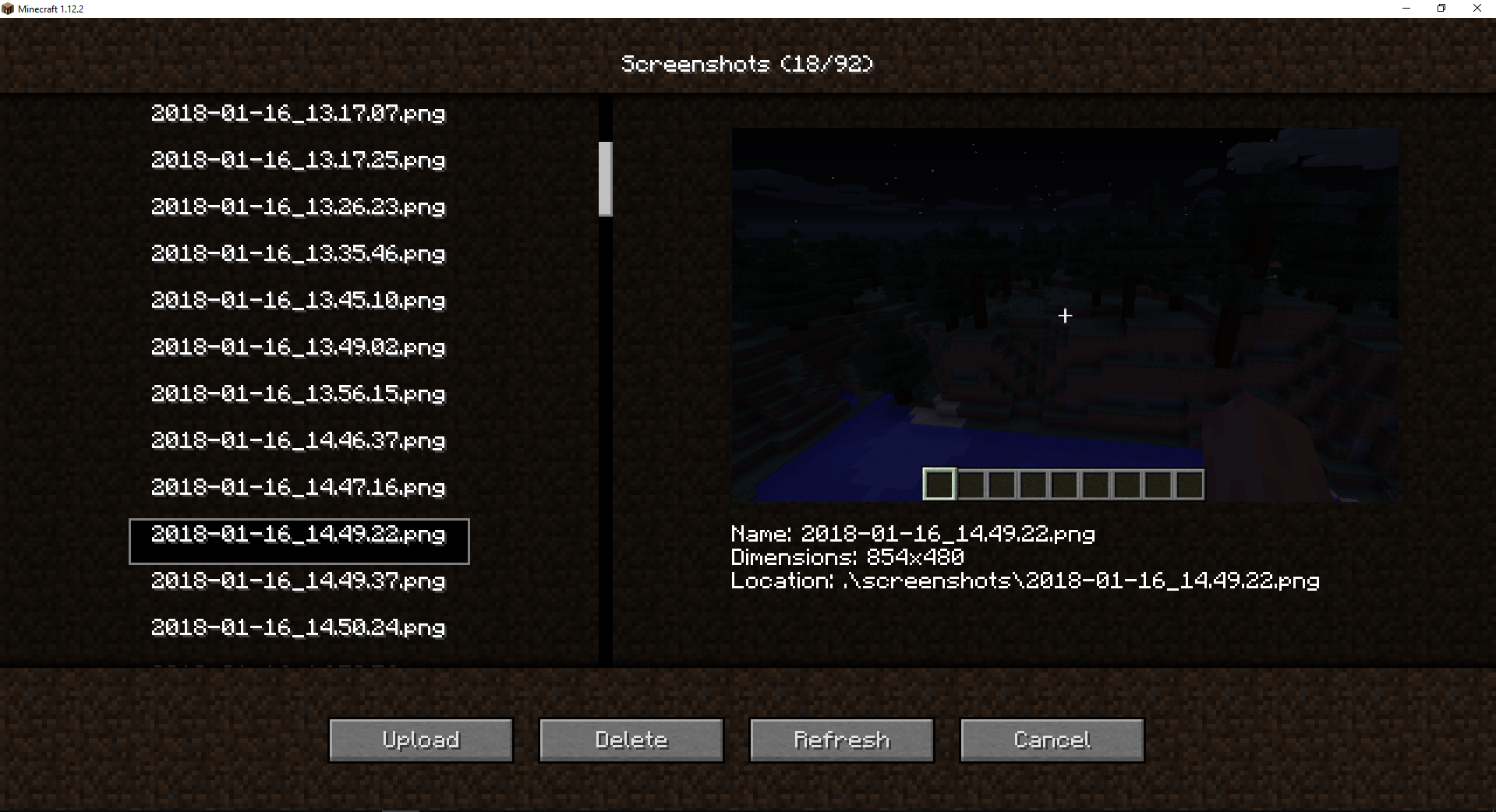
Image Utils
Love sharing your memes or builds? Then this is the perfect mod for you!
You can share your images with your friends with the press of a button. Did your friend find a cool meme? View it directly in-game!
Feel free to join our programming discord: https://discord.gg/yy8jwdS
Or add me personally: DarkEyeDragon#5583
Features:
- Upload images directly to discord trough a webhook.
- View images directly in-game (no browser needed.)
- Take a screenshot and upload it instantly to imgur or sxcu.net (or any image server)
- Multi threaded. No freezing when taking screenshots! Not even when uploading.
- View/upload/delete local images from in-game.
- Save locally and upload after.
Default keys:
- F4 take a screenshot and upload it. (will upload to imgur if no other image server is set
- F6 take a partial screenshot (with area selector)
- F7 open local screenshots
Make sure to report issues in the comments below or on Github(Issues)
All information on how to use custom image servers and how to change settings can be found here
- Edition: Minecraft Java
- File type: .jar
- How to install: Install the matching mod loader (Forge, Fabric or NeoForge) for your Minecraft version. → Download the .jar. → Put it in the .minecraft/mods folder and launch that loader profile.
- Where to get it: Opens on CurseForge — not every file is mirrored on our own servers.
Install steps are the general flow for this file type — How to install Minecraft Java mods & modpacks walks through it step by step.
- Ships as ImageUtils-1.0.5-recommended.jar — drop this file into the mods folder
- Download size: 1.7 MB
- Download link checked 13 Oct 2026 — working
These come from our own check of the pack file, not from the source page.