NVL's Storage Blocks
I don't know my version or loader
The MOD now supports Forge, NeoForge and Fabric loaders!
Yes, in the same MOD file!
1.20.1, 1.21.1:
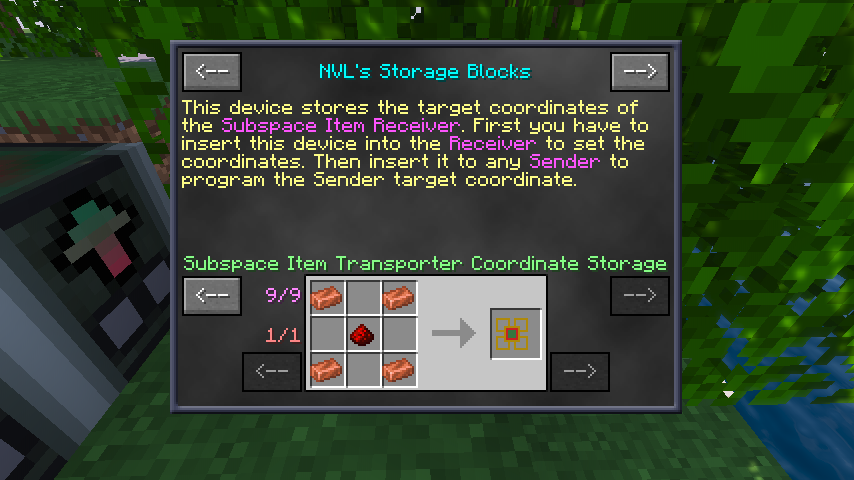
It has slightly different mechanics than the old ones: the Subspace Item Sender and Receiver can exchange coordinates with an item as the Subspace Item Coordinate Storage.
Just place it in the Receiver first to save the target coordinates then use it on the Sender to program.
Older versions:
This MOD was one part of NVL's WarpDrive Extensions but it was grew large and contained a large variety of Block and Items. It was extremely hard to add to any MODPack because of that, so it was decided to split that monster into functional pieces.
Blocks and Item in this MOD:
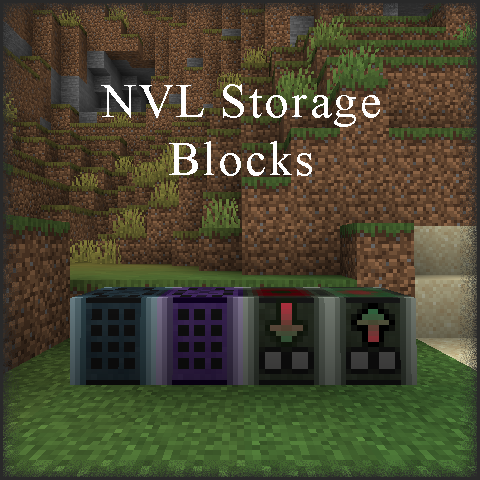
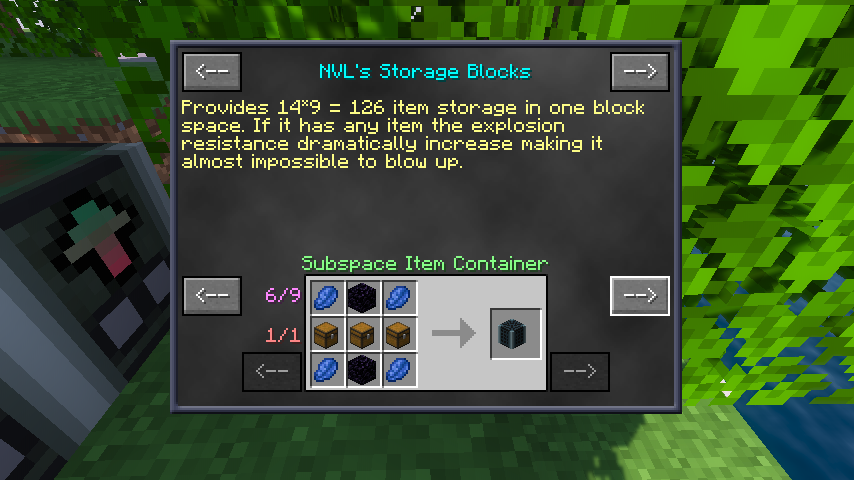
Subspace Item Container (Former Nano Item Container): A storage cube ideal for mining operations where a large number of mined materials should be stored. This container has 126 slots!
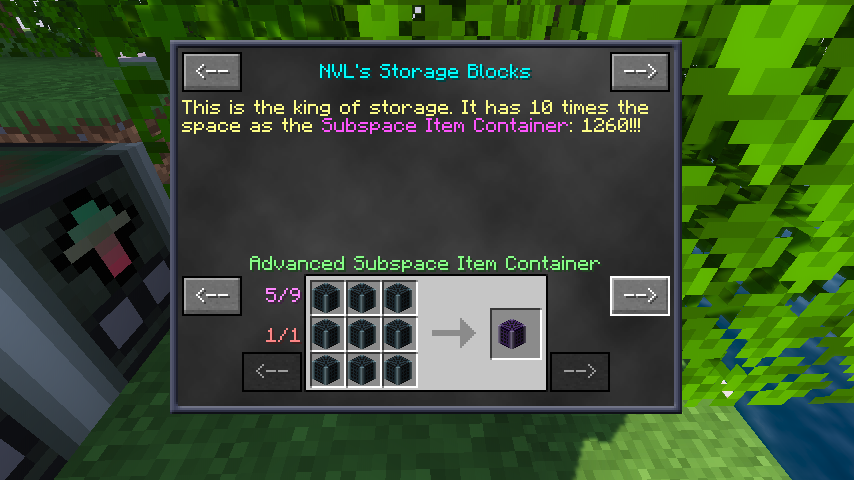
Super Subspace Item Container (former Super Nano Item Container): Extreme storage cell with 1260 slots. Place it very carefully, becuase relocation is a real pain and will need lots of movement rounds.
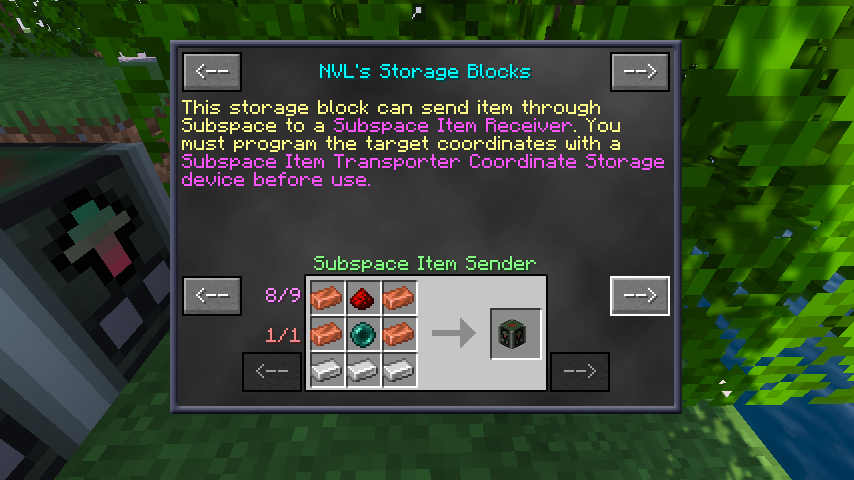
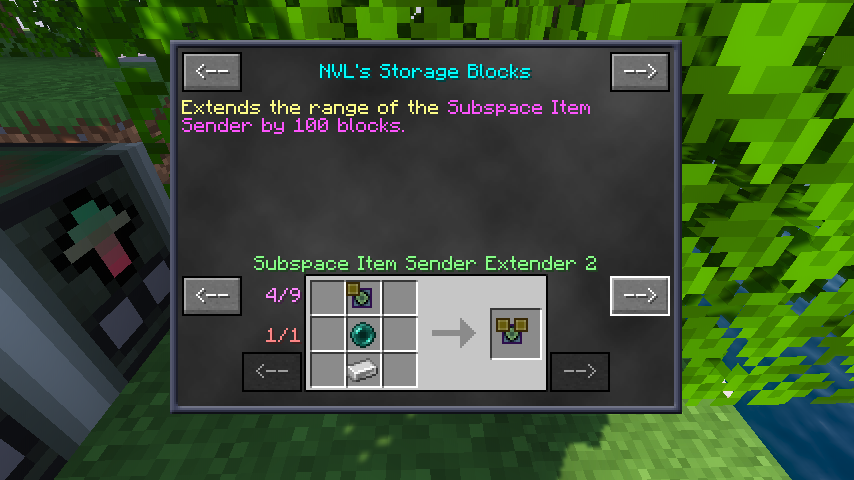
Subspace Item Sender: The latest result of the subspace-technology research. This container can be configured with the Subspace Item Transporter Coordinate Storage. When the coordinates configured it will send items through subspace into a Subspace Item Receiver container. The default distance of the sending is 50 blocks. That can be extended with the Extender items. Usage is easy: just put the Extender in the Sender.
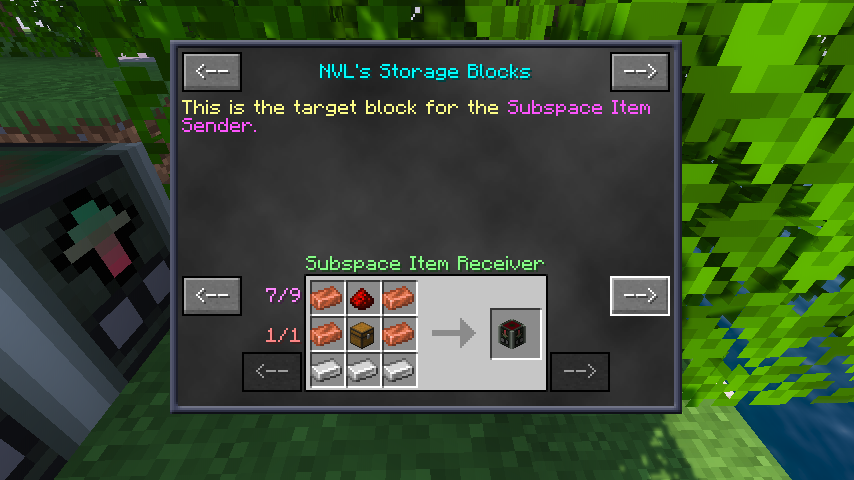
Subspace Item Receiver: This container is the pair of the Subspace Item Sender.
Subspace Item Transporter Coordinate Storage: This item can be used to transfer coordinates from a Receiver to a Sender. Usage: put the Item into a Receiver first to configure the coordinates then move it to the Sender. You can remove the Item from the Sender once configured.
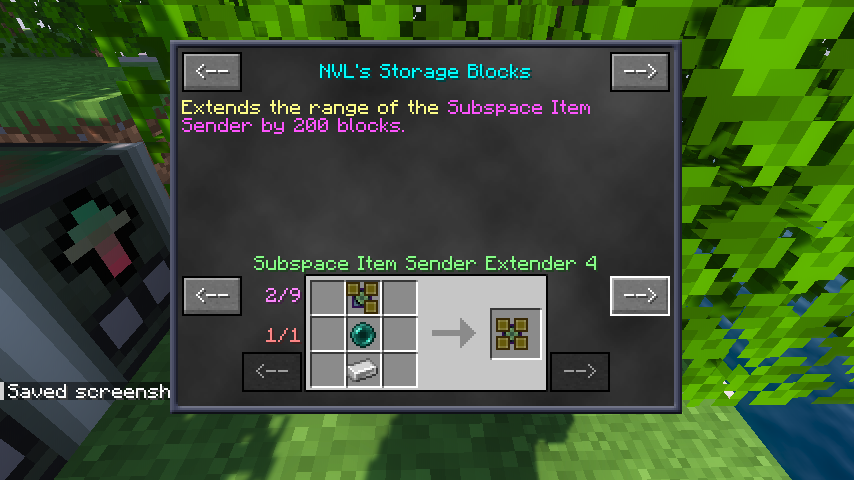
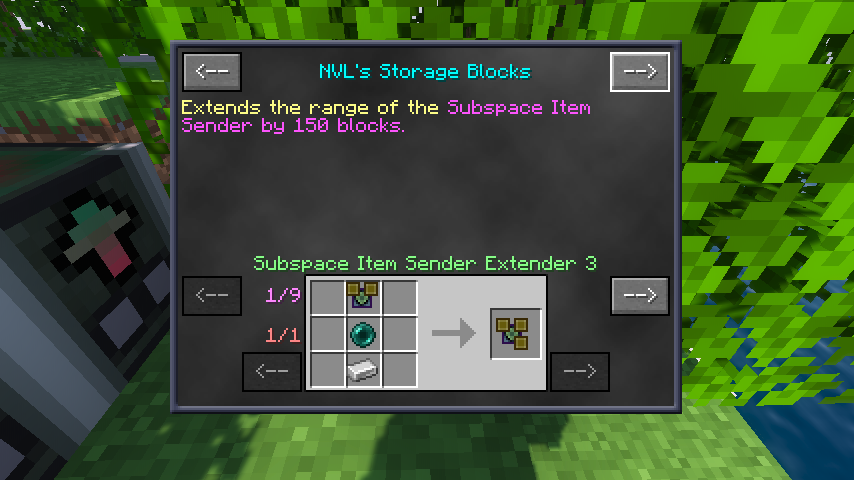
Subspace Item Tranporter Range Extender 1-4: This item extends the Subspace Item Sender's range with 50-200 blocks.
The MOD supports Client/Server or Integrated environments.
If you would like to see the GUI elements displayed in your language then feel free to become a translator. Let me know if you are interested and I'll send you the format.
If you need this MOD to be converted to any other game version, just let me know.
- Edition: Minecraft Java
- File type: .jar
- Minecraft versions listed: 1.21.1, 1.20.1, 1.21
- How to install: Install the matching mod loader (Forge, Fabric or NeoForge) for your Minecraft version. → Download the .jar. → Put it in the .minecraft/mods folder and launch that loader profile.
- Where to get it: Opens on CurseForge — not every file is mirrored on our own servers.
Install steps are the general flow for this file type — How to install Minecraft Java mods & modpacks walks through it step by step.
- Ships as NVLStorageBlocks-1.7.10.1558.8.jar — drop this file into the mods folder
- Download size: 296 KB
- Download link checked 23 Sept 2026 — working
These come from our own check of the pack file, not from the source page.