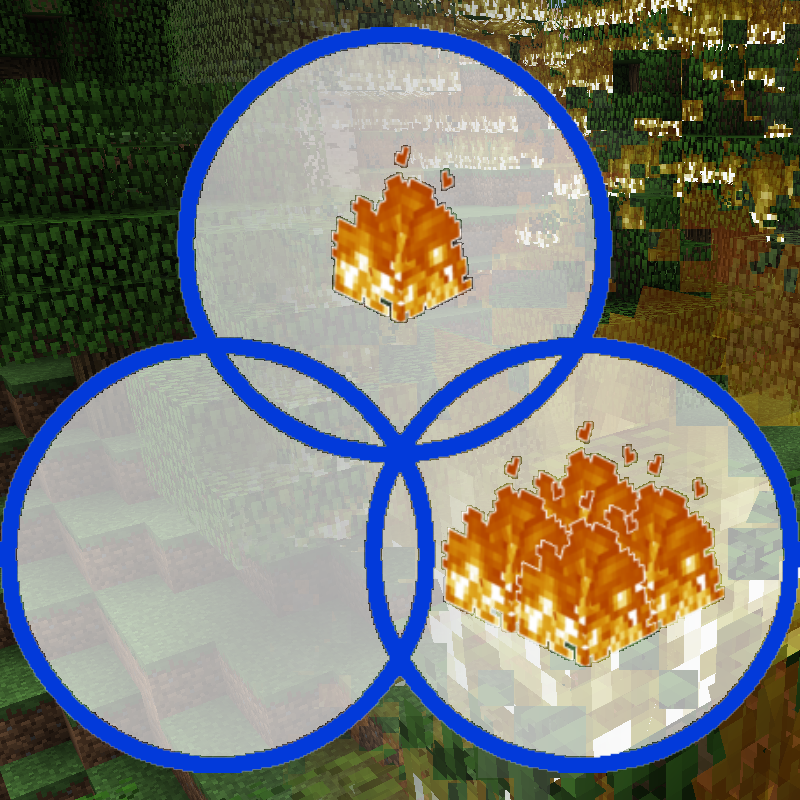
Controlled Burn
Minecraft Java mod. Downloads from the MC Java Mods app on Android.
⬇ Download on CurseForgeYou want fire that doesn't break blocks?
Fire that doesn't spread?
Fire that spreads super fast?
Fire that...you get the idea.
Uses vanilla settings by default, so see the config file (after running the game once with the mod installed).
Works on my massive 200-ish modpack!
When updating to some versions from lower versions, you should delete or move your old config file! Details:
To version 1.12.2.012 or higher from 1.12.2.011 or lower
To version 1.12.2.010 or higher from 1.12.2.009 or lower
This mod is the successor to my more basic mod having to do with fire, "No Fire Spread". No Fire Spread has no configuration file and only emulates one alternate fire behavior, whereas Controlled Burn gives a much wider range of options.
The configuration has a LOT of settings you can change. You can even change the base fire stats of specific blocks (on version 1.12.2.007 or higher).
Yes, you can use it in your modpack if you want (MIT license).
A list of my curseforge mods can be found here
- Edition: Minecraft Java
- File type: .jar
- How to install: Install the matching mod loader (Forge, Fabric or NeoForge) for your Minecraft version. → Download the .jar. → Put it in the .minecraft/mods folder and launch that loader profile.
- Where to get it: Opens on CurseForge — not every file is mirrored on our own servers.
Install steps are the general flow for this file type — How to install Minecraft Java mods & modpacks walks through it step by step.
- Ships as Controlled Burn-1.12.2.022.jar — drop this file into the mods folder
- Download size: 28 KB
- Download link checked 13 Oct 2026 — working
These come from our own check of the pack file, not from the source page.