
ModsJava
Resizing Potion
Minecraft Java mod. Downloads from the MC Java Mods app on Android.
⬇ Download on CurseForge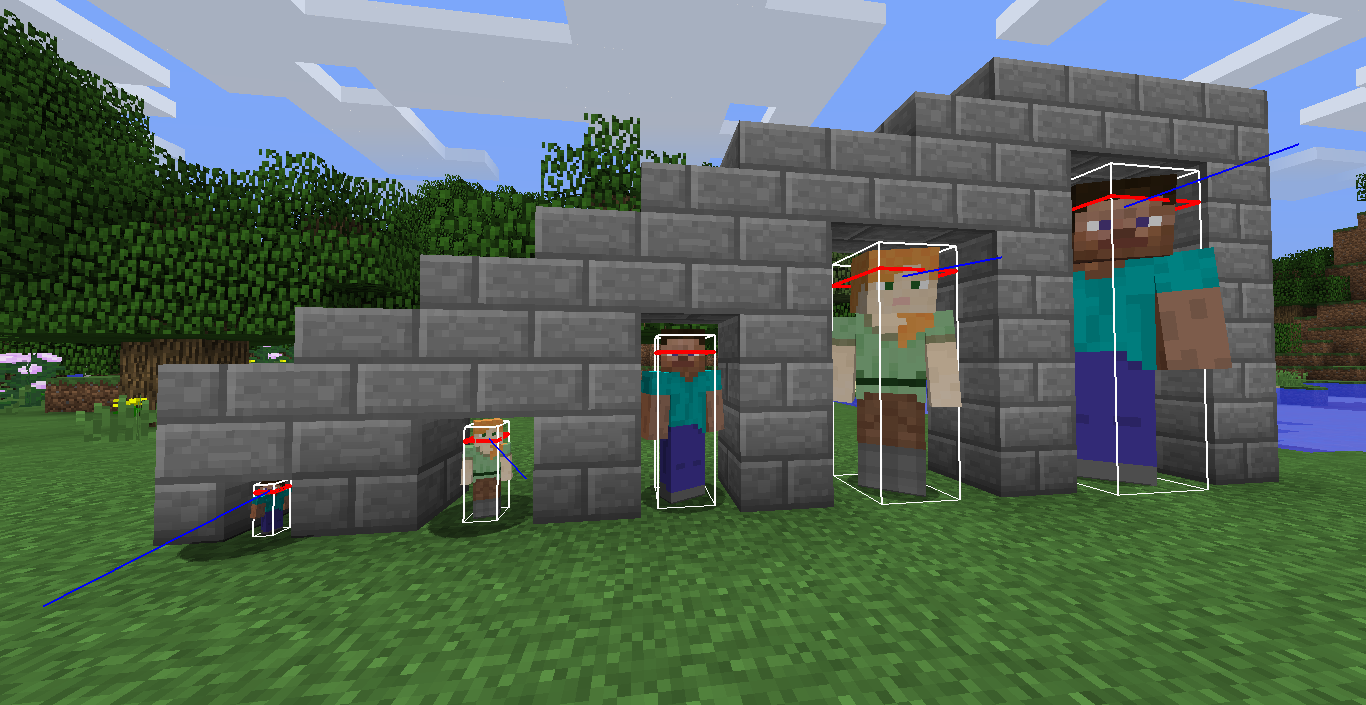
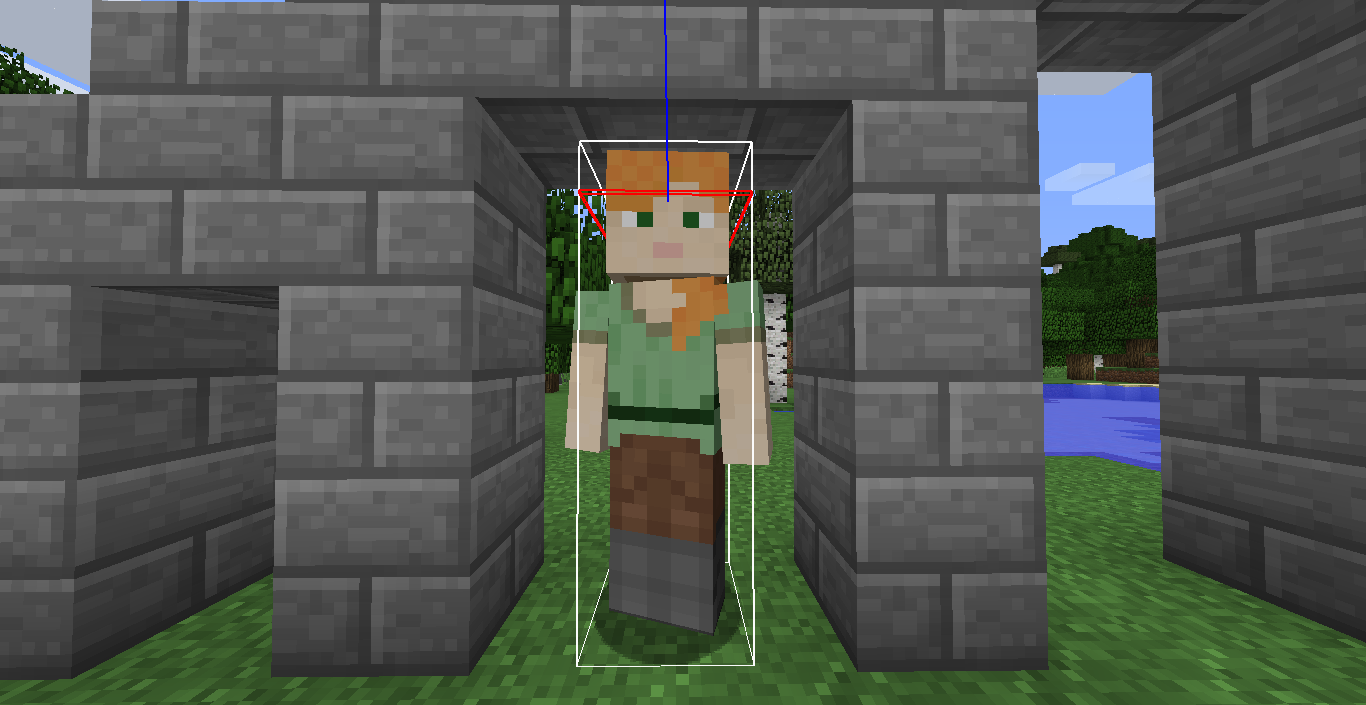
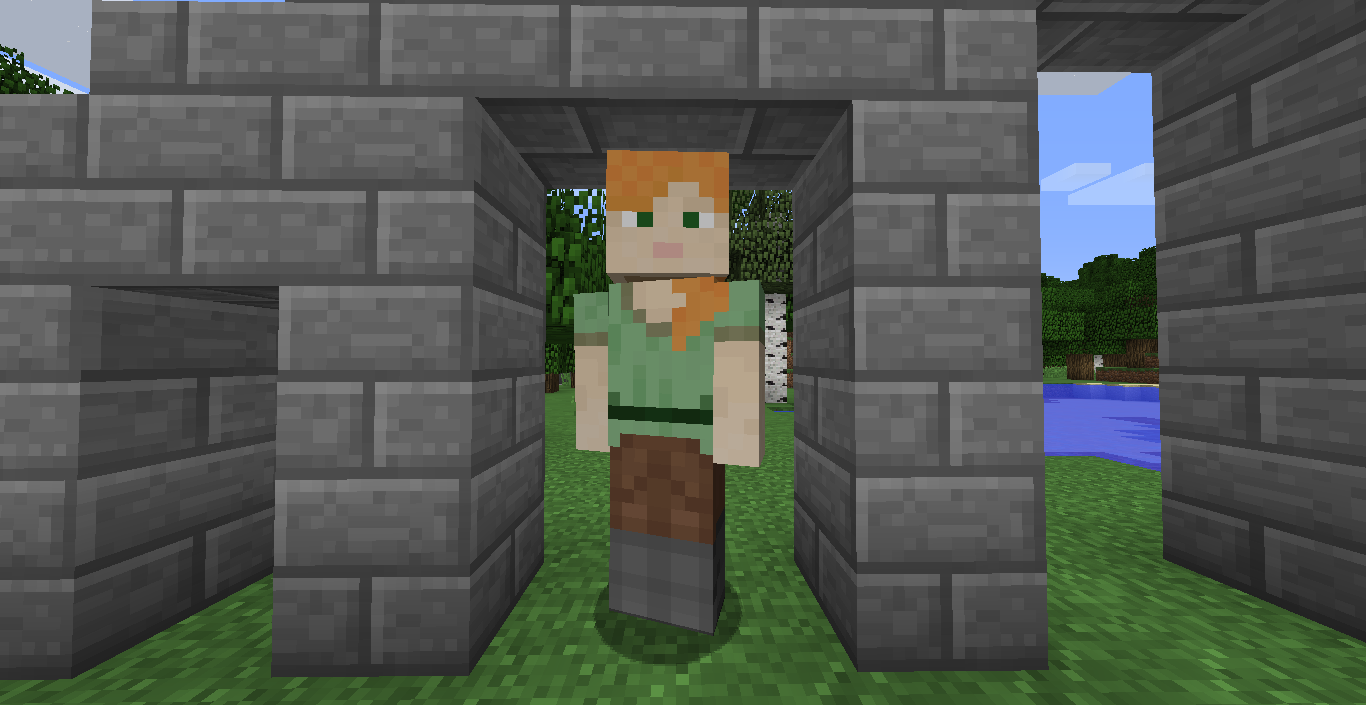
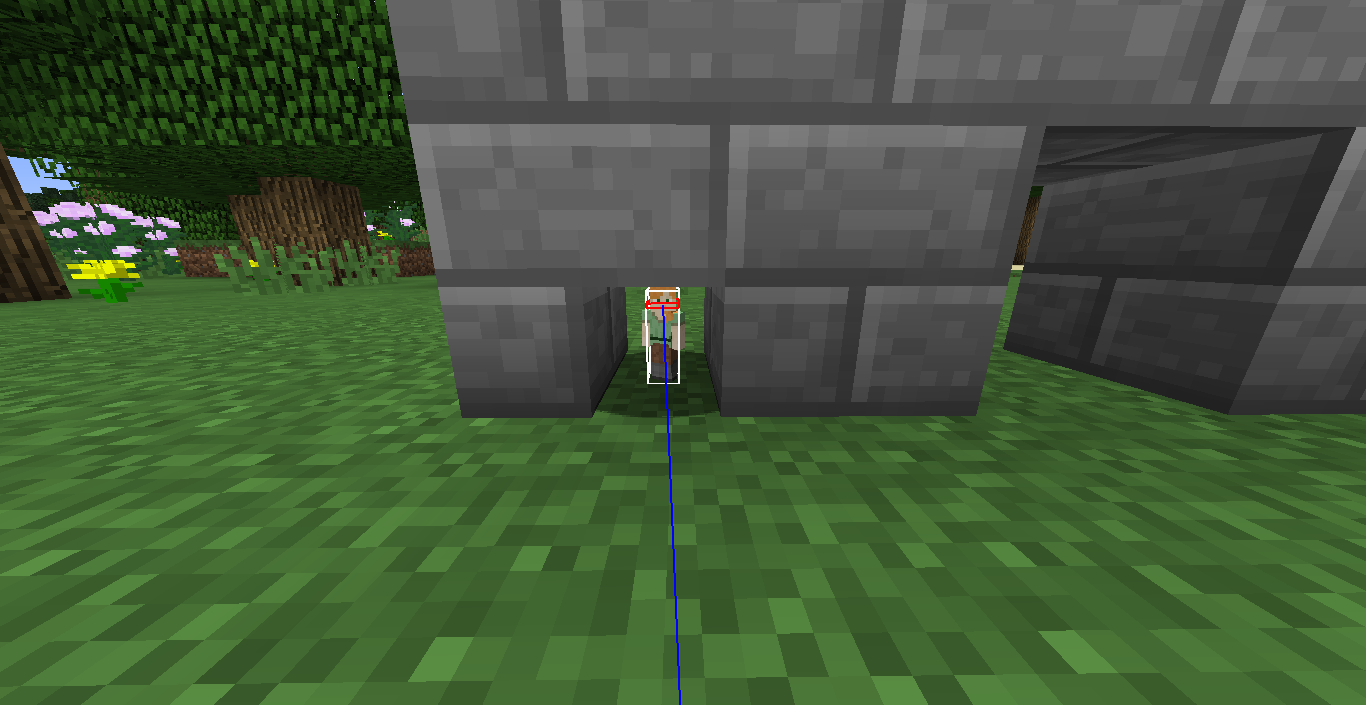
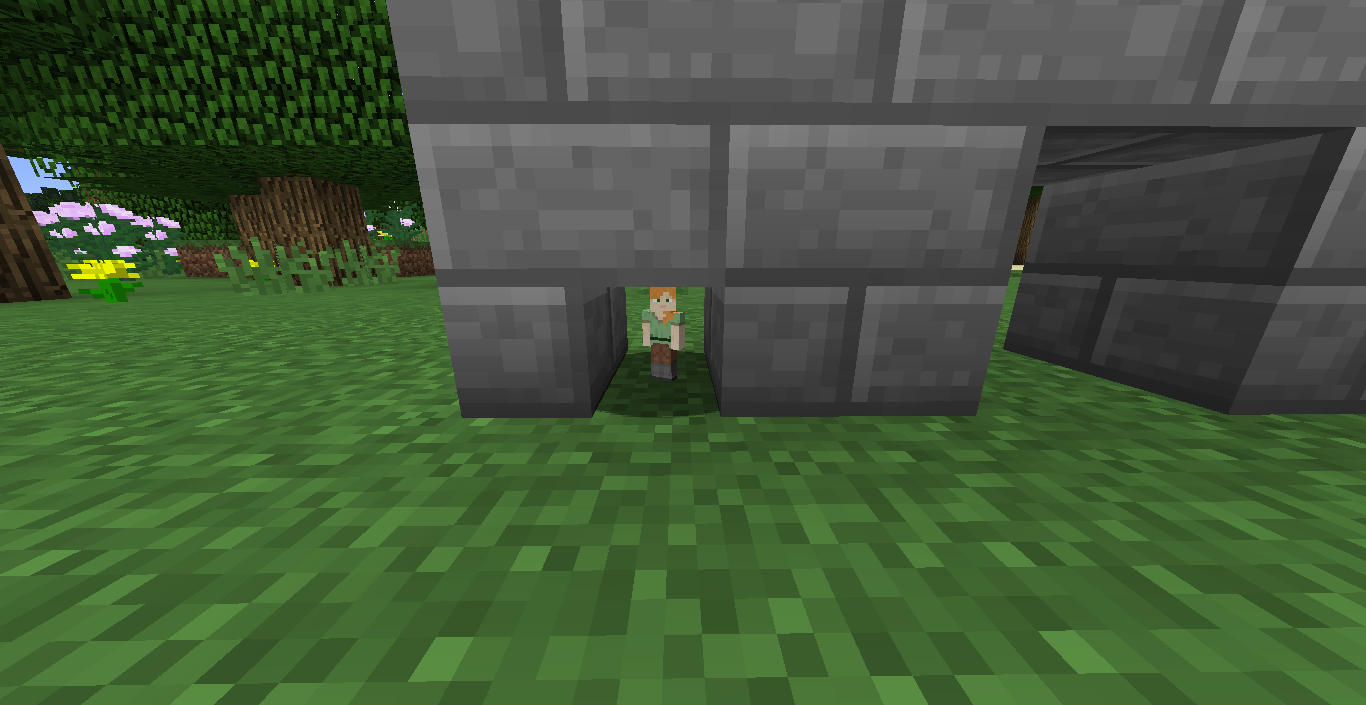
ATTENTION: This mod is dead and will not receive anymore updates. If you want to use something like this mod in 1.16.3+, use Extra Alchemy, version 1.4.2 or higher, and make sure to have Pehkui installed as well. The mod is available for Fabric only, and won't be ported to Forge.
Resizing Potion
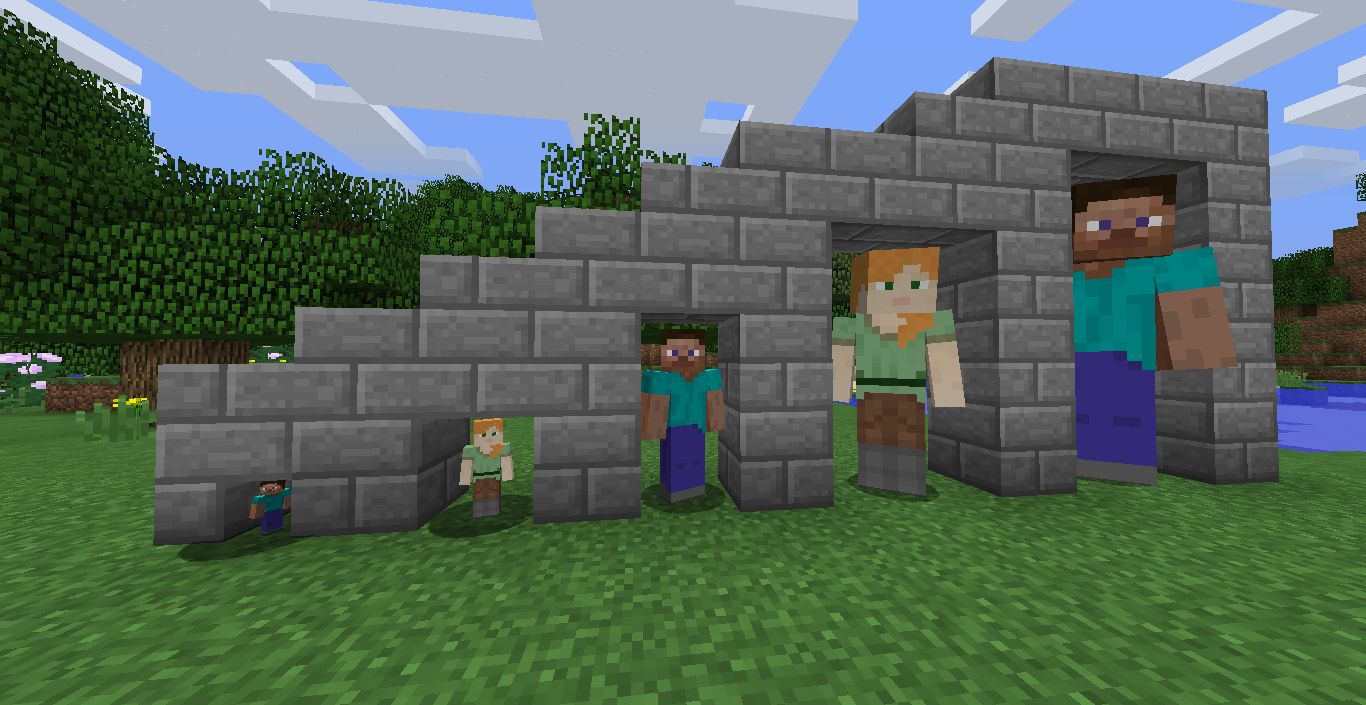
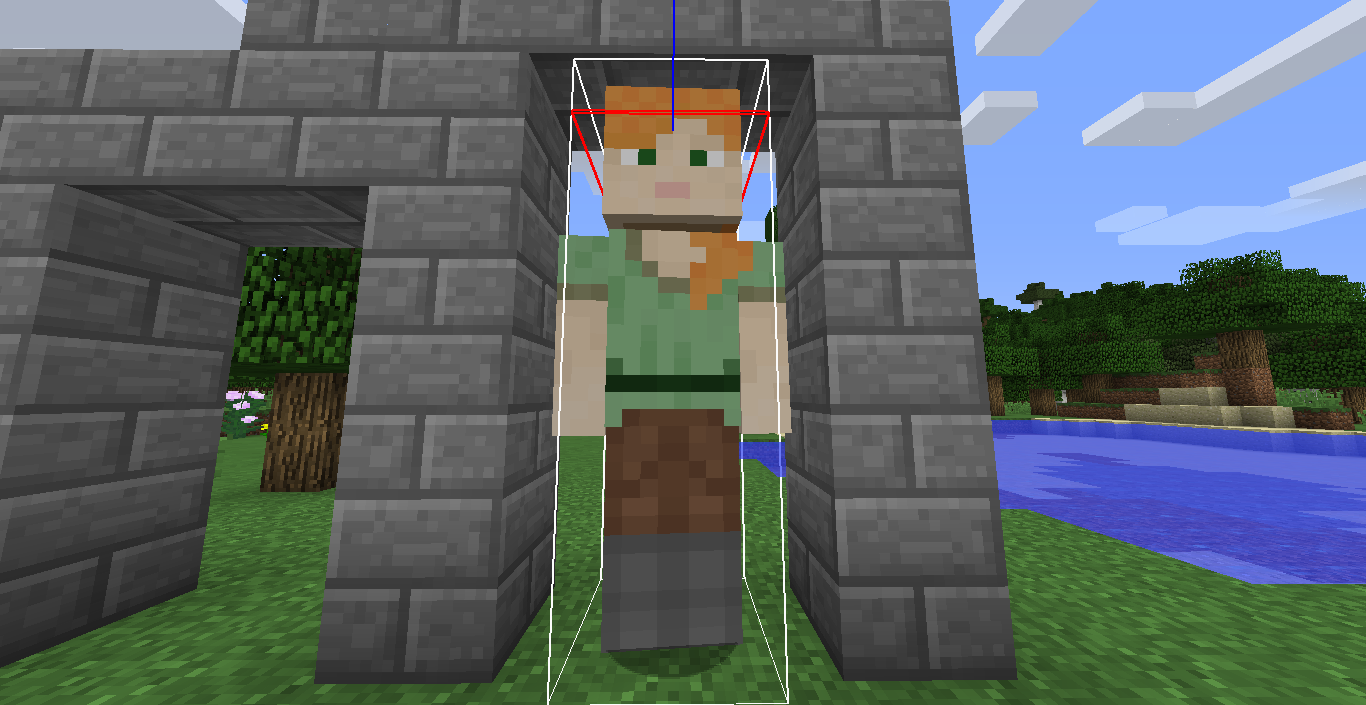
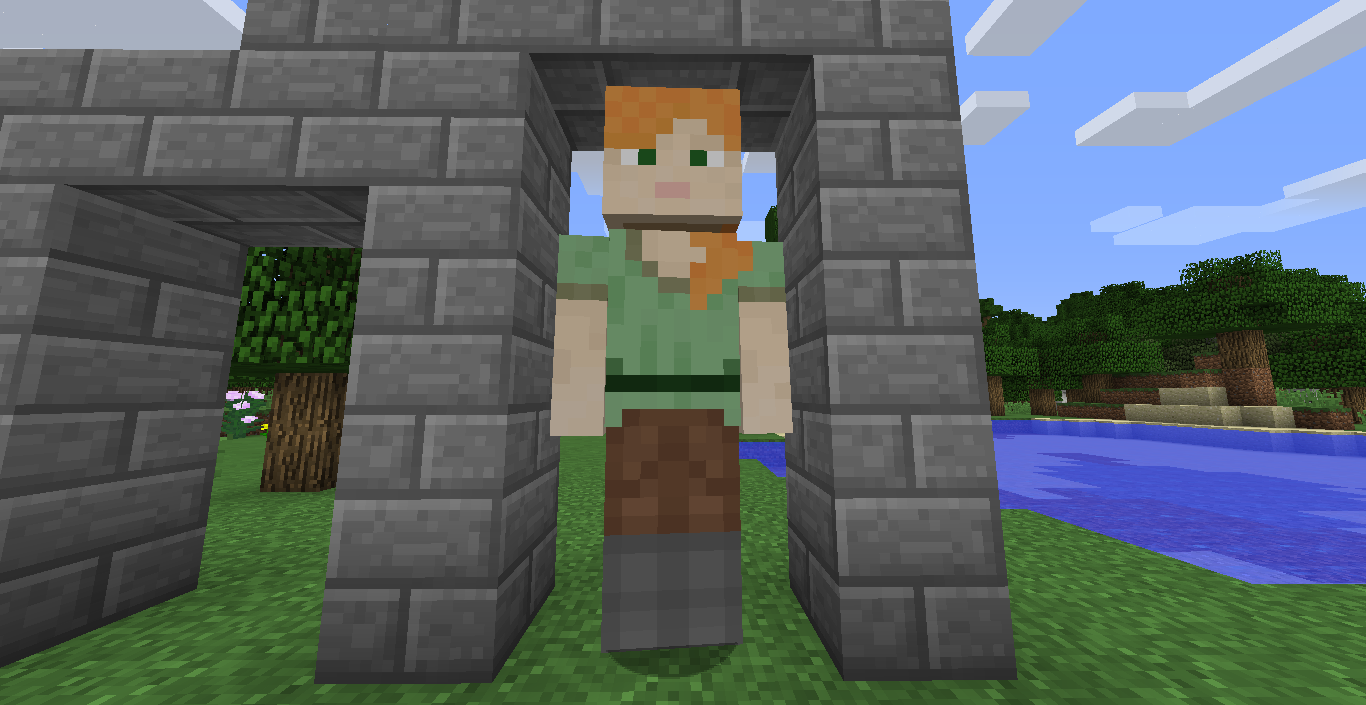
A minecraft mod that adds potions to change your size!
Come join us at our Discord Server!
Mod Spotlights
Stats compensation
Growth Potion Stats:
+50% Attack Damage * Amplifier
+50% Knockback Resistance * Amplifier
+25% Step Height * Amplifier
-20% Speed * Amplifier
-30% Attack Speed * Amplifier
Shrinking Potion Stats:
+50% Speed * Amplifier
+50% Attack Speed * Amplifier
+250% Jump Height * Amplifier
+Wall Climb Ability (Shrinking II and up)
-25% Attack Damage * Amplifier
-50% Knockback Resistance * Amplifier
-25% Step Height * Amplifier
Requirements
- Minecraft 1.12.2 (Do NOT ask for backports please)
- Artemis Lib (Ideally version 1.0.6 or newer) (Download)
- A reasonably recent version of Minecraft Forge. (Install through your preferred supported launcher, like Twitch, MultiMC5 and GDLauncher)
Optional Mods
- Baubles (by Azanor, download here): Adds a trinket that will constantly apply your potion. To obtain a trinket, craft the inert one and right click when you have the desired potion effect
Incompatible mods
- Metamorph (Disobeys hitbox and eye height changes)
- More Player Models (If you are at risk of epileptic seizures, please, do NOT put More Player Models and Resizing Potion together)
- Morph (Eye height of Resizing Potion takes precedence)
- Tropicraft (Dislikes hitbox changes)
- Lucraft: Core (Ignores eye height changes)
- Older versions of LLibrary (Causes a crash on startup, and doesn't leave a crash report)
Known Issues
- When using shrinking II potions, standing close to walls will clip your camera through it, which might be used to cheat.
- The camera acts funky sometimes, this cannot be fixed because it requires a coremod.
Other notes
- This is not a way to permanently set your size to a specified value. Gullivers Reborn mod should take care of that, even though it's not supported anymore.
- You should NOT play with higher levels of the shrinking potion. Collisions won't apply and you'll fall forever.
Quick facts
- Edition: Minecraft Java
- File type: .jar
- How to install: Install the matching mod loader (Forge, Fabric or NeoForge) for your Minecraft version. → Download the .jar. → Put it in the .minecraft/mods folder and launch that loader profile.
- Where to get it: Opens on CurseForge — not every file is mirrored on our own servers.
Install steps are the general flow for this file type — How to install Minecraft Java mods & modpacks walks through it step by step.
File checked by MCModsHub
- Ships as resizingpotion-2.2.jar — drop this file into the mods folder
- Download size: 42 KB
- Download link checked 13 Oct 2026 — working
These come from our own check of the pack file, not from the source page.