LootTweaks
Minecraft Java mod. Downloads from the MC Java Mods app on Android.
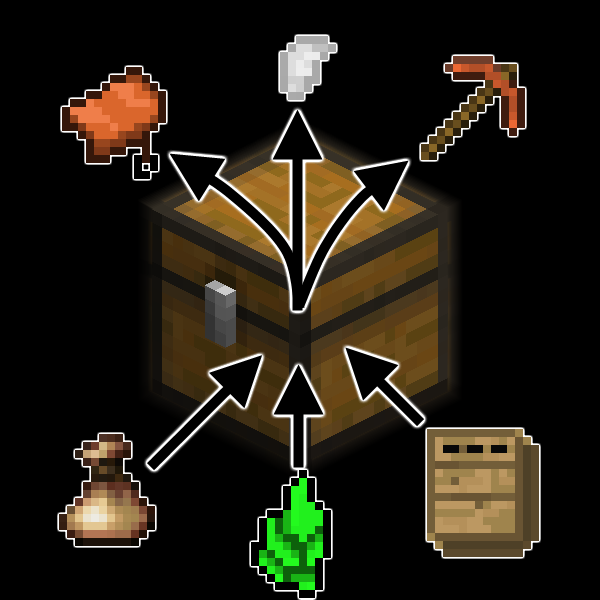
⬇ Download on CurseForgeLootTweaks uses the LuaBlock system I developed for CondensedOres - and which now is used for custom CC and RC recipes, among other things - to specify changes to the loot tables present in the game.
These files go in /config/LootTweaksChanges.
It supports the following operations:
- Clear Loot Table
- Remove Item
- Add Item
- Change Item Weight
- Change Item Chance Bounds (ie min and max chance per slot)
- Change Item Count Bounds (ie min and max count per slot)
- Change Item NBT
- Add "Tier" (see below)
- Batch operations (see below)
To simplify large-scale changes, it allows for the definition of "change batches" which can be applied as a unit, so that if you have the same, say, 48 changes you wish to make to 7 tables, you only need to define those 48 changes in a batch, and then apply that batch to the 7 tables.
It also allows defining groups of items as a "tier", so you can set groups of items by rarity for spawning, rather than defining a bunch of item types as functionally equivalent.
It also supports dynamic configuration reloading with the command.
The mod's GitHub repository contains some sample files:
https://github.com/ReikaKalseki/LootTweaks/tree/master/Example Scripts
- Edition: Minecraft Java
- File type: .jar
- How to install: Install the matching mod loader (Forge, Fabric or NeoForge) for your Minecraft version. → Download the .jar. → Put it in the .minecraft/mods folder and launch that loader profile.
- Where to get it: Opens on CurseForge — not every file is mirrored on our own servers.
Install steps are the general flow for this file type — How to install Minecraft Java mods & modpacks walks through it step by step.
- Ships as LootTweaks 1.7.10 V33a.jar — drop this file into the mods folder
- Download size: 117 KB
- Download link checked 13 Oct 2026 — working
These come from our own check of the pack file, not from the source page.