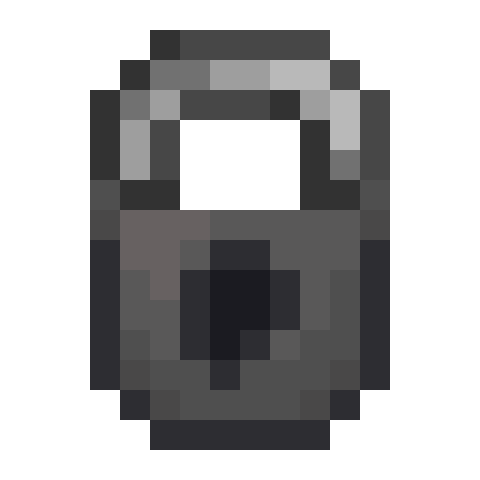
Locky
Minecraft Java mod. Downloads from the MC Java Mods app on Android.
⬇ Download on CurseForgeLocky adds locks for securing any lockable containers in the game. In vanilla, this includes:
- barrels
- blast furnaces
- chests (and trapped chests)
- dispensers
- droppers
- furnaces
- hoppers
- shulker boxes
- smokers
Locky uses the vanilla locking system, so any modded block entity that extends the LockableContainerBlockEntity interface will have support.
To lock a block, name your lock the password you want to use and shift-right-click the block. To access the block, simply right-click with any item that's named the password you set earlier. Shift-right-clicking with a lockpick that's named with the password will remove the lock and return the lock to you. A player in creative mode can access any locked container (configurable with the "locky:creativeLockBypass" gamerule), and unlock any container with any lockpick.
Locked containers will not spill their inventories when broken, instead keeping them inside the dropped item like a shulker box, for added security (configurable with the "locky:protectLockedBlocks" gamerule)
Name tags can be used to rename any lockable container.
- Edition: Minecraft Java
- File type: .jar
- How to install: Install the matching mod loader (Forge, Fabric or NeoForge) for your Minecraft version. → Download the .jar. → Put it in the .minecraft/mods folder and launch that loader profile.
- Where to get it: Opens on CurseForge — not every file is mirrored on our own servers.
Install steps are the general flow for this file type — How to install Minecraft Java mods & modpacks walks through it step by step.
- Ships as locky-1.2.0+1.14.2.jar — drop this file into the mods folder
- Download size: 28 KB
- Download link checked 13 Oct 2026 — working
These come from our own check of the pack file, not from the source page.