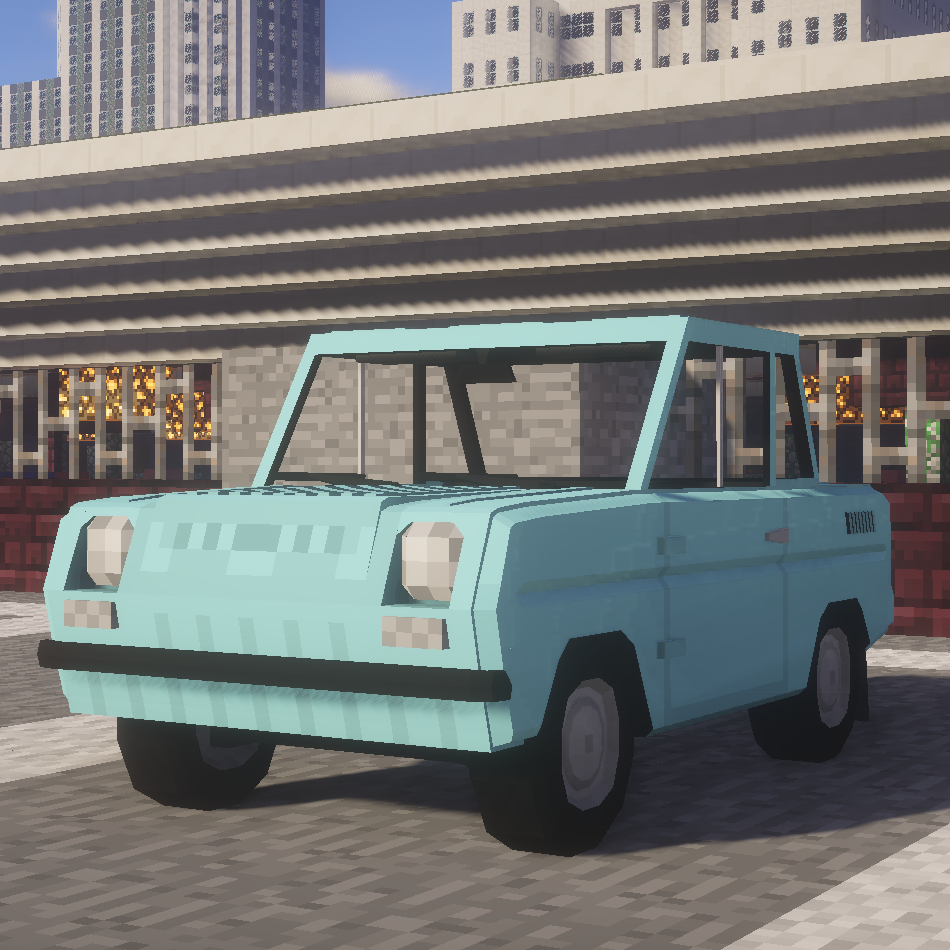
RoboWorks SMZ-S3D Classic Package
Minecraft Java mod. Downloads from the MC Java Mods app on Android.
⬇ Download on CurseForge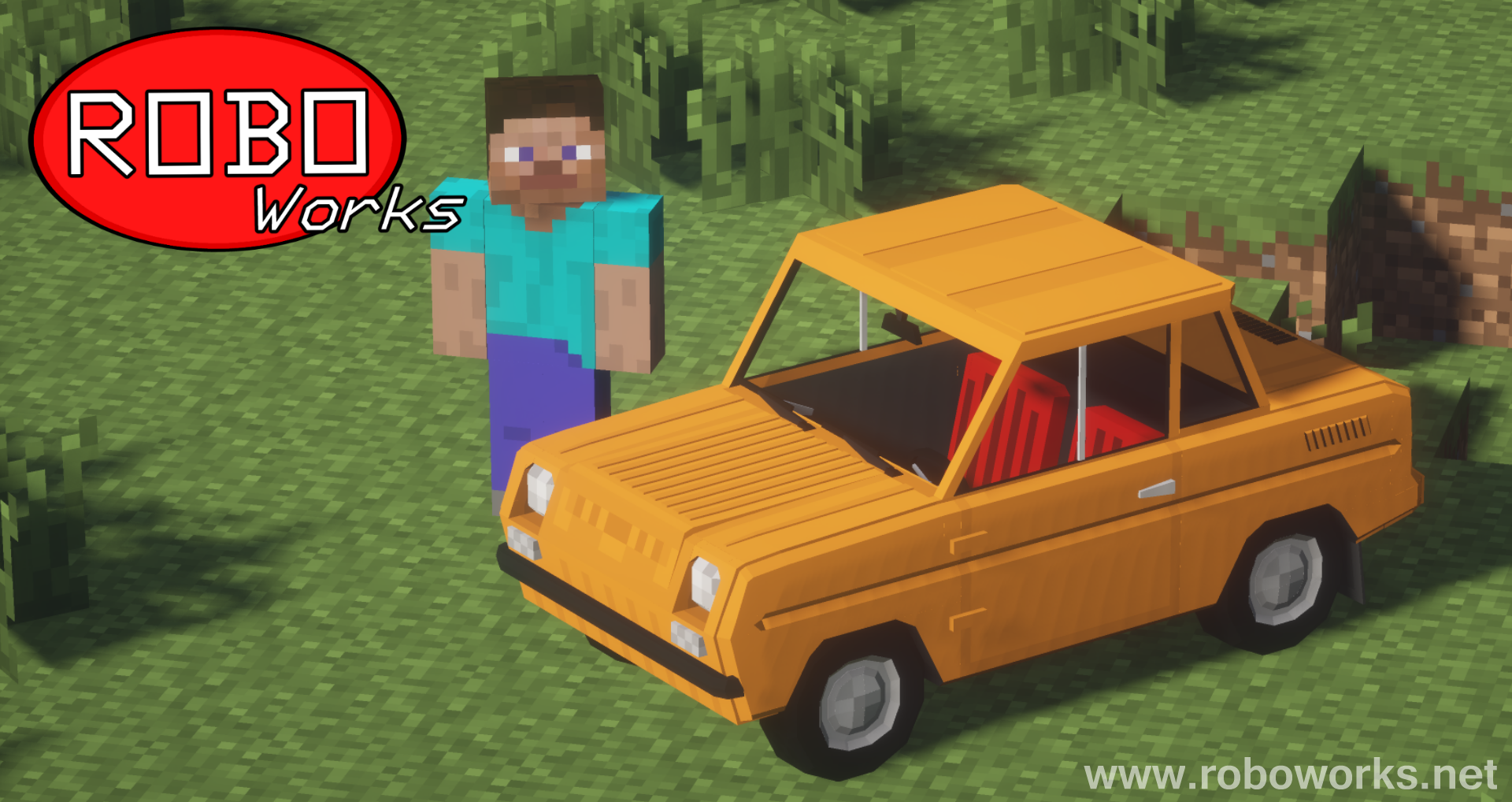


Description:
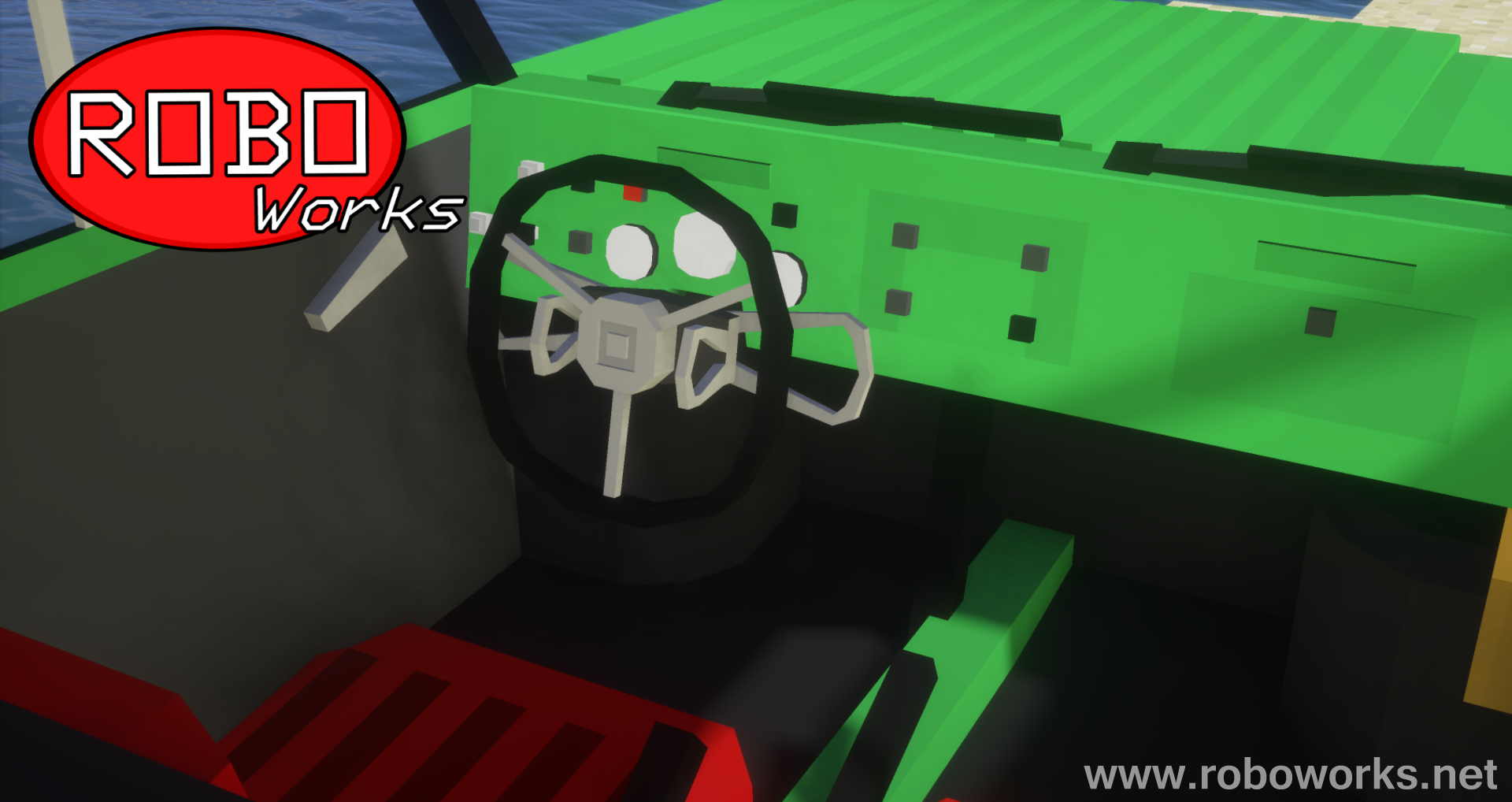
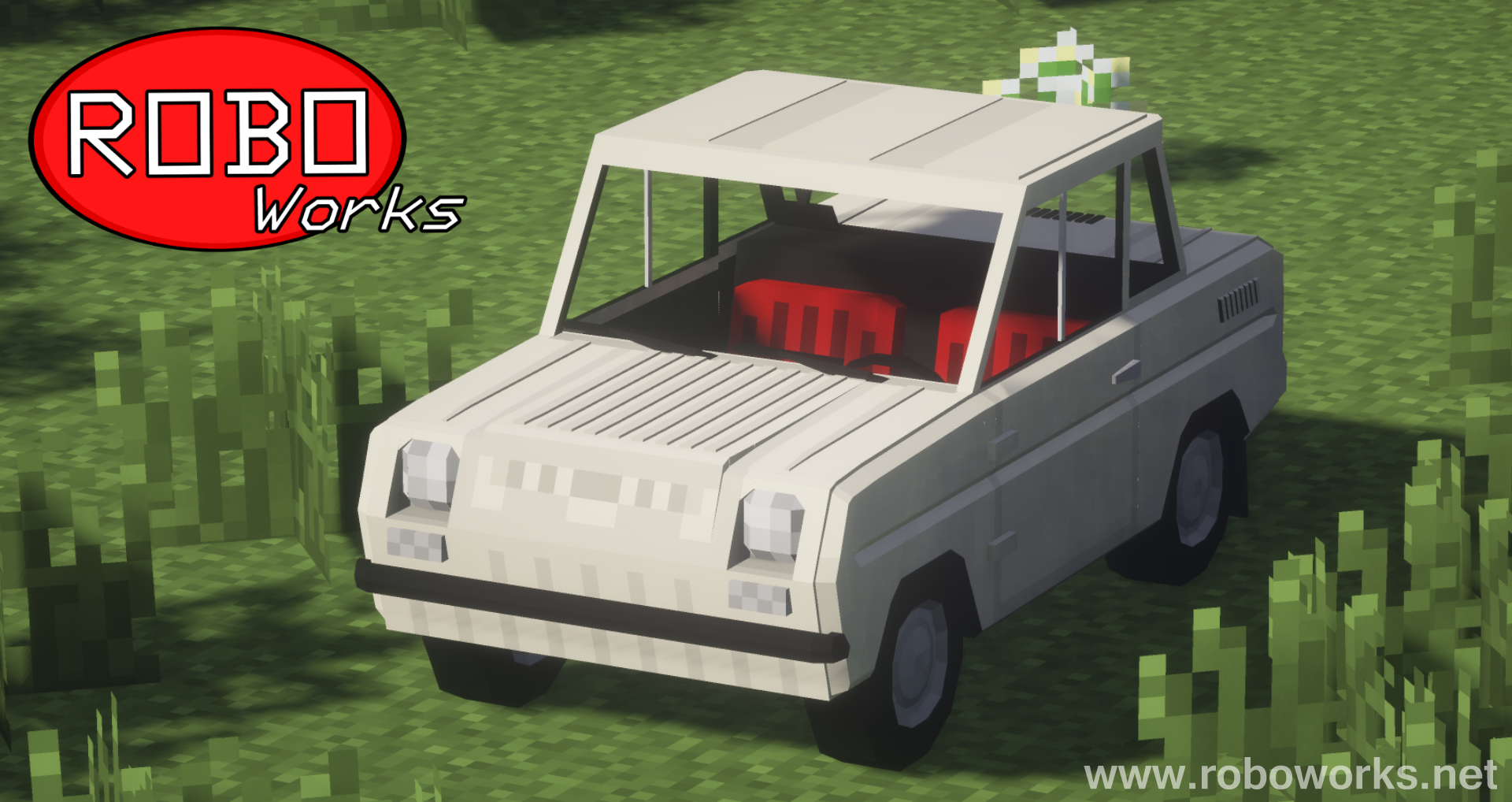
RoboWorks SMZ-S3D Classic Package is a content-pack for Flans mod which adds 12 new vehicles to the game. SMZs were tiny welfare cars produced in the Soviet Union. This package includes an older, classic version of SMZ-S3D with thinner turn signals and round taillights. To see more SMZs and other cars made by me click here.
Features:
• High detail
• Minecraft 1.7.10
• 16x16 styled textures
• Realistic engine sound
• One driver and one passenger seat
List of current vehicles:
• SMZ-S3D Classic (Beige)
• SMZ-S3D Classic (Blue)
• SMZ-S3D Classic (Brown)
• SMZ-S3D Classic (Cyan)
• SMZ-S3D Classic (Green)
• SMZ-S3D Classic (Grey)
• SMZ-S3D Classic (Blue)
• SMZ-S3D Classic (Lime)
• SMZ-S3D Classic (Orange)
• SMZ-S3D Classic (Red)
• SMZ-S3D Classic (White)
• SMZ-S3D Classic (Yellow)
Installation:
1) Download and install Forge for Minecraft 1.7.10
2) Download Flans mod and place it in “mods” folder
3) Create a “flan” folder in .minecraft directory
4) Download RoboWorks SMZ-S3D Classic Package and place it in the “flan” folder
If you plan to use this mod/package in your video, server, or modpack, I give you my permission if you give credit by linking the Curse page of this mod/package.
- Edition: Minecraft Java
- File type: .jar
- How to install: Install the matching mod loader (Forge, Fabric or NeoForge) for your Minecraft version. → Download the .jar. → Put it in the .minecraft/mods folder and launch that loader profile.
- Where to get it: Opens on CurseForge — not every file is mirrored on our own servers.
Install steps are the general flow for this file type — How to install Minecraft Java mods & modpacks walks through it step by step.
- Ships as RoboWorks_SMZ-S3D_Classic_Pack_BETA2.0[1.7.10].jar — drop this file into the mods folder
- Download size: 358 KB
- Download link checked 3 Nov 2026 — working
These come from our own check of the pack file, not from the source page.