
RoboWorks SMZ-S3D Stock Package
Minecraft Java mod. Downloads from the MC Java Mods app on Android.
⬇ Download on CurseForge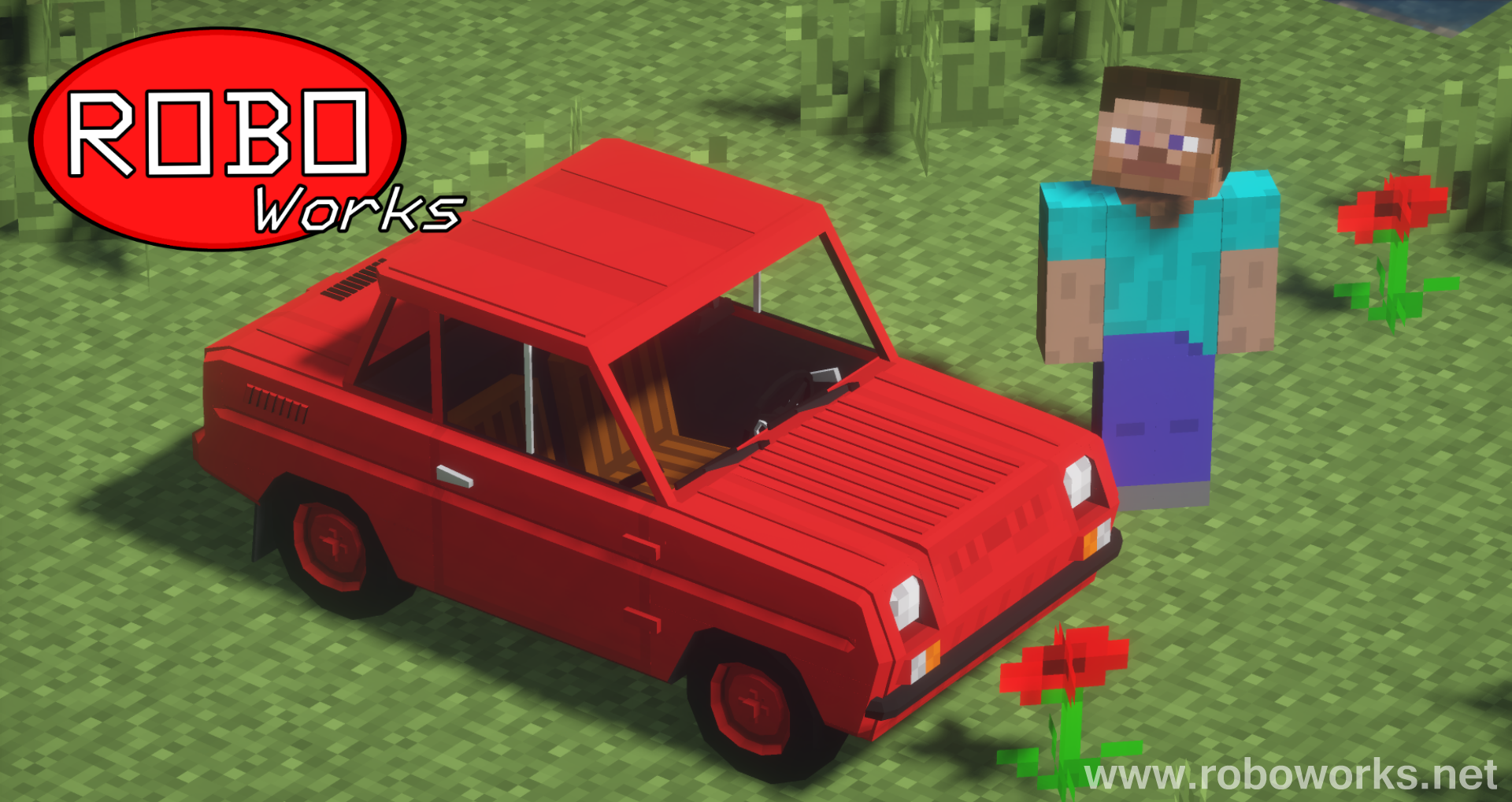

Description:
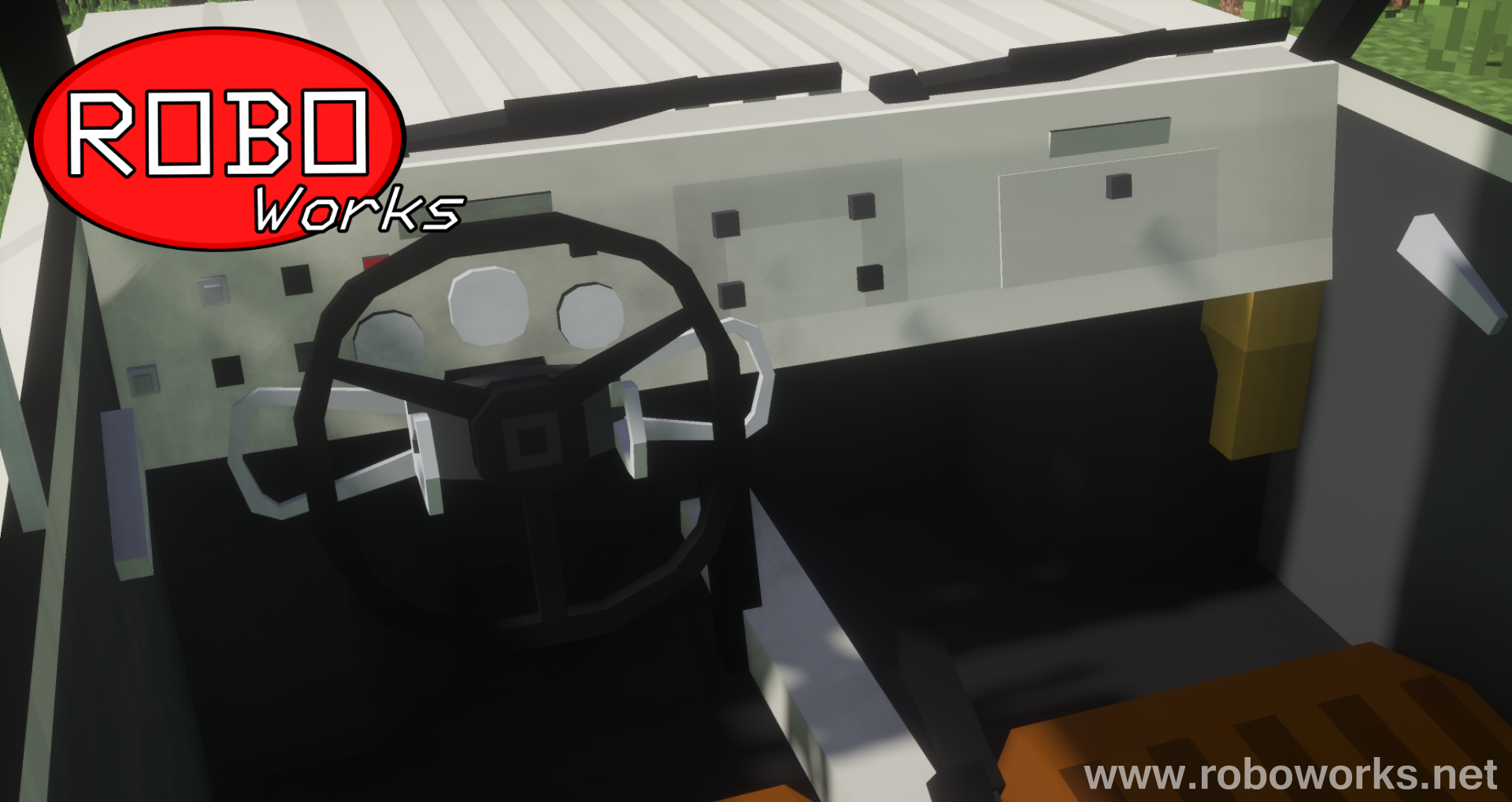
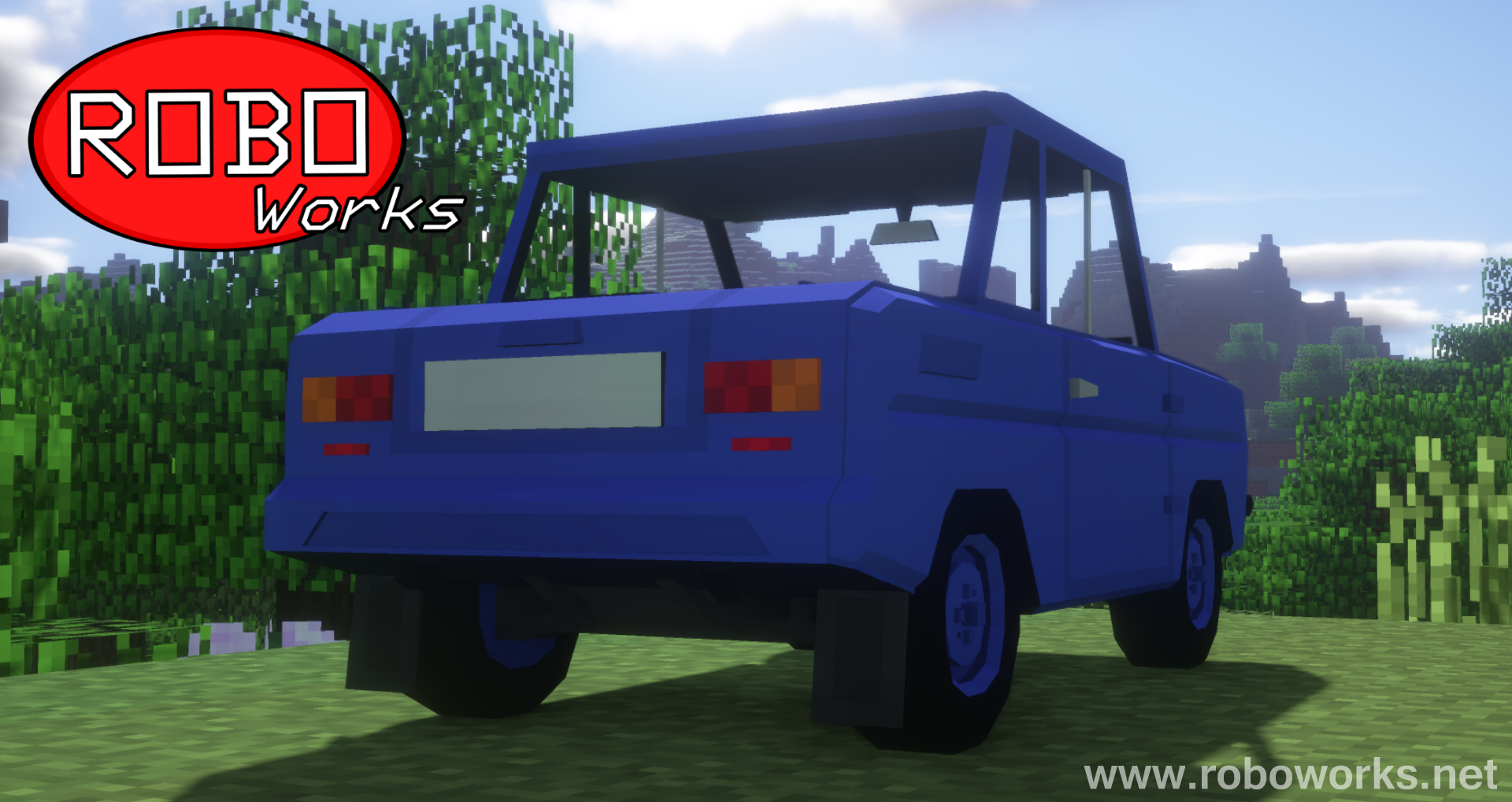
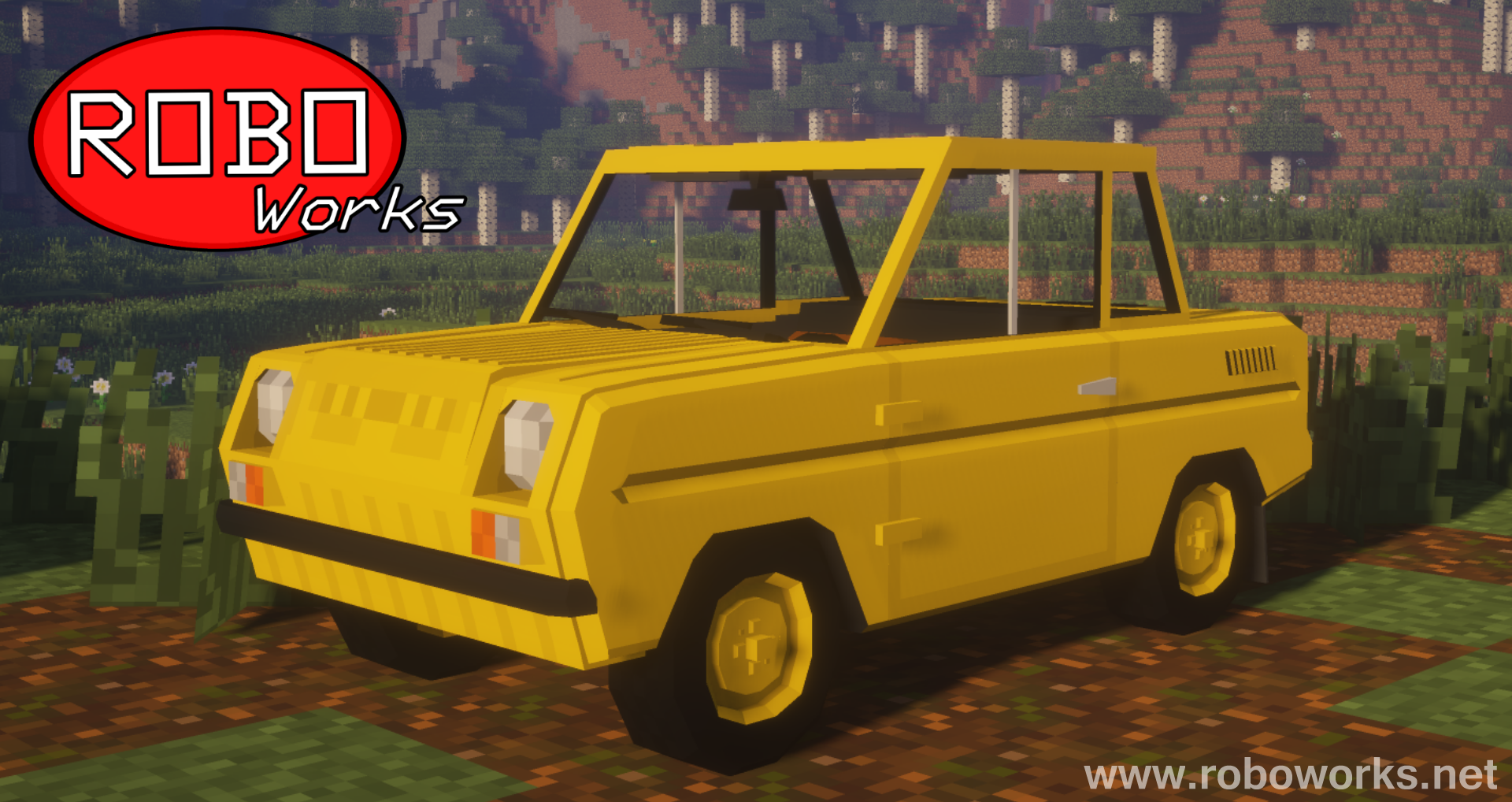
RoboWorks SMZ-S3D Stock Package is a content-pack for Flans mod which adds 12 new vehicles to the game. SMZs were tiny welfare cars produced in the Soviet Union. This package includes a newer version of SMZ-S3D with thick turn signals and rectangular taillights. To see more SMZs and other cars made by me click here.
Features:
• High detail
• Minecraft 1.7.10
• 16x16 styled textures
• Realistic engine sound
• One driver and one passenger seat
List of current vehicles:
• SMZ-S3D Stock (Beige)
• SMZ-S3D Stock (Blue)
• SMZ-S3D Stock (Brown)
• SMZ-S3D Stock (Cyan)
• SMZ-S3D Stock (Green)
• SMZ-S3D Stock (Grey)
• SMZ-S3D Stock (Blue)
• SMZ-S3D Stock (Lime)
• SMZ-S3D Stock (Orange)
• SMZ-S3D Stock (Red)
• SMZ-S3D Stock (White)
• SMZ-S3D Stock (Yellow)
Installation:
1) Download and install Forge for Minecraft 1.7.10
2) Download Flans mod and place it in “mods” folder
3) Create a “flan” folder in .minecraft directory
4) Download RoboWorks SMZ-S3D Stock Package and place it in the “flan” folder
If you plan to use this mod/package in your video, server, or modpack, I give you my permission if you give credit by linking the Curse page of this mod/package.
- Edition: Minecraft Java
- File type: .jar
- How to install: Install the matching mod loader (Forge, Fabric or NeoForge) for your Minecraft version. → Download the .jar. → Put it in the .minecraft/mods folder and launch that loader profile.
- Where to get it: Opens on CurseForge — not every file is mirrored on our own servers.
Install steps are the general flow for this file type — How to install Minecraft Java mods & modpacks walks through it step by step.
- Ships as RoboWorks_SMZ-S3D_Stock_Pack_BETA2.0[1.7.10].jar — drop this file into the mods folder
- Download size: 352 KB
- Download link checked 3 Nov 2026 — working
These come from our own check of the pack file, not from the source page.