ColouredChat
Minecraft Java mod. Downloads from the MC Java Mods app on Android.
⬇ Download on CurseForgeColouredChat




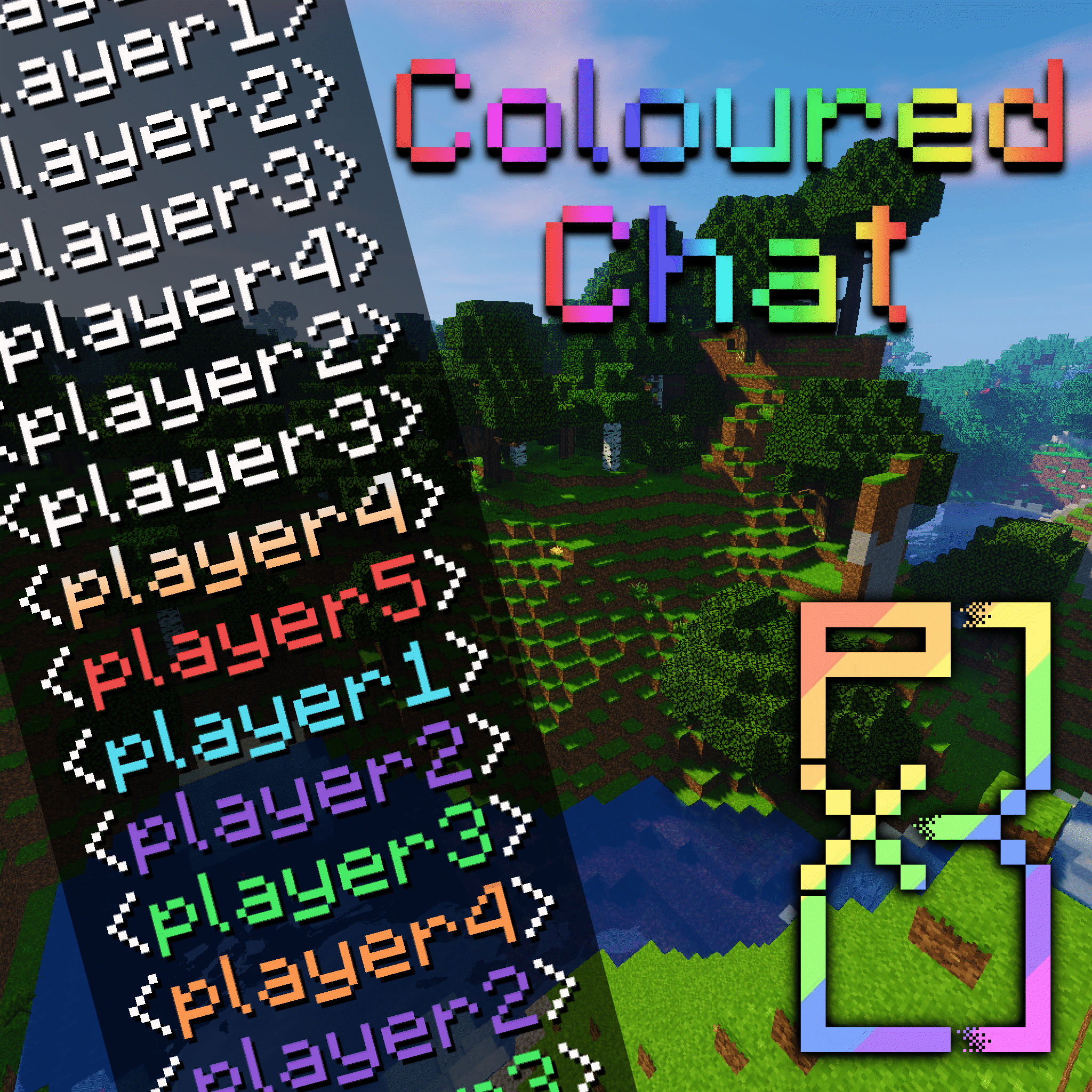
Chat on vanilla servers can get hard to read with many people chatting at the same time. This mod simply assigns a random colour to a users name when they join the server.
Works server-side without requiring anything on the client (However auto tab completions will not show if the client does not have the mod).
Feel free to include this mod in any servers or modpacks.
Configs allow you to change the delimiter around a players name (By default "<username> "), setup which colours will be randomly assigned, and enable/disable commands.
The mod adds the following commands:
/colouredchat clear|set colour
/colouredchat random
/colouredchat list
Known Bugs:
Currently chat will not go through if FTBUtils is installed and the config option ranks:override_chat is set to true. For now a simple workaround is to just disable that one config option
Version Changes
Version 1.14.4-0.4.0 implements a brand new quasi-random colour assignment system:
- Players are now randomly assigned colours from a reverse-bag system
- This system ensures all colours are assigned before using any repeated colours
- The system also attempts to maintain an equal distribution of all colours when repeated colours are needed
- This system is independent of any randomly assigned or set colours (using the commands)
- If you only want to use this system you can simply disable the random/set commands from the config
Version 1.14.4-1.4.2 added the option to auto assign a player to a placeholder team set to the colour of their name:
- This allows for others to see a players colour in the player tab list and in the hovering name above a player
- This option is disabled by default and can be enabled in the experimental section of the configs
This mod was made for a private server, idea adapted from the SKCraft server, released in case anyone else wants this
- Edition: Minecraft Java
- File type: .jar
- How to install: Install the matching mod loader (Forge, Fabric or NeoForge) for your Minecraft version. → Download the .jar. → Put it in the .minecraft/mods folder and launch that loader profile.
- Where to get it: Opens on CurseForge — not every file is mirrored on our own servers.
Install steps are the general flow for this file type — How to install Minecraft Java mods & modpacks walks through it step by step.
- Ships as colouredchat-1.12.2-0.3.0-beta.jar — drop this file into the mods folder
- Download size: 18 KB
- Download link checked 13 Oct 2026 — working
These come from our own check of the pack file, not from the source page.