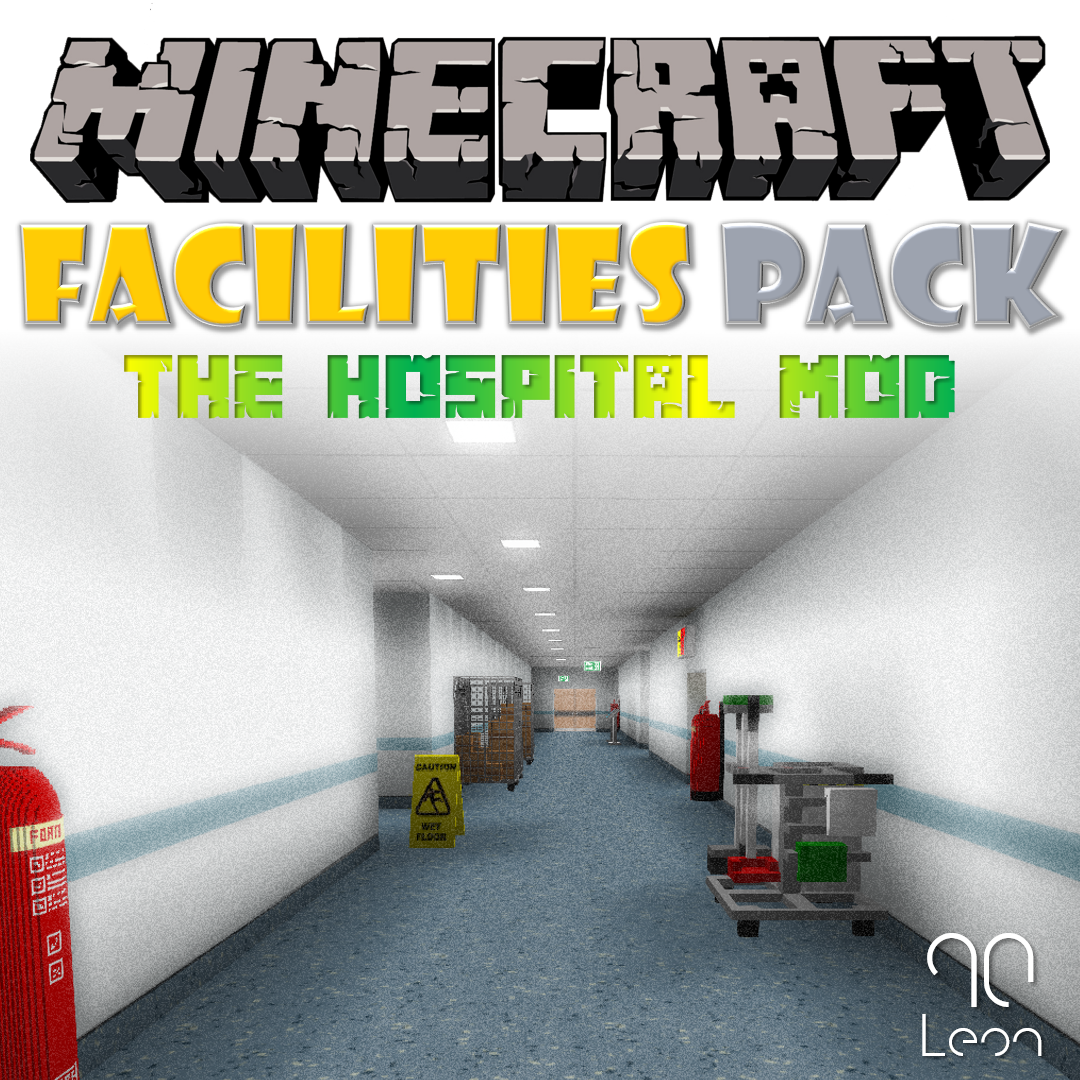
Hospital Mod - Facilities Pack
Minecraft Java mod. File opened and checked on 8 Oct 2026; downloads from the MC Java Mods app on Android.
Enhance your Minecraft world with the Hospital Mod Facilities pack, part of the Hospital Mod Minecraft mod project by Leon90.
⬇ Download on CurseForge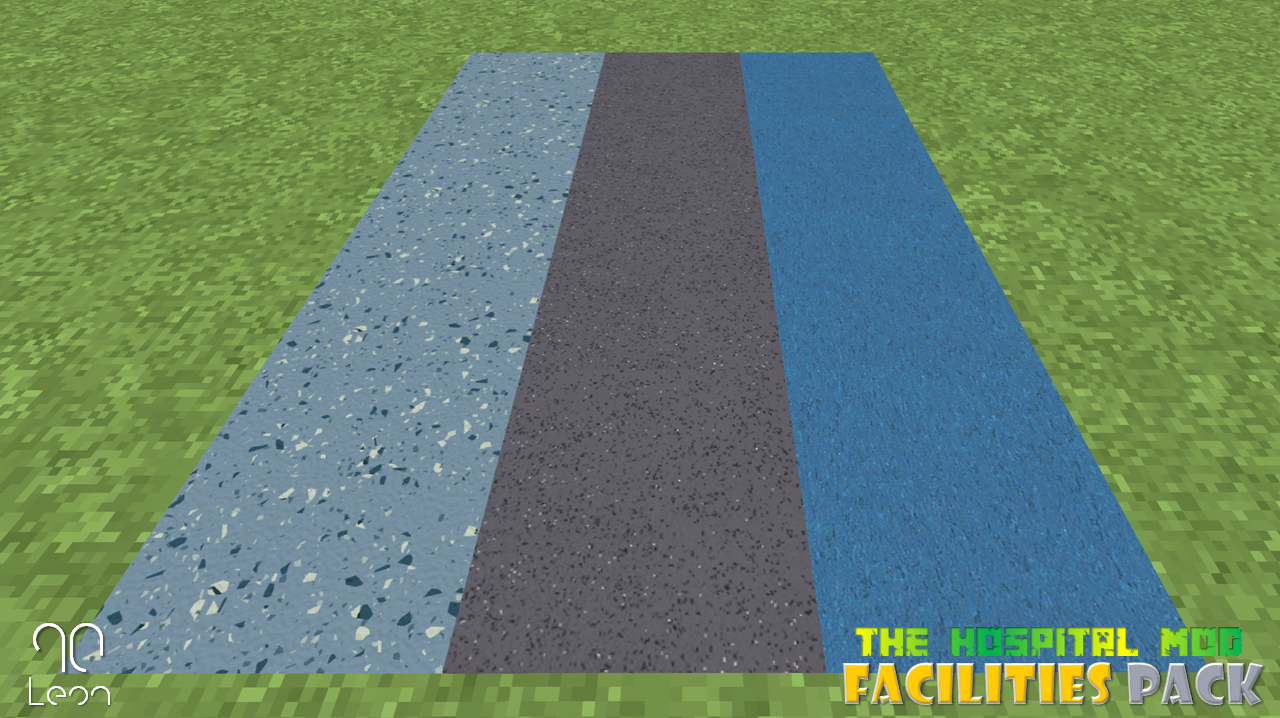
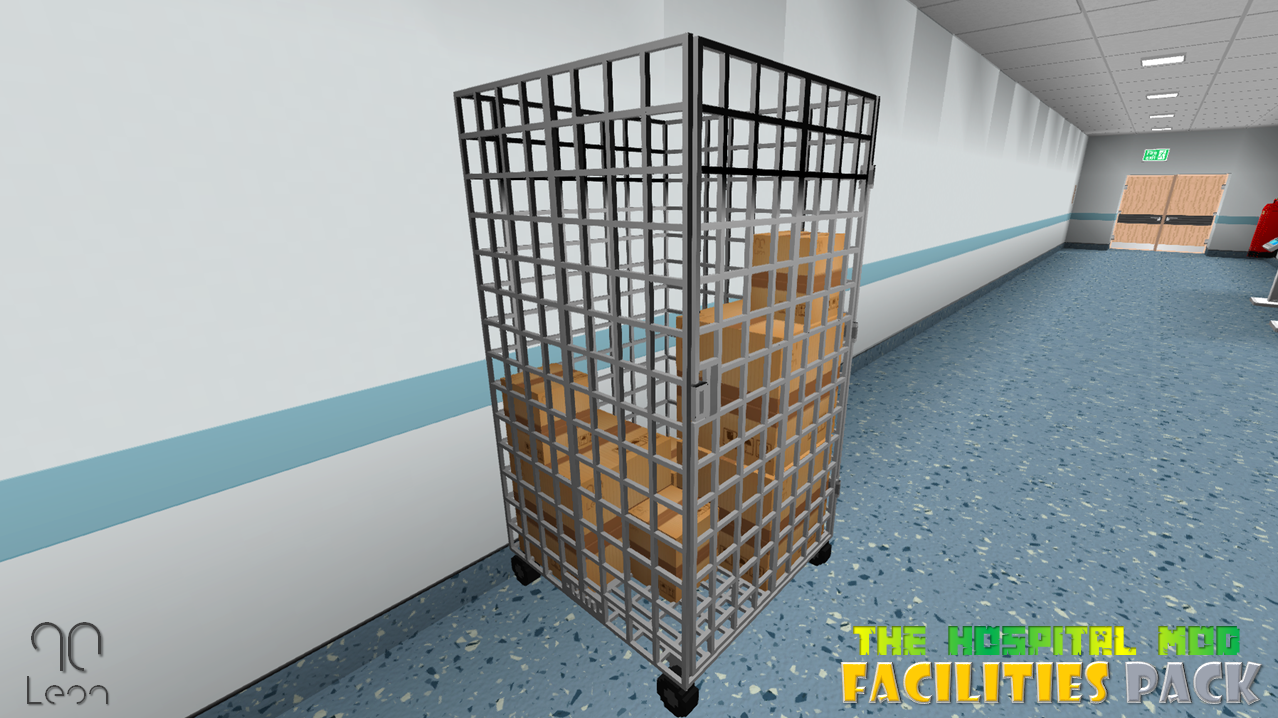
Hospital Mod – Facilities Pack
NOTICE ABOUT FUTURE UPDATES:- Please note that I will not be updating this mod any further. I appreciate this may cause some frustration, however I no longer have the time to make these mods. Messages or comments asking for this mod to be updated won’t be responded to. Thank you to all those who have downloaded the mod, over the years.
Enhance your Minecraft world with the Hospital Mod Facilities pack, part of the Hospital Mod Minecraft mod project by Leon90.
What is it?
The facilities pack brings some additional ‘misc’ items which can add to the realism of your Minecraft world, intended to compliment other ‘Hospital Mod’ content, this can be used in a variety of other builds and projects.
Included Content
Building items include;
- 3 Vinyl floor blocks
- 1 White Concrete Wall with Floor Trim
and Wall Guard - Realistic Suspended Ceiling
- Small Ceiling Light Panel (Redstone
Powered) - Large Ceiling Light Panel (Redstone
Powered)
Office items include;
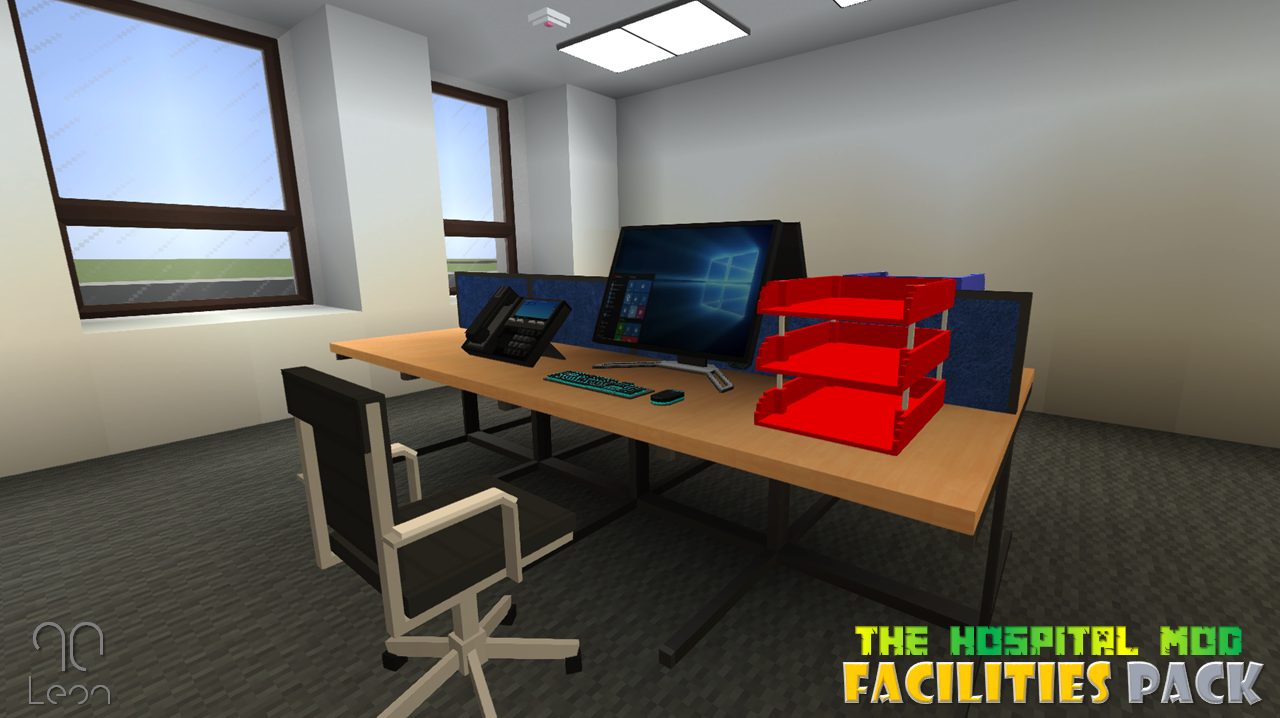
- Blue and Red Office Trays
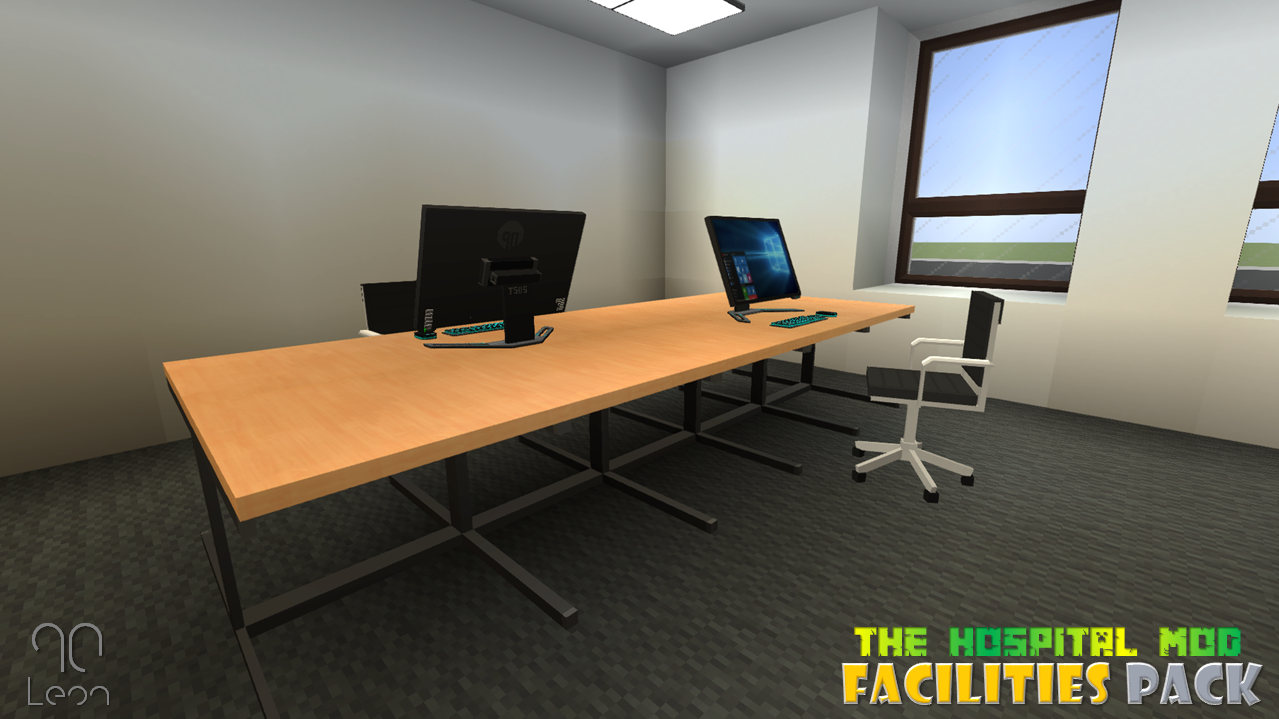
- Call Centre/Office Style Desks (with/without
back board) - Cisco Style Desk Phone
- Cisco Style Wall Phone
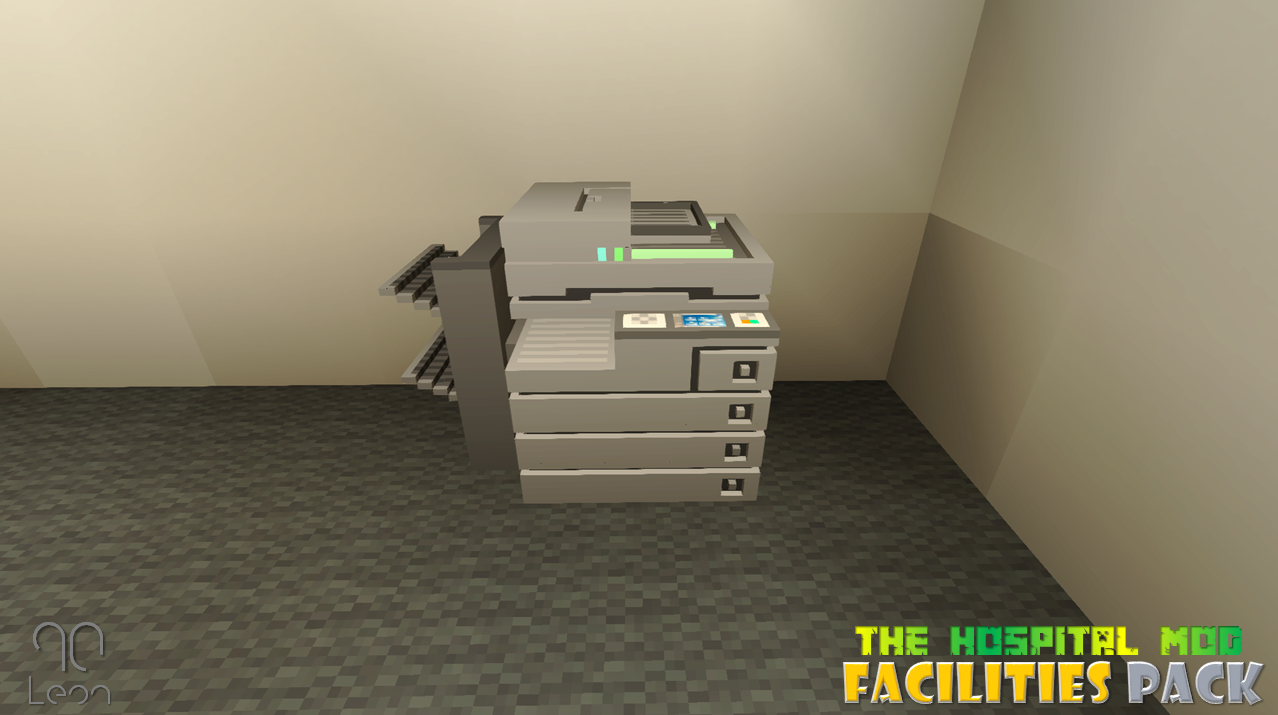
- Office Multifunctional
Printer/Copier
Misc Objects include;
- Wall Hung Fire Exit Sign
- Ceiling Hung Fire Exit Sign
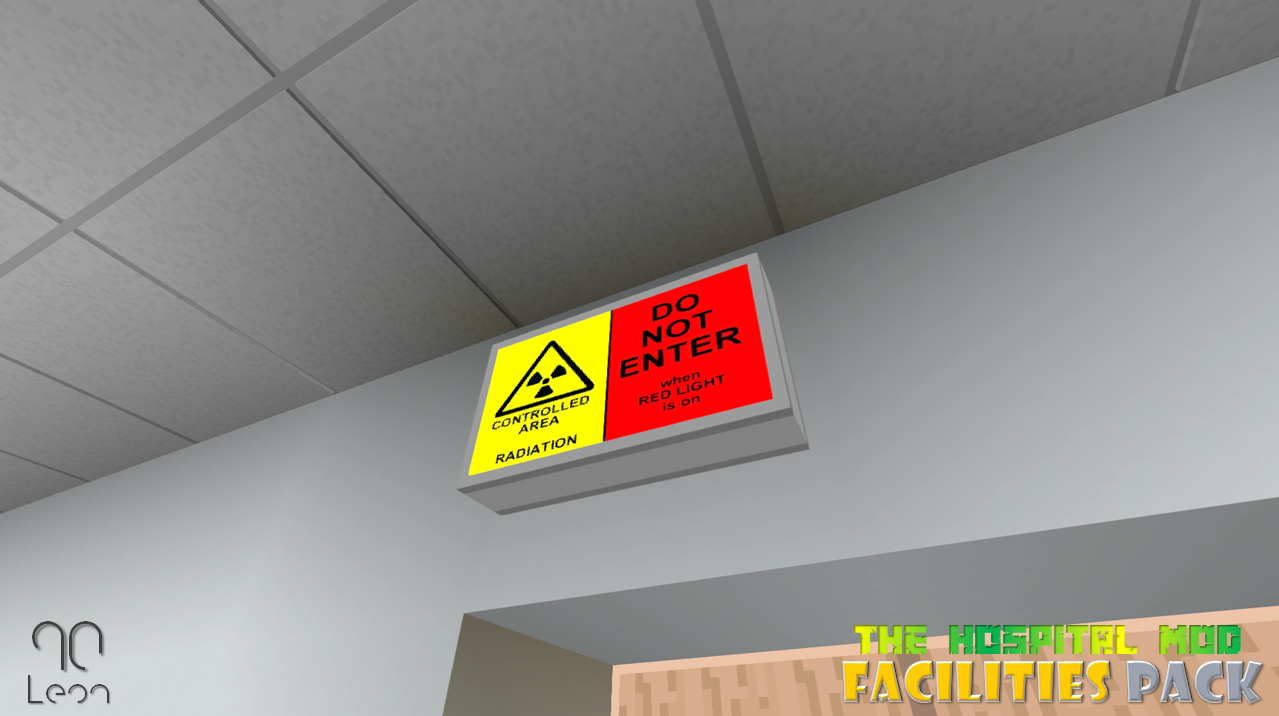
- X-RAY Wall Sign
- Wall Mounted Fire Extinguisher
- Cleaning Trolley
- Wet Floor Sign
- Roll Cage
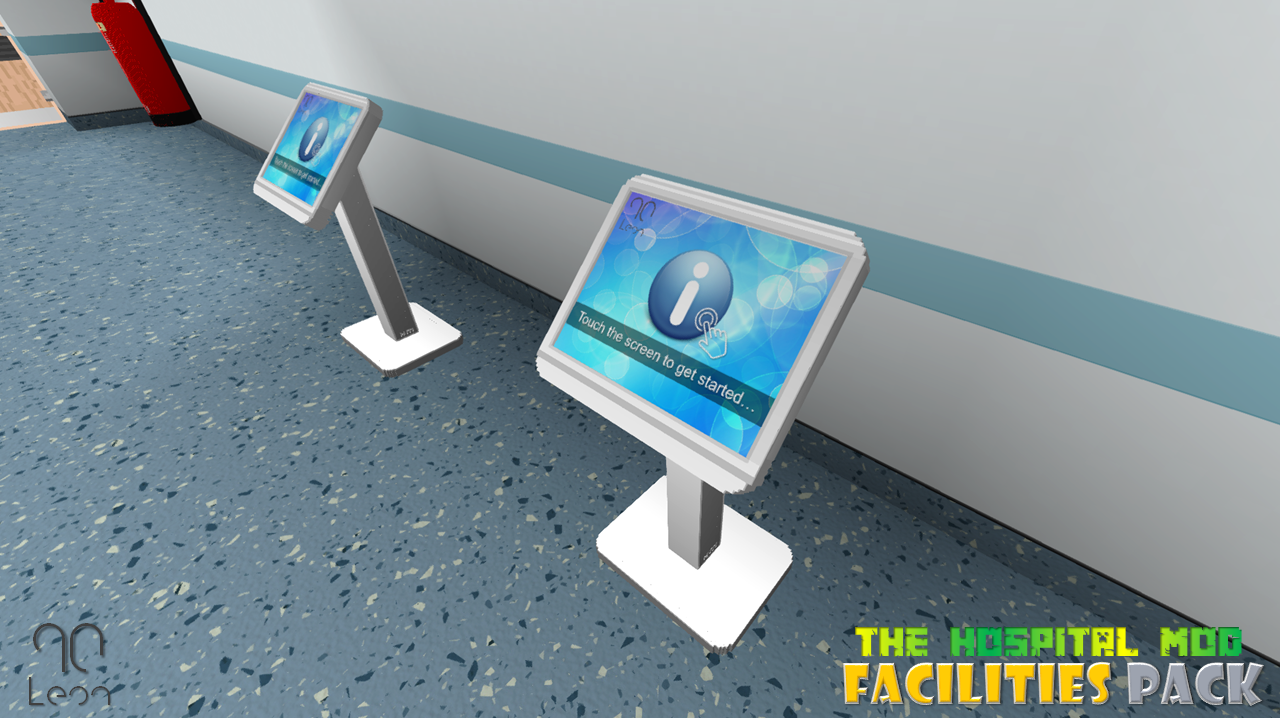
- Patient Information Point
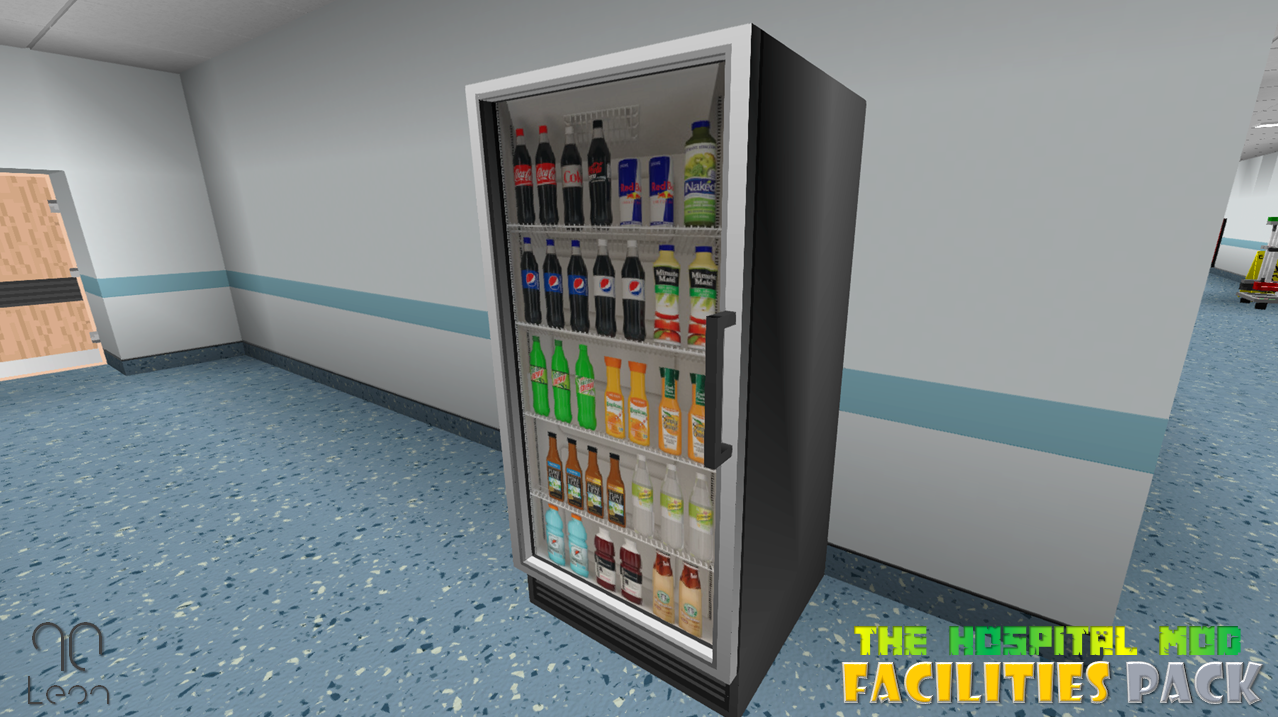
- Soft Drinks Fridge
Requirements
To use this mod, you will need to
have the latest version of Minecraft Forge and be using Minecraft version
1.12.2.
You can download the latest version
of Minecraft Forge by following the link below;
https://files.minecraftforge.net/
Installation
Firstly you will need to ensure you
have installed Minecraft Forge correctly and this is working with your
Minecraft Client, you should also make sure the version of Minecraft you are
using is version 1.12.2.
Installation
If you do not know how to install
mods for Minecraft, follow the below guidance. I would strongly recommend
viewing some YouTube tutorials if you are still unsure.
Windows Installation
- Download
GymCraft .zip file
- Move
.zip file to your ‘Mods’ folder, this can be found by going to the following
folder
- Open up any file/Windows Explorer
- Clear the address bar and type in
%appdata% and press enter - Open the .Minecraft folder
- Open the ‘mods’ folder
- Drag and drop the .zip file here
Mac Installation
- Download
GymCraft .zip file
- Move
.zip file to your ‘mods’ folder, this can be found by following the path below;
/Library/Application Support/Minecraft/mods
folder
- Drag and drop the .zip file here
Connect
If you like my content, please check out some of my other mods which are available to
download and subscribe for regular updates on new content.
Follow me
on Twitter @Leon90_
https://twitter.com/Leon90_
Subscribe to 90TV on YouTube for content
previews, tutorials and updates.
https://www.youtube.com/channel/UCXzlondS_UQczsesh6W5-Sg?
Credits
This mod has been developed by myself (Leon90) using MCreator (https://mcreator.net/) and all custom models (if any) have been made with Cubik Studio (https://cubik.studio/). All ideas and designs are my own however some textures and models may have similarities if they are based on real world items, in which case every effort has been made to not infringe any copyrighted material.
For more information about my content, please visit my website https://sites.google.com/view/leonjah90content/
- Edition: Minecraft Java
- File type: .jar
- How to install: Install the matching mod loader (Forge, Fabric or NeoForge) for your Minecraft version. → Download the .jar. → Put it in the .minecraft/mods folder and launch that loader profile.
- Where to get it: Opens on CurseForge — not every file is mirrored on our own servers.
Install steps are the general flow for this file type — How to install Minecraft Java mods & modpacks walks through it step by step.
- Ships as Hospital_Mod_Facilities_Pack_1.12.2.jar — drop this file into the mods folder
- Download size: 5.1 MB
- Download link checked 13 Oct 2026 — working
These come from our own check of the pack file, not from the source page.