Blinking Skin Port
I don't know my version or loader
Blinking Skin Port [Forge 1.12.2/Fabric 1.16-1.20]
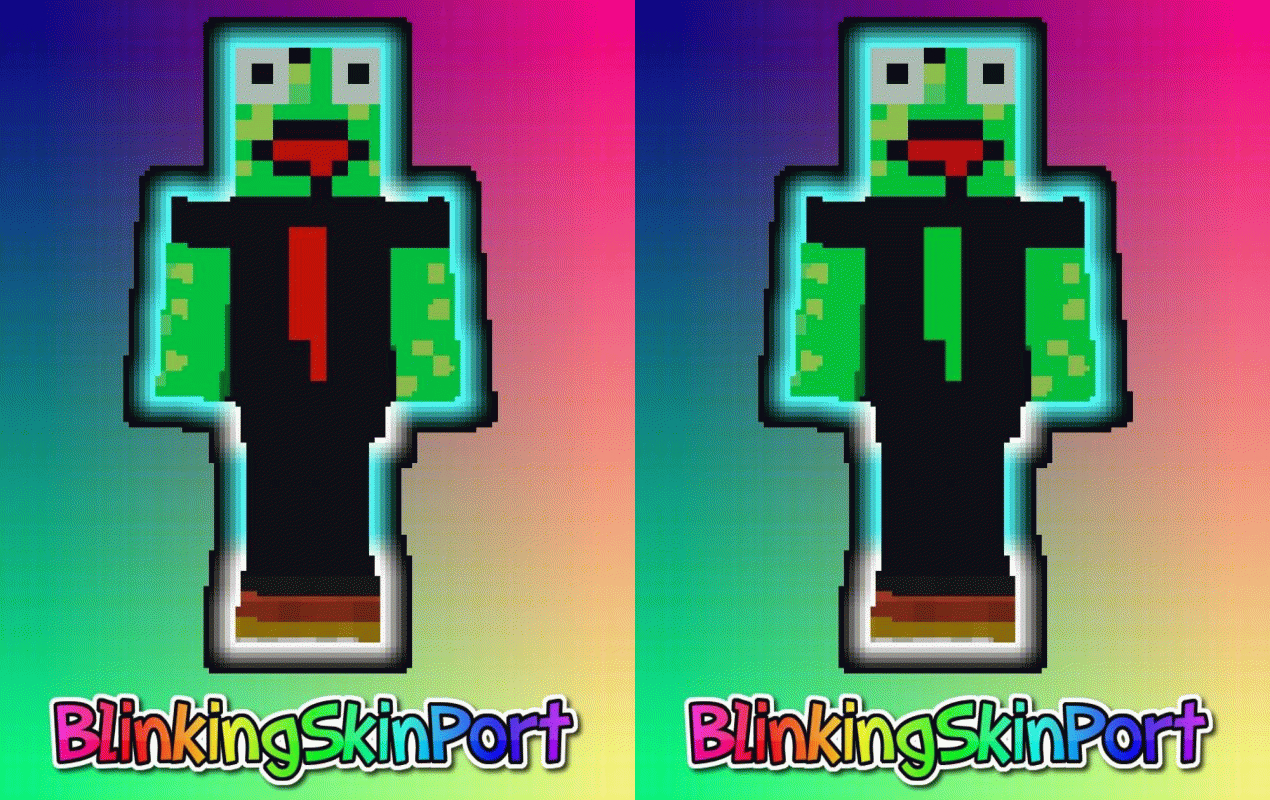
This modification automatically toggles all second Skin layers you set to true in a specified interval.
It is a port of the Blinking Skin Mod to 1.12.2, as well as 1.16 and later versions
How does it work?
Minecraft introduced a second skin layer in version 1.8 for every part of the player's body. You can configure this modification to toggle certain (or even all) second skin layers in certain time intervals. This will make the skin look as if it is blinking (/ animated).
Body parts which can blink: Cape, Hat, Jacket, Left Sleeve, Right Sleeve, Left Pants Leg, Right Pants Leg
Do other players need to have this modification installed to be able to see my skin blinking?
No.
Requirements
- You need at least Minecraft Forge 1.12 / Fabric Loader + API 1.16+
- You need a skin with second skin layers.
- Other Minecraft players need at least Minecraft 1.8 or above in order to see your skin blinking.
- If you want it for Forge 1.8.9-1.11.2, check out the original: https://minecraft.curseforge.com/projects/blinking-skin-mod
- If you want it for older Fabric versions, here you go: https://www.curseforge.com/minecraft/mc-mods/flashy-clothing
Configuration
Go to .minecraft/config and edit the blinkigskinmod.cfg file with your preferred notepad program.
If you're on fabric you can find a config screen in mod menu.
Installation
First, download and install Minecraft Forge for 1.12.x or Fabric Loader + Fabric API for 1.16-1.20.
Second, download this mod and put it into the mods folder in your .minecraft folder. That's it, you're done!

- Edition: Minecraft Java
- File type: .jar
- Minecraft versions listed: 1.20.1, 1.20, 1.19.3
- How to install: Install the matching mod loader (Forge, Fabric or NeoForge) for your Minecraft version. → Download the .jar. → Put it in the .minecraft/mods folder and launch that loader profile.
- Where to get it: Opens on CurseForge — not every file is mirrored on our own servers.
Install steps are the general flow for this file type — How to install Minecraft Java mods & modpacks walks through it step by step.
- Ships as blinkingskinport-1.1.jar — drop this file into the mods folder
- Download size: 9 KB
- Download link checked 23 Sept 2026 — working
These come from our own check of the pack file, not from the source page.