DGWeapons
Minecraft Java mod. Downloads from the MC Java Mods app on Android.
⬇ Download on CurseForge
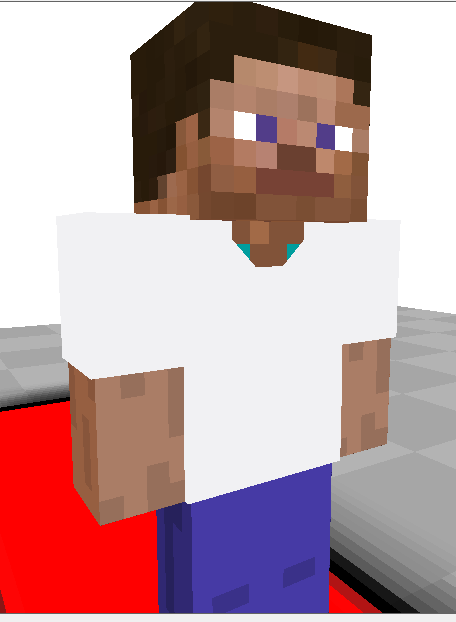
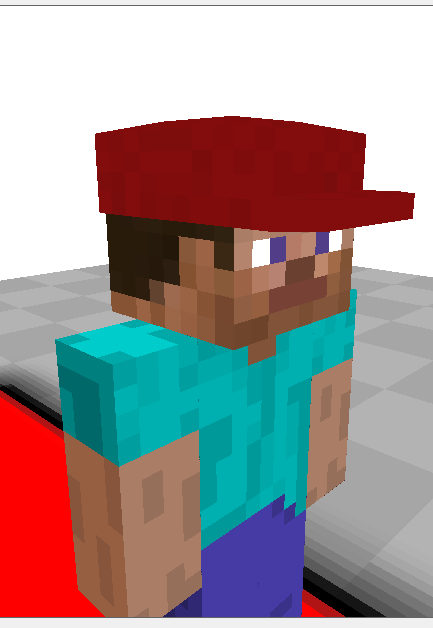
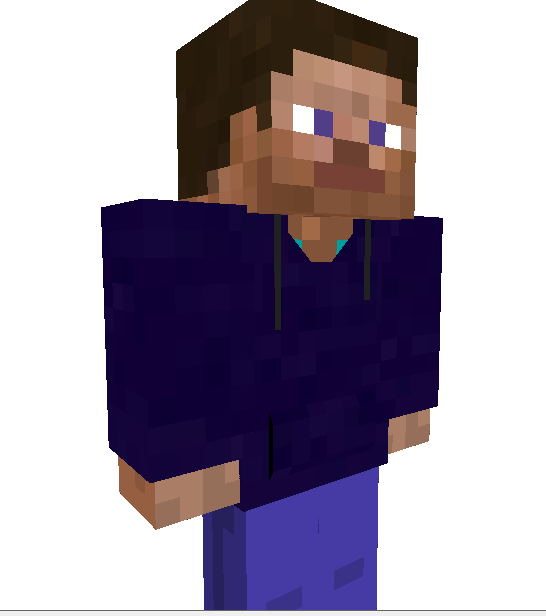
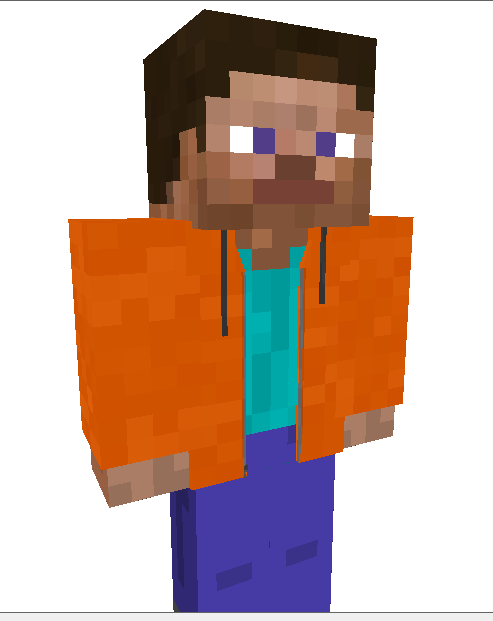
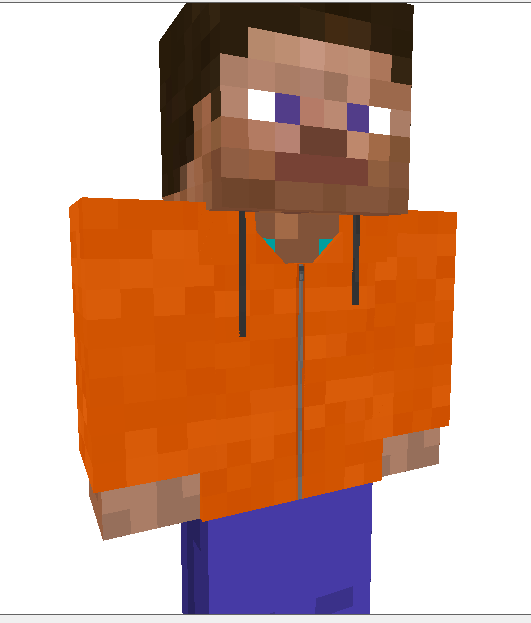
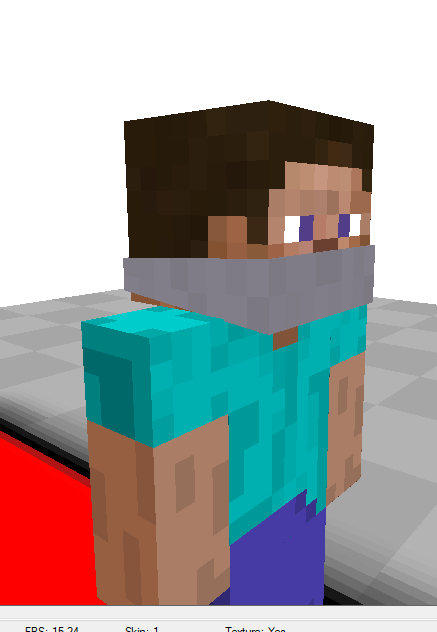
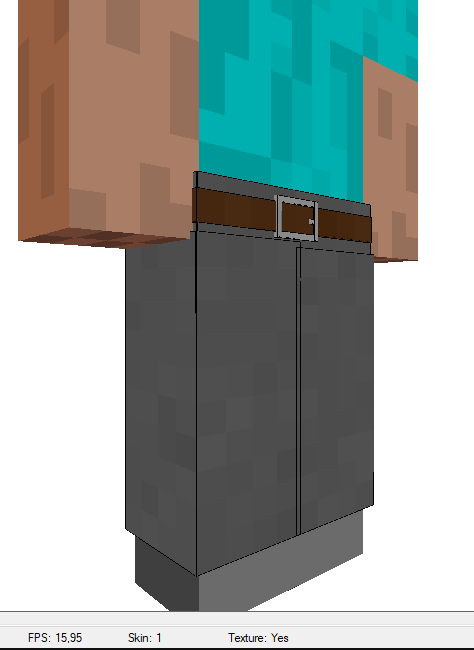
DGWeapons is a modification for postapocalyptic server: Darkness Grounds - The Last City. Mod contains many 3D melee weapons, starting from the plank to Japanese Katana.
As i'm only a beginner and i'm not too on top, i have for you little votting, about versions on which you the most wanna see this modification: https://www.strawpoll.me/20694776
Current features:
- Big range of weapons which is still growing
- Armors
- Half-realistic crafting of weapons and other items
- Random quality system (Bad, Good and Perfect), which changes the statistics of a weapon
- Every weapon stat is configurable (attack speed, attack damage and durability)
- Melee weapons have their enchantments disabled (there's an upgrade system in making, which will be able to change some of the stats)
- Option to enable/disable Vanilla swords/Vanilla Enchanting Table crafting
- Option to enable/disable enchanting this mod's weapons via Enchanted Book (this option is going to be removed once weapon upgrade system is finished)
Modification has been made mainly for my server (Darkness Grounds), but you still can use it for your server or modpack.
ToDo list:
- Add addon system
- Add player buffs
- Fix unknown bugs
- Add frying pan, a decorative tree and few other fun weapons (with an option to disable them)
- Add option to change percentages of weapon's quality and the frequency of dropping Flax from Double Grass
- Create a Discord server for this modification
- Polish textures of some items
- Add postapocalyptic decorative blocks with an option to enable/disable them
Try out my other mods:
- Simple Flashlight Port
- World Defender
- VPN Blocker
- GroundOres
Or join to my Discord server: https://discord.gg/JAgyak99mt
This mod can be used without problems on a public Minecraft server.
- Edition: Minecraft Java
- File type: .jar
- How to install: Install the matching mod loader (Forge, Fabric or NeoForge) for your Minecraft version. → Download the .jar. → Put it in the .minecraft/mods folder and launch that loader profile.
- Where to get it: Opens on CurseForge — not every file is mirrored on our own servers.
Install steps are the general flow for this file type — How to install Minecraft Java mods & modpacks walks through it step by step.
- Ships as DGWeapons-1.8.3.jar — drop this file into the mods folder
- Download size: 1022 KB
- Download link checked 13 Oct 2026 — working
These come from our own check of the pack file, not from the source page.