
Mods of the World (Fabric)
Java mod listed for Minecraft 1.16–1.17. Downloads from the MC Java Mods app on Android.
A mod to end all title screen rebrandings and resulting conflicts. Can also give quick views into what mods are in a modpack.
I don't know my version or loader
Mods of the world, unite!
...to end all inter-mod conflicts due to custom title screens. And to encourage keeping the original branding of Minecraft.

Latest release tested for up to: 1.14.4 | 1.15.2 | 1.16.4 | 21w15a
About
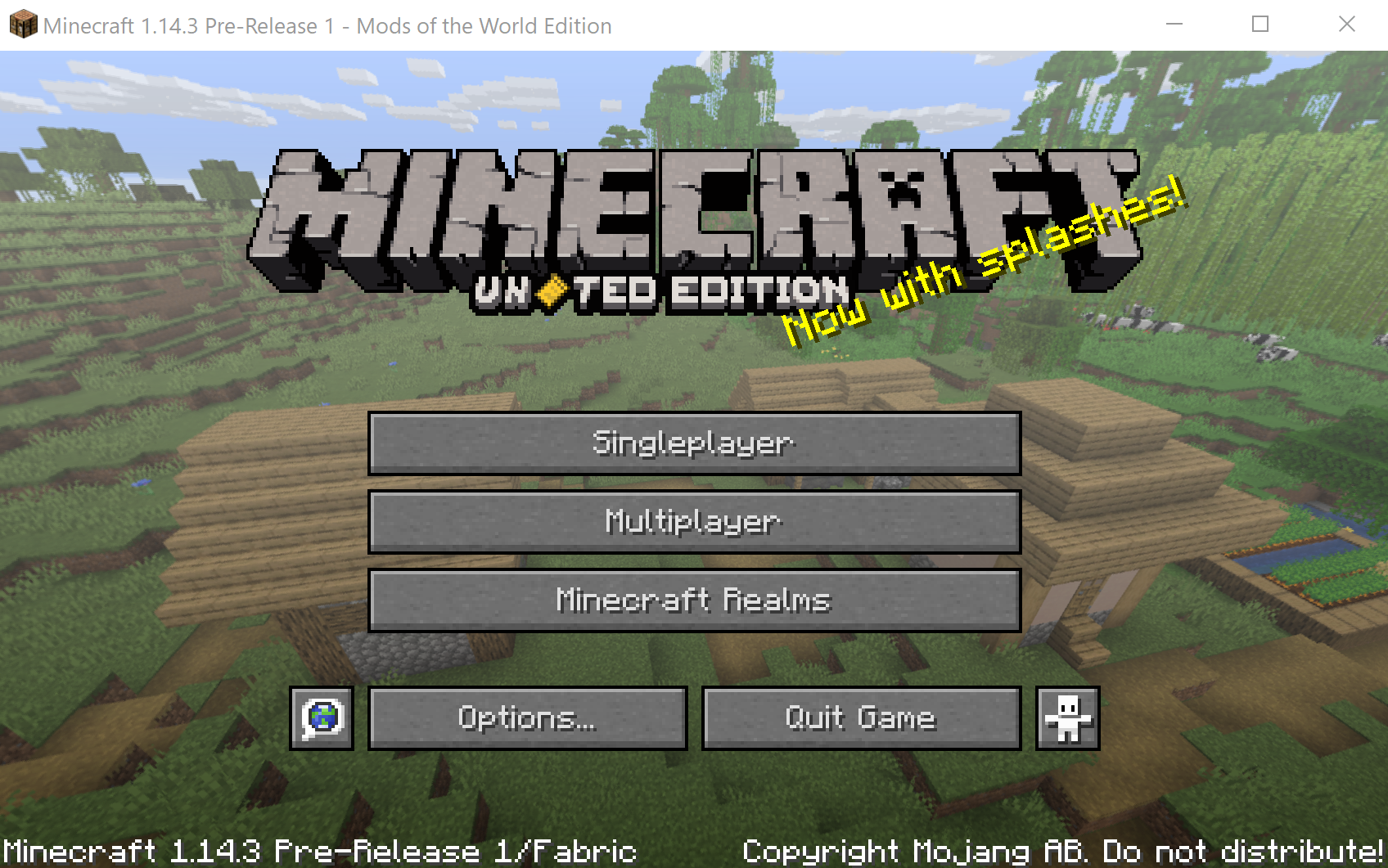
With this mod all installed mods have their few seconds of fame on the title screen.
The "JAVA" part of the edition label on the main screen gets changed to mod specific logos.
Additionally the title and splash texts are changed accordingly.
An example
Mod support
Per default MotW will use the mod's icon as edition logo and the sentences of the mod's description as splash texts. For information how to customize this see here.
- Edition: Minecraft Java
- File type: .jar
- Minecraft versions listed: 1.17.1, 1.16.1, 1.16
- How to install: Install the matching mod loader (Forge, Fabric or NeoForge) for your Minecraft version. → Download the .jar. → Put it in the .minecraft/mods folder and launch that loader profile.
- Where to get it: Opens on CurseForge — not every file is mirrored on our own servers.
Install steps are the general flow for this file type — How to install Minecraft Java mods & modpacks walks through it step by step.
- Ships as modsoftheworld-1.0.9+mc1.17.1.jar — drop this file into the mods folder
- Download size: 66 KB
- Download link checked 13 Oct 2026 — working
These come from our own check of the pack file, not from the source page.