
High World
Minecraft Java mod. Downloads from the MC Java Mods app on Android.
⬇ Download on CurseForge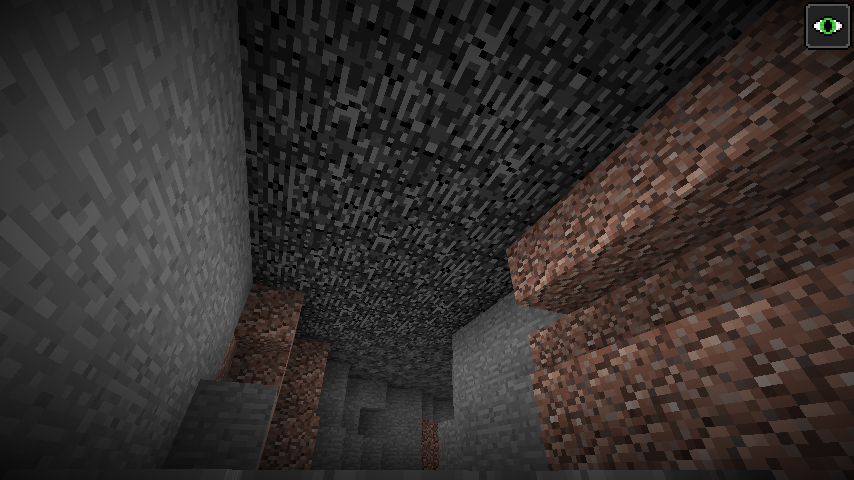
To enable this mod, select "High World" in world creation dialog.
The concept of this mod came to me when I thought "How about changing the default game ground level (64) ? And putting the player somewhere underground to survive?". This idea caused creation of this mod, which gives you more control in changing how a world generates.
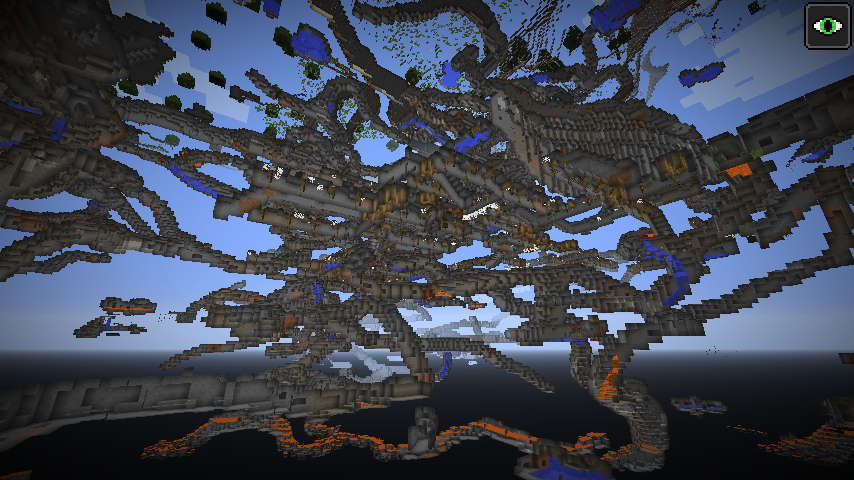
High World provides a set of settings that let you change its main terrain height, plant frequency; cave, mineshaft and ravine frequency, and some other uncategorized options, like:
- spawn player underground
- generate bedrock roof to prevent the player leaving underground
- set a block which replaces water...
The ore generation heights are adjusted automatically with the terrain level, you can view them, but any changes to them will be discarded.
I advise first to play around with the settings of this world type before starting actual survival world.
I made this mod with modpack makers in mind, you are allowed and approved to use it in any modpack.
- Edition: Minecraft Java
- File type: .jar
- How to install: Install the matching mod loader (Forge, Fabric or NeoForge) for your Minecraft version. → Download the .jar. → Put it in the .minecraft/mods folder and launch that loader profile.
- Where to get it: Opens on CurseForge — not every file is mirrored on our own servers.
Install steps are the general flow for this file type — How to install Minecraft Java mods & modpacks walks through it step by step.
- Ships as High World-1.12.2-0.5.jar — drop this file into the mods folder
- Download size: 46 KB
- Download link checked 23 Sept 2026 — working
These come from our own check of the pack file, not from the source page.