Legacy Resource Fixer
Minecraft Java mod. Downloads from the MC Java Mods app on Android.
⬇ Download on CurseForge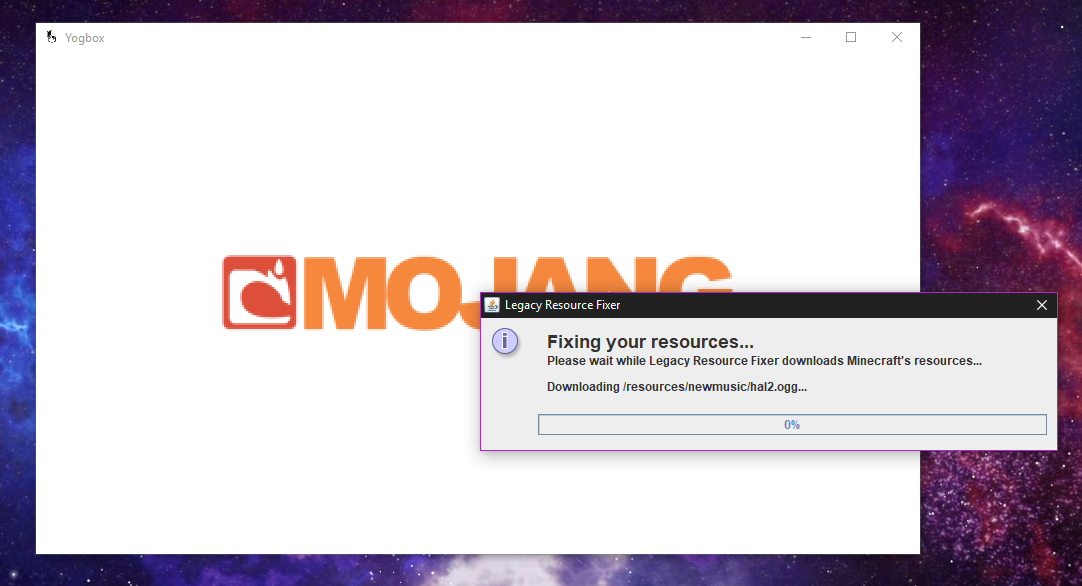
LEGACY RESOURCE FIXER HAS BEEN SUPERCEDED BY EVERY KIND OF LAUNCHER, MOST LIKELY INCLUDING VANILLA'S. DO NOT USE THIS MOD, IT IS NO LONGER NECESSARY AND WILL LIKELY ONLY CAUSE YOUR STARTUP TO BE SLOWER.

Legacy Resource Fixer
Tired of finding a .zip file of the old Minecraft resources? I've got you covered. Legacy Resource Fixer is a lightweight mod for Minecraft which automatically downloads any/all missing resources directly from Mojang's resource servers. The version for Minecraft beta will download the old beta sounds and will allow Minecraft to use them.
Notice
Legacy Resource Fixer *does not* work on MultiMC. This is because MultiMC automatically downloads resources from Mojang using their own launcher. If you put the mod into a MultiMC instance, it will do nothing except add annoying text to your console which means practically nothing. Please note that it will take 3-5 minutes to download the resources. I am working on ways to speed this up. Once the resources are downloaded, this mod will not delay startup times.
Supported Minecraft Versions
Right now, Legacy Resource Fixer works with all versions from Beta 1.4 to Release 1.5.2, as long as you can run ModLoader on it. You can find ModLoader on MCArchive. The downloads for Minecraft Beta are linked as "additional files" under the latest release of the mod.
How to install
This Mod requires Risugami's ModLoader. It is fully compatible with Forge and any other mods you want to use it with. A reminder that Forge requires ModLoader on Minecraft versions 1.2.4 and below
- For Minecraft 1.3.1 - 1.5.2, simply put the .jar file in the mods folder.
- For Minecraft b1.4 - 1.2.5, you need to extract the file and add it to your client.jar/minecraft.jar/whatever it is that your launcher uses.
Issues with the Mod
If you have any questions or need help, feel free to comment below or visit the issue tracker on GitLab.
- Edition: Minecraft Java
- File type: .jar
- How to install: Install the matching mod loader (Forge, Fabric or NeoForge) for your Minecraft version. → Download the .jar. → Put it in the .minecraft/mods folder and launch that loader profile.
- Where to get it: Opens on CurseForge — not every file is mirrored on our own servers.
Install steps are the general flow for this file type — How to install Minecraft Java mods & modpacks walks through it step by step.
- Ships as LRF-2.0.1.jar — drop this file into the mods folder
- Download size: 47 KB
- Download link checked 13 Oct 2026 — working
These come from our own check of the pack file, not from the source page.