ModsJava
Mc2Discord
Java mod listed for Minecraft 1.16–1.21. Downloads from the MC Java Mods app on Android.
I don't know my version or loader
Open the Minecraft launcher and look at the profile you play on — it names both, like fabric-loader-1.21.4. The version also shows in the bottom-right corner of the game's main menu.
No loader in the profile name? Then it's plain Minecraft, and these mods won't run — you need Fabric or NeoForge installed first.




Link your Minecraft server chat with your Discord
⚠️This mod needs configuration to work properly. Please take a look to the wiki: https://github.com/DenisD3D/Mc2Discord/wiki
Features
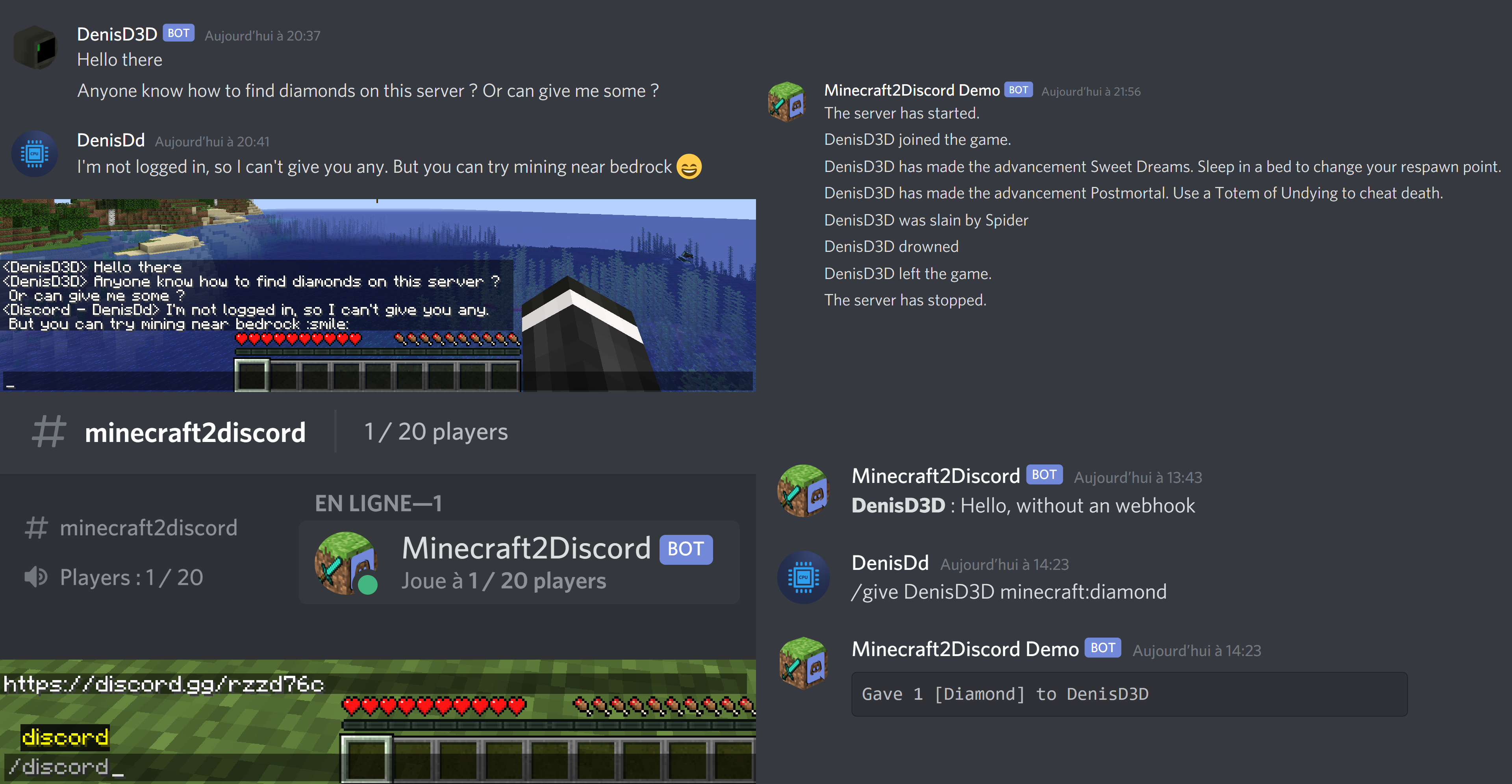
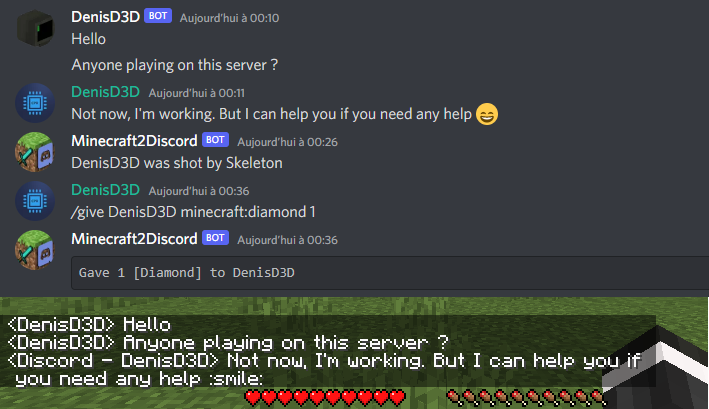
- Send Minecraft chat message to your Discord server
- Send message in your Discord server to the Minecraft chat
- Send game events message to Discord (player join, player leave, death, etc.)
- Display player's head as profile picture in Discord thanks to webhook mode
- Execute Minecraft commands on Discord
- Customize bot presence (eg: playing at xxx) and channel name / topic
- Provide an invitation link to your Discord server with the /discord command
- Forward the server console to discord (useful for admins)
- Hide player on Discord (useful for admins, integrate with VanishMod)
- Account linking (forced or optional)
- Fully customizable, easy configuration (messages, behavior, etc.)
- Relay others mods announcements
- Works with Emojiful to display emojis ingame
Try without installing
Join the official demo server hosted by MtxServ
- Join the demo discord channel #access-demo
- Start the sever with /start command (server is usually stopped)
- Connect to m2d-demo.denisd3d.fr with minecraft 1.20.2 Vanilla
Installation
A quick configuration is mandatory for the mod to work. Steps are described on the wiki: https://github.com/DenisD3D/Mc2Discord/wiki
If you need any help or want new features, you can join the Discord support server
You can also watch the video tutorial:
Misc
Links
- Discord (Support): https://discord.gg/rzzd76c
- CurseForge (Download): https://www.curseforge.com/minecraft/mc-mods/mc2discord/
- Modrinth (Download): https://modrinth.com/mod/mc2discord
- Github (Source): https://github.com/DenisD3D/Mc2Discord
- Wiki: https://github.com/DenisD3D/Mc2Discord/wiki

Quick facts
- Edition: Minecraft Java
- File type: .jar
- Minecraft versions listed: 1.21.10, 1.21.11, 1.21.8
- How to install: Install the matching mod loader (Forge, Fabric or NeoForge) for your Minecraft version. → Download the .jar. → Put it in the .minecraft/mods folder and launch that loader profile.
- Where to get it: Opens on CurseForge — not every file is mirrored on our own servers.
Install steps are the general flow for this file type — How to install Minecraft Java mods & modpacks walks through it step by step.
File checked by MCModsHub
- Ships as minecraft2discord-forge-1.16.x-3.0.4.jar — drop this file into the mods folder
- Download size: 13.4 MB
- Download link checked 22 Sept 2026 — working
These come from our own check of the pack file, not from the source page.