Shades Of Nether
Minecraft Java mod. Downloads from the MC Java Mods app on Android.
⬇ Download on CurseForge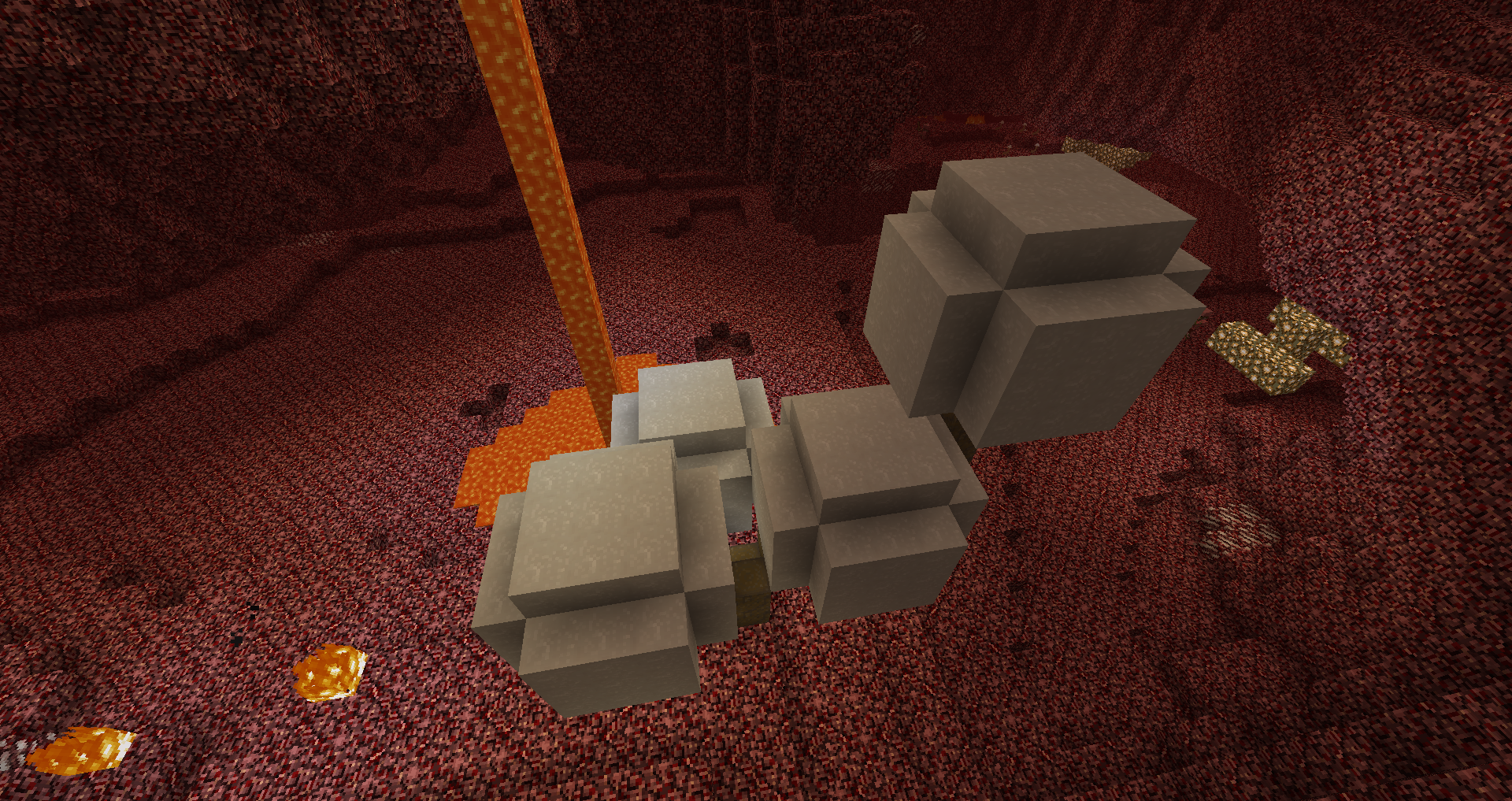
Shades of Nether adds content to the nether with the purposes of exploration and living in the nether!
Currently available
Petribark mushrooms:
Generate in the nether and can be harvested for a fireproof wood which makes barrels, buttons, slabs, stairs, doors, fences, crafting tables, and more!
Three new nether stones (not in worldgen yet):
asherrack, screamerrack, and sweaterrack (available through corruption). these will be part of future biomes to be added
New decorative stone blocks!
Fort bricks for all stone types (except netherrack) in the design of nether bricks for nether stones and overworld stones
Brick blocks of nether and overwold stones
-Slabs, stairs, fences, and walls included for the above blocks
Polished variants of all the nether stones (including netherrack!)
-Slabs and stairs included for polished blocks
Purification and Corruption
Purification powder - turns nether blocks into their overworld counterpart
Corruption powder - turns overworld blocks into their nether counterpart (if they have one)
Planned
Totem of belonging - sets your spawnpoint to the totem, allowing you to respawn in the nether, or wherever the totem is
Staff of the ghast - launch fireballs, consuming fire charges from inventory
Staff of the pure - launch purification fireballs, consuming fire charges and purification powder
Staff of the corrupt - launch corruption fireballs, consuming fire charges and corruption powder
Tools and armor for Sunset Whewellite and Corundum
New Biomes
New Structures
New Mobs
and more......
Known bugs
None currently? That's not right....
Links
CurseForge project can be found here
GitHub can be found here
Discord can be found here
Please submit any issues and suggestions regarding the mod via the github issues section and be mindful of the GitHub repository's contribution guideline.
- Edition: Minecraft Java
- File type: .jar
- How to install: Install the matching mod loader (Forge, Fabric or NeoForge) for your Minecraft version. → Download the .jar. → Put it in the .minecraft/mods folder and launch that loader profile.
- Where to get it: Opens on CurseForge — not every file is mirrored on our own servers.
Install steps are the general flow for this file type — How to install Minecraft Java mods & modpacks walks through it step by step.
- Ships as ShadesOfNether-0.1.jar — drop this file into the mods folder
- Download size: 563 KB
- Download link checked 13 Oct 2026 — working
These come from our own check of the pack file, not from the source page.