
This mode added in your Minecraft some Tools,block's
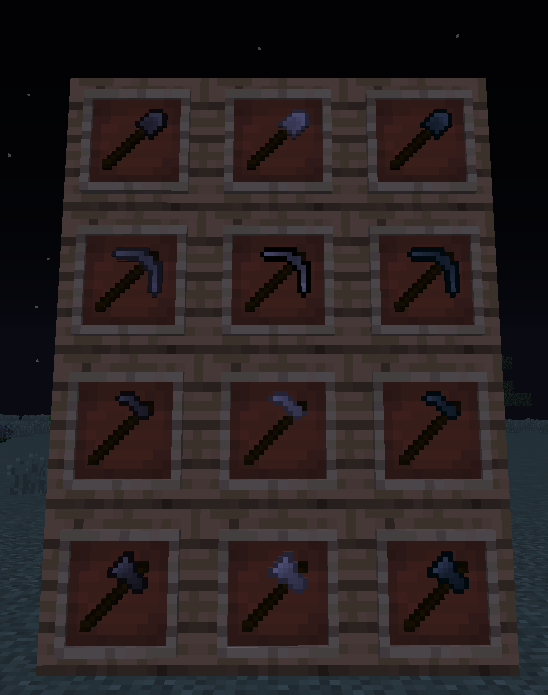
List of Compressed tools:
1: Wood Compressed tools: Pickaxe,Shovel,Axe,Hoe
2: Stone Compressed tools: Pickaxe,Shovel,Axe,Hoe
3: Iron Compressed tools: Pickaxe,Shovel,Axe,Hoe
4: Diamond Compressed tools: Pickaxe,Shovel,Axe,Hoe
List of Double Compressed tools:
1: Wood Double Compressed tools: Pickaxe,Shovel,Axe,Hoe
2: Stone Double Compressed tools: Pickaxe,Shovel,Axe,Hoe
3: Iron Double Compressed tools: Pickaxe,Shovel,Axe,Hoe
4: Diamond Double Compressed tools: Pickaxe,Shovel,Axe,Hoe
List of Sword's:
Dirt Sword
Gravel Sword
Sand Sword
Cobblestone Sword(compressed)
List of another tools:
Glass Cutter - Use in Craft and break glass
List of Block's:
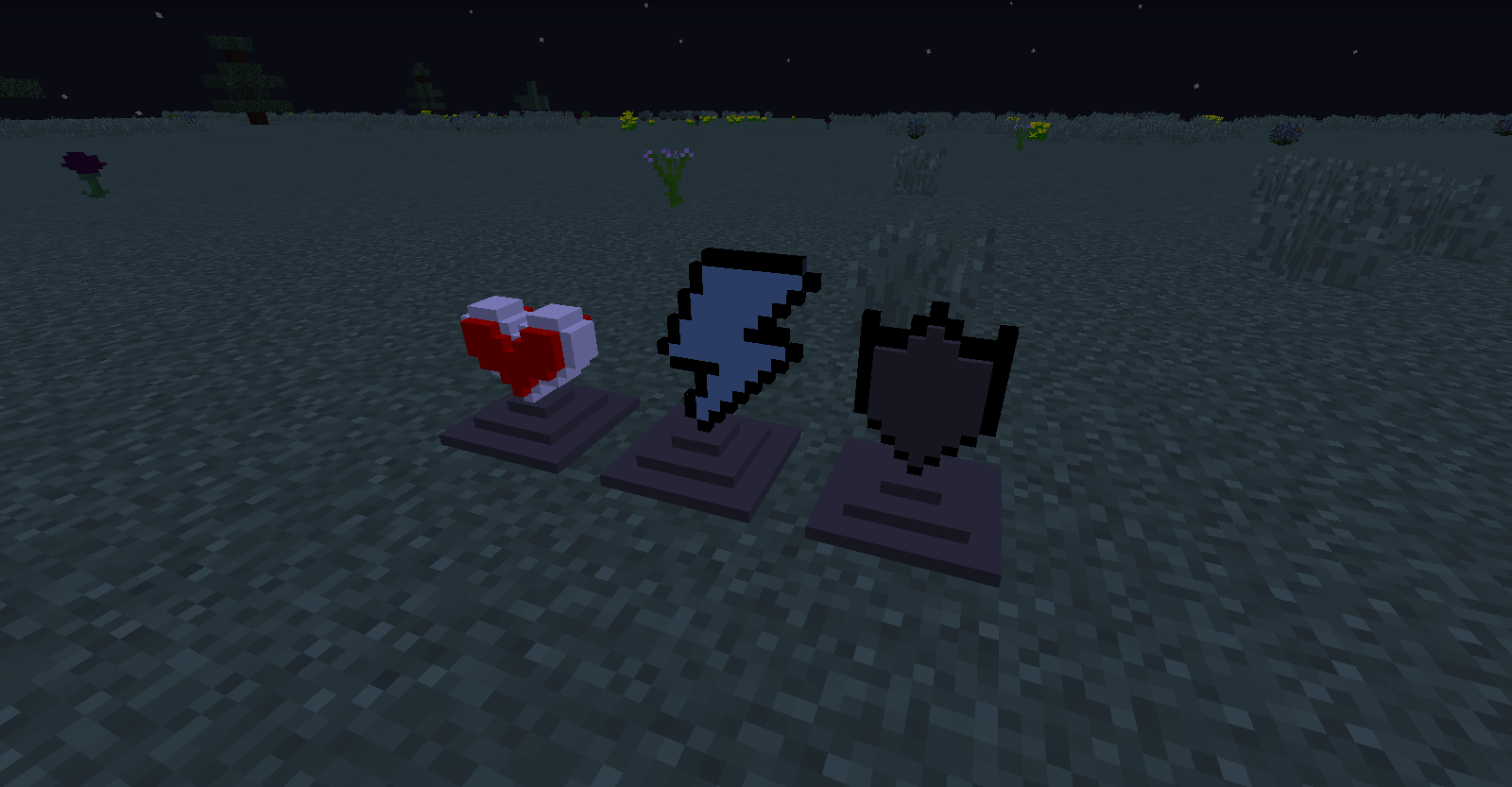
1) Statue's:
Rey Statue - After you right click this statue, it will give you a level 2 regeneration effect for 30 seconds.
Speed Statue - After you right click this statue, it will give you the effect of speed 2 levels for 30 seconds
Shield Statue - After you right click this statue, it will give you the effect of resistance 2 levels for 30 seconds
2)Another block's:
Compressed Stick's - Block consisting of 9 sticks
Compressed Dirt
Compressed Sand
Compressed Gravel
Compressed Cobblestone
- Edition: Minecraft Java
- File type: .jar
- How to install: Install the matching mod loader (Forge, Fabric or NeoForge) for your Minecraft version. → Download the .jar. → Put it in the .minecraft/mods folder and launch that loader profile.
- Where to get it: Opens on CurseForge — not every file is mirrored on our own servers.
Install steps are the general flow for this file type — How to install Minecraft Java mods & modpacks walks through it step by step.
- Ships as CompressedUtilities.jar — drop this file into the mods folder
- Download size: 617 KB
- Download link checked 23 Sept 2026 — working
These come from our own check of the pack file, not from the source page.