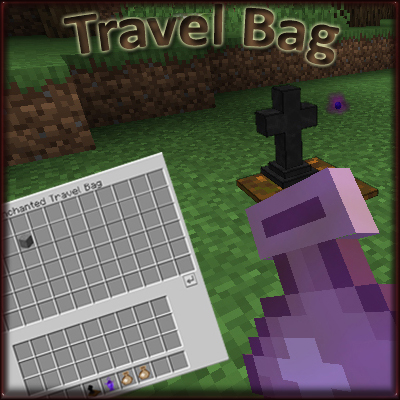
Travel Bag
Java mod listed for Minecraft 1.16–1.17. Downloads from the MC Java Mods app on Android.
Craftable travel bags, equipable with Curios, to store your items in special inventory with transfer actions, with some behaviors with Corail Tombstone…
I don't know my version or loader
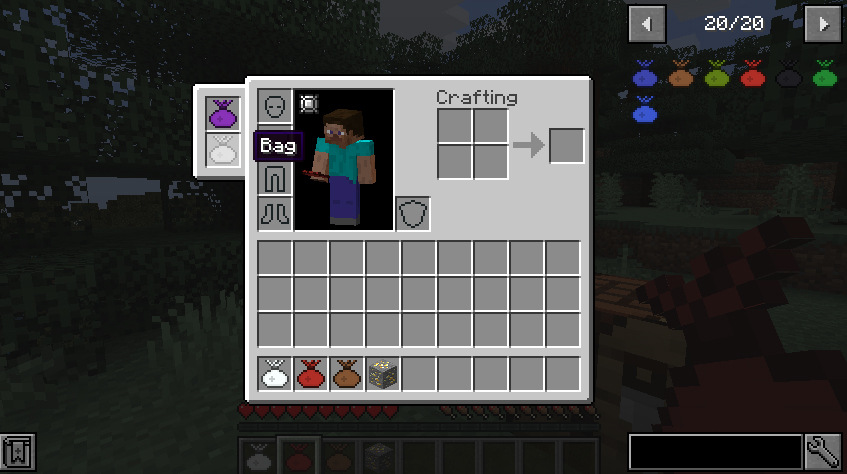
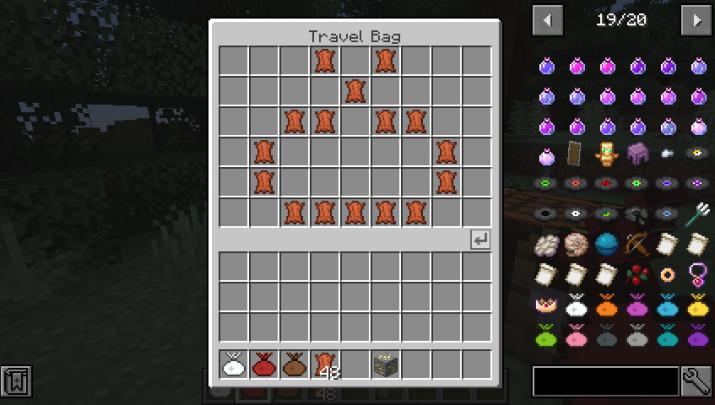
"Craftable travel bags, equipable with Curios, to store your items in special inventory with transfer actions, with some behaviors with Corail Tombstone and also foundable as lootbag"
Description
Travel Bag is an useful item bag that can be equipped in the special slots of the Curios mod as a backpack, with magical upgrades with Tombstone mod.
Recipes
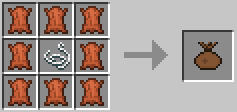
This mod allows you to craft some Travel Bags :

You can define custom recipes for the color. It's also possible to find random colored bag as chest loot.
The color can be removed with the cauldron.

{
  "type": "travel_bag:colored",
  "ingredients": [{"item": "minecraft:bubble_coral"}],
  "color": 12850867
}
How to use
Theses bags can be opened directly from your inventory by right-clicking them :
If you use the mod Curios on the same time, you can use the custom slots to put your bags in and each of the 2 slots can be opened directly with a keybind (you need to set theses keybinds).
NB : The items that shouldn't be stored in the bag can be defined by adding them in the tag "travel_bag:denied_items".
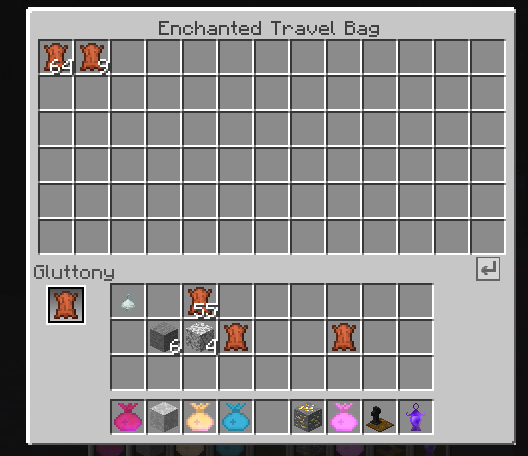
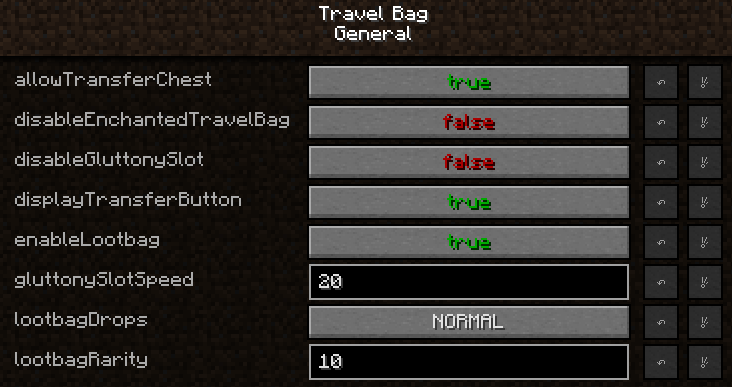
 theses icons tranfer all items to the player inventory and vice versa (can be disabled in config)
You can lock a slot preventing any transfer (with alt click on the slot).
It's also possible to transfer the items of the bag in a chest with right click, and vice versa by sneaking (configurable)
Behavior with Tombstone
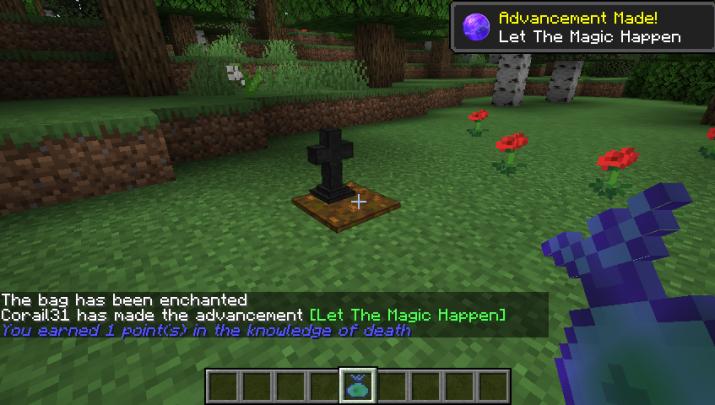
If you use the mod Tombstone, you can upgrade the bag to be larger by consuming a soul over a grave :
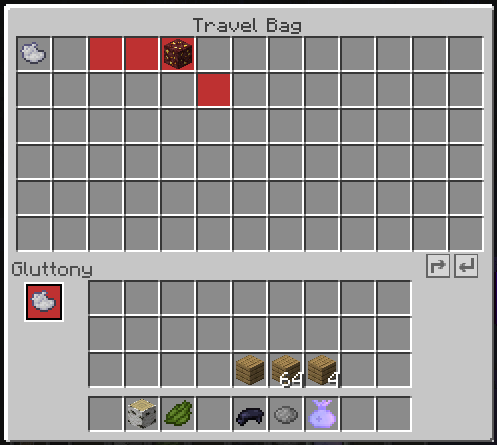
Gluttony Perk
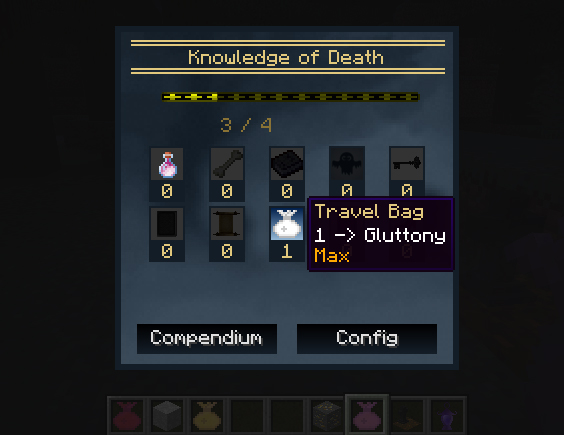
Gluttony is an upgrade for the Travel Bag : unlockable from the Tombstone Perk Tree.
It unlocks a special slot (with a stacksize of 1) that works for you by transfering similar items in the bag (to the one in its slot) from the player inventory.
- Edition: Minecraft Java
- File type: .jar
- Minecraft versions listed: 1.17.1, 1.16.5, 1.16.3
- How to install: Install the matching mod loader (Forge, Fabric or NeoForge) for your Minecraft version. → Download the .jar. → Put it in the .minecraft/mods folder and launch that loader profile.
- Where to get it: Opens on CurseForge — not every file is mirrored on our own servers.
Install steps are the general flow for this file type — How to install Minecraft Java mods & modpacks walks through it step by step.
- Ships as travel_bag-1.12.2-1.2.5.jar — drop this file into the mods folder
- Download size: 83 KB
- Download link checked 13 Oct 2026 — working
These come from our own check of the pack file, not from the source page.