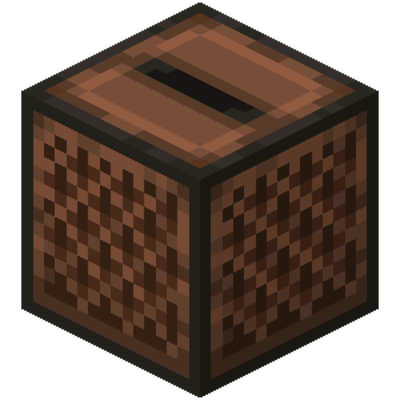

Jukeboxer


Jukeboxer is a simple Minecraft mod that allows the user greater control over the frequency at which in-game music is played. The mod features a GUI menu from which you can adjust delays between in-game tracks, as well as hotkeys for pause, play, stop, and skip music.
Installation
To install Jukeboxer, head to the releases page and grab the latest release. Take the .jar file and place it in your mods folder. If you don't have a mods folder, download and install Forge first.
As of now, Jukeboxer is only avaliable for Minecraft 1.12.2.
Default Controls
OOpens Jukeboxer's configuration menu, from which you can adjust delays between in-game tracks.PSkips the current track and immediately starts the next one.LStops the current track.KPauses the current track, press again to resume the track.
Quick facts
- Edition: Minecraft Java
- File type: .jar
- How to install: Install the matching mod loader (Forge, Fabric or NeoForge) for your Minecraft version. → Download the .jar. → Put it in the .minecraft/mods folder and launch that loader profile.
- Where to get it: Opens on CurseForge — not every file is mirrored on our own servers.
Install steps are the general flow for this file type — How to install Minecraft Java mods & modpacks walks through it step by step.
Verified by MCModsHub
- Ships as jukeboxer-1.1.jar — drop this file into the mods folder
- Download size: 12 KB
- Download link checked 23 Sept 2026 — working
These come from our own check of the pack file, not from the source page.