ModsJava
Blue Hearts Mod (26.1.2, 1.20.1) – Survive with Special Hearts That Only Heal
Java mod listed for Minecraft 1.20. Downloads from the MC Java Mods app on Android.
⬇ Download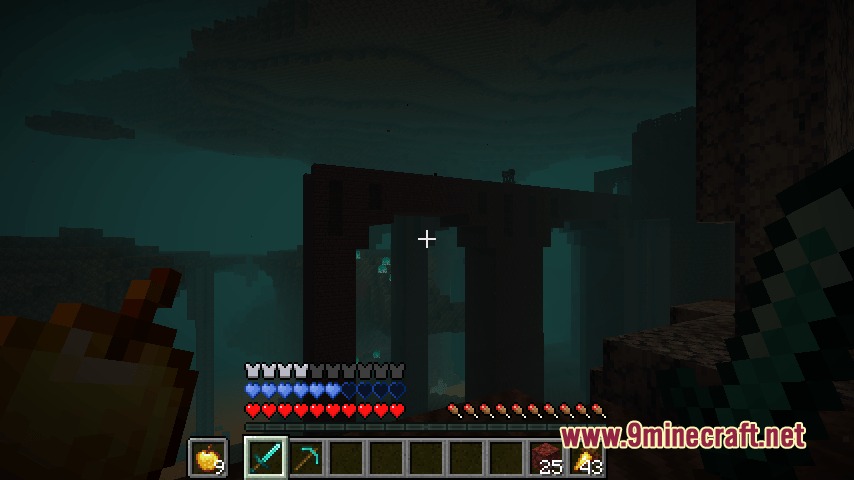
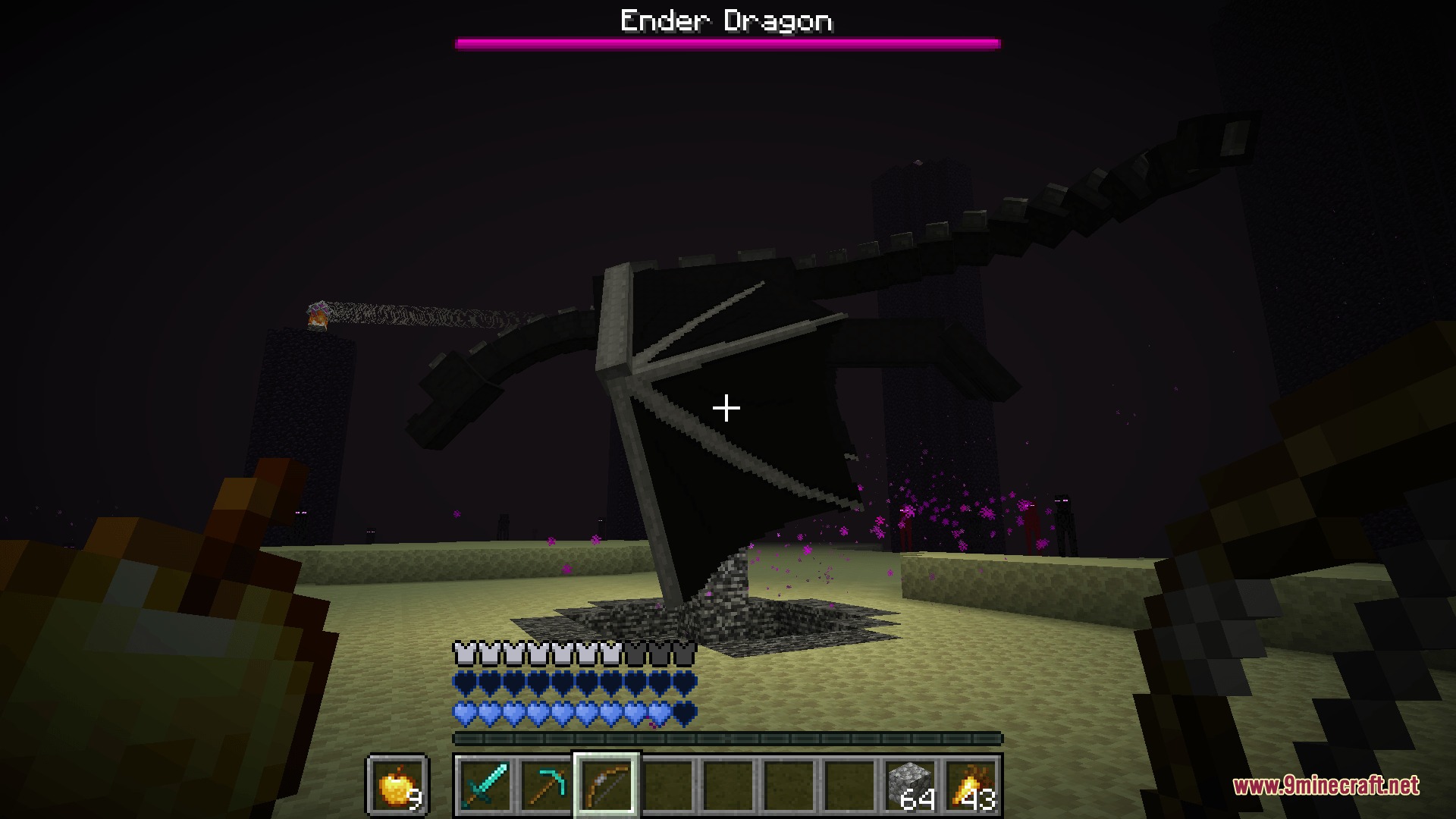
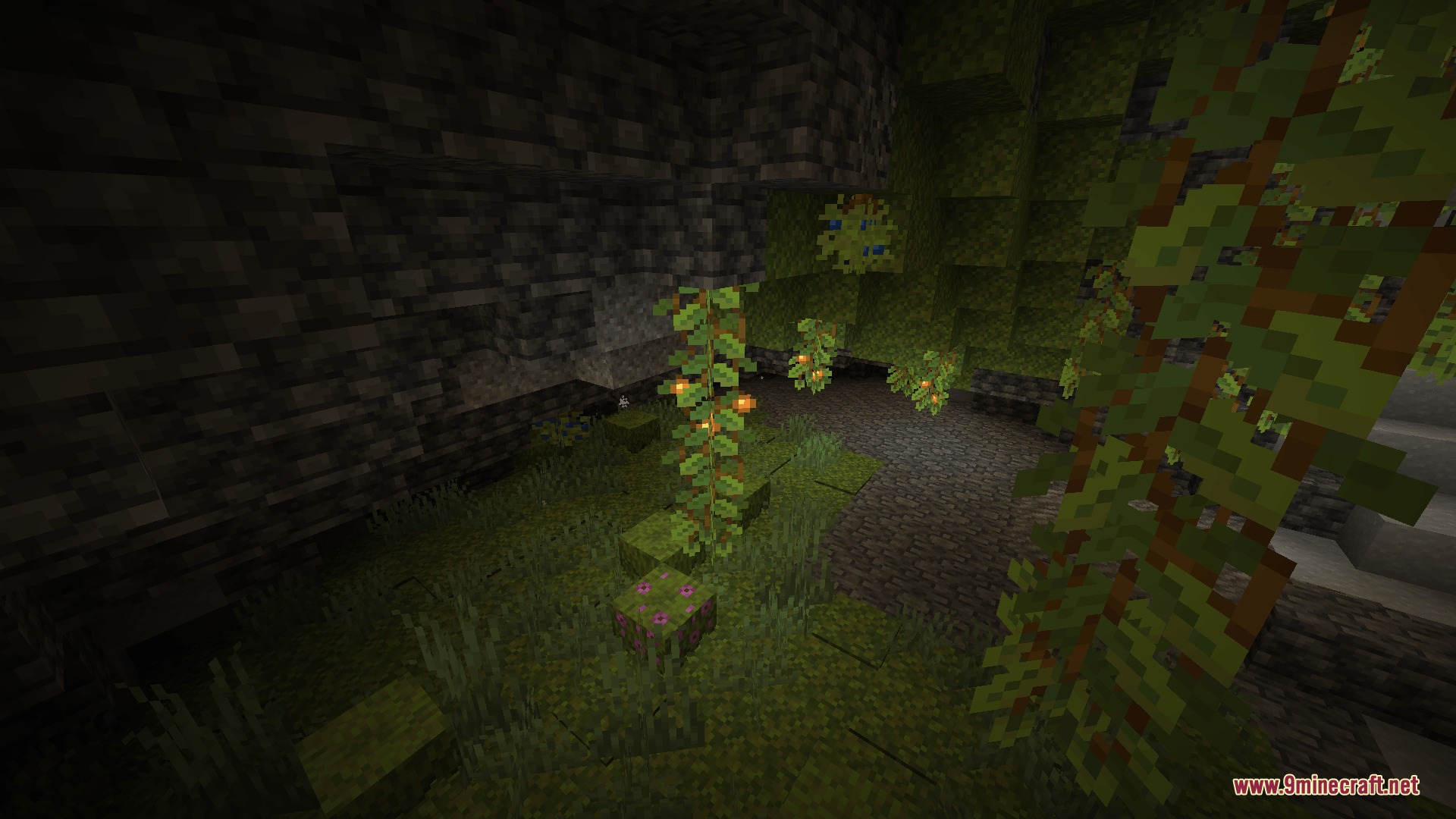
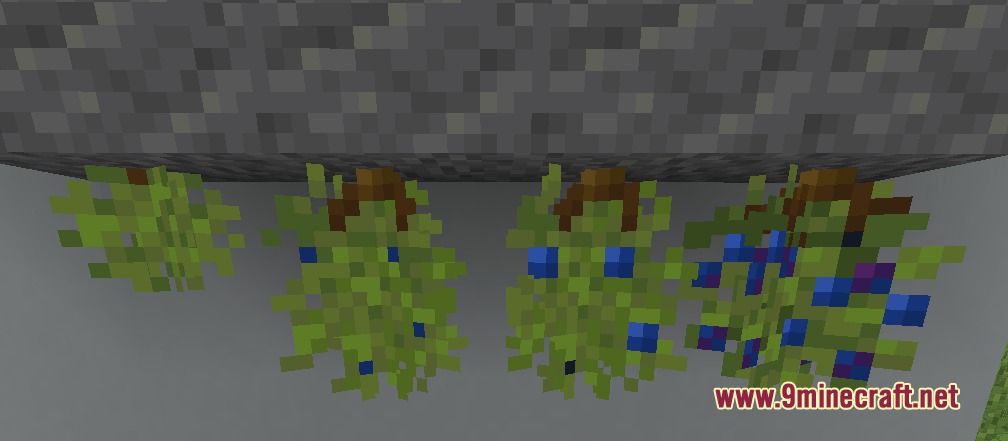
Blue Hearts Mod adds a completely new type of health to your game. Instead of eating food to heal, you only get these special hearts back when you sleep in a bed. It brings a fun twist to survival because regular armor cannot block the damage these hearts take. You will need to explore underground caves to find the right plants to brew your first batch of blue health.
Features:
- Blue Health System: Gives you up to 10 special blue hearts that act differently from normal red ones.
- You can only heal this new health bar by sleeping in a bed, not by eating food.
- Armor will not protect these hearts, meaning you take full damage when hit.
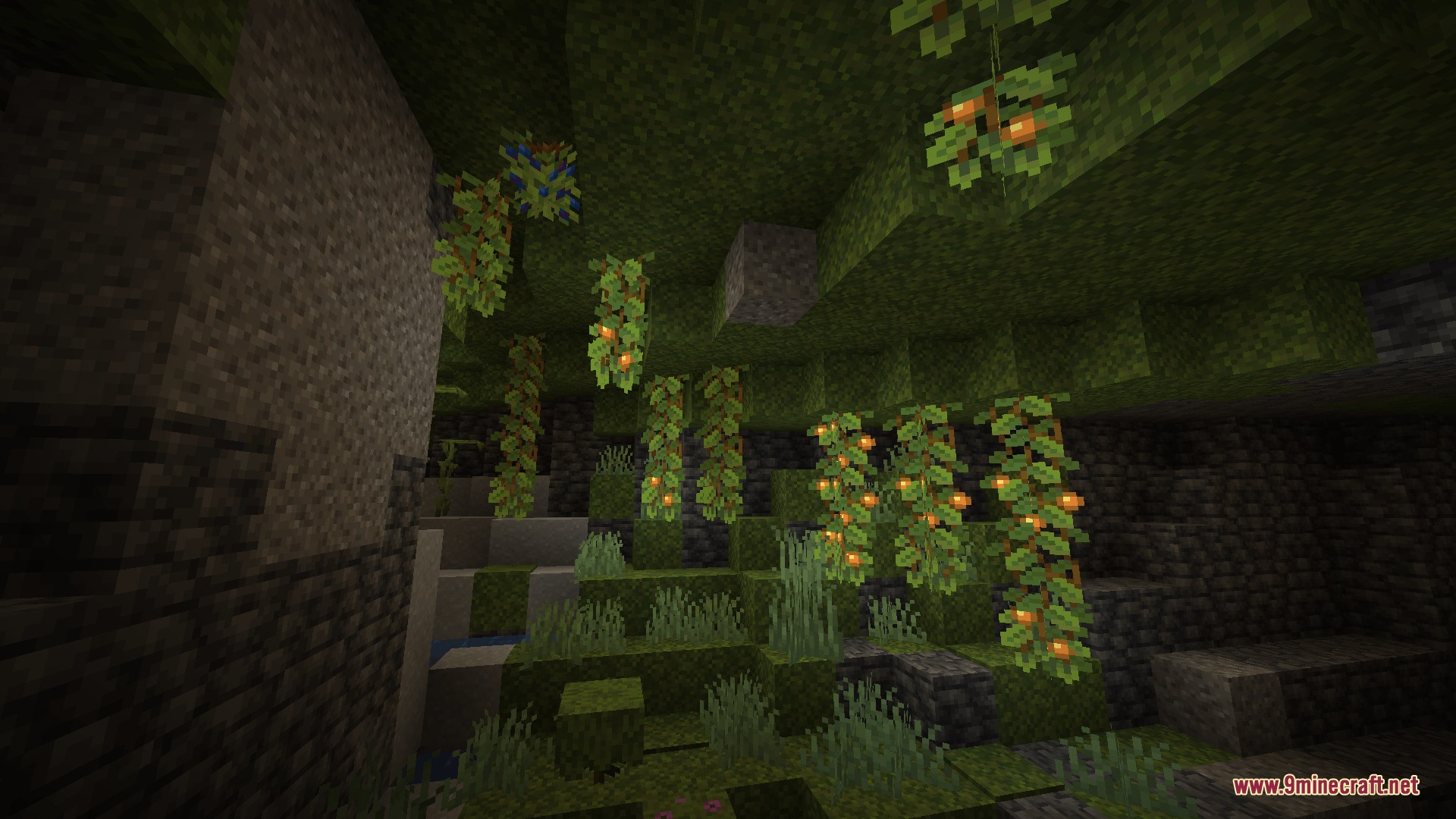
- Spawns Vital Bushes on the ceilings of Lush Caves, which drop the fruit you need.
- Lets you brew a Blue Blood Potion using Vital Sap to get your first blue hearts.
- Includes an Orange Antidote Potion to clear the special health and go back to normal.
- Turns yellow absorption hearts into blue ones automatically if you have the right effect.
Special Charms:
- Revitalizing Crying Charm: Slowly heals your blue hearts over time without sleeping.
- Petrified Blue Blood: Lowers the damage you take while you have blue health active.
- Heart of Marblemaroon: Turns your normal red hearts into blue ones and stops you from feeling hungry.
How to Use:
- Travel underground to find a Lush Cave biome.
- Look up at the ceiling to find and harvest Vital Bushes for their fruit.
- Craft Vital Sap using the fruit or other materials.
- Brew a Blue Blood Potion using the sap and drink it to gain your new health.
- Sleep in a bed when you take damage to refill the bar.
Screenshots:
Blue Hearts Mod Download Links
Quick facts
- Edition: Minecraft Java
- File type: .jar
- Minecraft version listed: 1.20.1
- How to install: Install the matching mod loader (Forge, Fabric or NeoForge) for your Minecraft version. → Download the .jar. → Put it in the .minecraft/mods folder and launch that loader profile.
- Where to get it: In MC Java Mods, or directly above on this page.
Install steps are the general flow for this file type — How to install Minecraft Java mods & modpacks walks through it step by step.
File checked by MCModsHub
- Downloads as 412766.mcaddon
- Download size: 117 KB
- Download link checked 25 Sept 2026 — working
- Mirrored on our own servers — the download does not depend on the original host
These come from our own check of the pack file, not from the source page.