ModsJava
Black Gold Alliance Mod (1.20.1) – Mine the Nether and Survive Piglin Invasions
Java mod listed for Minecraft 1.20. Downloads from the MC Java Mods app on Android.
⬇ Download
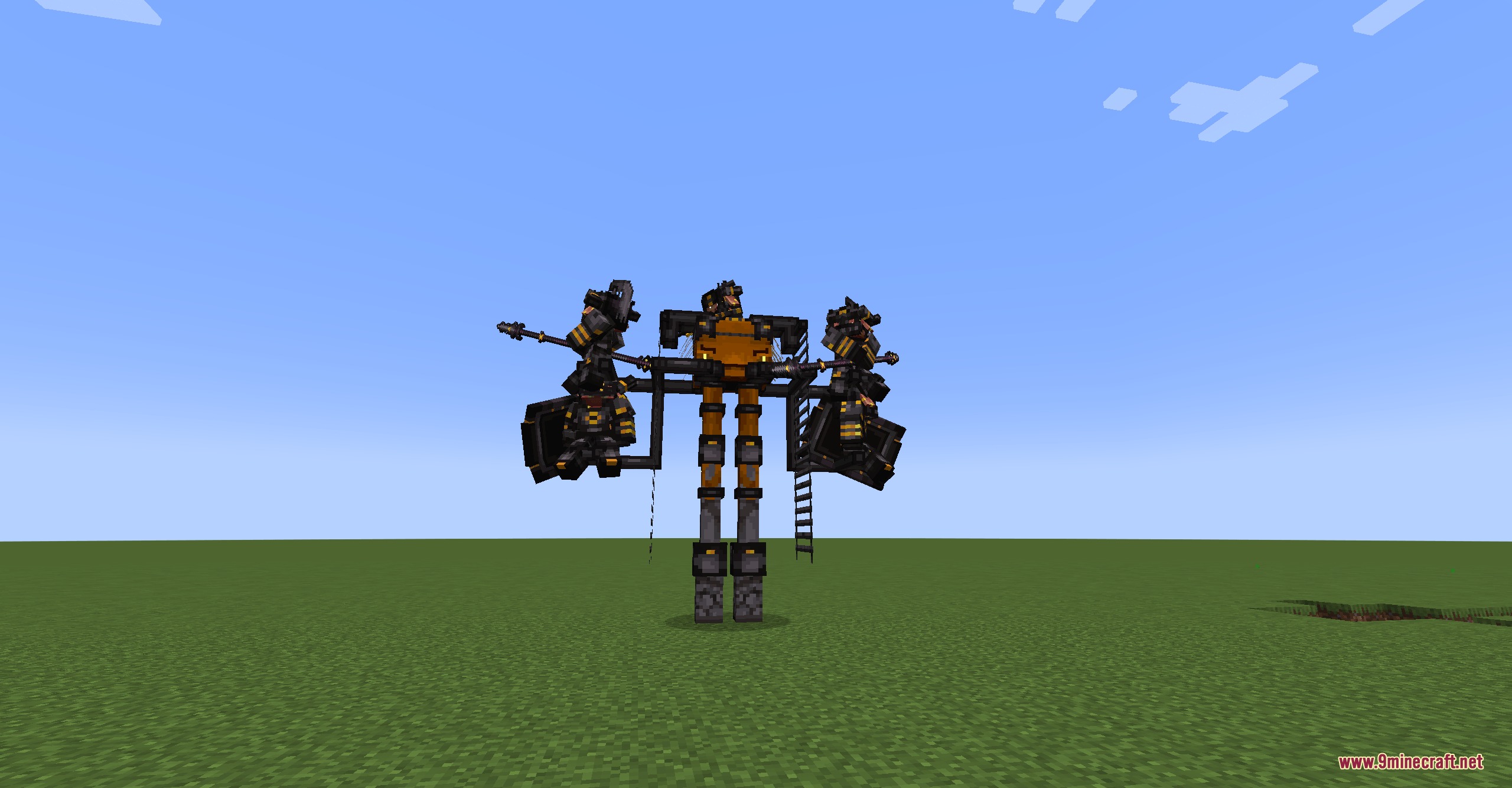
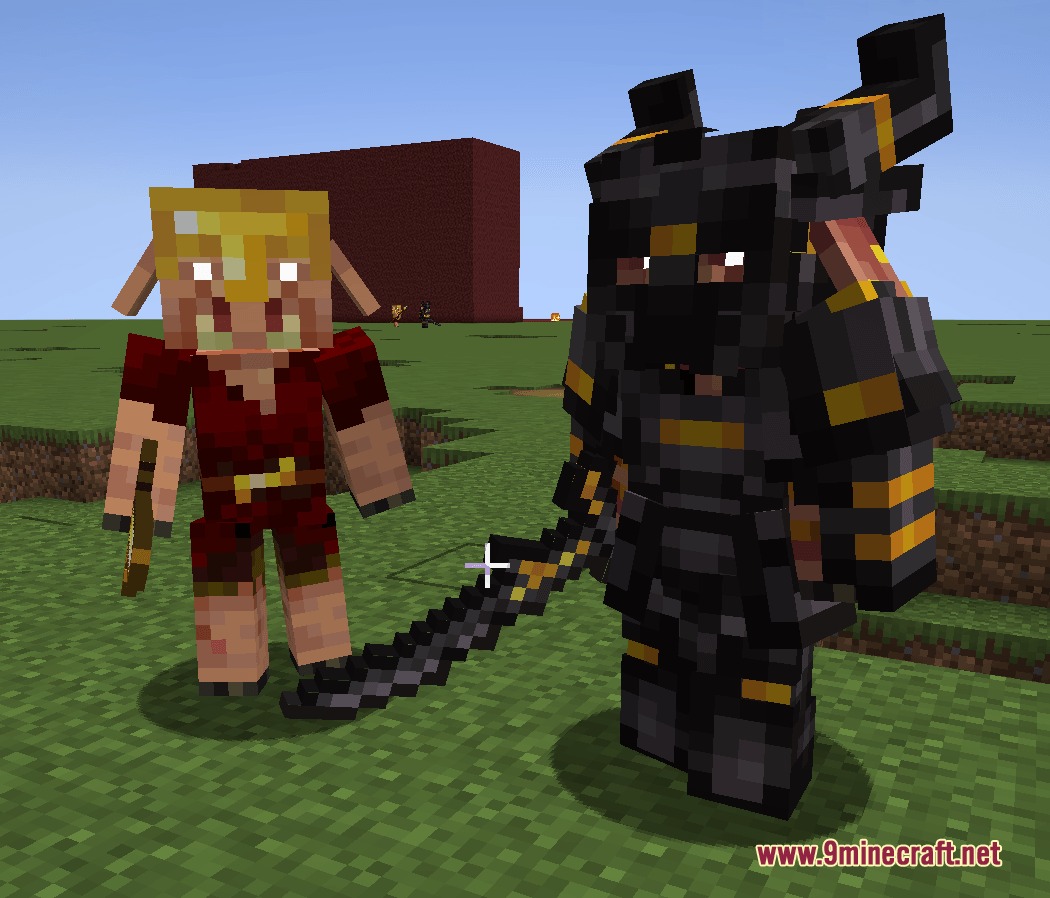
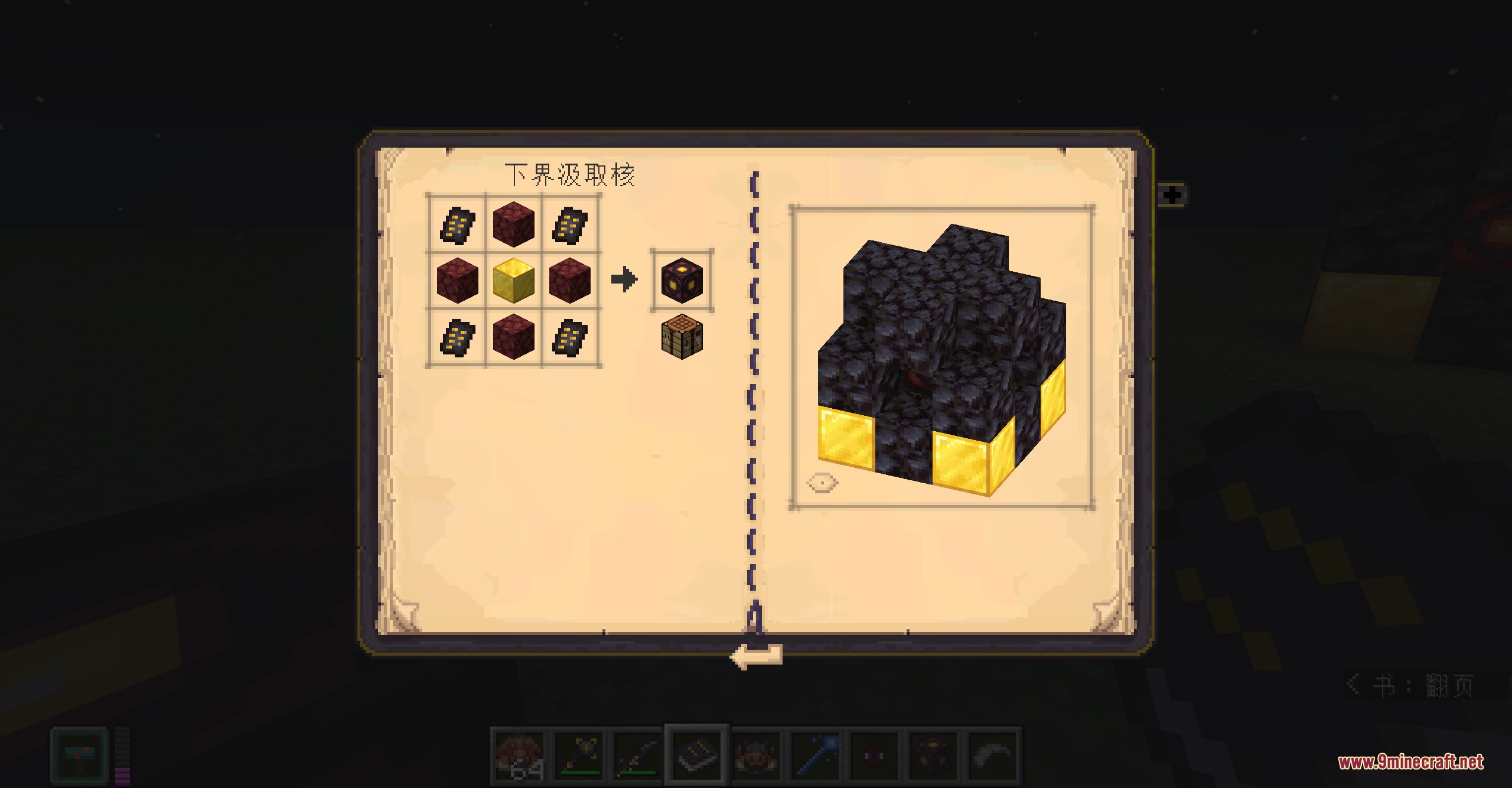
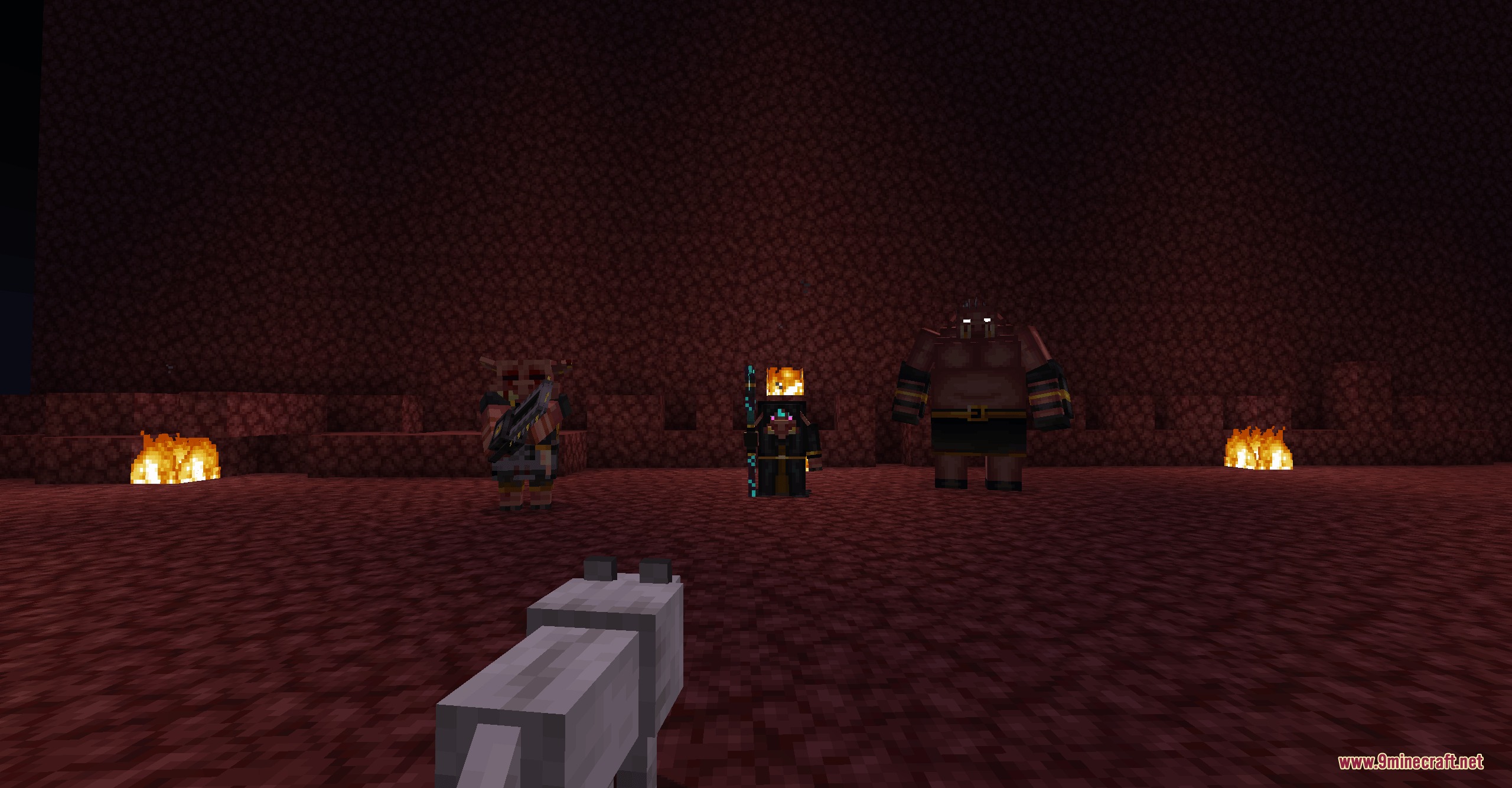
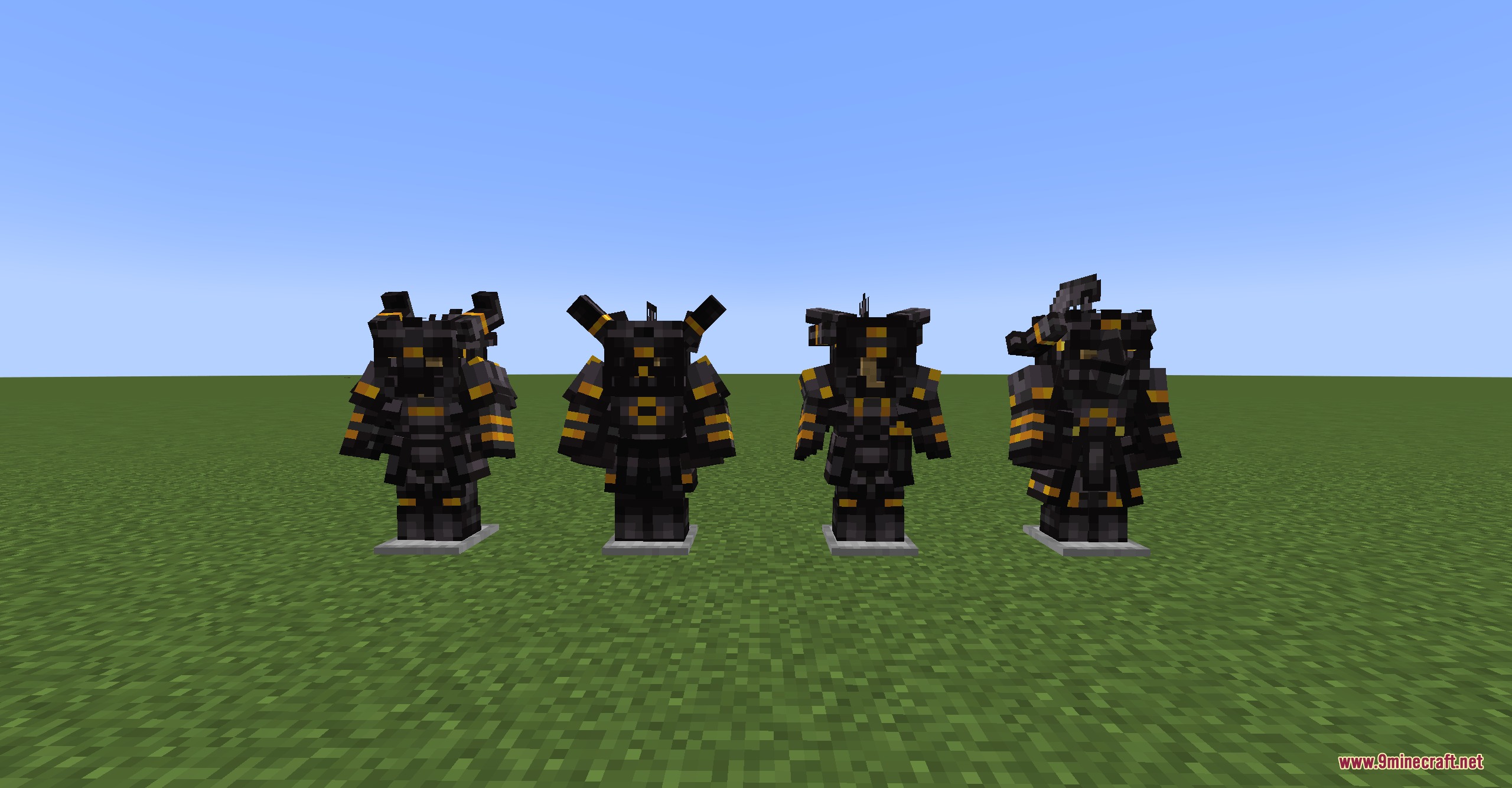
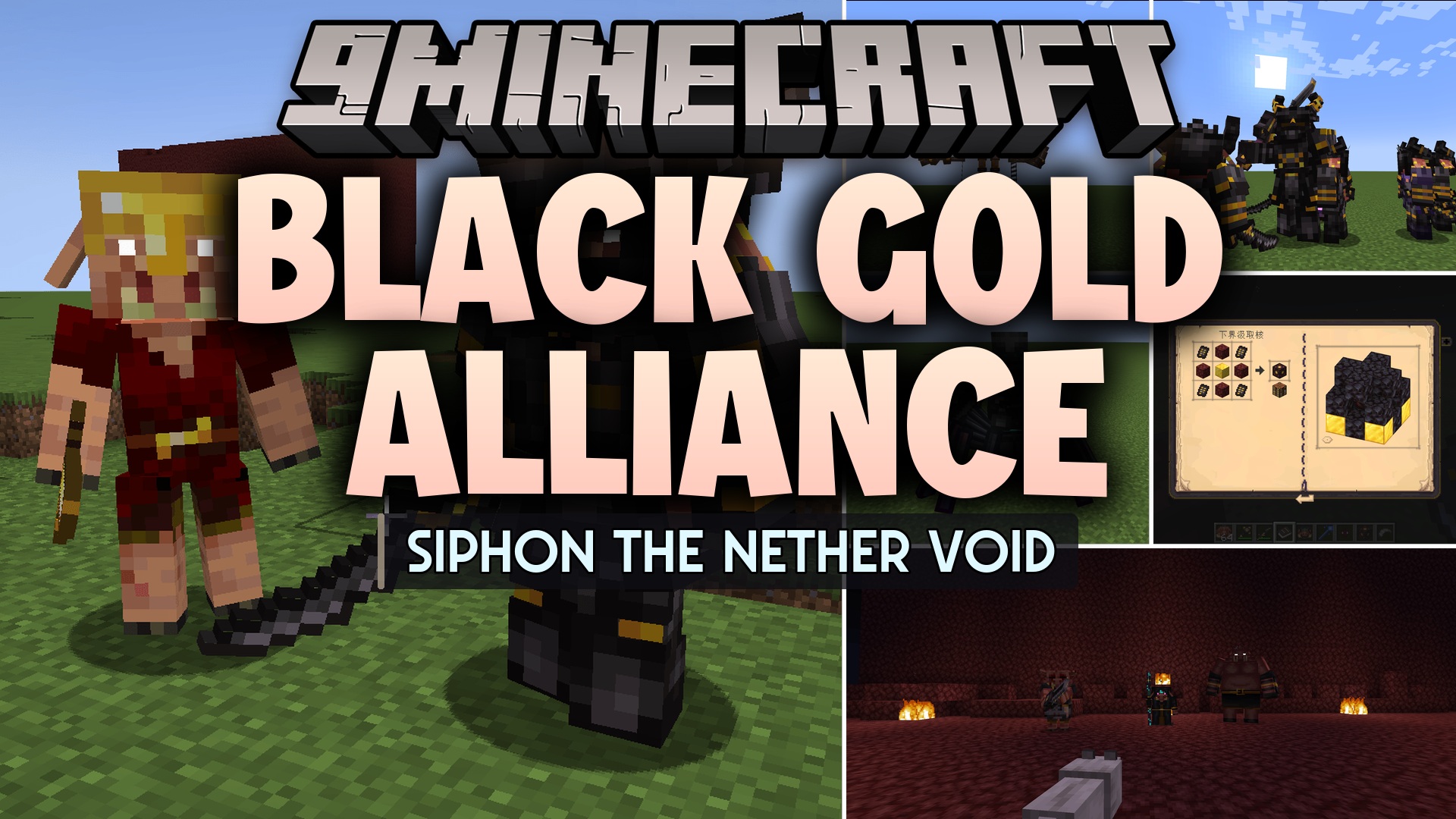
Black Gold Alliance Mod lets you mine Nether blocks without leaving the Overworld. It adds a special machine called the Nether Siphon that pulls items through dimensions. While it runs, a shield keeps normal enemies away so you stay safe. However, running the machine for too long drops the shield and starts a dangerous event. A new, highly trained group of piglins will track the signal and attack your base to stop the machine.
Features:
- Nether Siphon: Builds a large machine using gold and blackstone to pull resources from the Nether.
- Link Station: Connects to the main machine to gather materials and drop them into chests automatically.
- Volatile Phase: Triggers a base defense event when the machine runs for too long and loses its shield.
- Adds the Black Gold Alliance, a strict and dangerous piglin army that attacks your machines.
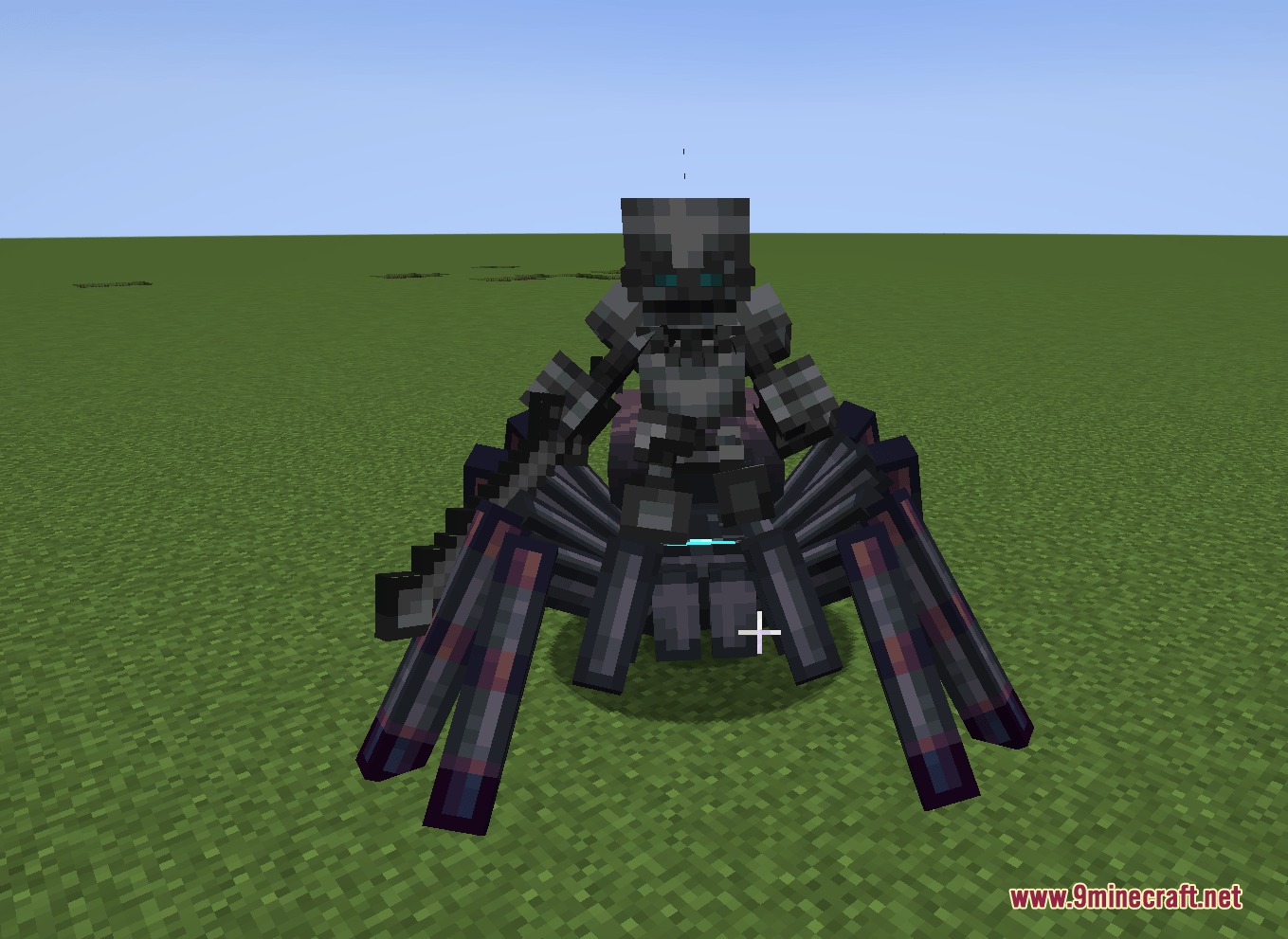
- Brings new types of piglin enemies like the Black Gold Marshal and Spider Jockeys.
- Includes new armor pieces and items related to the invading piglin army.
How to Use:
- Build the Nether Siphon Core using gold and blackstone.
- Add fuel and turn on the Core to start pulling items from the Nether.
- Place a Nether Siphon Link Station nearby and connect it to the Core.
- Put a chest or container under the Link Station to catch the gathered materials.
- Prepare your weapons, because running the machine too long will spawn the Black Gold Alliance army.
Screenshots:
Black Gold Alliance Mod Download Links
Quick facts
- Edition: Minecraft Java
- File type: .jar
- Minecraft version listed: 1.20.1
- How to install: Install the matching mod loader (Forge, Fabric or NeoForge) for your Minecraft version. → Download the .jar. → Put it in the .minecraft/mods folder and launch that loader profile.
- Where to get it: In MC Java Mods, or directly above on this page.
Install steps are the general flow for this file type — How to install Minecraft Java mods & modpacks walks through it step by step.
File checked by MCModsHub
- Downloads as 412780.mcaddon
- Download size: 6.1 MB
- Download link checked 24 Sept 2026 — working
- Mirrored on our own servers — the download does not depend on the original host
These come from our own check of the pack file, not from the source page.