ModsJava
Cobbled Stone & Mixed Blocks Cobblestoney Mod (26.1.2, 1.20.1)
Java mod listed for Minecraft 1.20. Downloads from the MC Java Mods app on Android.
Cobbled Stone & Mixed Blocks Cobblestoney Mod changes how you gather stone blocks underground. It adds cobbled versions for many stone types and lets you…
⬇ Download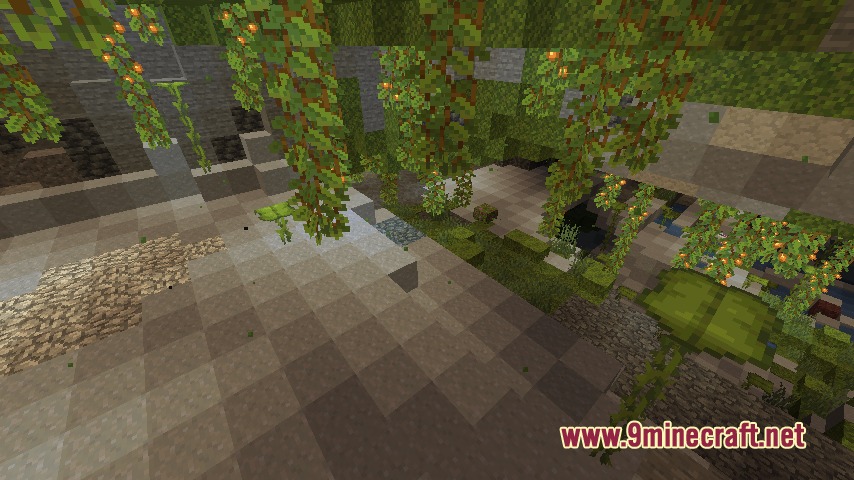
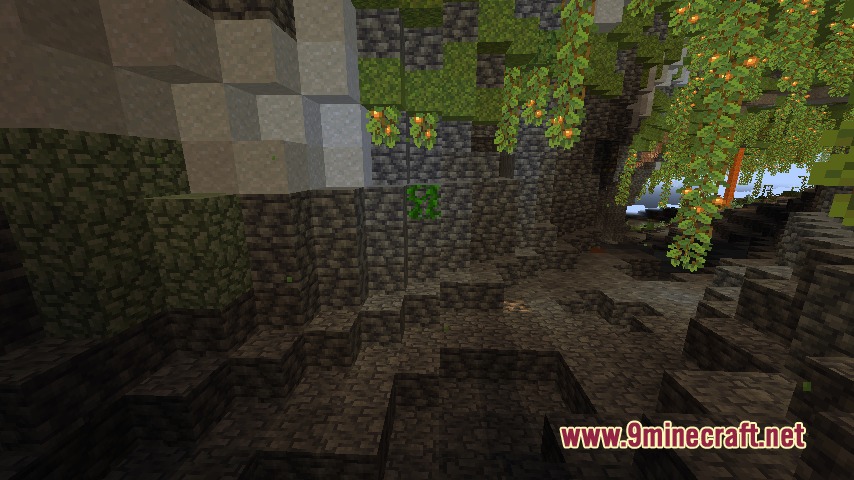
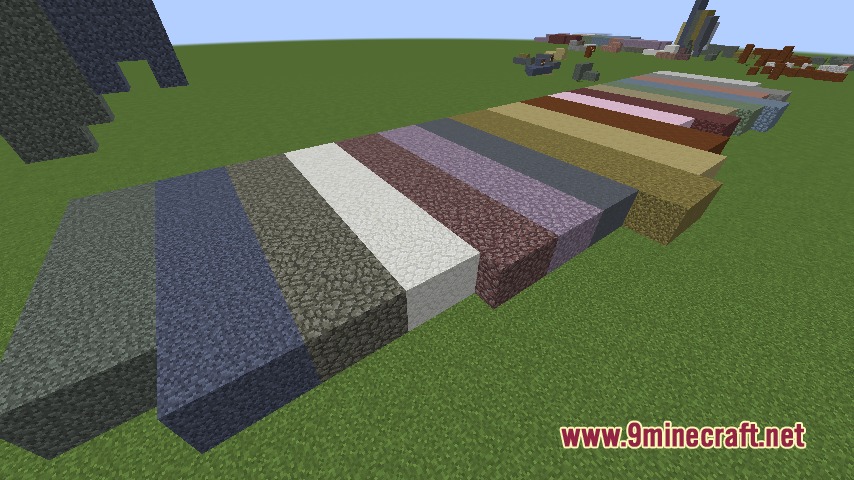
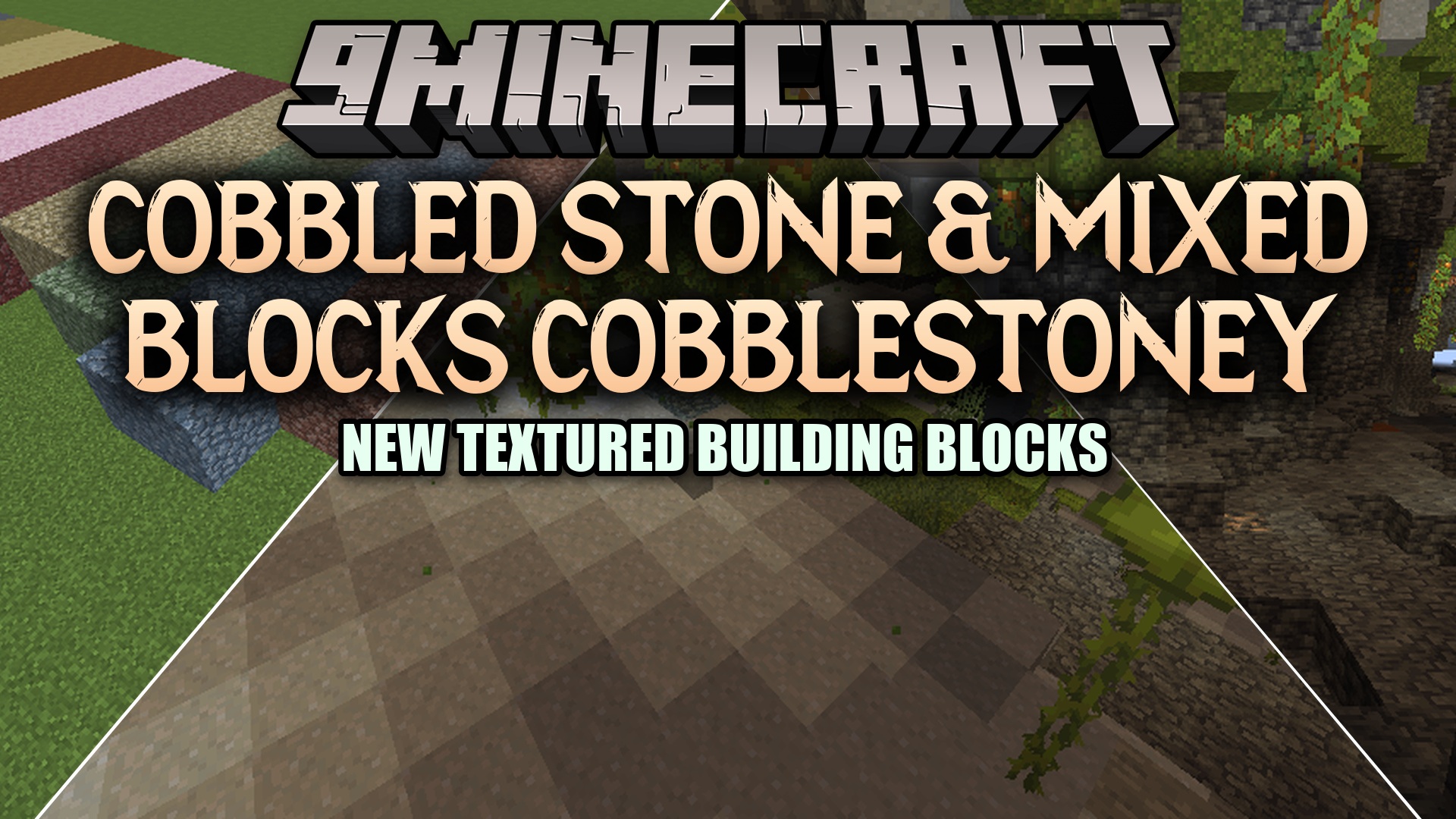
Cobbled Stone & Mixed Blocks Cobblestoney Mod changes how you gather stone blocks underground. It adds cobbled versions for many stone types and lets you mix soils together to create new building materials.
Features:
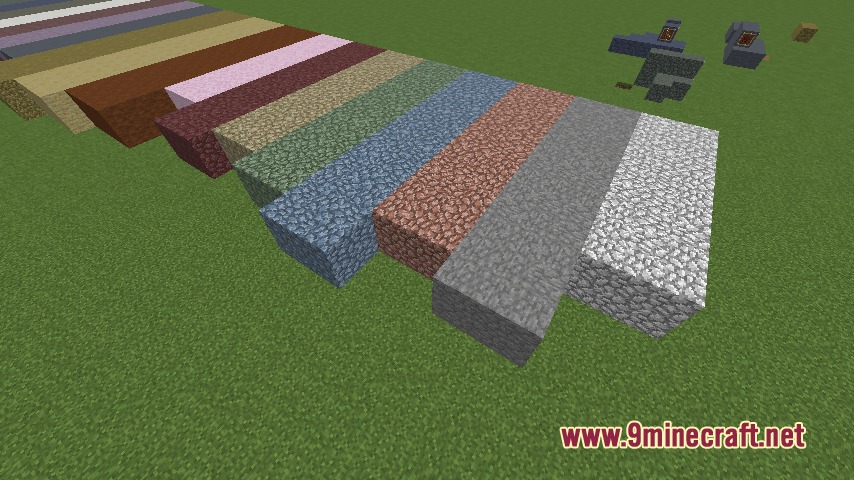
- Cobbled Drops: Breaking blocks like Granite, Tuff, Calcite, Andesite, and Diorite now drops a cobbled version instead of the smooth block.
- Smelting Back: You can put the new cobbled blocks into a furnace or campfire to smelt them back into their original smooth forms.
- Lets you craft mixed blocks by combining basic materials, like mixing sand and clay to make Sandy Clay, or mud and stone to make Mudstone.
- Adds new item drops for Mud, Silt, and Loam that work exactly like vanilla clay balls.
- Generates new colored versions of Granite naturally in your world as you explore.
- Includes extra crushing recipes if you play with other machine mods.
Configuration:
cobblestoney.toml: change settings to turn world generation on or off for the new stone variants.
How to Use:
- Mine blocks like Andesite or Granite with a pickaxe to get their new cobbled versions.
- Place the cobbled blocks into a furnace to smelt them back into smooth stone.
- Combine different dirt, sand, and clay blocks in your crafting grid to make mixed blocks.
Screenshots:
Cobbled Stone & Mixed Blocks Cobblestoney Mod Download Links
Quick facts
- Edition: Minecraft Java
- File type: .jar
- Minecraft version listed: 1.20.1
- How to install: Install the matching mod loader (Forge, Fabric or NeoForge) for your Minecraft version. → Download the .jar. → Put it in the .minecraft/mods folder and launch that loader profile.
- Where to get it: In MC Java Mods, or directly above on this page.
Install steps are the general flow for this file type — How to install Minecraft Java mods & modpacks walks through it step by step.
File checked by MCModsHub
- Downloads as 412788.mcaddon
- Download size: 105 KB
- Download link checked 25 Sept 2026 — working
- Mirrored on our own servers — the download does not depend on the original host
These come from our own check of the pack file, not from the source page.