ModsJava
Call of Companions Mod (26.2, 1.21.1) – Never Lose Your Tamed Companions Again
Java mod listed for Minecraft 1.21. Downloads from the MC Java Mods app on Android.
⬇ Download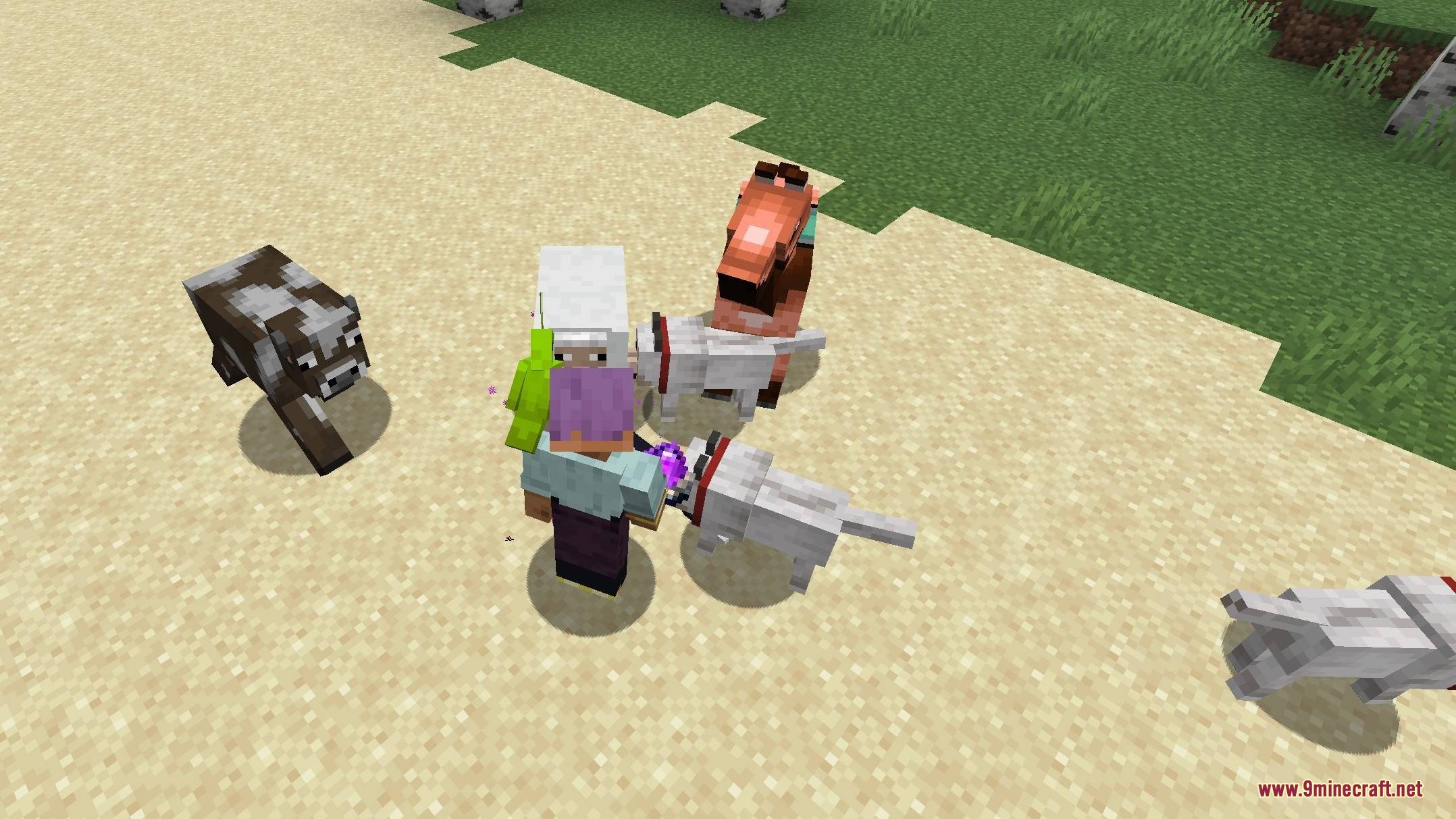
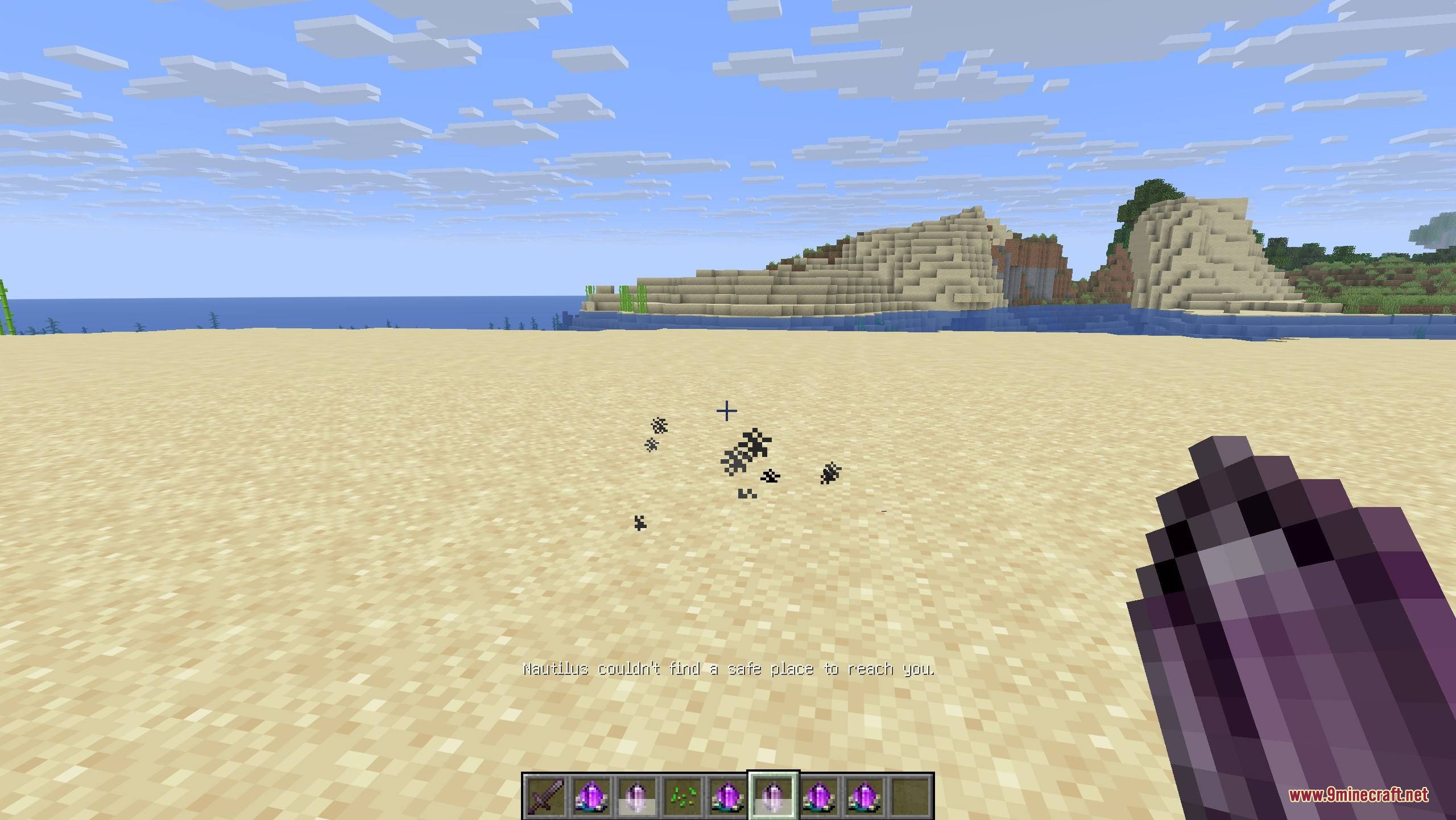
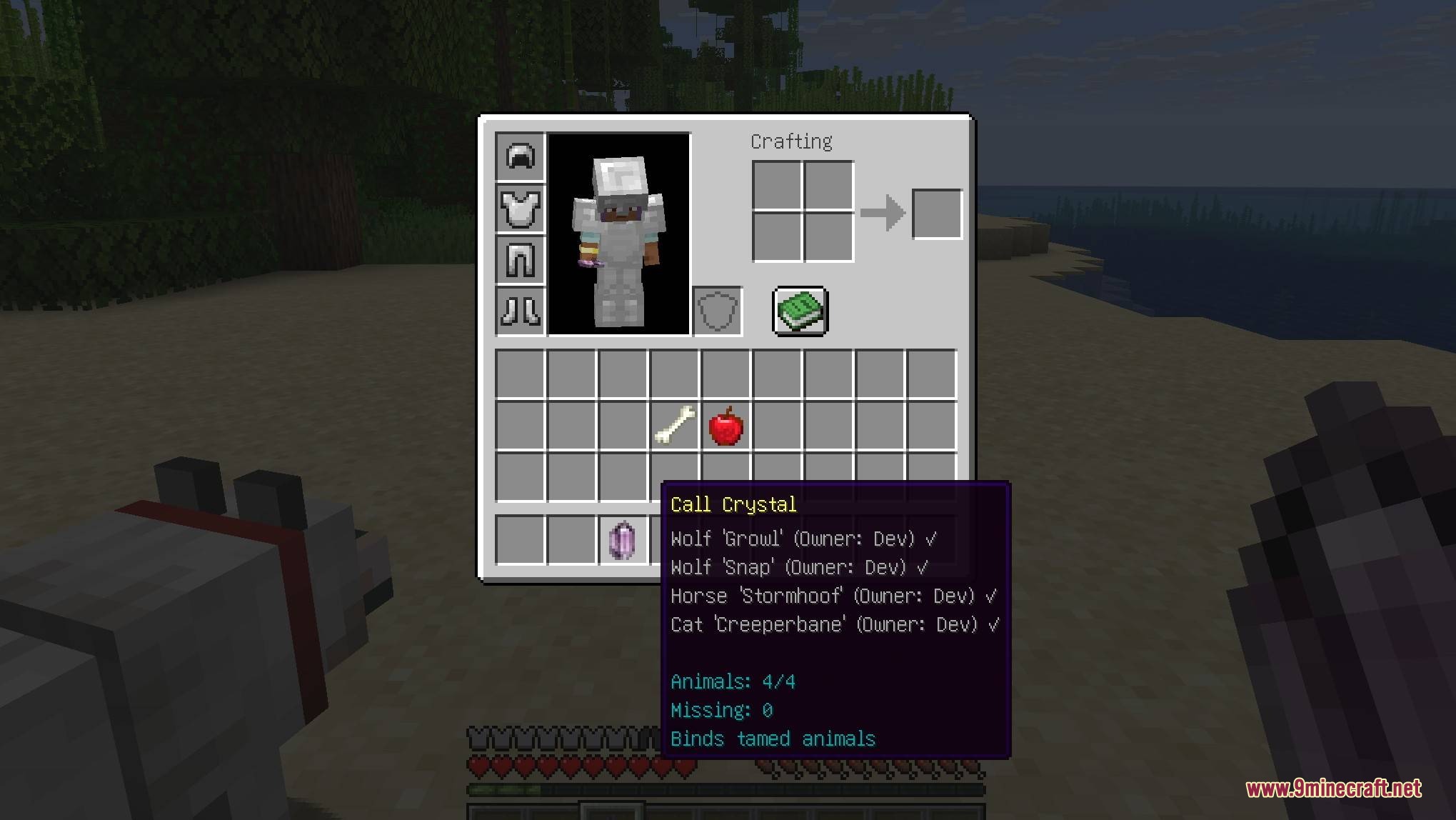
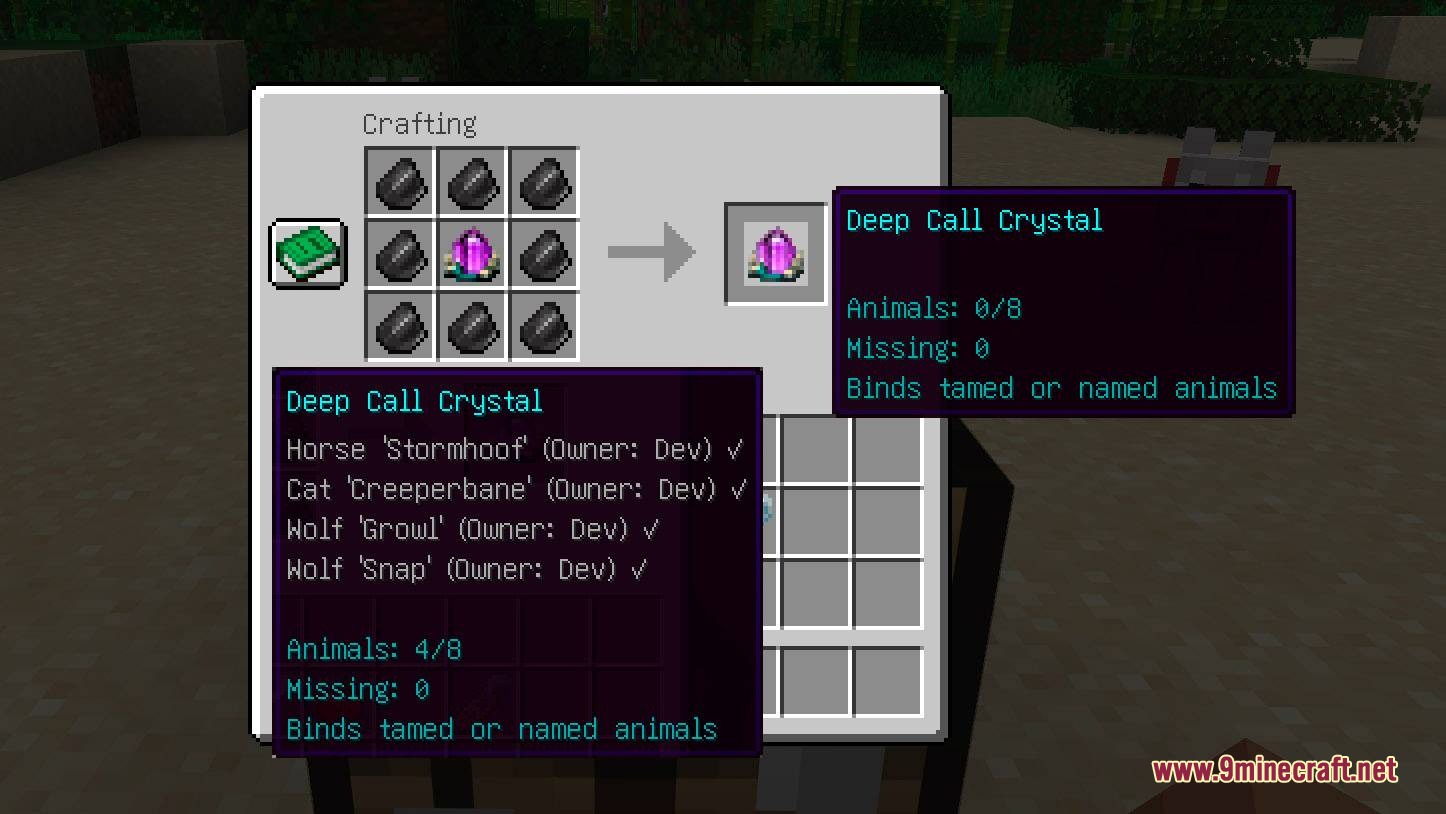
Call of Companions Mod lets you summon your tamed animals from anywhere in the world. It gives you magical crystals to bind your pets, ensuring they never get lost even if they fall behind in unloaded chunks. The mod brings your companions right to your side whenever you need them to fight, travel, or carry items.
Features:
- Call Crystal: Stores up to four of your tamed animals and works within the same dimension.
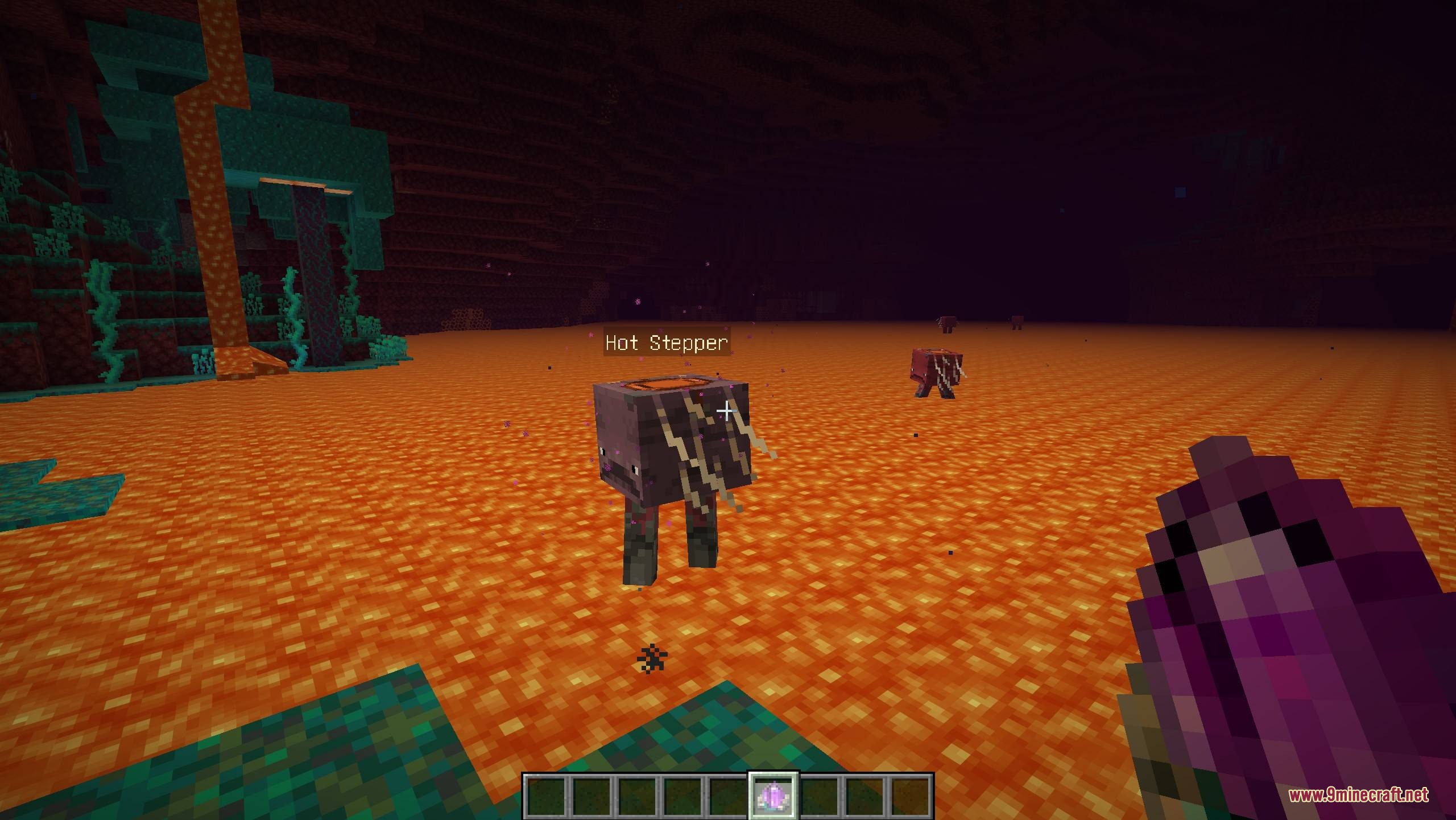
- Deep Call Crystal: Holds up to eight companions, works across different dimensions, and summons them much faster.
- Brings nearby pets running to your location and teleports faraway pets directly to your side.
- Finds and rescues animals that are stuck in unloaded chunks so they are never lost forever.
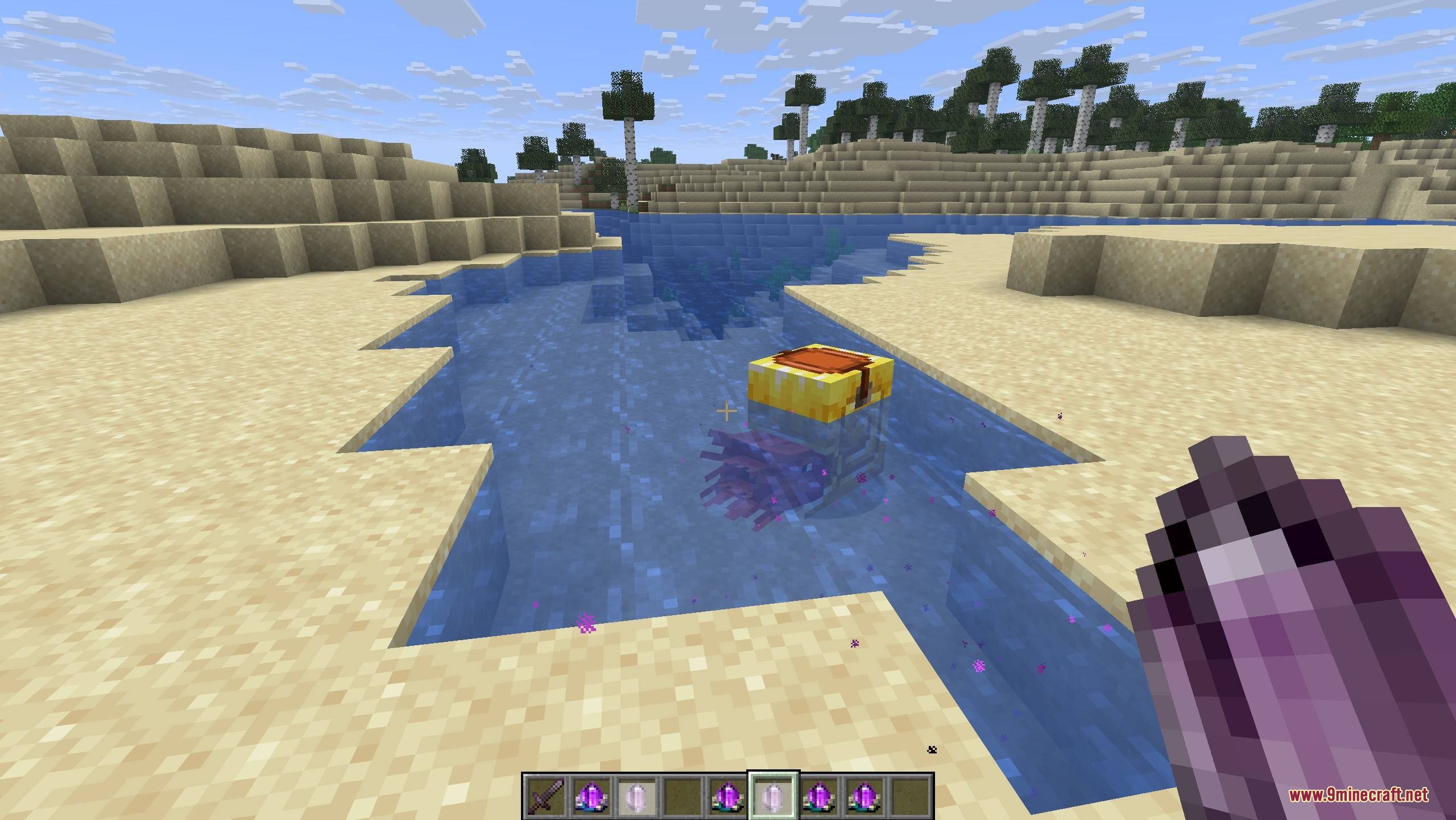
- Checks the area before teleporting to make sure large animals, aquatic pets, or striders have a safe spot to land.
- Allows you to create a mobile storage system by summoning llamas with chests whenever you need items.
- Costs experience points when calling pets from unloaded chunks or other dimensions, but calling nearby pets is free.
- Lets you wipe a Deep Call Crystal clean by crafting it with flint so you can bind new pets.
Configuration:
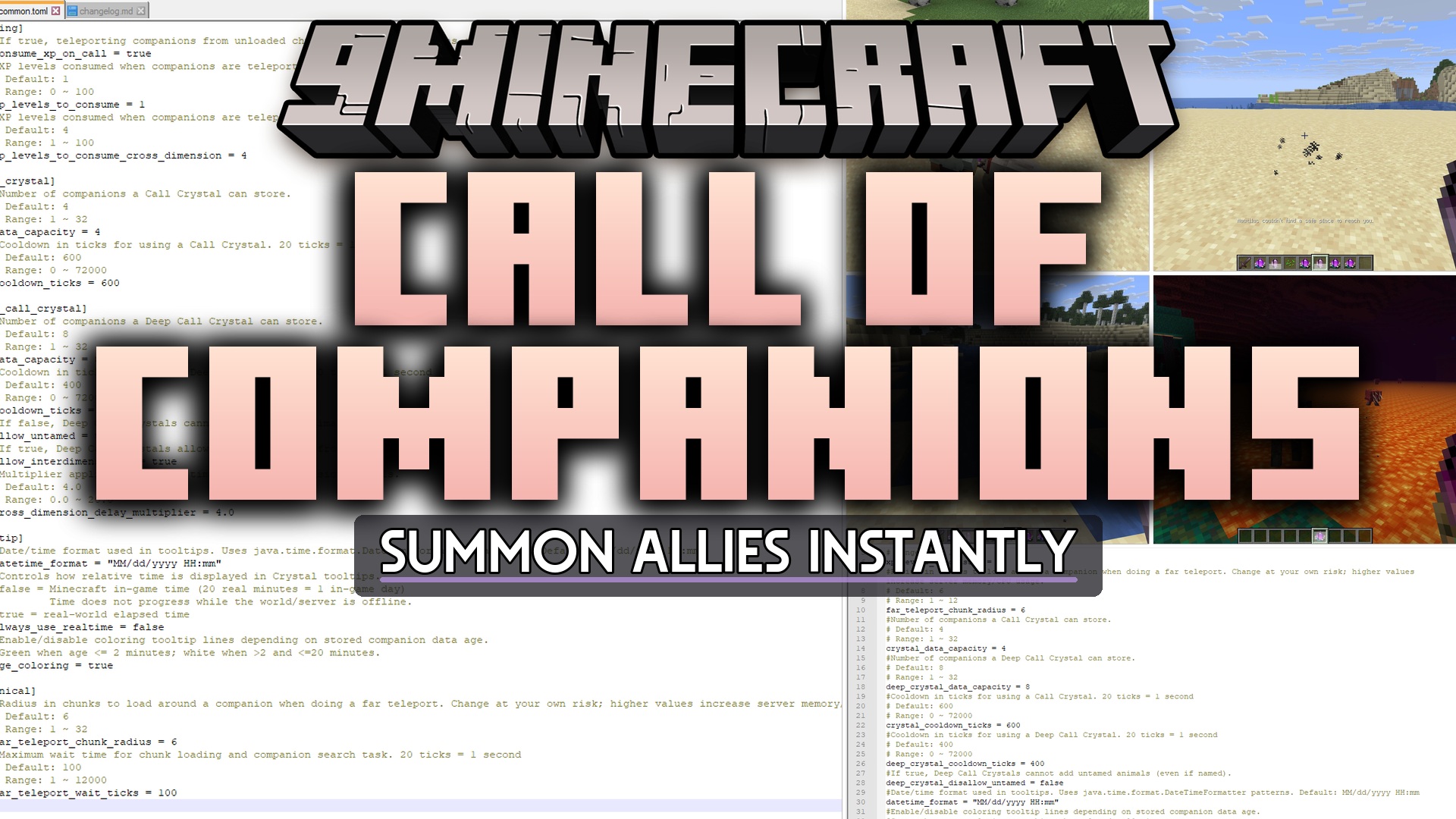
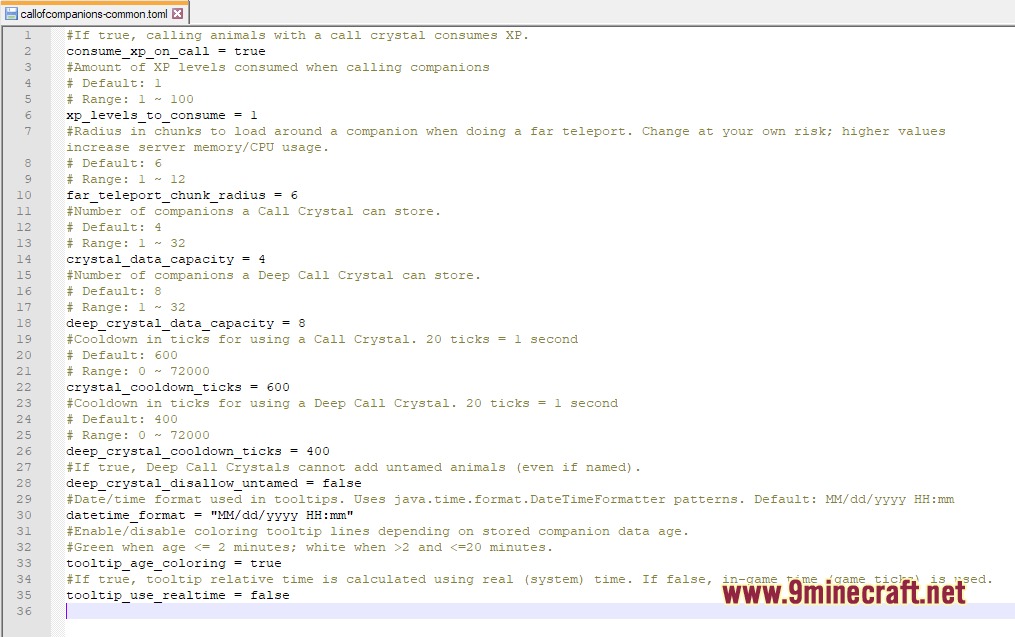
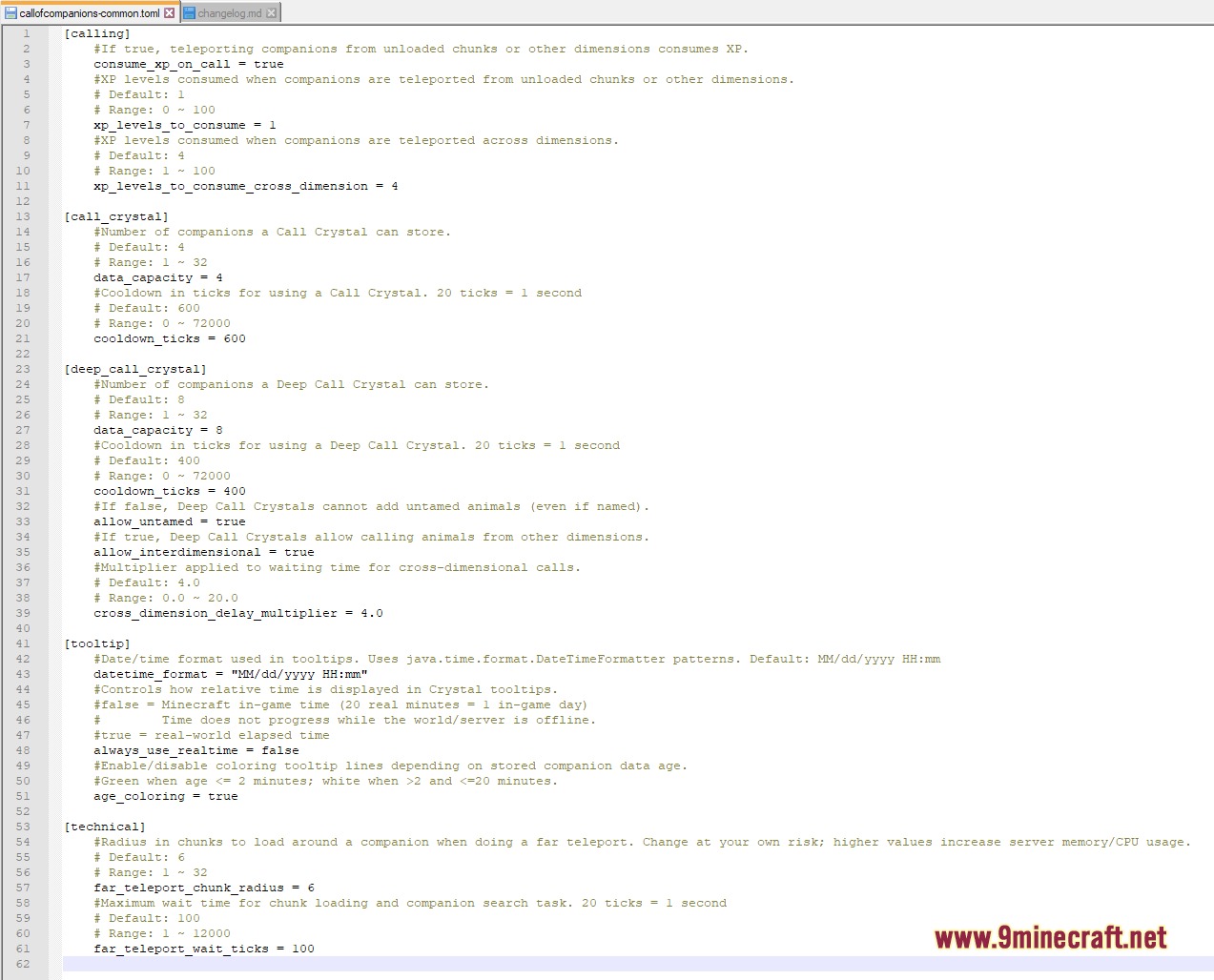
config/callofcompanions-common.toml: change experience point costs, crystal capacity, cooldown times, and teleport rules.
How to Use:
- Craft a crystal using an Ender Eye and Amethyst.
- Right-click on a tamed animal while holding the crystal to bind it.
- Right-click the crystal in the empty air to update your pets’ status.
- Right-click the crystal on any block to summon your bound animals to that exact spot.
- Keep the crystal in your inventory as you explore to automatically track where your pets are.
Screenshots:
Call of Companions Mod Download Links
Quick facts
- Edition: Minecraft Java
- File type: .jar
- Minecraft version listed: 1.21.1
- How to install: Install the matching mod loader (Forge, Fabric or NeoForge) for your Minecraft version. → Download the .jar. → Put it in the .minecraft/mods folder and launch that loader profile.
- Where to get it: In MC Java Mods, or directly above on this page.
Install steps are the general flow for this file type — How to install Minecraft Java mods & modpacks walks through it step by step.
File checked by MCModsHub
- Downloads as 412792.mcaddon
- Download size: 256 KB
- Download link checked 26 Sept 2026 — working
- Mirrored on our own servers — the download does not depend on the original host
These come from our own check of the pack file, not from the source page.